Hello,
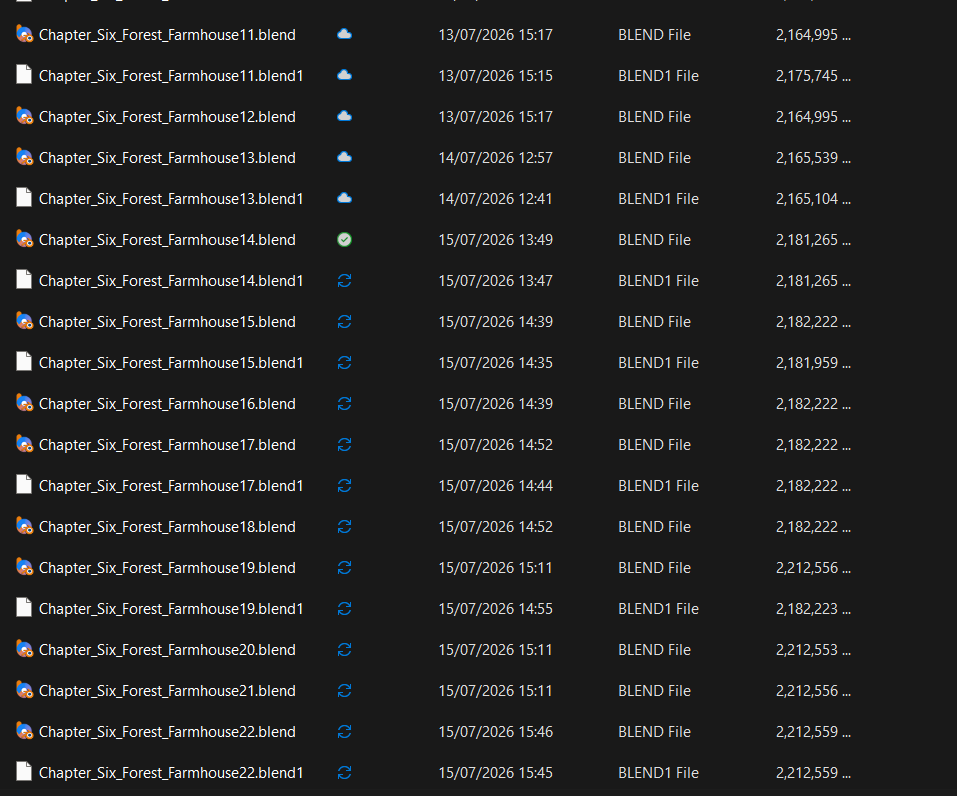
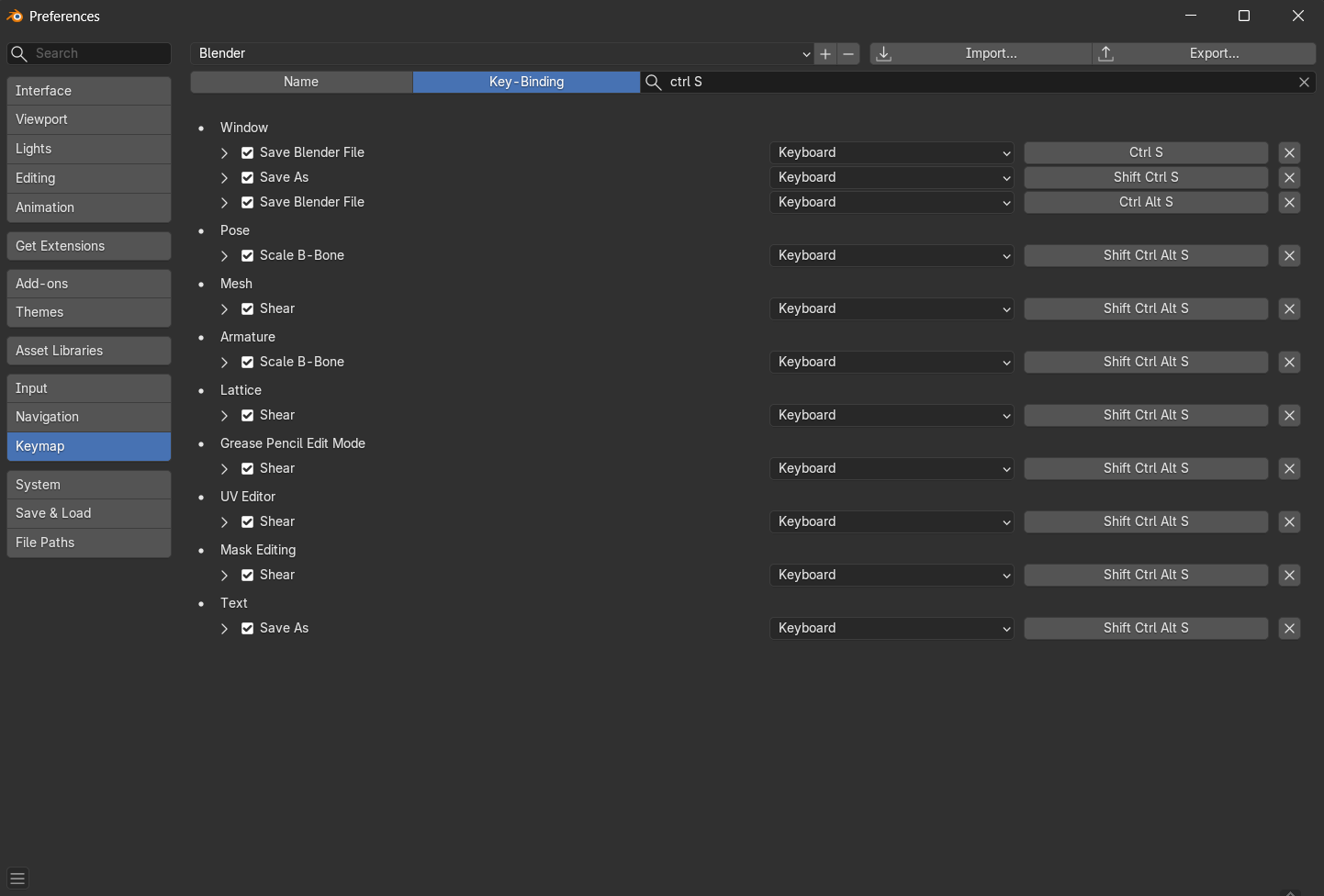
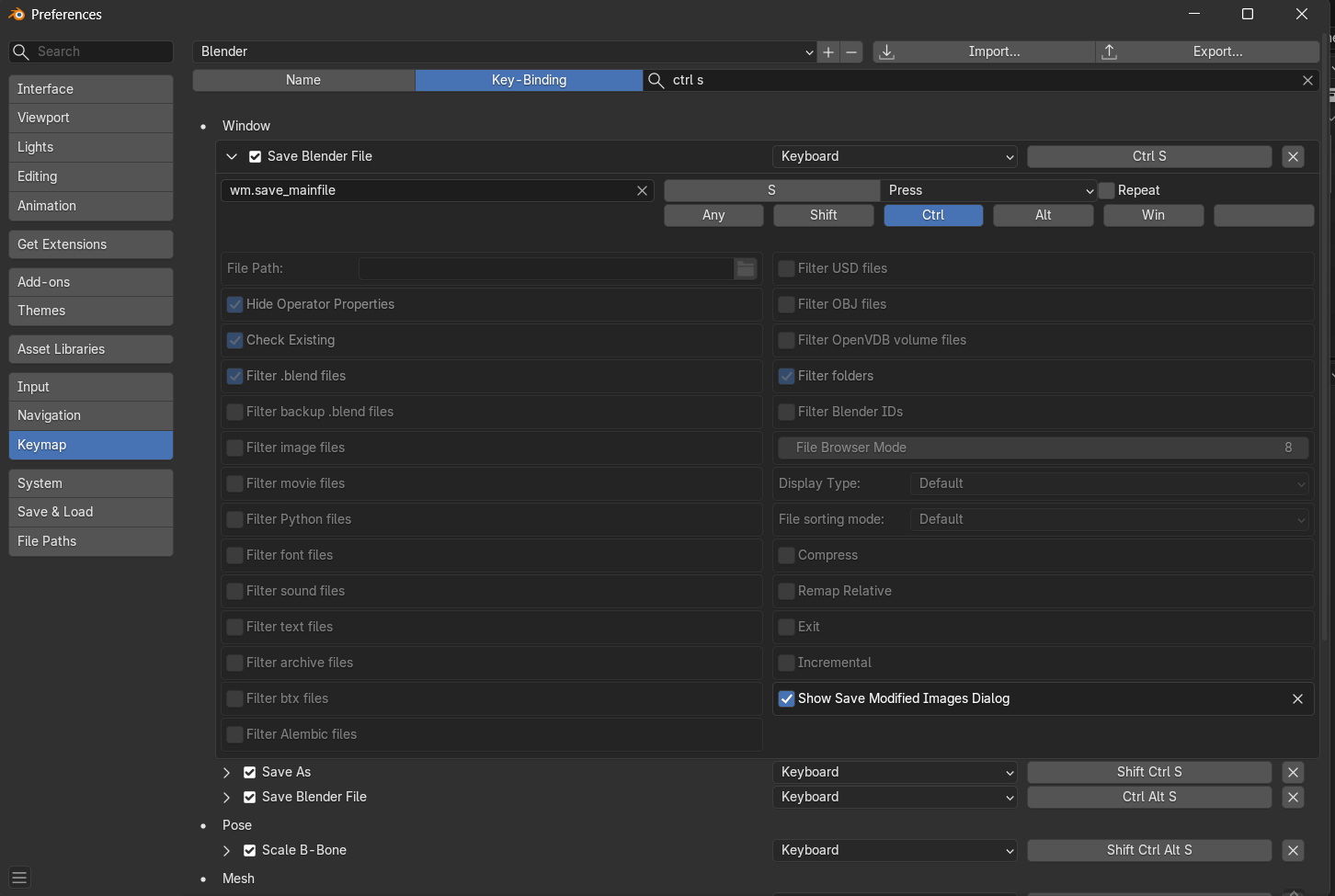
I have been running into an issue lately in multiple versions of Blender (5.2, 5.1.2, 5.0, and 4.0 releases) where sometimes when I press ctrl + s to save the file, instead of overwriting the existing file, Blender saves as an incremental file. This means that in my project folder I accumulate lots of Blender files; this doesn’t happen all the time, but it seems to be completely random timing when it does.
I’m not sure if this a configuration I might have, or a mistake I am making, but I thought it was unlikely that it was a bug, since it is happening on lots of different versions of Blender.
I am using an Intel Core i5-14600k, RTX 3070, and a NVME SSD, all of my drivers are up to date, and I am running the latest version of Windows 11.
Weird question, but do you happen to have Pie Menu addon or something like that?
It’s unlikely, but I’ve run into something like this once, until I realized that I was accidentally opening a menu for split second and gesturing in the direction of Incremental Save
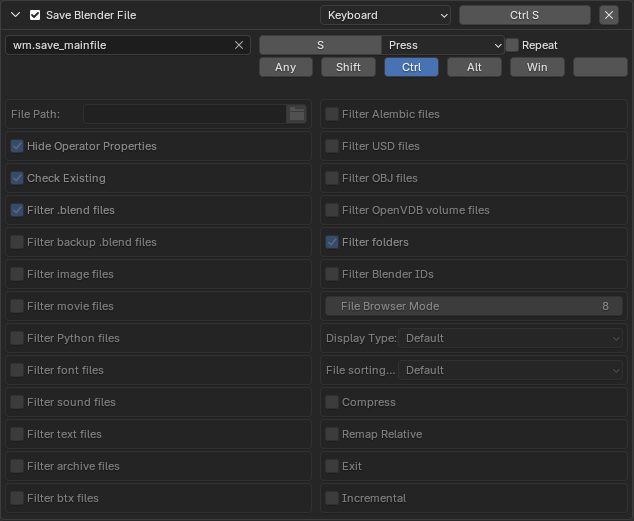
Mine also says Ctrl + Alt + S, however recently I have been using the file > save button to see if it was just on the keyboard shortcut, and it still saved incrementally.
That’s a good idea, the weird part is sometimes the pop-up says saved incremental when I pressed the normal save button, but sometimes it brings up the normal saved pop-up yet it has saved as an incremental.
Yes completely random, some days it doesn’t do it at all and then sometimes it will just do it loads.
Generally if it does save incremental it will do it for the next few saves, and then go back to being normal.
I only ever seem to have the issue with my large scenes, it happened on my previous project as well, but it never occurs on test files or smaller weekend challenge ones.
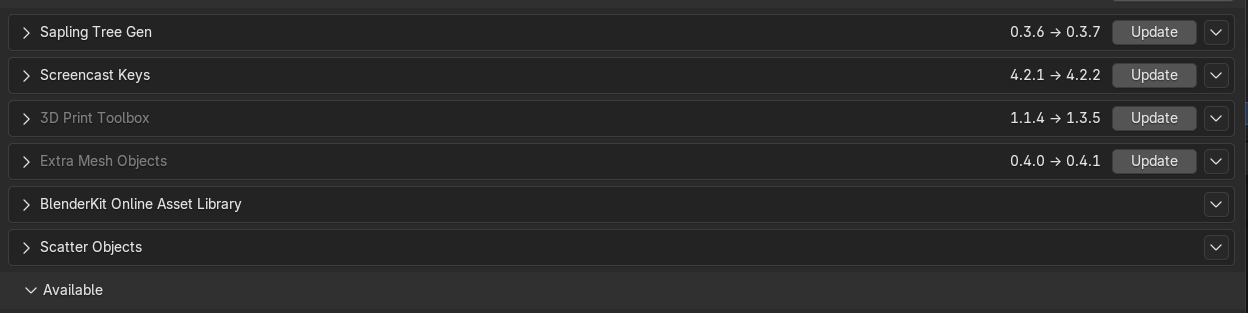
Outch… those problems are pretty hard to catch… trying to disable some addons might be a first step… I suppose nothing pops out in the terminal when this happen ?
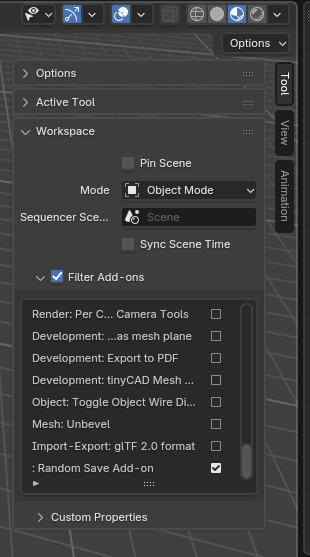
I have a theory. Workspaces let filter add-ons. So you might have some add-ons enabled in some files maybe? I don’t use it myself, so not really sure how that works, but maybe you have something like this: