Thank you for creating this nice addon! It will be definitely a time saver and surely comes in handy. Keep up the good work!
1 Like
Loving the addon so far, however when i try to use it on more complex assets like megascan I’m getting some errors like this (attached), not sure if im doing something wrong, seems to work great on simpler objects/scenarios. Any chance this sort of thing will get supported soon?

It’s fixed in version 1.1. For more info read description on Gumroad.
2 Likes
i have blendit ver 1.0 . After i click on 2 object ( 2 differences material) then Create dynamic blend and nothing happened.
never mind, i increase the sudivision and it works
1 Like
Is it possible to export models with this effect to another software or render? (Maya or Corona, Iray).
A lot of my clients uses use very standard software like 3Ds Max, Maya and Corona
It depends on your skills. If you don’t have a problem export any node-based Blender material, you will not have a problem with this blended material. You can also bake textures.
Hi! great add-on, only it doesn’t work, I’m on Blender 2.90. Yeah, I paid for Tier 1 and by the description it seams that I cant get an add on update 1.1? Please clarify this.
All the best,
Otari
Hi Otari.
Tiers are only a form of your support with small bonuses if you want to support the further development of this add-on. All tiers will get updates.
Can you be more specific about what doesn’t work?
If you have issues as posted here, it’s resolved in the current version. The description in the Limitations section may also help.
Here’s the error message. Im using simple two Principle BSDF materials on two separate spheres. I activate one, shift click another and click on “Create Dynamic Blends” and it gives me error. Not sure how to share blend file here, but it’s pretty basic.
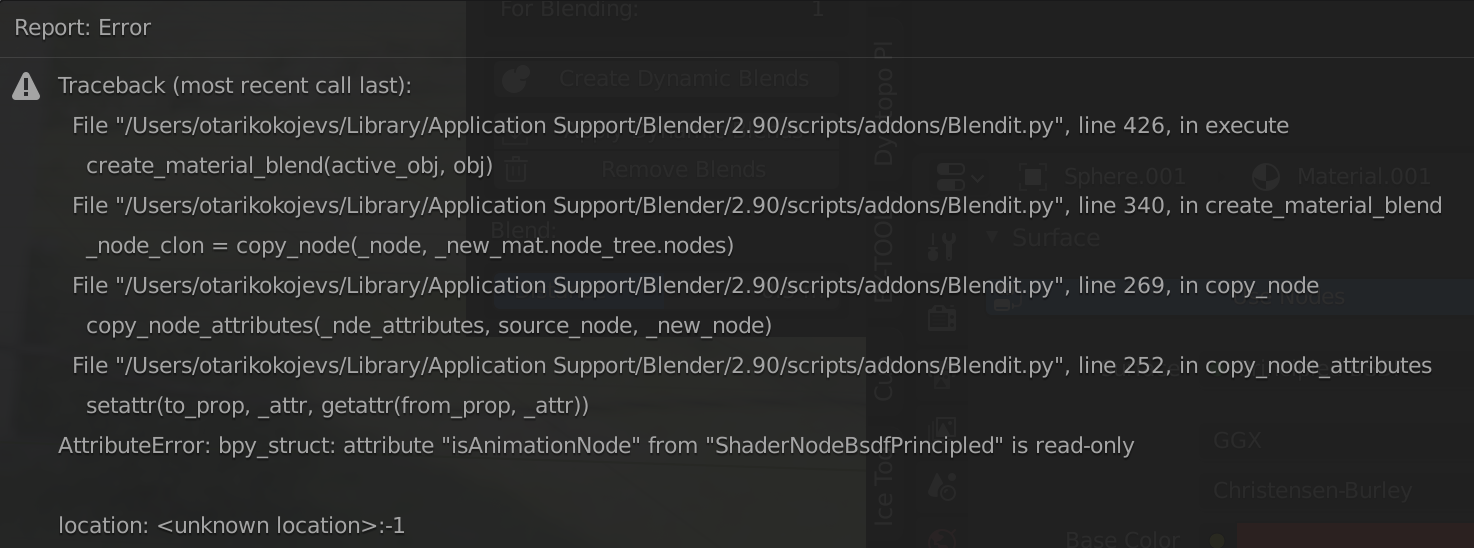
It is incompatibility issue with Animation Nodes add-on.
Fixed in version 1.1
This add-on is pure 
Thanks, all works now!
1 Like
Any idea why I see the effect in EEVEE and not in Cycles? Is there an extra step I need to do in order to get it in Cycles as well? (Tried Blender 2.83 and E-Cycles 2.9).
1 Like
Thanks for reporting. Looks like it doesn’t work for Cycles now.
There’s a bug. Fix coming soon.
2 Likes
Blendit v1.2 Update
New version of add-on released, now works in Cycles.
3 Likes
Thanks, works indeed in Cycles now to.
1 Like
May someone upload a render showing what does it happen when the blend is between two hard meshes please? Just a small cube on a bigger one for example. Curious to see how the add-on deals with such cases, how does it manages the transition.
Thanks…

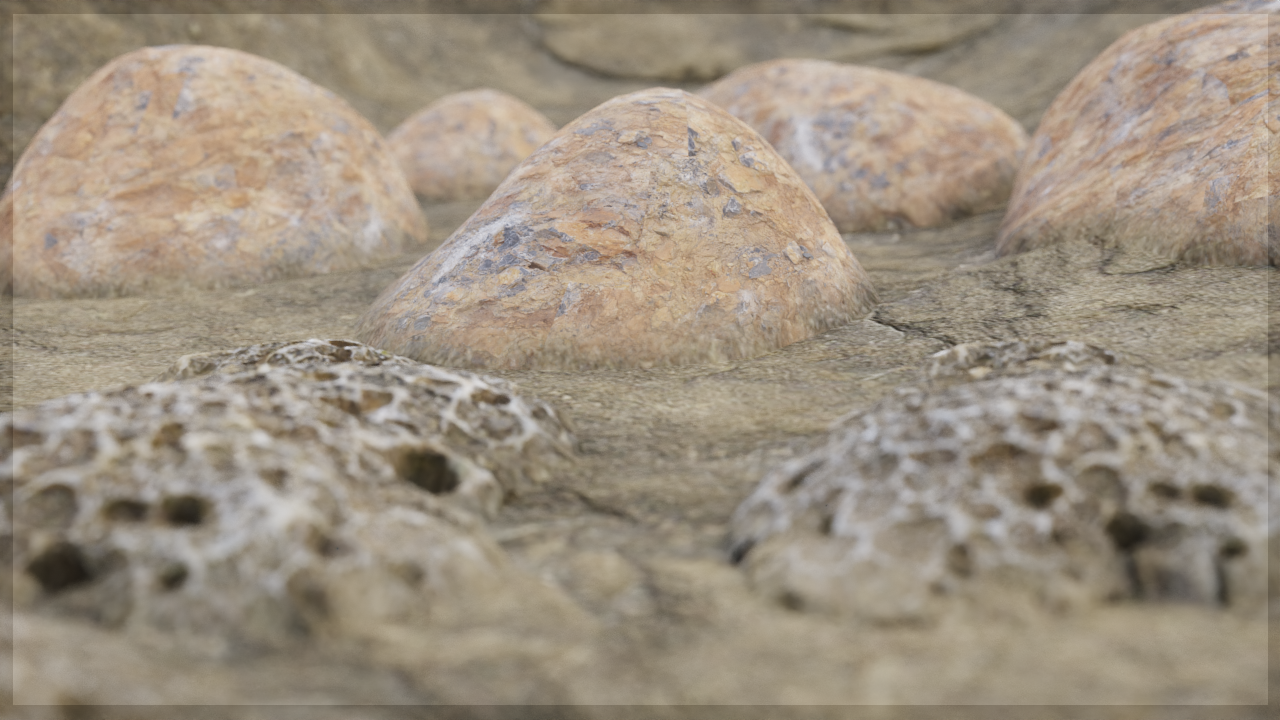
It is good, yes. Thanks!
1 Like