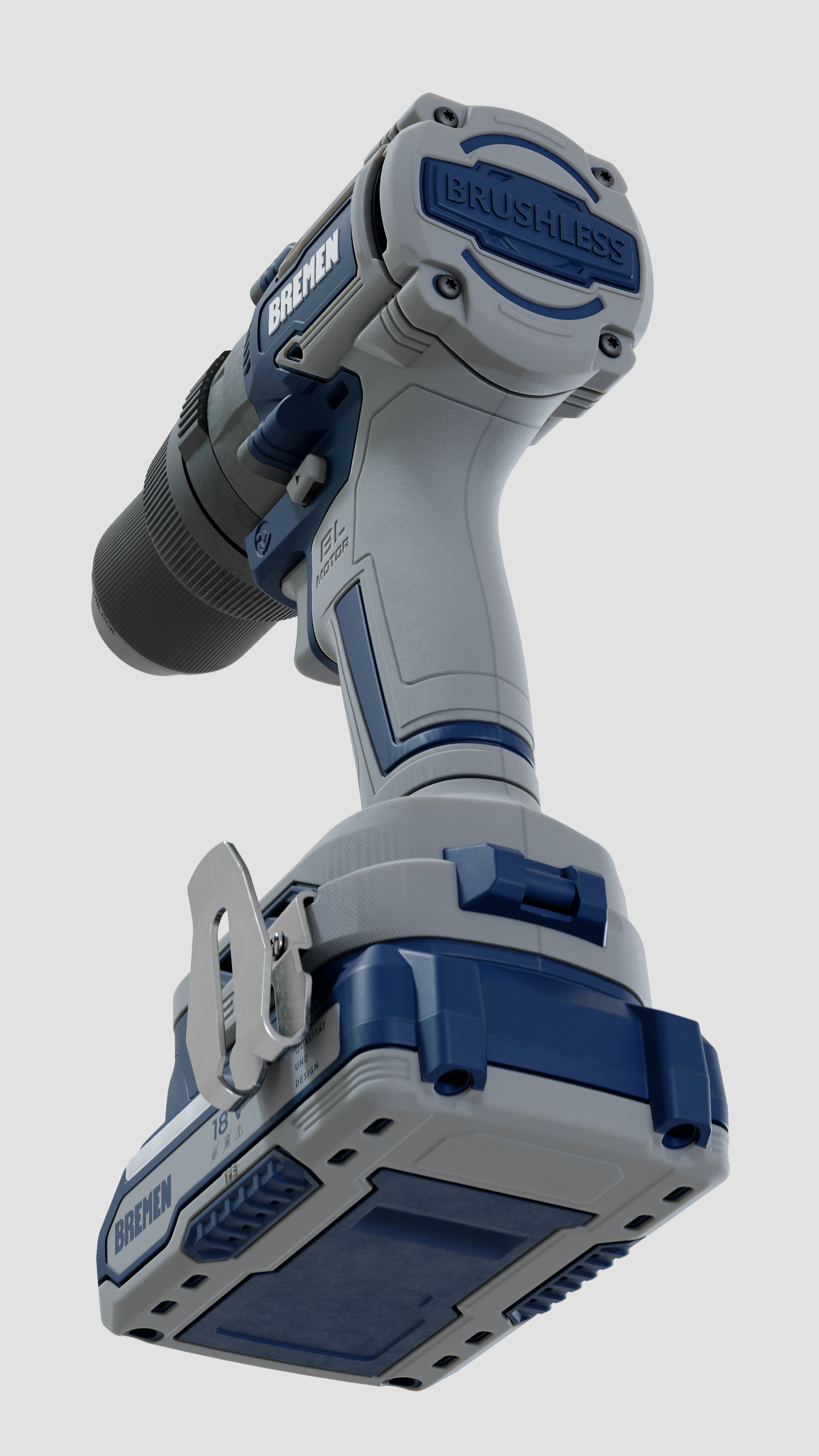
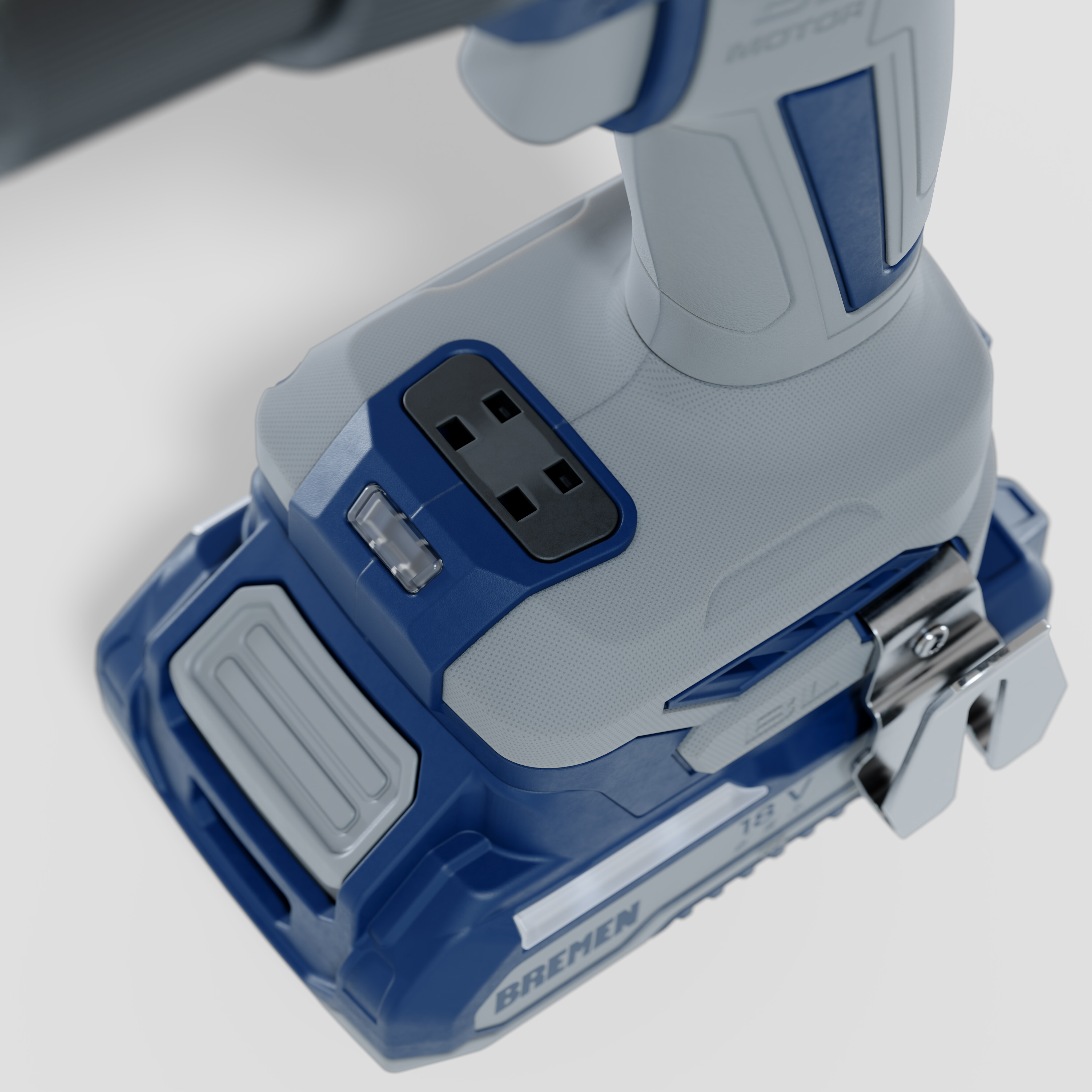
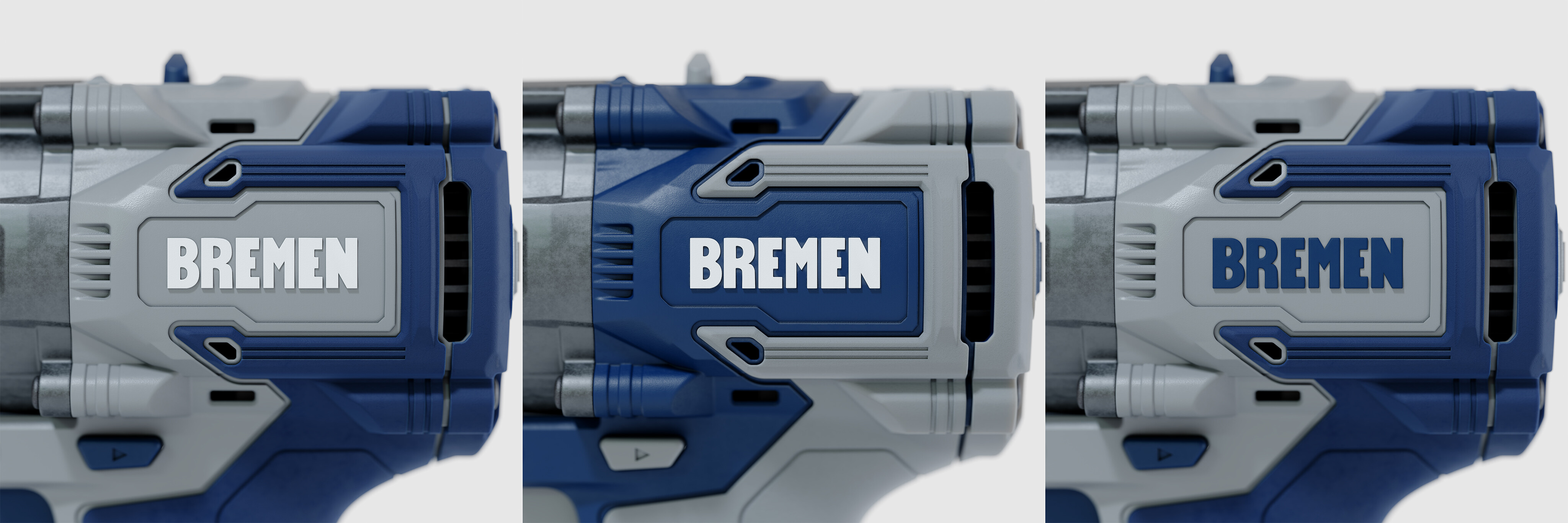
Hey guys! I want to share a commercial project where Blender was used as a powerful tool for product development and decision-making.
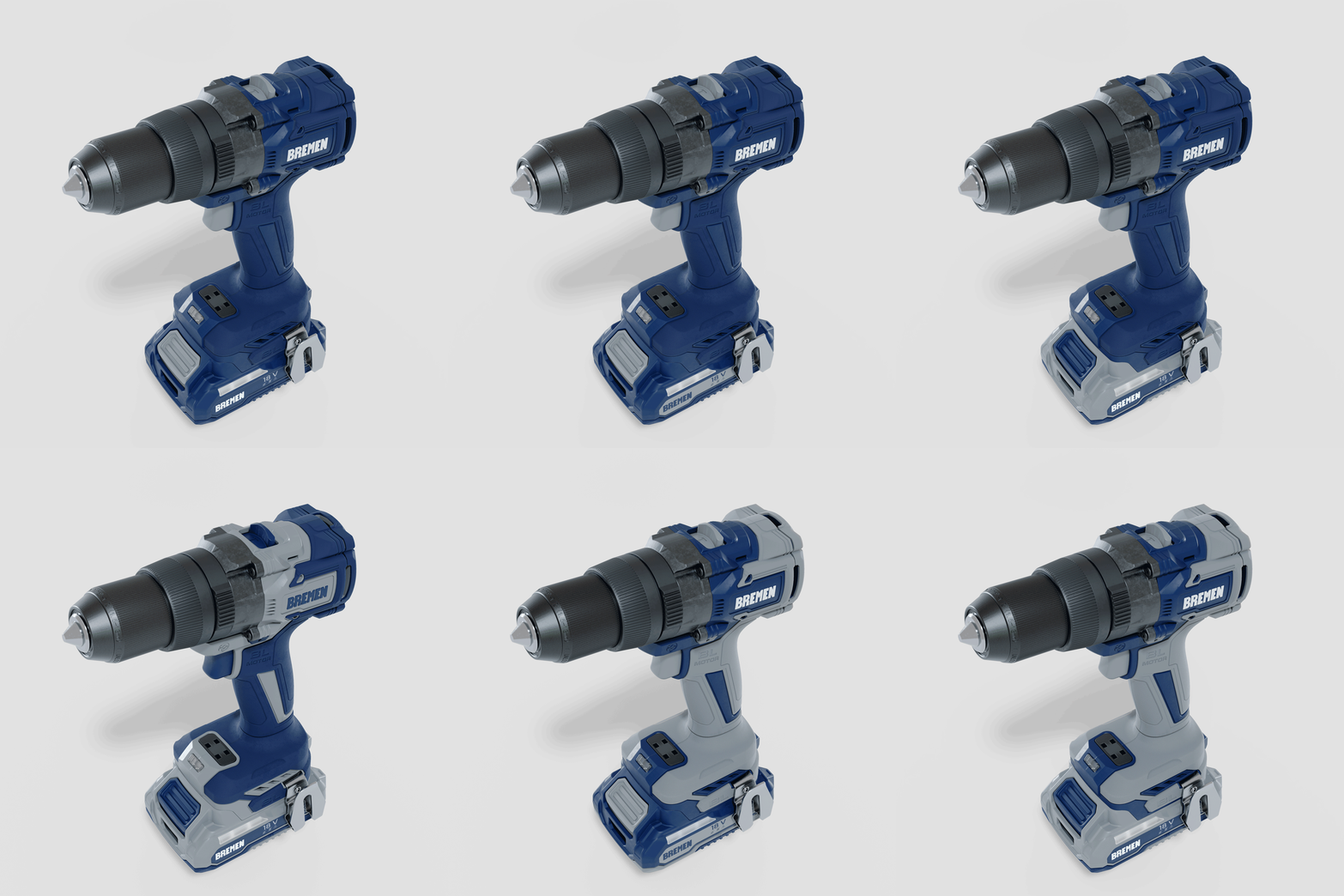
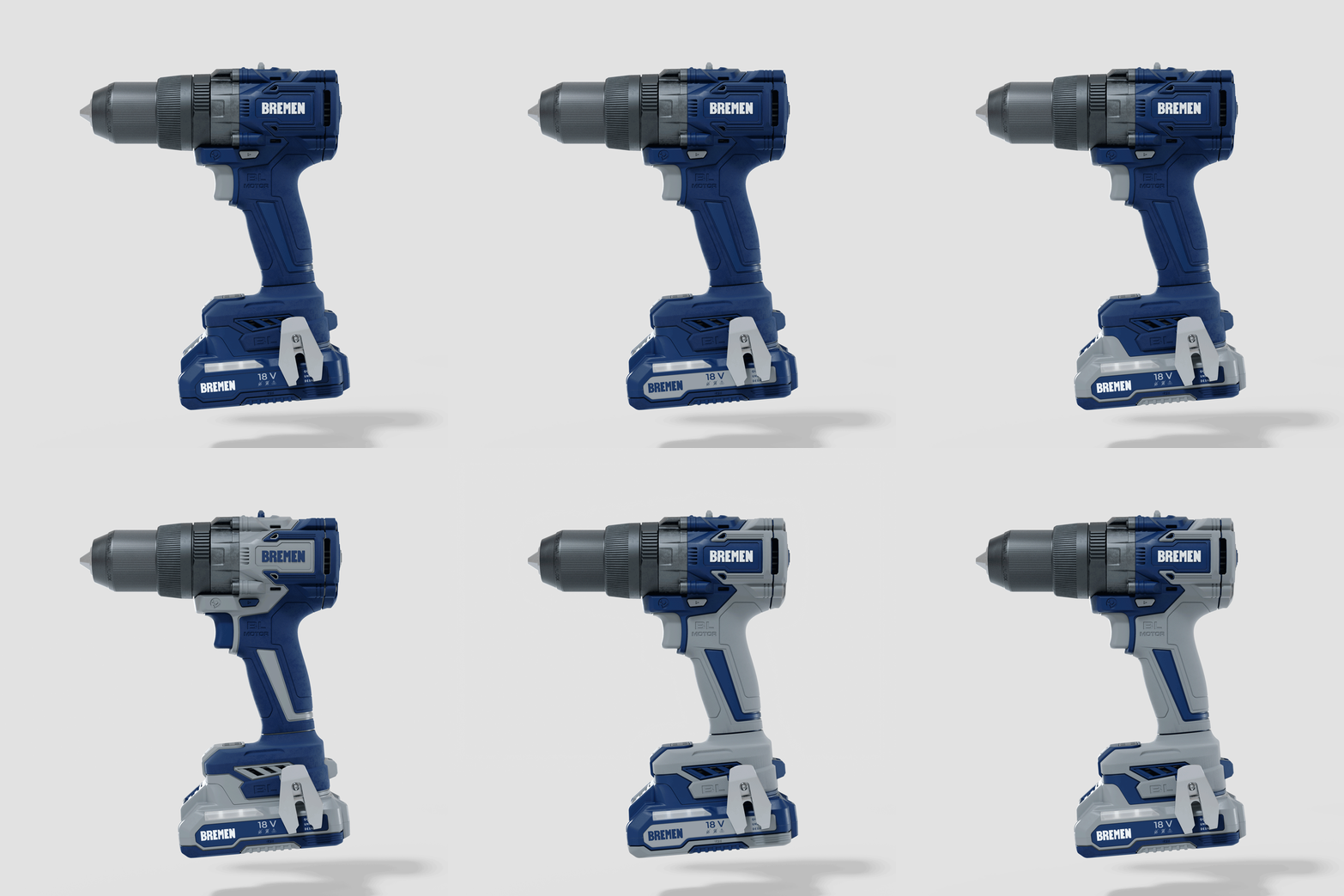
Bremen Tools Argentina needed to customize a white-label power tool line to fit their brand identity under a tight market deadline. My job wasn’t just to make a pretty render, but to use CGI to test real-world color combinations within the manufacturing constraints of the white-label supplier.
Technical Specs:
The Source: Raw CAD Solid files from the manufacturer → Converted to Mesh → Cleaned topology and UV unwrapped inside Blender.
The Challenge: Finding the perfect balance for the dual-tone plastics and rubber grips using Bremen’s official palette, ensuring it looked plausible for real-world injection molding.
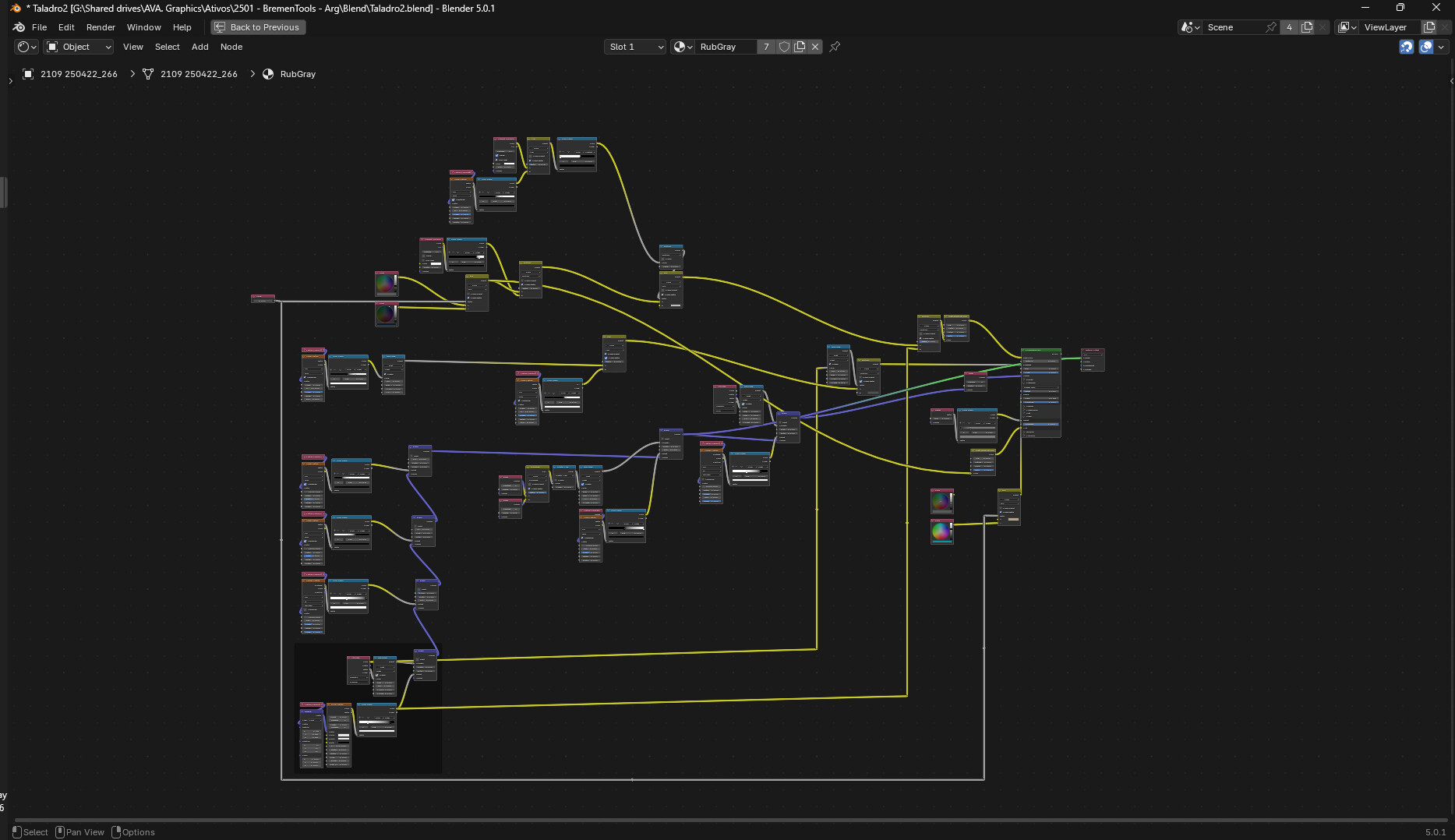
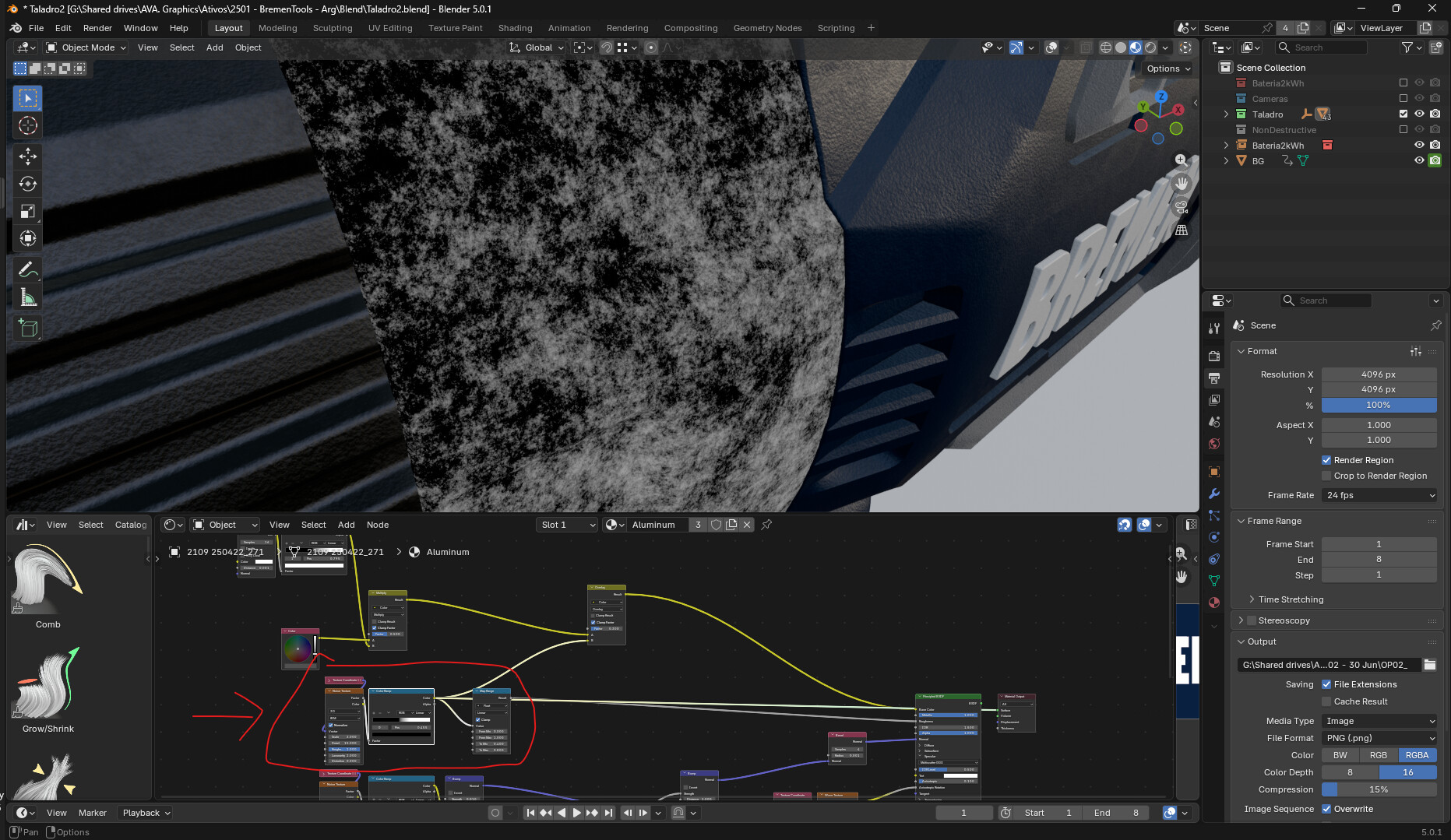
Shading & Lighting: 100% procedural materials in Cycles to mimic industrial power tool surfaces.
It was a great exercise in using Blender as a prototyping tool rather than just a final marketing asset. Let me know what you think!
Okay, if shading is done 100% procedurally, then I assume that text is just floating geometry and that the dirt/grunge is procedural as well? That’s really impressive and great looking, btw.
That’s a really cool setup. The most impressive thing about it is that it’s not that complicated, yet it creates believeable results. Thanks for sharing, by the way.
Could you share more info on CAD files formats and the convertion&cleaning?
Where di you do these tasks? Inside Blender or in CAD software?
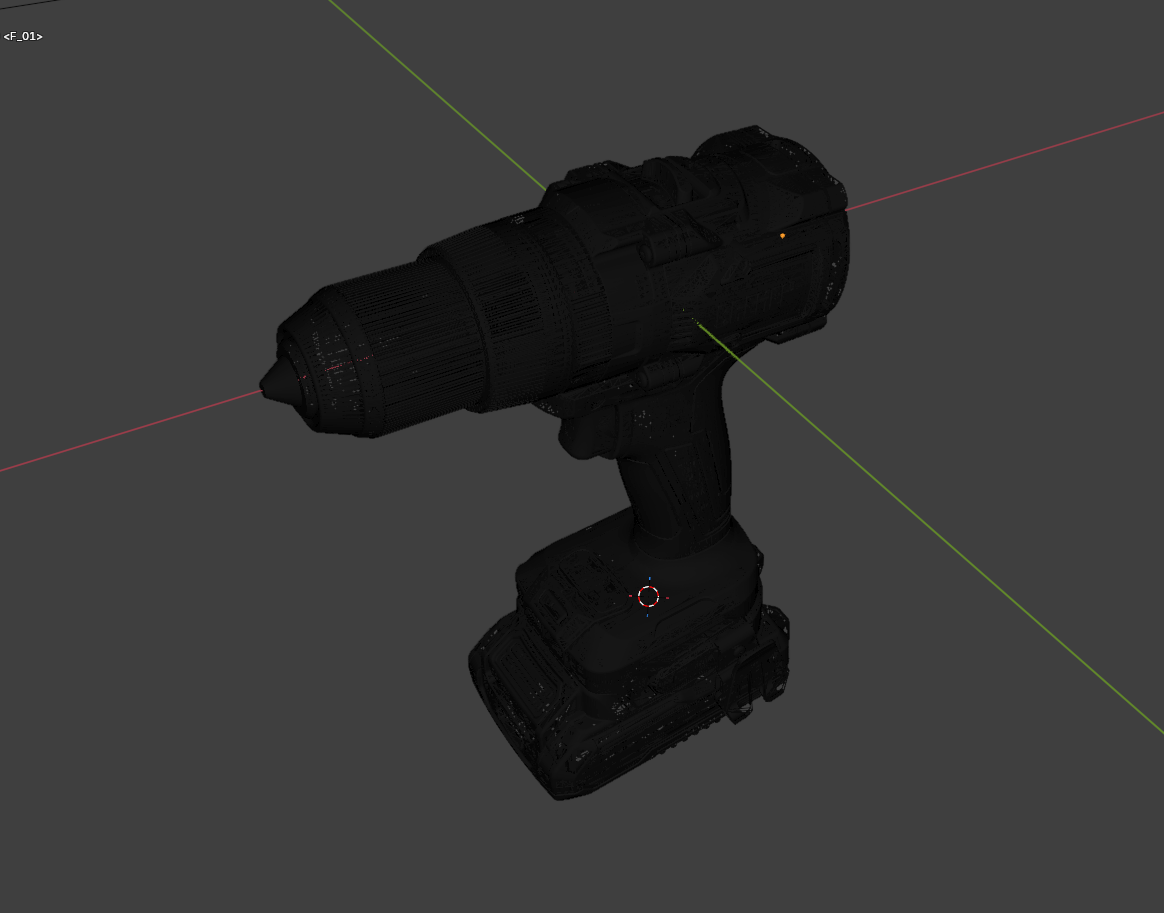
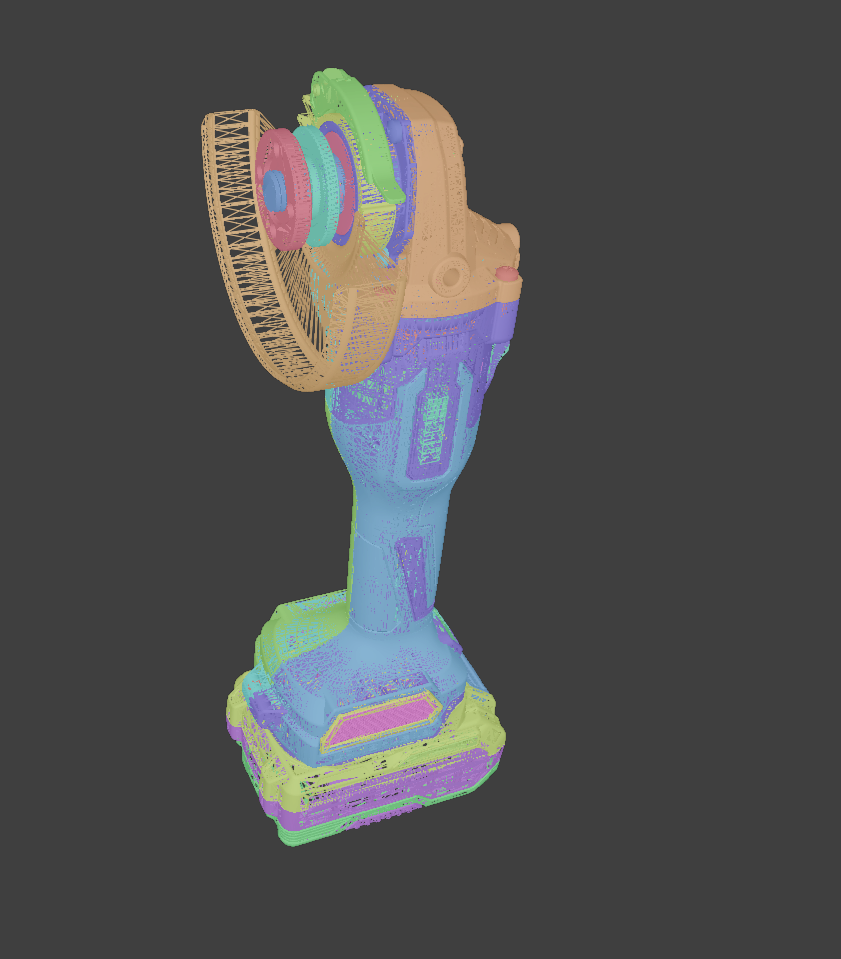
Could you share a wireframe? I’d like to see how dense is the mesh as it seems that the bevels are really well defined so I’m expecting an heavy model.
The original CAD files were in .stp format and included all the internal components.
First, I opened them in Solid Edge (Siemens) and deleted the unnecessary internal details, then exported the model as an .stl to Blender. For some reason, I prefer using STL over FBX—it just looks better to me. To be honest, this project is over a year old (I just wasn’t able to share it until now), so it’s not a brand-new project. In my more recent projects, I’ve been using FreeCAD for the conversion, which works much better as it gives you more control and allows for a cleaner mesh.
As for the retopology, I didn’t have the time to do it by hand. Instead, I used the standard Alt+J (Tris to Quads), removed double vertices, and cleared the custom normal attributes. Even after doing that, some areas still had shading artifacts, so I used a specific data-transfer technique to fix the normals. I highly recommend checking out this video process, it’s a lifesaver:
About the wireframe… yeah, it’s way too dense! haha. I don’t have a screenshot of the exact model you requested right now, but here is a shot of another piece from the same project, showing the typical density of the converted mesh:
Why retopo and unwrap at all? This could be rendered dramatically more efficiently straight from CAD, no?
There are ways to export CAD with flawless shading straight out of the box.
I work with CAD files from 2013 and Blender from 2015. I’ve tried different ways and processes to get a clean and useful file directly from CAD, but I’ve never achieved a satisfactory result.
My workflow today includes FreeCAD, which has a tool to convert CAD to mesh that works amazingly! But, even with this great tool, I still get some shading issues.
So please, if you know how to export really good models from CAD without any retouching, please share it with me!
Yes, the most important thing you HAVE to change is using a mesh format that has full support for custom normals (like .obj or .fbx). stl is a print format and NOT appropriate for render work because it doesn’t include the correct normal shading information.
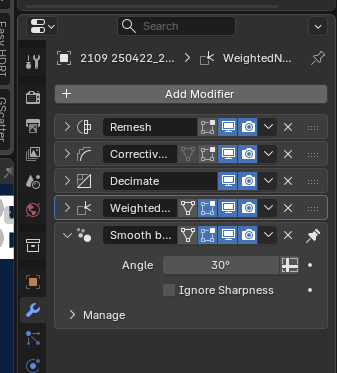
Blender has full support for custom normal maps, the most important thing about them is you CANNOT touch them. No modifiers that change normals, no weighted normals, no smooth by angle. Nothing. Because doing any of this mesh post processing will overwrite your custom normals. So Export in the right density right away, use an appropriate format and don’t mess with the normals and you have flawless shading out of the box.
I probably work with CAD data longer than you in production and remeshing stuff is a waste of time, custom normals are superior in any way.
How is your current workflow for this kind of process?
Can you share your portfolio link? I want to know your work, as I haven`t seen many people on the Blender Artist plaftorm who come from a CAD background.
I also work with CAD files in Blender. The only tool that gives me proper remeshing results is InstaLOD. I usually just export with proper tessellation and I am good to go. Guys from my company being responsible for optimizing 3D models for real time web applications do the remeshing.
Thanks! They are growing fast.
The cool thing is that I was a client (and fan) of the brand before working with them. They have some great quality tools that I really enjoy using.