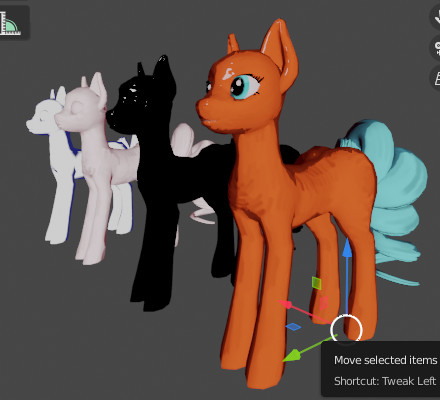
So I made a shader with 2 camera aligned shading passes and a specular pass. One shading pass has screen space normalmap of crumpled paper, another - 3d tangent space normalmap of “brush strokes”. (The latter is atrocious but I’m sure you can paint better than me). This is the closest I could get to your diagram
Can you animate or change perspective of textures in real time/have textures that follow camera view
Thank you so much for trying this! I wonder for the ramp for the middle shader from my graph (if you used one for the toon shading) would it be possible to get the shading to be softer and more flat looking. I think the camera aligned shading looks good ( the shadow color could be lighter??). The specular I think is also good ( and is there a way to texturize it for some instances or make one textured specular and combine it with the regular specular?). I think the texture needs to be more prominent. At this point, it’s just adjustments based on the look one’s going for.
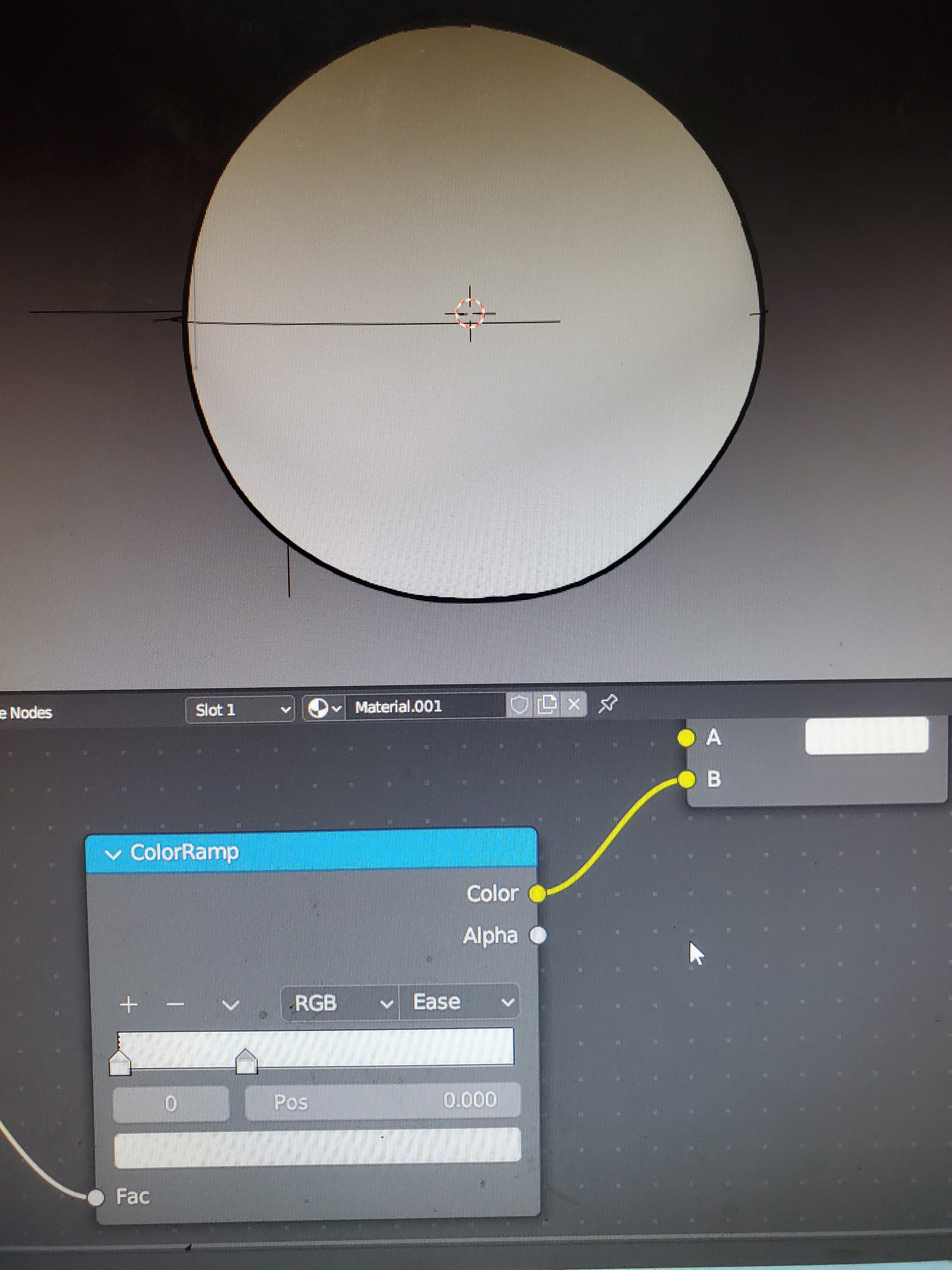
No problem, I hope to use these techniques myself. At this point, you can adjust intensity of each pass by changing Fac value of its corresponding Mix node, or by tweaking the gradient color. Also, try using the Dot product of Geometry-Incoming * normal, instead of camera Z (Vector Transform) * normal. Using “Incoming” vector (the direction from each point of the surface towards camera center) as reference axis makes your “fake light” behave like spot light instead of the sun light. IDK if it will look softer for you. For texturing the specular highlight, I think the easiest will be to multiply (Mix - Multiply) the Shader to RGB output of the specular pass by some screen space texture
If you don’t mind, would it be ok to share the file or just a screen shot of the node tree to test the paramenters?
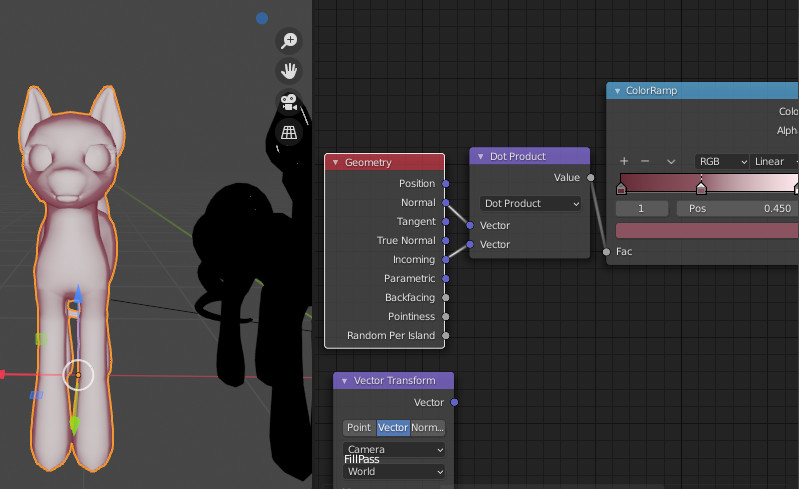
So that can be used to soften the transition of light and shadow.
I also edited the gradient itself in this case, but yes, maybe it is softer than using camera Z axis

This is one of the 3 shaders you’ve shown, right? Are there seperate nodes for those and the mix shader nodes as well?
I used materials which only contained 1 pass each, for preview purpose. In the final shader, “soft shading” goes into the second Mix node (Multiply mode), and specular pass - into the last (Screen)
Oh, makes sense. Then what are the nodes for the shader aligned to the camera?
Two instances where the Dot product is calculated and the result is plugged into Color Ramp
Recenly I came upon a geonode setup for painting brush stroke normalmaps:
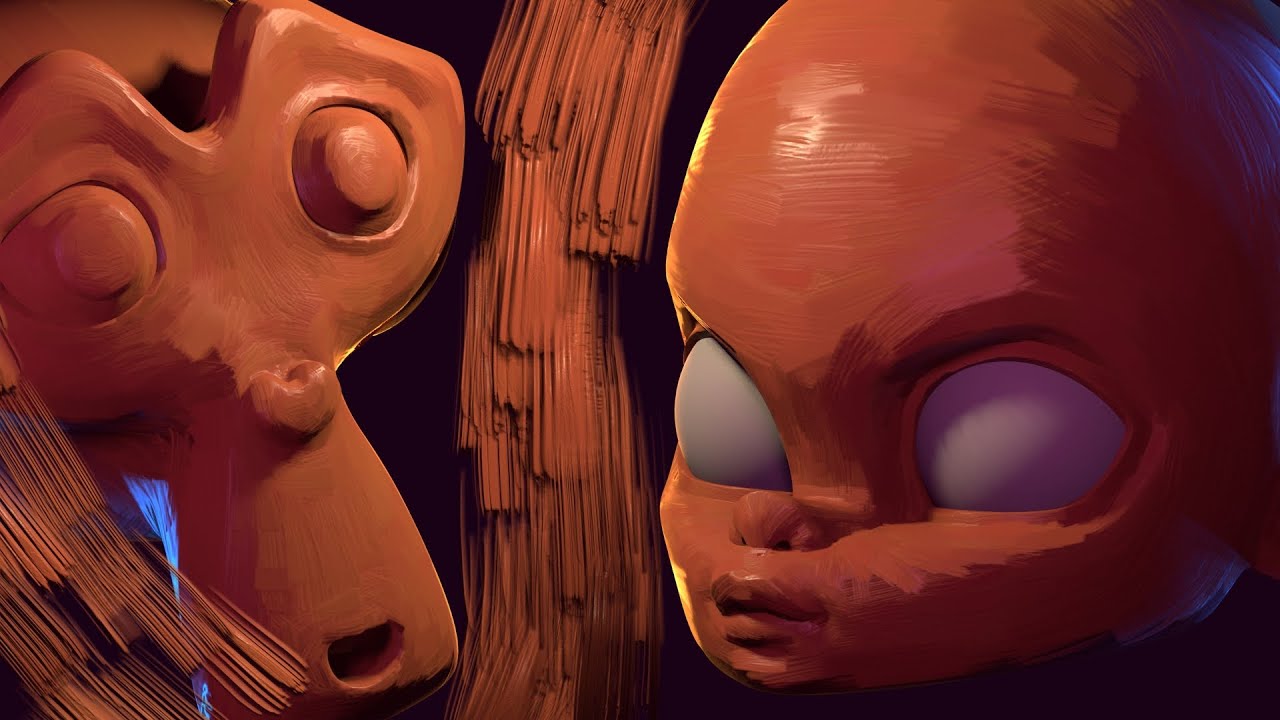
Seems to be available for free
I didn’t know they had a video for this (I only saw it on twitter). I’ll be sure to study the setup. Thanks<.