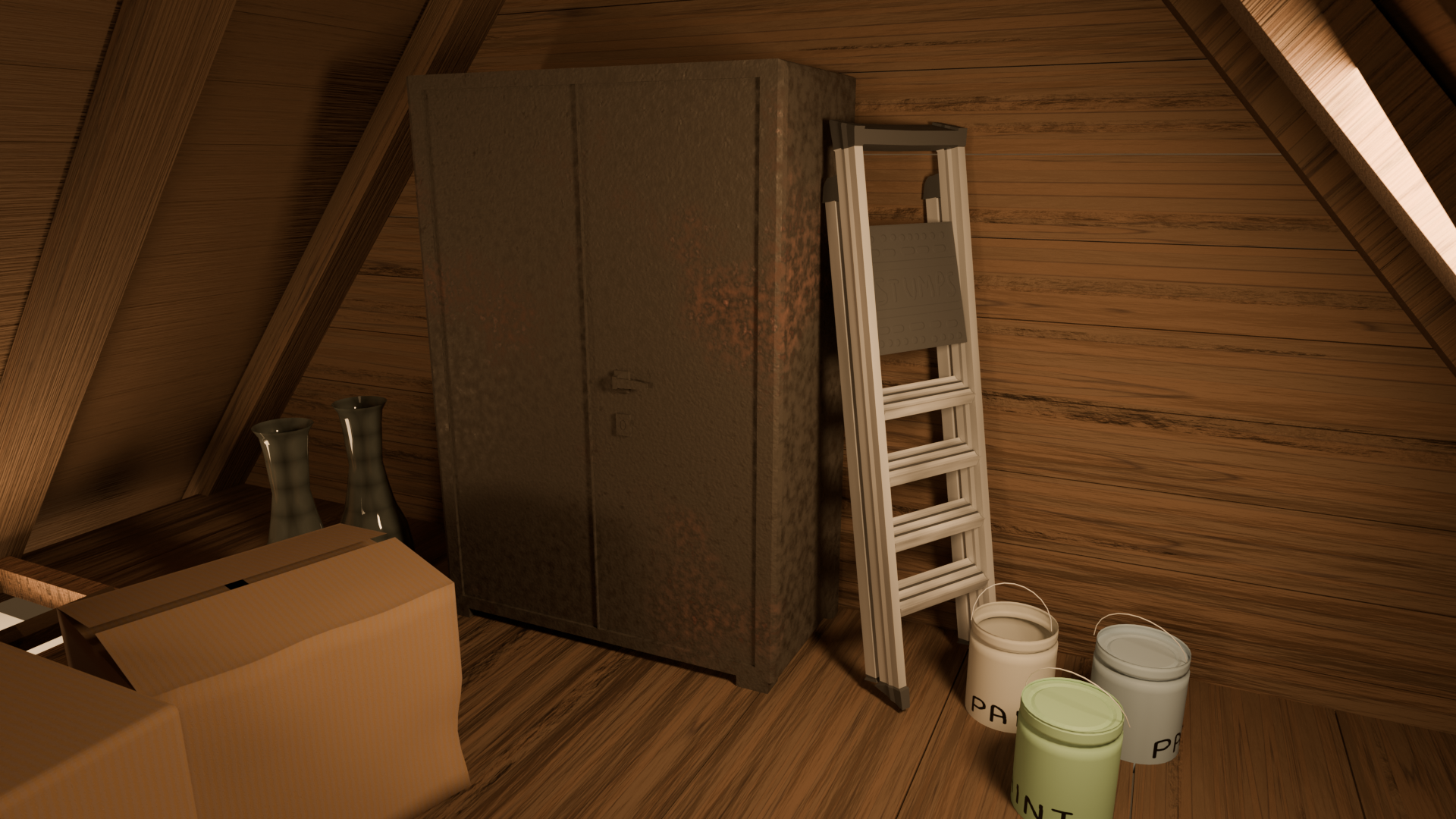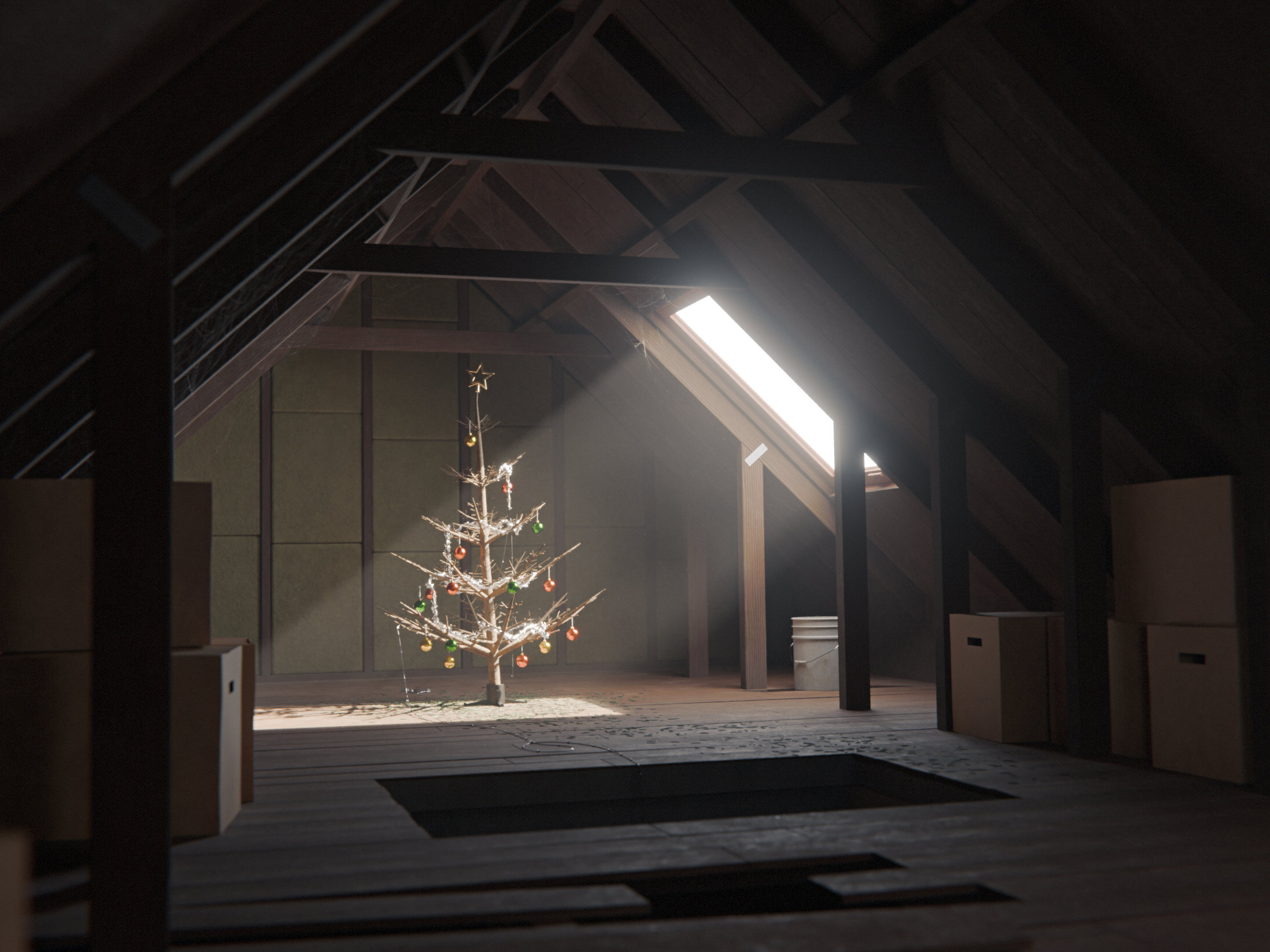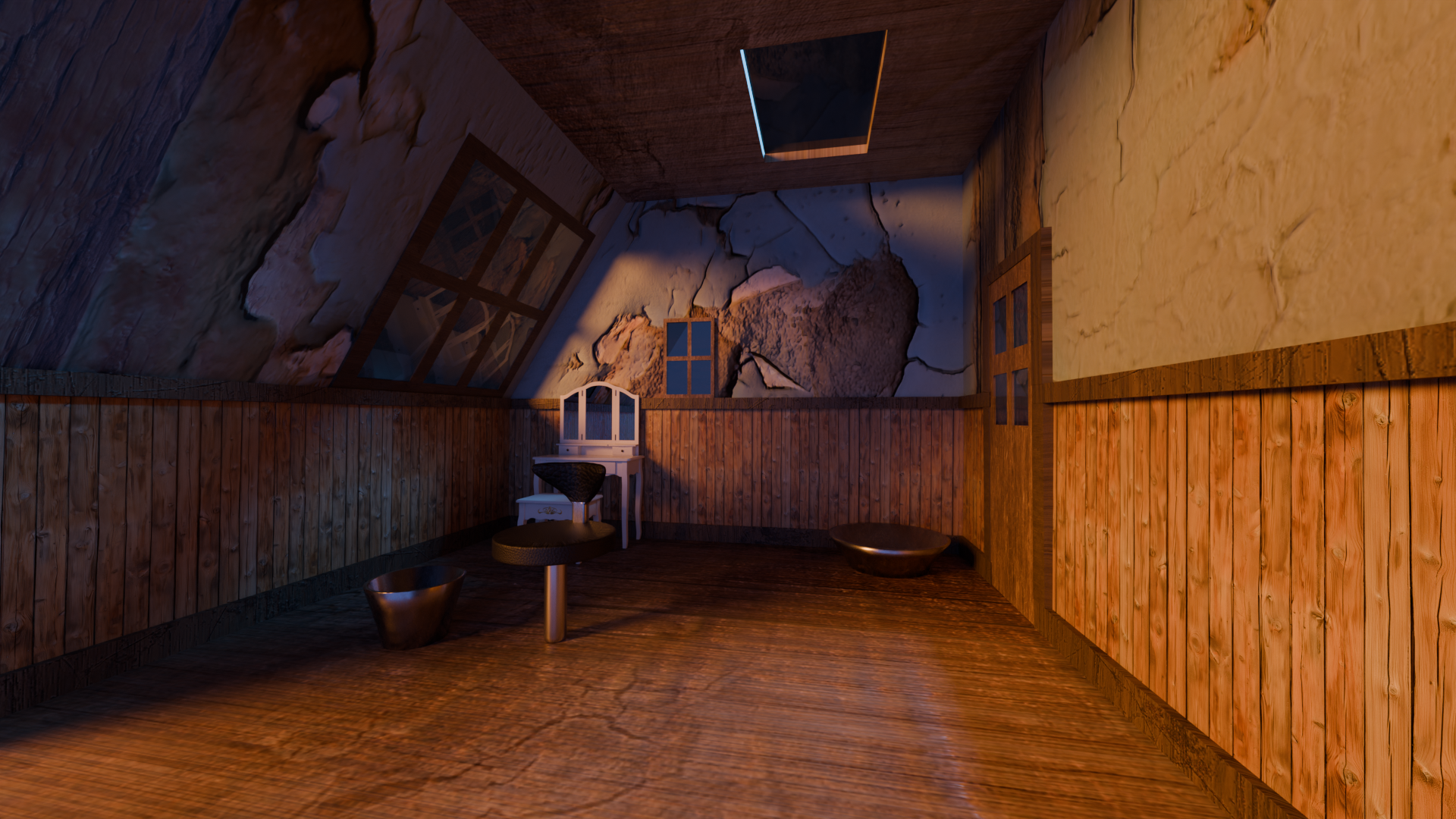
Sweeney Todd-esque
open entry.
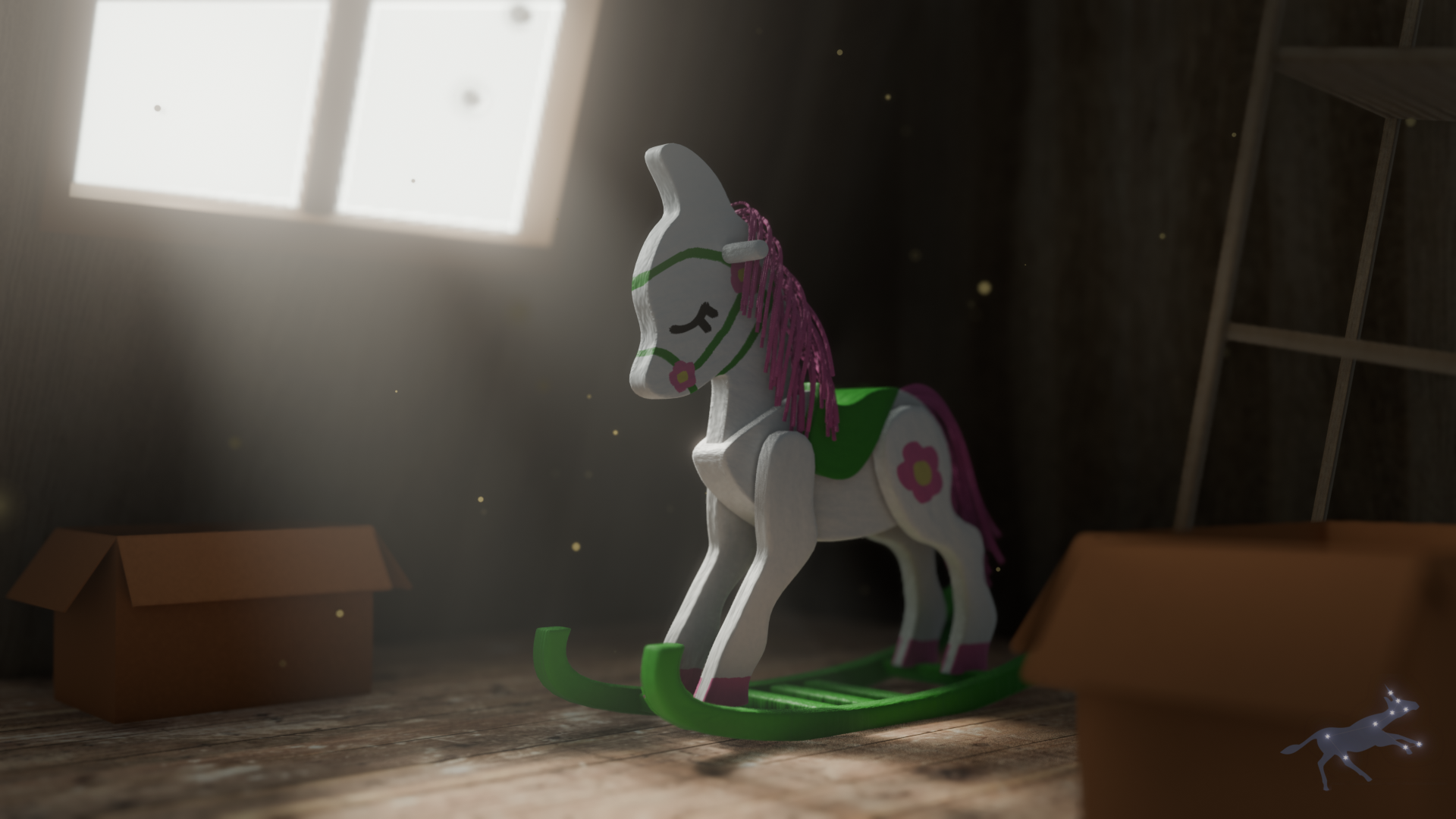
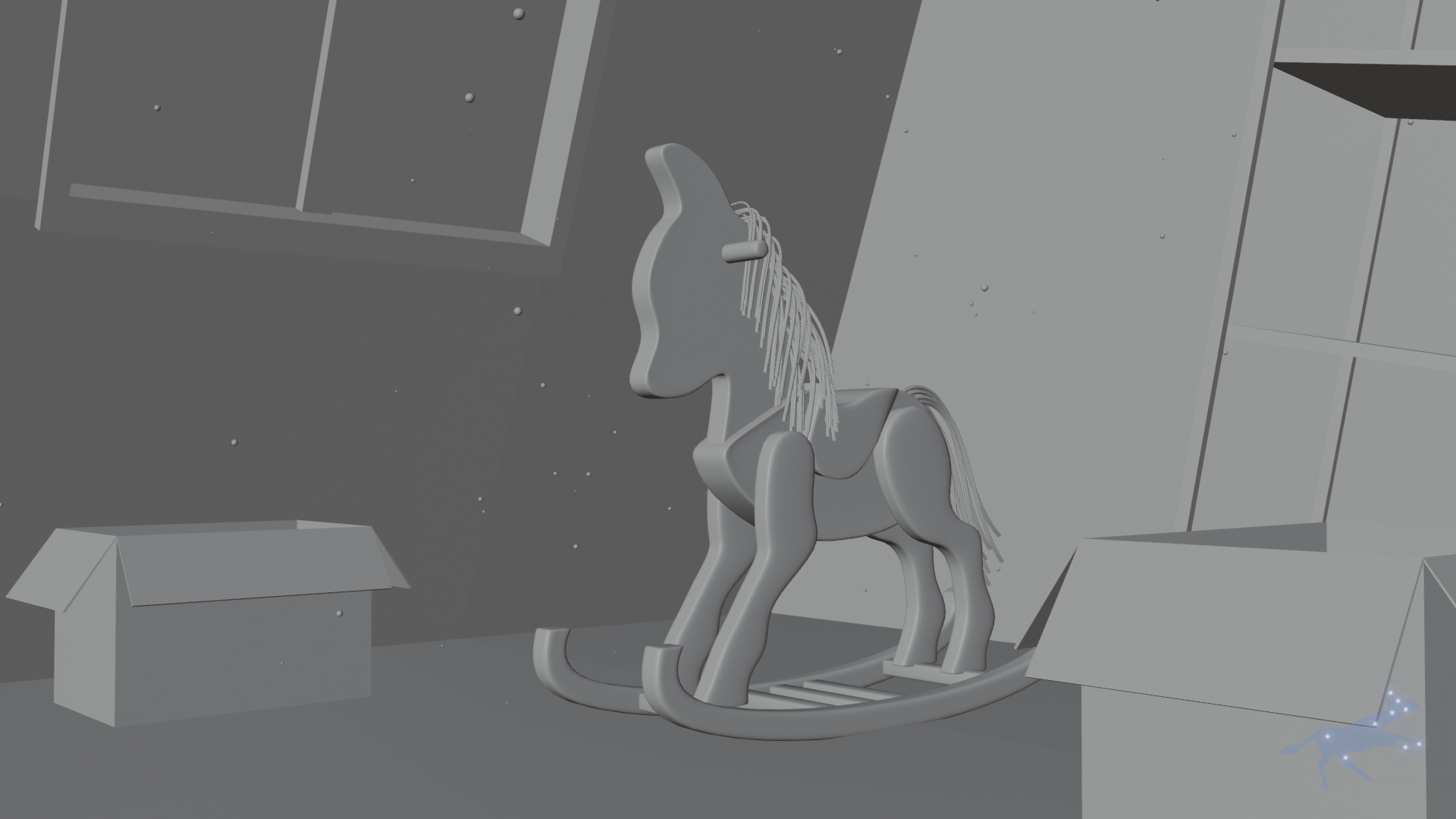
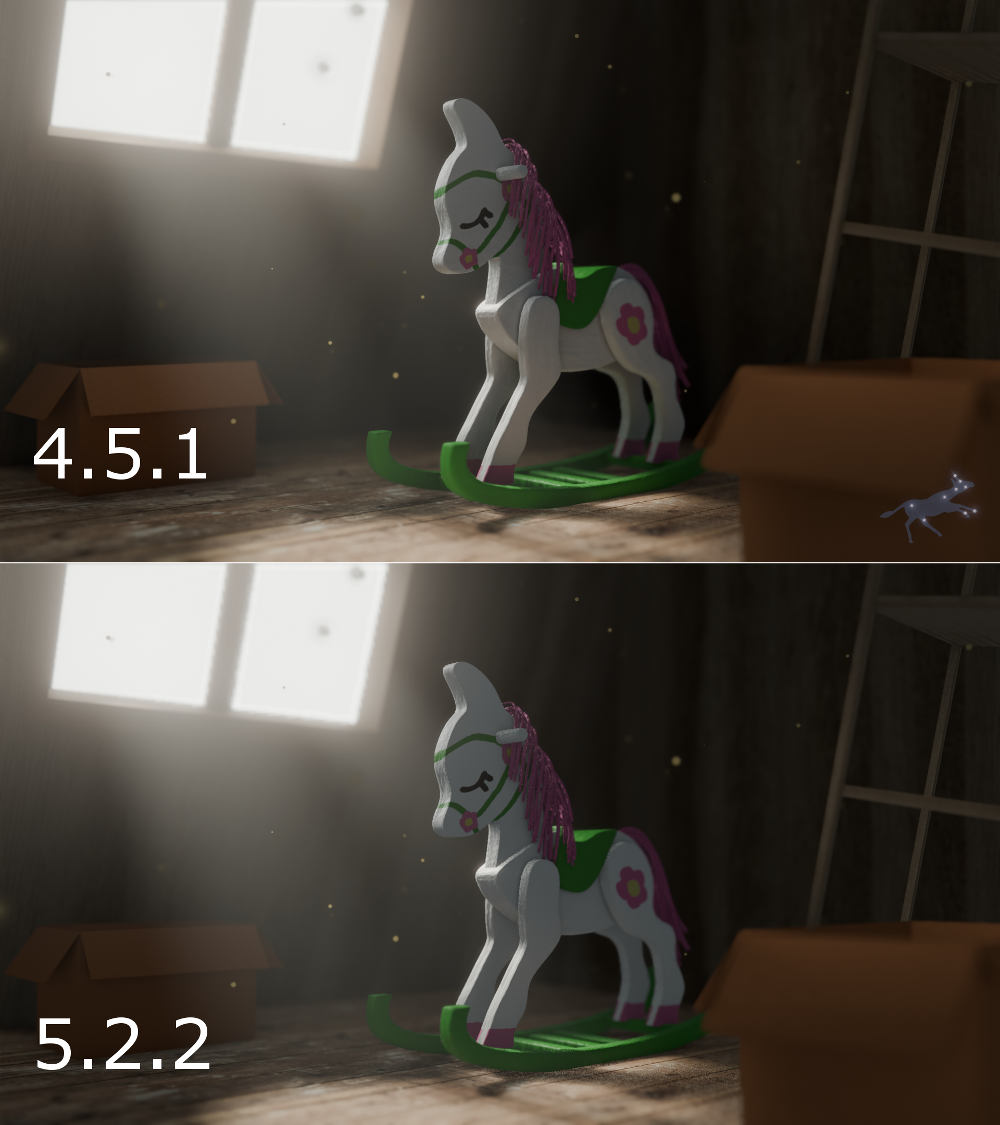
 The entry I’ve been working on is like, really similar to this! Not 100% the same, but still, the composition is close, and it also features a rocking horse and a window with light shining through!

“Forgotten Childhood”
Open (the rocking horse was originally intended for the ‘Wooden Toys’ challenge a while back!)
Rendered in EEVEE.
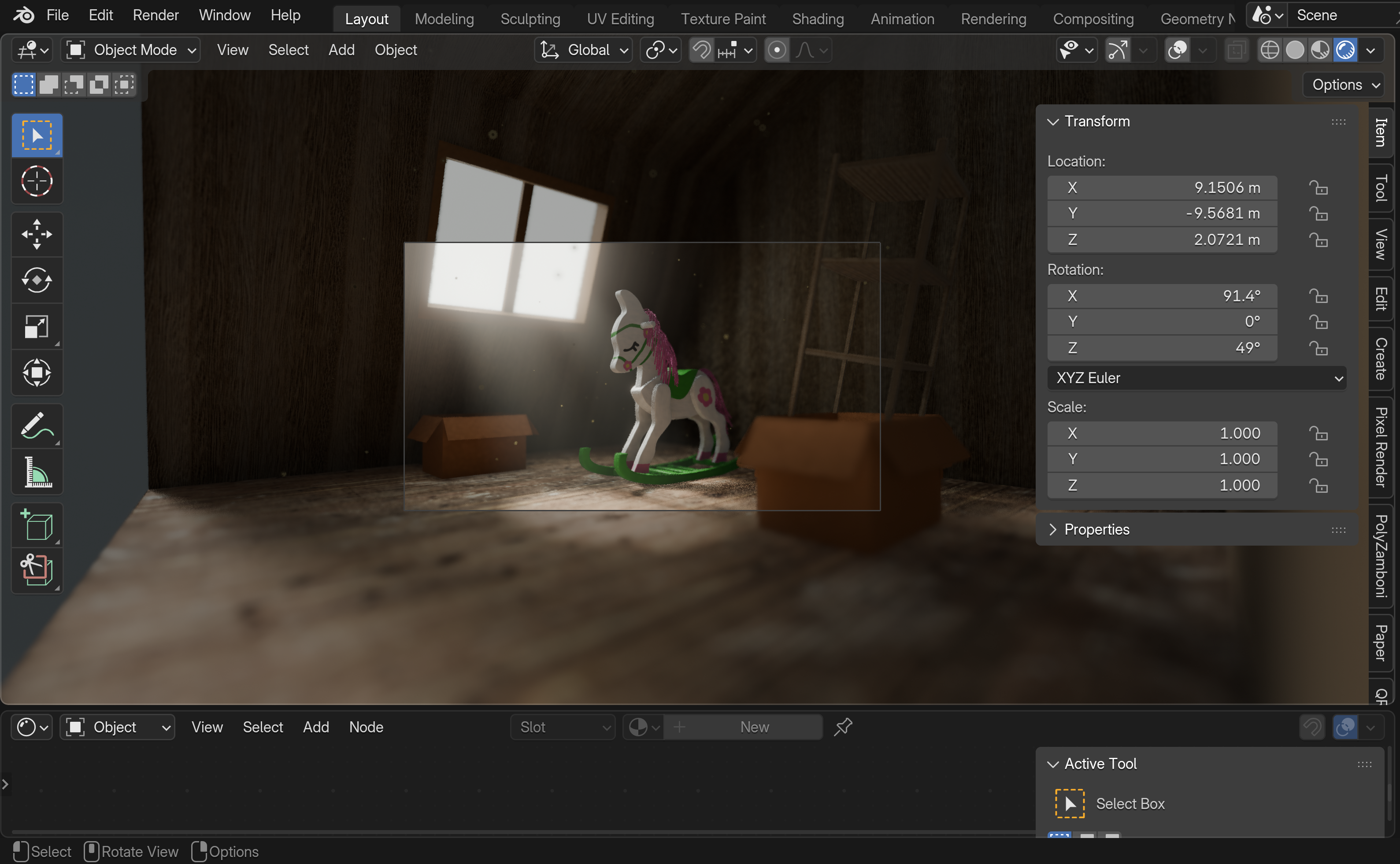
By the way, can someone explain why the lighting changes when I zoom out? It’s brighter zoomed out, and darker zoomed in. It’s annoying, as I prefer the look of the brighter and warmer atmosphere in the image below, over what it ended up being in the render 
Can I ask why you are usuing EEVEE? Cycles is so much better. In my (limited) experience, eevee and glass don’t render well.
In this case, I actually preferred the look of EEVEE over Cycles. And in general, EEVEE’s my go-to render engine (I don’t have a super high-end computer). The problem with the lighting changing does seem to be something to do with EEVEE’s Raytracing, though.
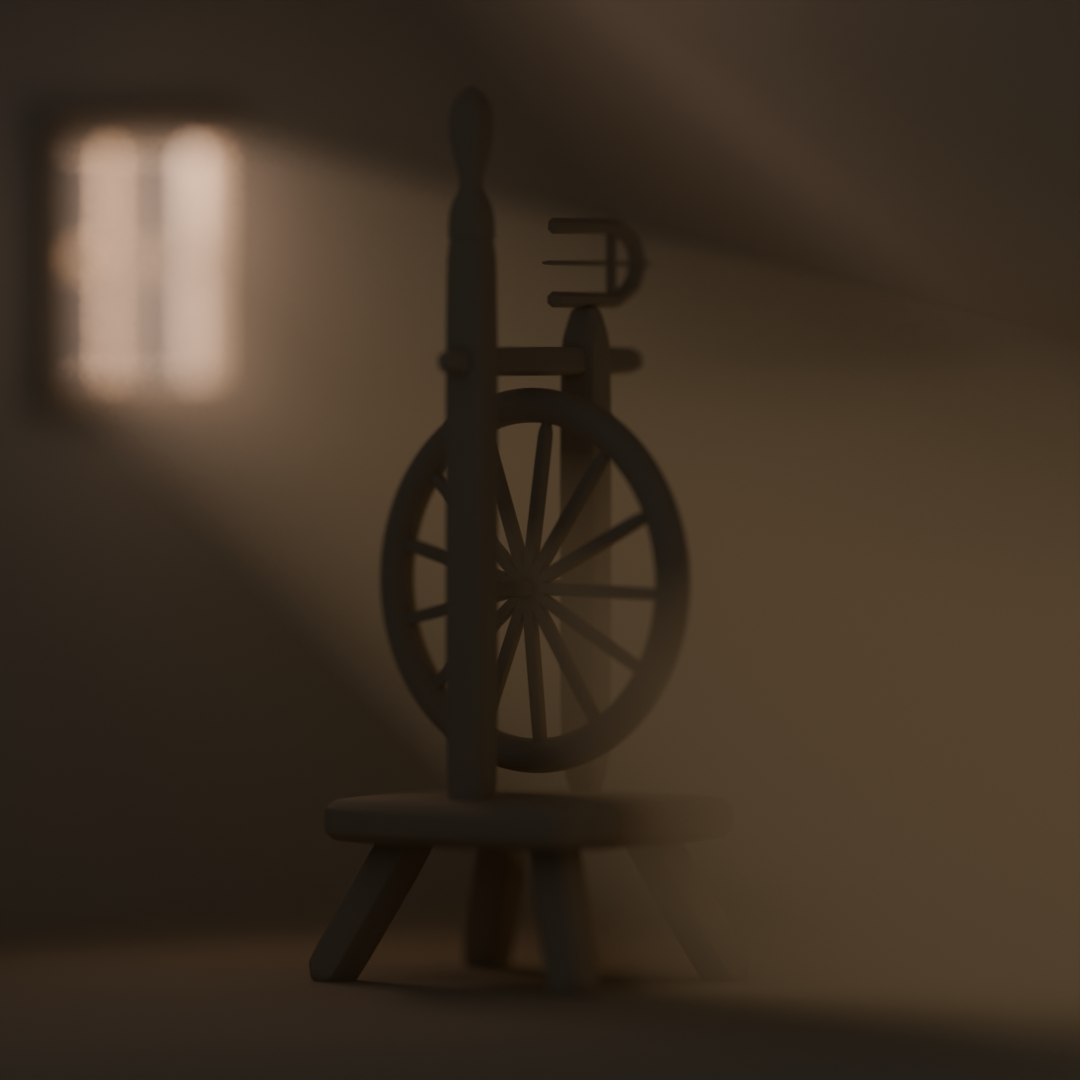
Peekaboo
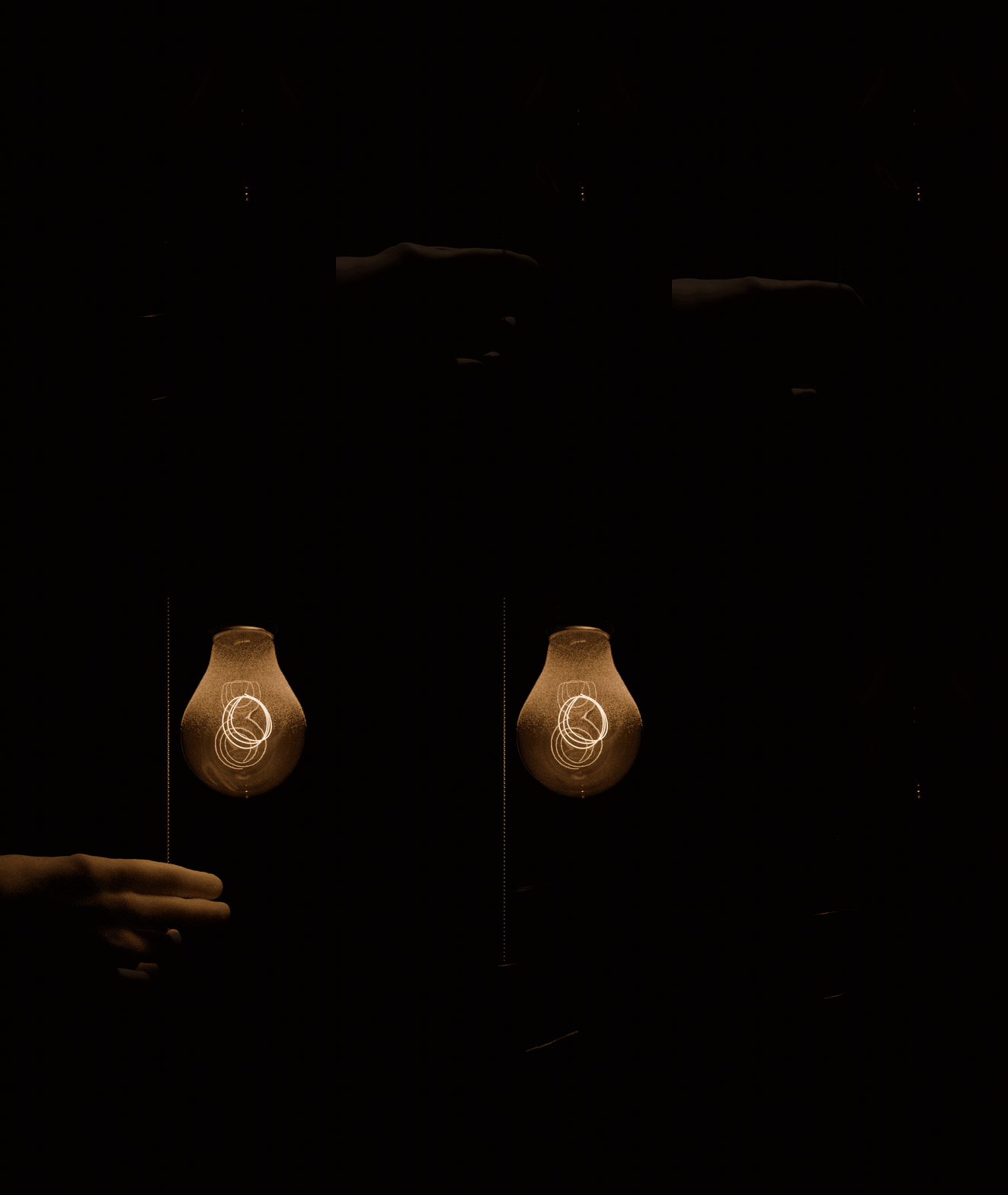
Pure, Cycles, Blender 5.2
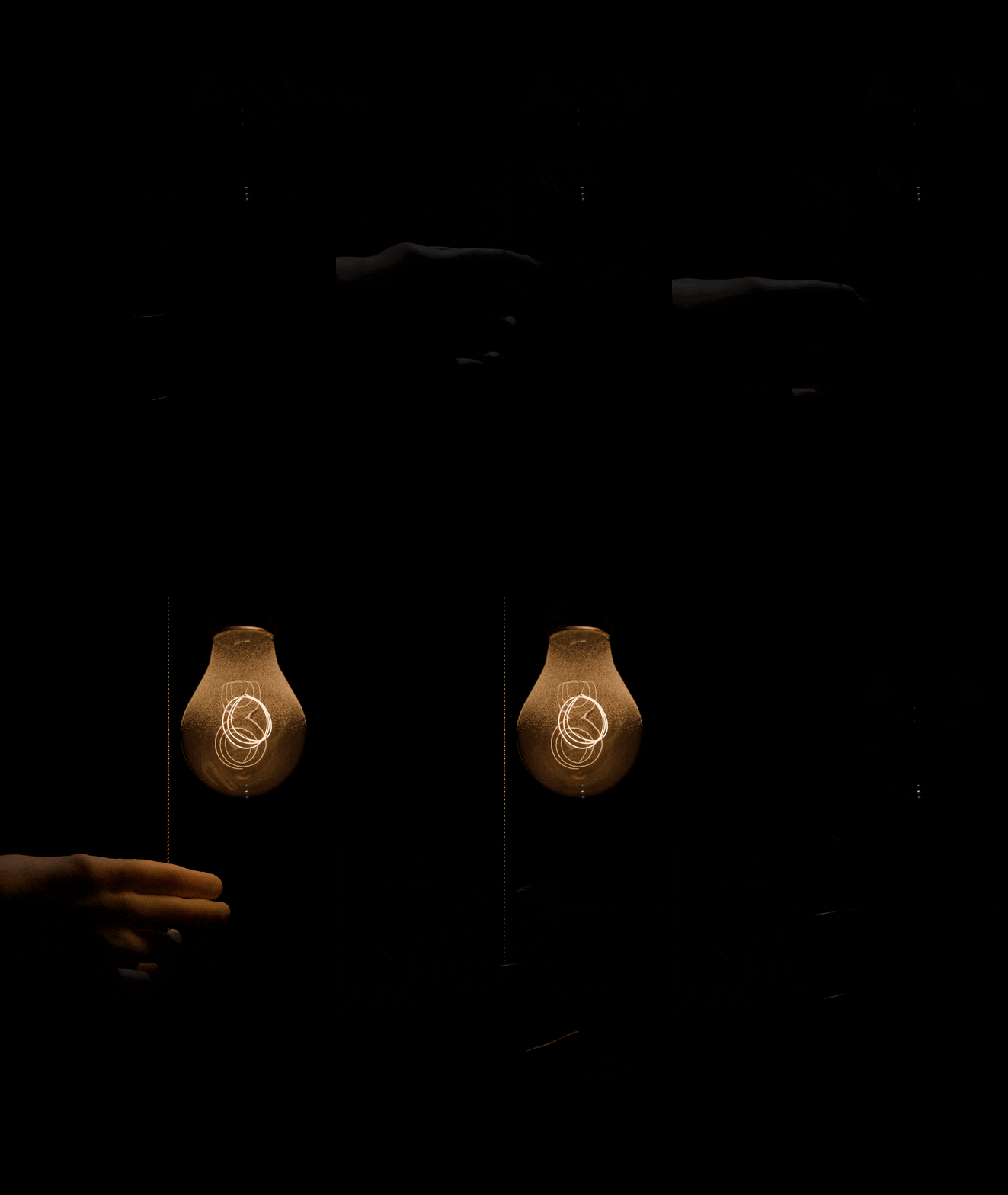
The dithering effect is due to the GIF compression ffmpeg command I used from stackoverflow. I’ll see if I can upload a full quality GIF later. I’m happier with my animation this time around. Speaking of this time around, I would like to participate in more contests – I’ve started on a few of them, but didn’t set aside enough time to finish the projects.
Edit: Here is a compressed version which is much more true to the original, as promised. Not a huge difference, but I much prefer it without the dithering.
Very nice. At first I thought it might be an optical illusion but I think you are right. The wooden wall behind definitely looks brighter when zoomed out. My next guess is that Eevee works in screen space and that, when zoomed in, light bounces from the surrounding environment gets ignored. In that case it might be fixable with light probes; https://docs.blender.org/manual/en/latest/render/eevee/light_probes/index.html.
May I ask how you get the rays to come through the window? Is it particle systems?
The rays are from two spotlights which are illumated because the scene is ‘engulfed’ in a volumetric cube.
There is a way to do WYSIWYG. In my Blender 5.2.2:
(Do like you have it - hide gizmos and hide overlays)
In the 3D viewport editor menu:
View > Render Viewport Preview
love this topic!
The things you find up in the old blenderartists attic:
(Voting is open!)
Didn’t seem to solve the problem  Also, I noticed the light change doesn’t appear to happen anymore in 5.2.2 (I had been using 4.5.1) but now the general lighting seems to be worse:
So many great contributions 
Please forgive the absence of the usual “non-competing” entry (due to the choice of topic); I’ve got a really nasty cold right now and can barely see through all the snot and tears - I’m just lying on the couch, feeling sorry for myself 

In Germany, we call this Männergrippe (man flu) - which basically means that men are practically on the verge of death from it, while women wouldn’t even bother to mention that they have a cold
That doesn’t sound good. I can usually guess the current threat level pretty reliably based on the number of cancellations and substitute classes in our kids’ schedules. I’m afraid something’s coming our way again… Get well soon!
I almost never use EEVEE (although, looking at my hardware, I probably should), so I can’t really help here. But it almost seems like all the indirect light is missing from the render. Maybe changing the Raytracing settings can get you closer to the 4.5.1 results.
If that doesn’t help, you could upload the blend file somewhere. I’m pretty sure somebody will be able to figure this one out.