Development reel for the Washington Monument collapse video from last week.
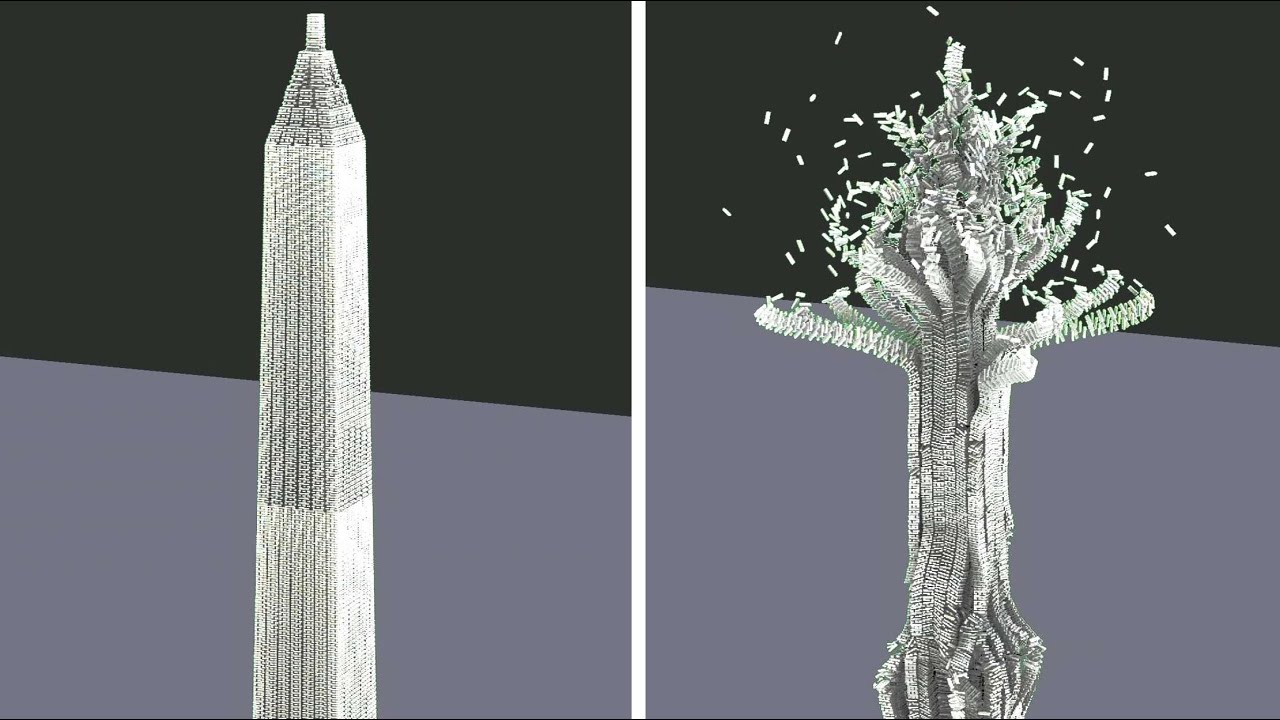
Development reel for the Washington Monument collapse video from last week.
Here’s a little vid I made using the FM :]
Awesomeness SlothropSez!
Lol @ misinformation in blenderland… vdovik44 is misinformed. I don’t have a blender today account so would one of you please when you see a post like that tell them to check this thread for updates. FM is far from dead. Just the opposite. There is good ground work and behind the scenes work being done for an even better and more expanded platform. I’ll have updates on that soon and I’ll post them here.
“vdovik44
hi Pablo! from Russia with love) is there any plans to implement destruction and fracturing in blender in the near future? Project “fracture modifier” is most likely dead, it remains to hope only for the native implementation of fracturing and destructions in the blender”
https://blender.community/c/today/g5gbbc/
Fracture ON!
I can give a quick update now on some key points. I was just chatting with scorpion81 on some additional technology I am adding to the FM platform. Of course, voxel tech and more OpenVDB is already noted in prior posts. Work is also being done on multiple VPIs (Visual Programming Interfaces) using the “Literate Programming” paradigm.
This is part of the “artist friendly” long term project I started early on by adding pie menus to FM. This artist friendly UI/UX work will add additional workflow and productivity speed improvements for VFX artists using FM. These will also allow the artist to focus more on the work and creativity than on the tool being in the way. We are working with SoCal design experts and it will be worth the wait to have these types of tools and workflows. The design experts are eager to see their concepts in an actual software platform.
That’s it for now since I don’t want to steal the thunder of coming announcements. : )
Fracture ON!
Looking forward to it! I know it’s very difficult to give time estimates but is the 2.8/2.9 fracture modifier build is something we could see in 2021?
Hey guys here’s something I’ve been working on with the FM, it’s still a work in progress and I’d love some feedback and advice if you got some, always looking to improve :]
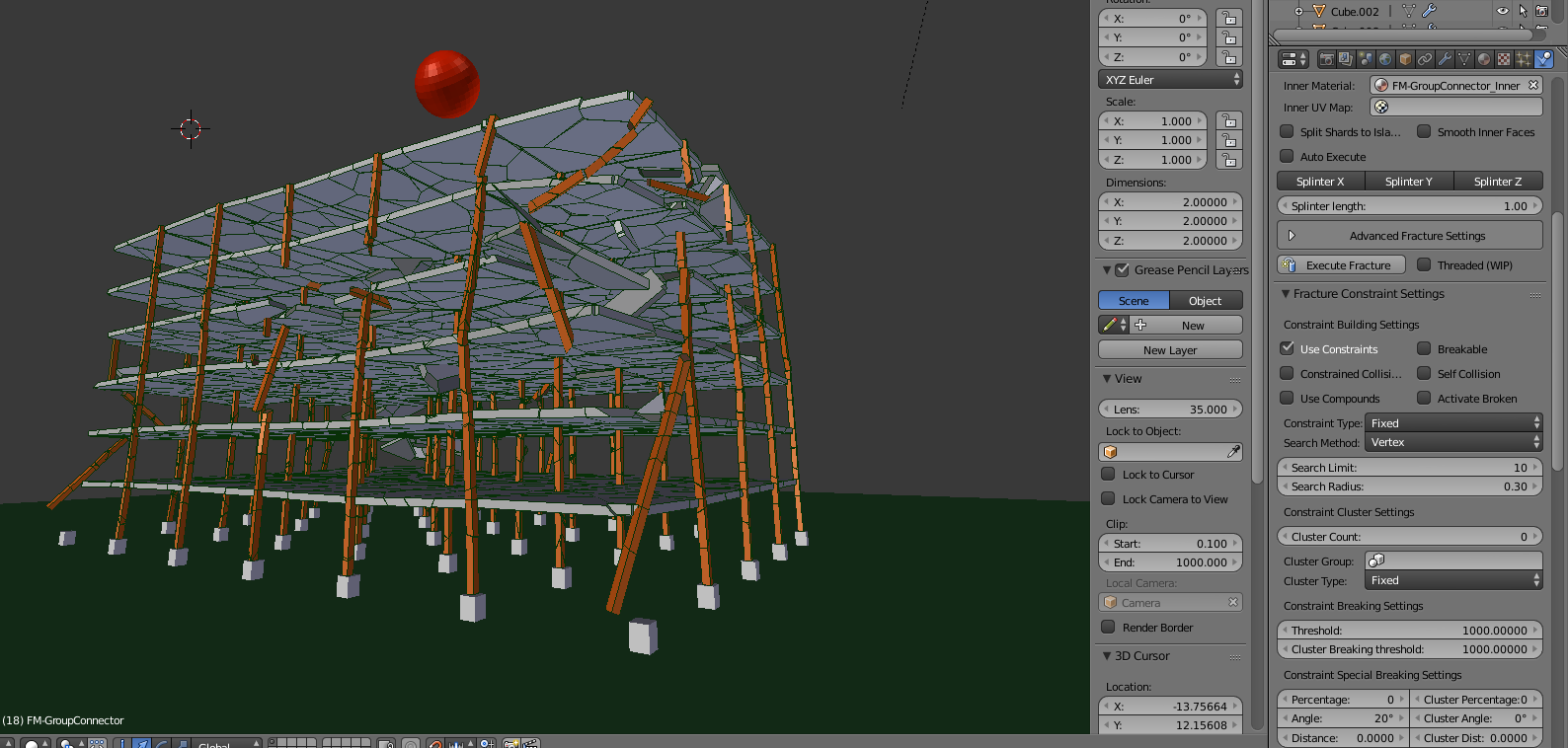
Using the group connector, is there a way to make connected shards not collide until they’re broken? I have a simple structure: vertical beams and horizontal floors. Two separate objects with two separate fracture properties to make them behave as concrete and steel. The problem is where these two objects touch each other, they spazz out a bit and break. I don’t really want to leave a visible gap between them. To repeat, they do not intersect, just closely adjusted.
edit: Just discovered “collision margin” but I still would like for them to simply not collide until broken, like normal single object shards.
I’m not familiar with the fracture modifier branch, but in “normal” blender there is this “start deactivated” in the rigid body “dynamics” tab, it let physics only start when a threshold is reached (linear/angular velocity), maybe that could help.

you could try to put the two objects in different collision groups. And if you want e.g. the ground collide with the shards of both, you need to put the ground in both collision groups. But note, this way shards of one object wont collide with shards of the other object even if they broke off. as workaround you could animate / keyframe the collision groups to have the same value after some time, so shards start to interact again.
Hi. What is the current development status of Fracture Modifier branch? Are there still official intentions to incorporate it into official Blender? Or has this been canceled because there are intentions for new particle/geometries nodes system to incorporate Fracture Modifier features?
Thanks for the tip! I think in this case, the best solution is to just make small gaps between objects after all.
Another question, what is the best method to “planting” the building into the ground? All of the pillars are one object, and all of the concrete cubes on the ground are one fracture object, too (but static). When I try connecting them with the group connector, the pillars freak out and break: https://i.komachi.sh/4fkj7fvaj4.png
Tried using different values for search limit/radius and methods, but to no avail.
edit: I figured it out. If the grey cement blocks on the bottom are individual objects then it works perfectly. (Orange pillars are still one object)
I have another problem, and it’s big. Blender somehow retroactively corrupts all of my saves. Let’s say I’m working on a scene and I save it every couple of minutes. I do something it doesn’t like and it crashes. Now If I try to load ANY of the save files save for the very first few - it instantly crashes without an error message. I just lost many hours of work. This has happened with almost every scene I did but I never lost so much work at once because they are were quick tests so I just started from scratch.
Can you find out what caused the corruption? If yes then please provide a .blend file with step-by-step instructions, so that we can reproduce the problem.
Hi, big fan of your videos. Every time it’s something different. The last time was me trying to fracture the floors into 4k shards (nothing fatal considering I just fractured the beams in 8k shards). Blender seemed to work but crashed (not responding + almost no CPU load). I closed it and after opening couldn’t load anything without instantly crashing. Just now I appended all of the objects into a new scene and after saving it still crashed on load.
This makes me think that maybe those old backups were already corrupted, I just didn’t know that because I never tried to open them, never closed Blender. So that rules out magical time traveling Blender ruining my old files.
Ok, now that my panic is over apparently it didn’t corrupt as far as I feared. Here’s the last version that loads and the first version that crashes. (don’t laugh, I never used any modeling software until 2 days ago, everything is still super overwhelming to me, haha)
As far as I can tell from memory, in the next step I used Automations > Connect to connect the pillars with the ground and the floors with the pillars. I’ll do some testing and report back.
Minor question: You can see how I divided the pillars into little segments, but they don’t register as shards. Can I achieve that without making the pillar bits have little distance between them?
I figured out what causes it (or at least one of the causes)
When connecting the individual static concrete blocks on the ground to the pillars via automations > connect and saving - the file becomes corrupted (even if blender continues to run). Can you please share with me another way to plant the buildings into the ground so they don’t flop around on the surface? Thanks.
Thank you. Your simulation is really good for a beginner.
I can confirm the crash, it looks like you found a bug with your unconventional rig. Usually we put the entire building in one Fracture Modifier object, as the combine feature isn‘t well tested and has limitations. You can define different breaking thresholds and fixed regions by using vertex groups on the mesh.
Regarding the pillars, you can use Grid as Fracture Point Source under Advanced Fracture Settings to create regular box-like shapes. With a Fast Bisect fracture algorithm you can also define a Rectangular Alignment under Advanced Fracture Settings to enforce orthogonal cuts, results, however, may be more irregular this way.
Thanks a ton! Currently, I used “Untrigger” on the ground cement blocks to freeze the bottom shards of the pillars, seems to work well and without corrupting my file. Can you please expand on the use of vertex groups in this situation? Using different fracture properties for beams and floors is the reason I split the building into two objects. Having it as one would greatly simplify everything.
Vertex groups can be used to add a weight factor to a set of vertices. Under Advanced Fracture Settings the FM can utilize these weights as a multiplier for the main breaking threshold defined. Another vertex group can be used to set a specific mesh island to be a passive shard, a weight of 1 means passive.
I tried to optimize your intact test file a bit, for the changes see the text file the blend. https://drive.google.com/file/d/1J6Gt0NlBagr0GVSy_cpXf8AFOyCZAS7b/view?usp=sharing
It’s an honor! I will study your file and hopefully learn something new.