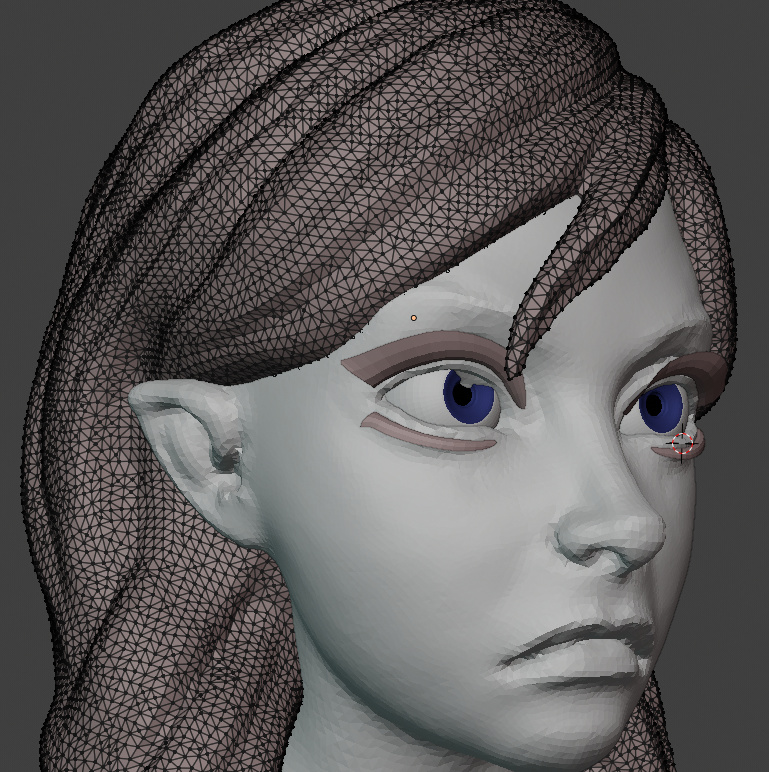
Many of us wanna a dyntopo that works with quads, unfortunally Its hard due to the way its build. But I could take advantage of the subdivide/collapse behavior and implement a feature alignment stroke setting, that align triangles to form “quads”.
It may not be possible to create quad-based dynamic topology because of possible performance roadblocks. However, this toporake feature could be a good step in allowing the use of the Quad to Tris operator to be a one-click solution for somewhat decent quad-based topology.
I’m all for it, anything to make even the raw topology a bit more usable for other steps such as texturing, shading, and posing.
Its slightly slower since the algoithm runs a brute force search for the best edges to align but I dont feel many performance issues with my computer, AMD A4 6300 (dual core) 3GHz, its an average computer and doesnt have a potent graphics card also.
and…
Yup!, thats the idea!
Lighter meshes, finer details!
Wow, this looks great and very useful indeed! I’d be all for having it in officially.
Btw., are there any builds floating around anywhere (not sure I’d find the time 2 compile myself)?
Anyway, I have my fingers crossed and wish you success in getting it reviewed.
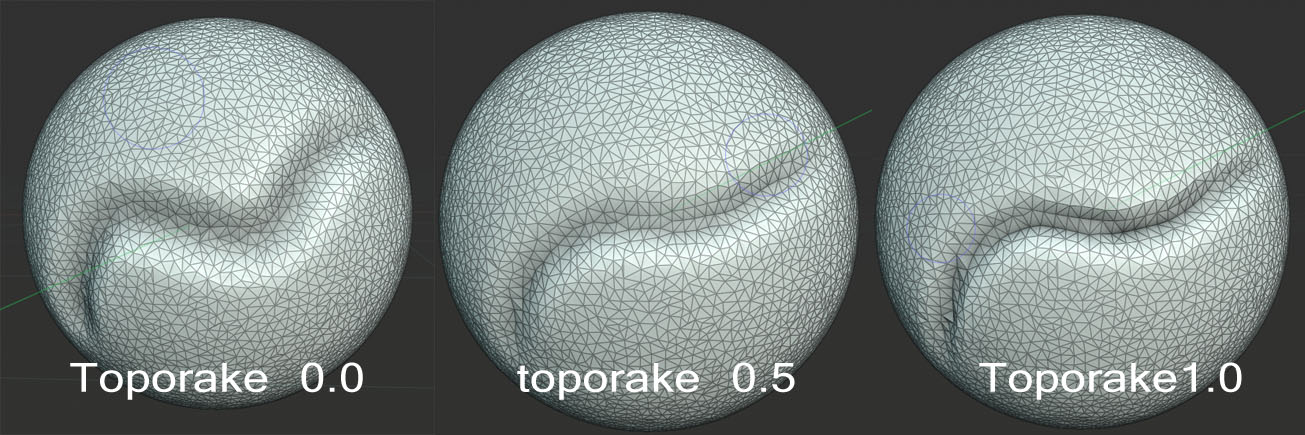
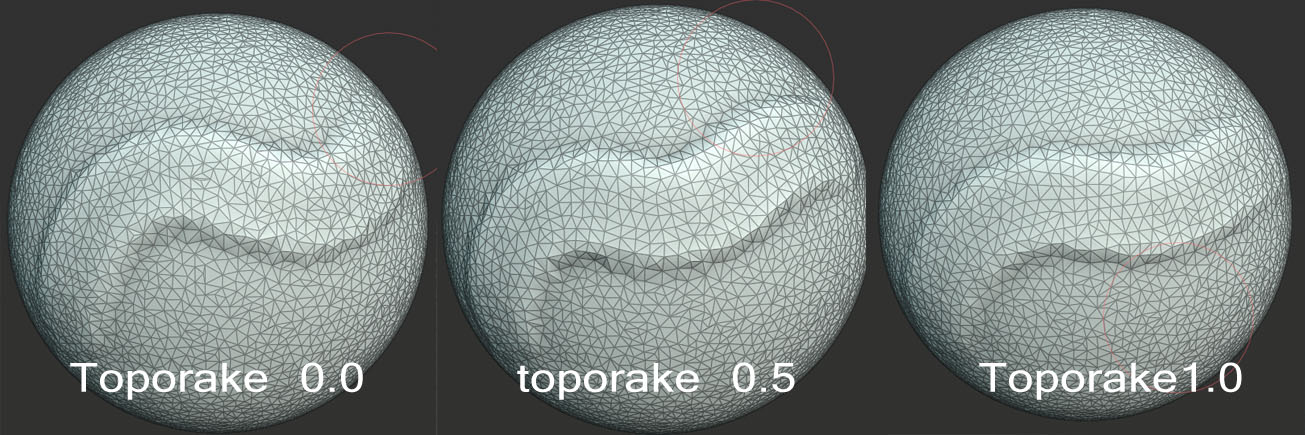
Tried it out. Was just messing around placing some strokes side by side with Toporake at 0 and 1.
I’ll have to try this out on an actual sculpt.
First impression is, that yes the topology with Toporake at 1 is a lot more favorable then what we get with regular Dyntopo.
Testing it on a very low poly subdivided cube, I did not see any considerable slowdown.
i7 2600K (3.8 GHz)
GTX 1060 6GB
I also like how you’ve made the setting local - per brush, rather than a global Dyntopo setting.
This looks pretty amazing already! Keep us posted with your progress on the feature and the review as well! It would be amazing to have this officially in the buildbots!
I’ll probably come back drop a word after I try it on an actual sculpt.
Thanks again, much appreciated!
That’s because some brushes might benefit from it but not every brush depending on what you are doing.
An example is the Smooth brush, it can use Toporake but can also be used to destroy the tesselation.
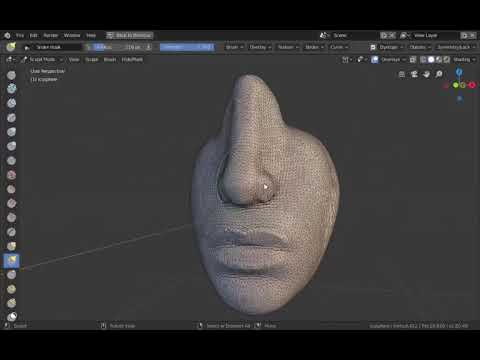
another example is the snake hook brush, if you are using it like a grab tool to move whole parts of your sculpt. you might not want it to destroy the flow that was aready defined.
The good news is that he sees the functionality as useful and that there are no major issues with the code (with most of them rather minor like spelling errors and code style). I do hope this means the patch gets committed quickly, as dyntopo is currently an area that does not have any active development.
That’s a beautiful tool. Many years ago, a very talented sculptor named Doris was asking for a feature like this. She called it “Flow Edge Here” as a name for the concept she proposed. Nobody was interested in building it back then, now here it is built and looking amazing.
If Doris and Michalis are still around, I’m sure they will both help spread the word.
@Jeacom This looks great.
You should meet up with Pablo Dobarro and together “fix” the sculpting system in blender once and for all hahaha. That would be nice.


 Good looking!