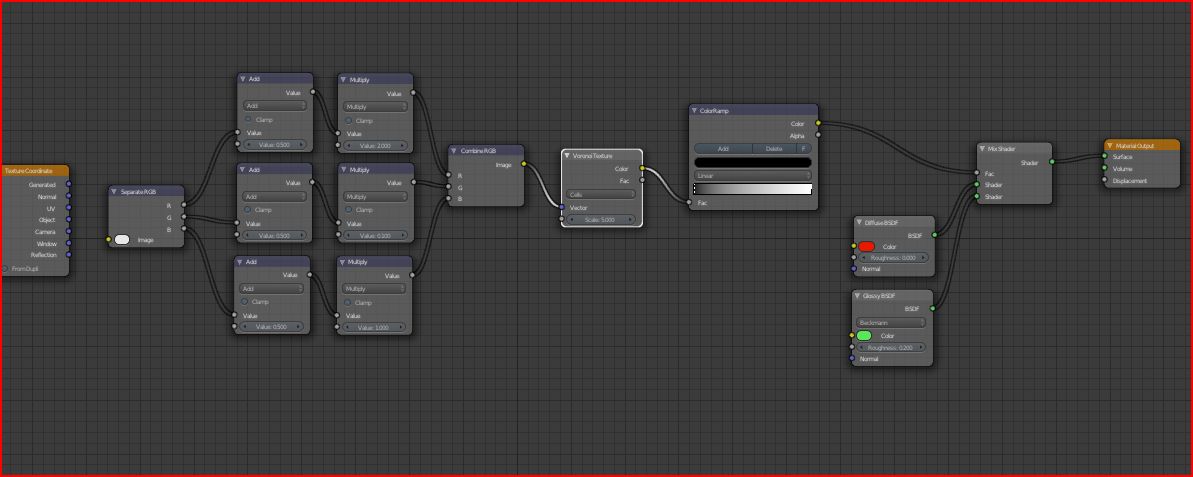
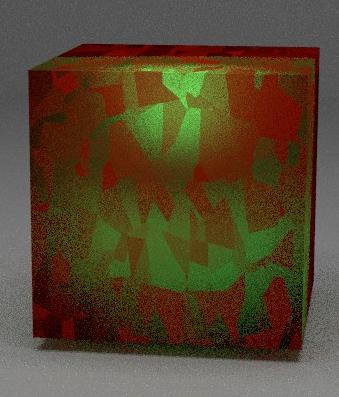
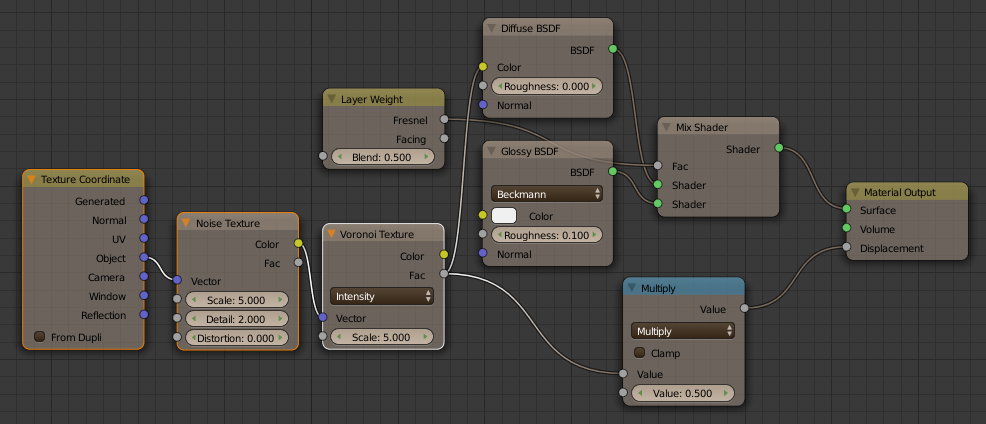
You still need to hook one of the outputs of the texture coordinates node to the input of the separate RGB node. After you do that and you see the texture in the rendered view, you can then proceed to add more texture nodes with which their outputs get connected into some of the math nodes.
One more note though, you might need to string the outputs of the manipulative textures through a couple of math nodes (one set to ‘add’ and another set to ‘multiply’) so as to get the desired variation in the scale and offset (ie. using them to get the desired base and range in the RGB values so you don’t have cases like that voronoi texture being scaled to infinity in places).
You wouldn’t be removing the texture you already have, you would add entirely new texture nodes and string their color or fac. outputs into the second value of one or more of the math nodes, so your final setup would involve multiple texture nodes (one or more hooked into the second input of one or more math nodes and the you are manipulating (the one after the combine RGB node).
Also, for the additional texture nodes, you would simply set their coordinates with a straight connection from the texture coordinate node (which in this case would really be connecting purple to purple).
If the main voronoi texture you’re using to mix your materials have any distortion at all, then the node setup is working the way it should.
Also, you will not always need to create six new texture nodes because you might want to hook the same texture into more than one math node or even leaving the math nodes blank.
As for the math to get a more desirable range, consider the fact that the values going in from the raw output would range from 0 to 1, this being the brightness value of the colors in the texture providing you’re using the data from the fac. output instead of the color output.
Stringing the new texture output through its own pair of math nodes (add and multiply), will allow you to change that range, for example)…
fac. output > add 5 > multiply by 1 = a value range in the texture going from 5 to 6
fac. output > add 2 > multiply by 4 = a value range in the texture going from 2 to 8
fac. output > add 7 > multiply by 0 = the only value in the texture is 0 (which is not desirable in this case)
In general, you should always try to make sure that the value range going in the second output of the multiply (math) nodes is always above zero, something which shouldn’t matter with the add (math) nodes because they’re only adding onto the base coordinates.
I hope this doesn’t sound like rocket science to you, it’s a given that learning nodes can be tricky at first, but once you get well versed in them you will be able to develop your own methods.
have to work a litte with this to see what it gives
if you use FAC of texture out this wont be a fix value will vary between 0 and 1
so how can you add 5 ?
one input is let say Red plus one input from texture output!
unless you add another add math node
but have you heard if there will be some new inputs for the map node soon may be part of GSOC project
Hi. I didn’t get back here because I’m working in Modo at the moment to try to see where I can get to with that. Modo is coming for Linux now which is the OS I primarily use. I think overall this is quite positive for Blender since it’s also a Linux app and can be used with Modo. Modo has certain advantages over Blender. Very fast renderer, micropoly displacement and very large mesh handling. All important for Landscapes.
However, Modo doesn’t have nodes to create textures. Modo does not have a mesh modifier that can use a procedural textures (at least as far as I can tell at the moment). Modo does have reasonable procedural textures but still not the power of Blender BI.
I’m going to experiment in both apps utilising their strengths for different parts of the same work but Modo has a big learning curve so it’s taking me time (like Blender). Blender can do some stuff Modo can’t in terms of creating landscapes. This would be massively advanced if we could use nodes for the mesh displacement modifier. Just one example - you can use a graph to create steps in the terrain. The modifier is a good way to create terrain because you can see it as mesh immediately and as long as your system is decent ,you can bump up the subdivision to high level for quite a bit of detail.
Then we get to the shader textures on these terrains. It needs to be the same power i.e. like old Blender BI nodes.
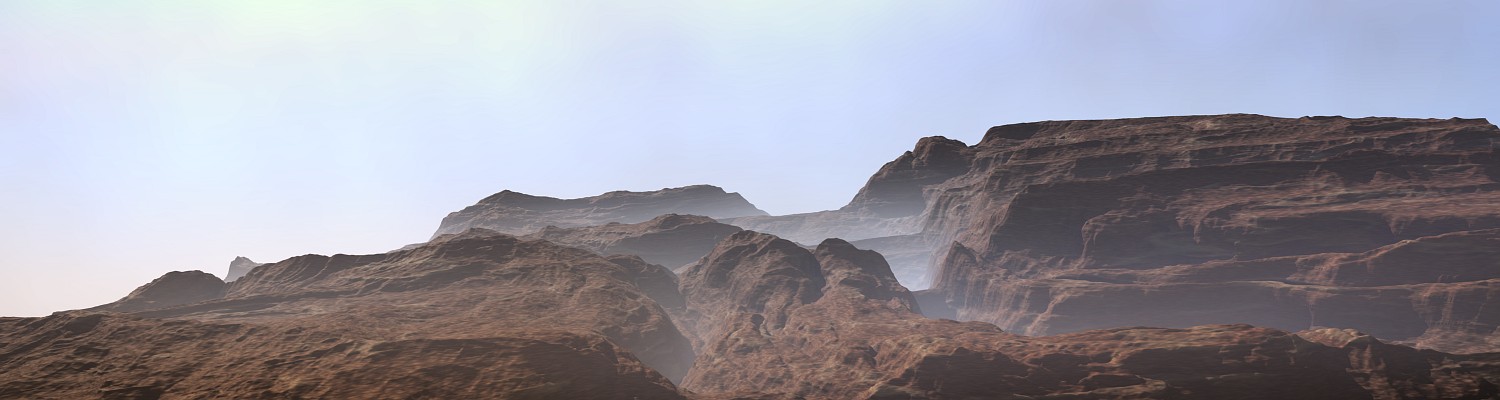
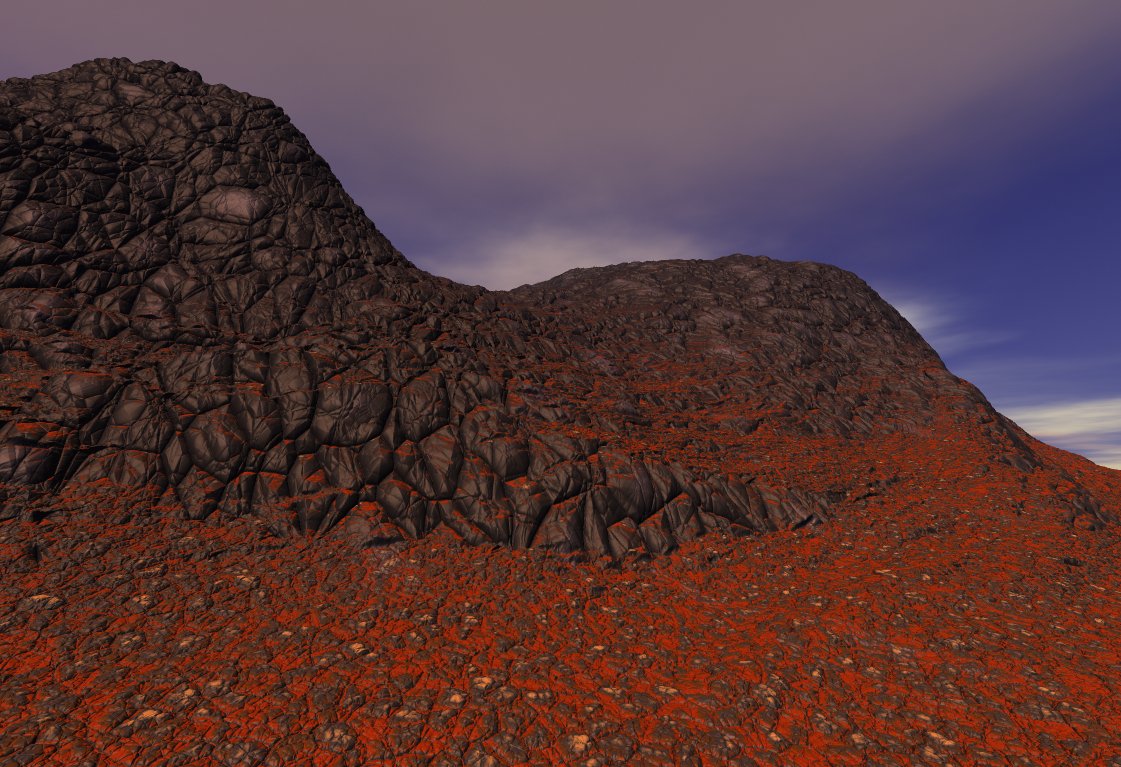
Below are a couple more pictures. The first one is actually an old Blender render. I assume I used Musgrave fractal (it has that typical Musgave beauty) but probably I distorted it around (I haven’t checked the actual blend file). Next render is actually from Mojoworld. Mojoworld is the King of all procedural fractal manipulation. It was made by Ken Musgrave hence the Musgrave fractal in Blender. These are the best fractals (as long as they aren’t dumbed down by having no basis choice). Ken Musgrave pioneered this whole direction. Sadly, Mojoworld is not developed anymore so lacks features such as multicore and GI. I have added the second Mojoworld image because it is a voronoi basis fractal and it’s quicker than messing around in Blender to recreate the same thing. Blender BI has this but you can’t get a texture like this from Cycles.
The massive advantage Blender has over Modo is that all the functions of the fractal can be driven by other fractals in the node network. You can also distort texture positions. You can apply gradients and curves etc. It’s endless. Try hooking things up in all sorts of ways and try using complex gradients for colour. Obviously the more basis functions we have the better. Once you start hooking all this up and experimenting you will see why. It is INCREDIBLY powerful and sadly very underused in Blender despite the fact that Blender has a lot of this power. We need all of this back with the basis function choices.
You might wonder why I don’t mention Terragen 2 much. Well Terragen is cool. A very nice renderer. it has volumetric clouds and can do an entire planet. The troubled is, Terragen 2 is crippled compared to even Blender in it’s procedurals. That’s ridiculous for a landscape app.
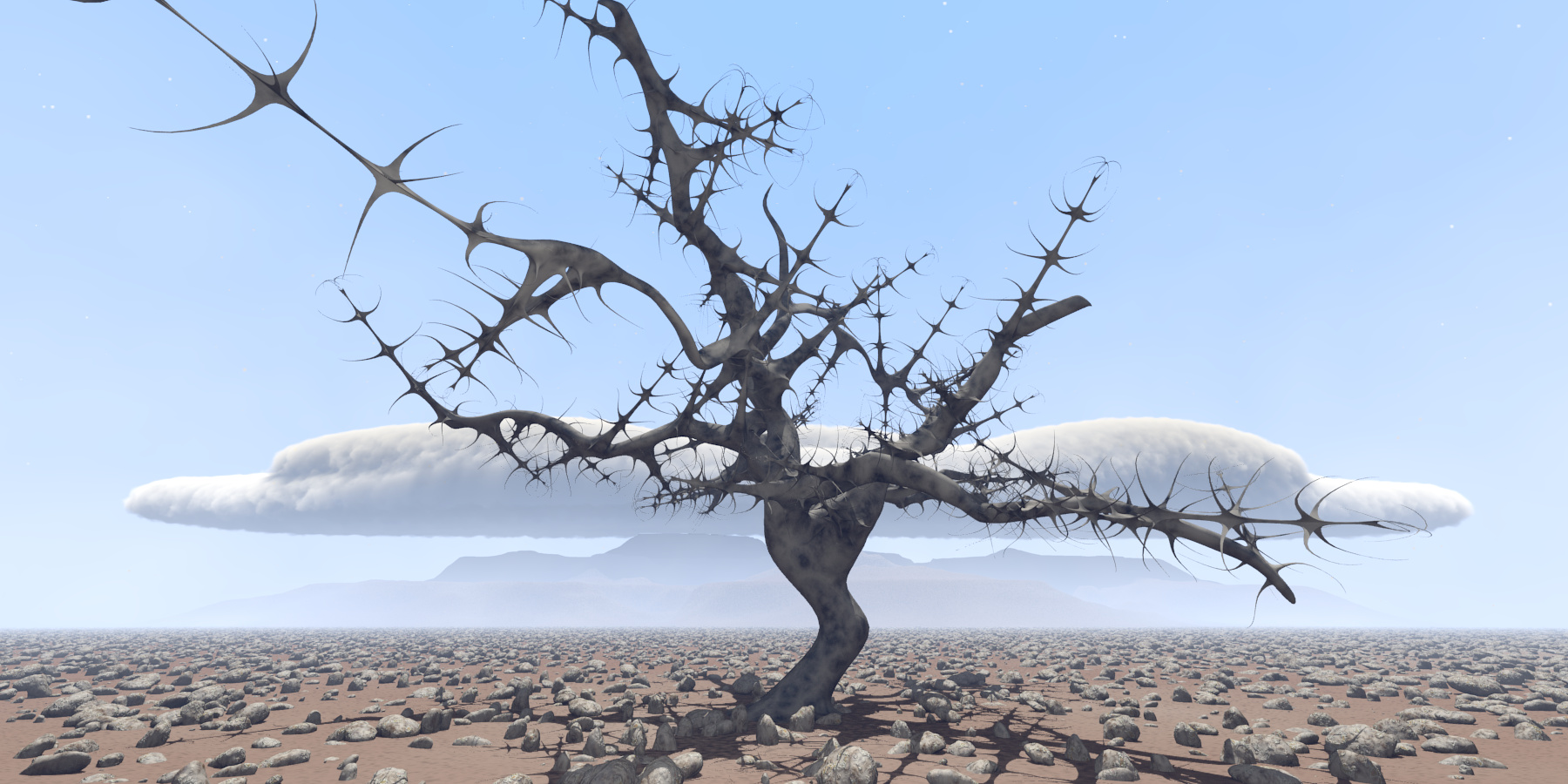
Here’s another Blender test. You can see that I started experimenting with 3D clouds in Blender. Not that great but much better could be achieved. It was my first test. I obviously have masses of Terragen 2 and Mojoworld work but due to Mojoworld being dead and Terragen really crippling me in some areas, I’m branching out to other apps. I’m also using using Wings3d which is awesome. I love that app. I did the tree in that. Terragen can use imported mesh objects but that’s another annoyance I have with it. Dealing with mesh populations is crap compared to Blender or Modo.
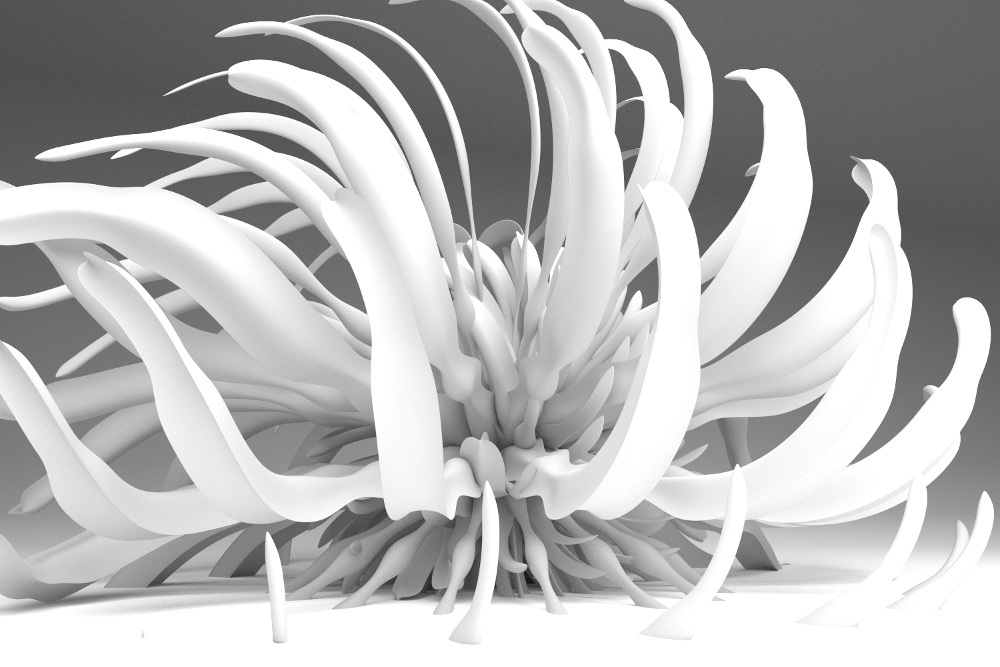
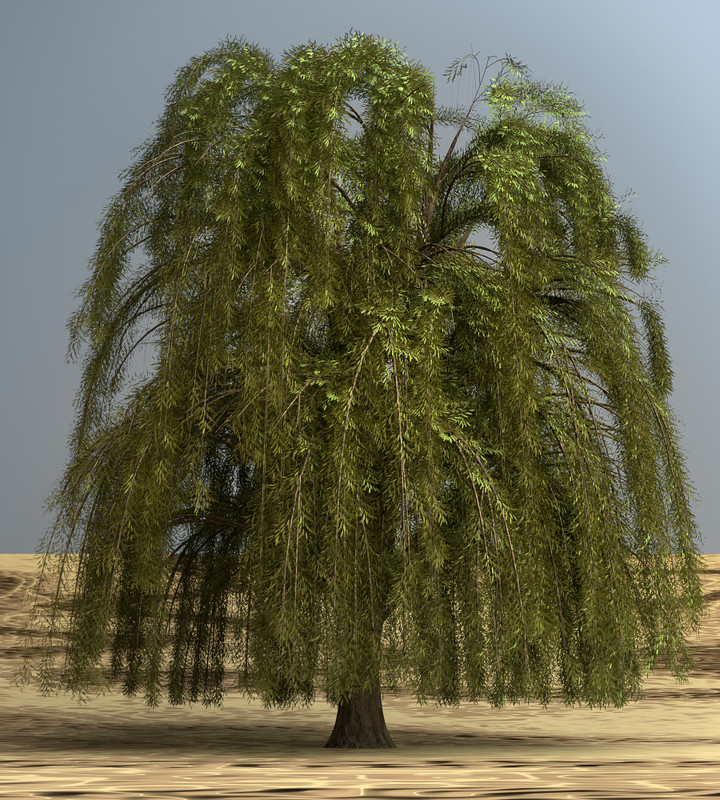
Two Arbaro trees rendered in Blender with Cycles. So we potentially have a very decent program for landscapes if Cycles has the full procedural power and if we could have node editing for displacement modifier for the terrain. I’ll take it as a given that the Cycles developers will want to improve atmospheric effects and displacements since everyone will want those for all sorts.
I’ll get back here with more specific examples of what can be done in BI but not Cycles. That’s all a bit vague at the moment but the rocks texture and the texture in that tree in the render with the cloud that I added above can’t be done in Cycles. Also, the cloud texture ultises a voronoi fractal for small noise and that is not in Cycles. I haven’t built on this much yet because obviously bigger things like terrain forms dominate.
We need more people to experiment with it. Try hooking other functions like other fractals into the fractal inputs like dimension, size, lacunarity etc. Try driving a complex colour gradient or distorting the textures coordinates. Everyone seems to concentrate on bitmap textures while we have all this latent power in the procedurals. Some of which will get lost in Cycles. They maybe aren’t prioritising it because people aren’t using it. You can distribute by slope by using a dot product maths functions but you can even distort that with a fractal! Believe me it’s endless and very few people are using it.
well marble exit with the waves texture but may be not as powerfull as the old one!
samethings with cycles noise = noise and clouds
and also there is an equivalent for the old stucci!
and not talking about the new experimebtenl microfacets one!
They aren’t as powerful but I think what we need to do is start pushing the possibilities of Cycles despite the basis limits but keeping in mind that BI has those added functions that we want back. Cycles is much easier to work with. My main concern is using these textures with landscapes and I’ve veered off in explaining that direction in this thread. They are very important for landscape because you can have very large textured areas all with variation but obviously it’s useful for lots of things. Maybe I’ll start a new thread purely based on how to get cool textures. Use Cycles for it though.
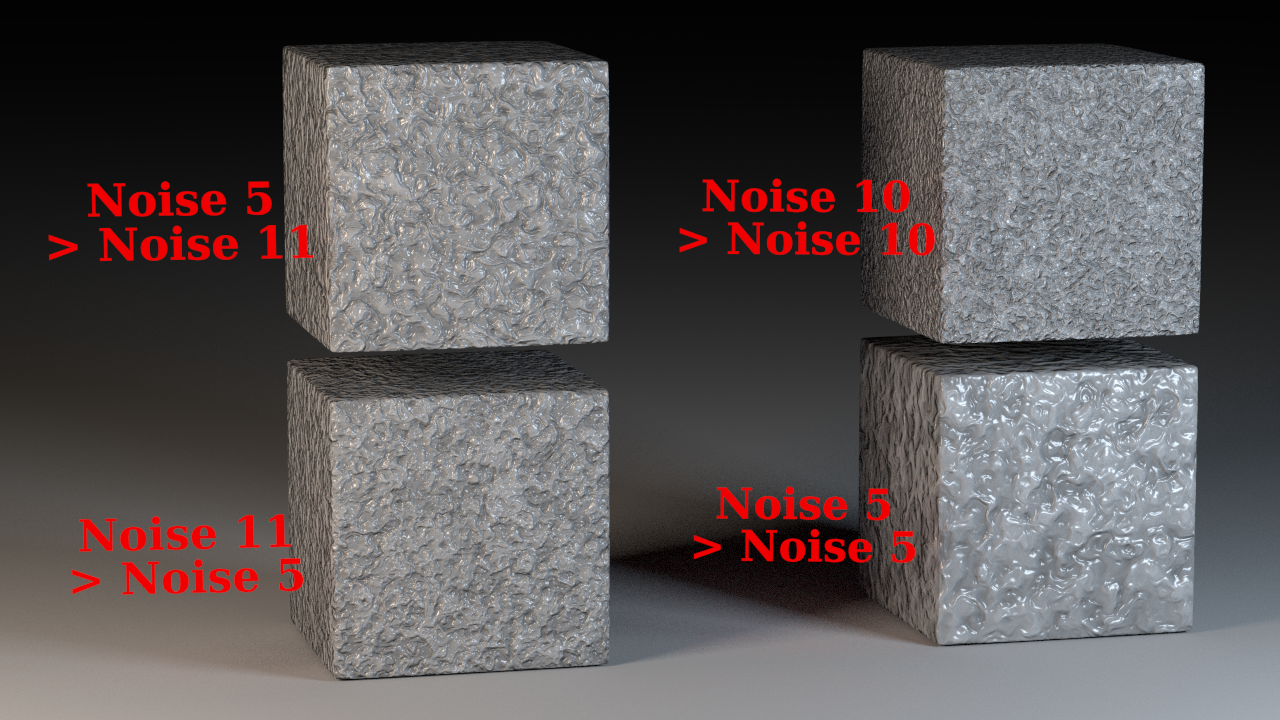
Simple. I just used the output of generated texture as UV coordinates for another one used as color and eventually bump map. It really makes a difference. The best ones I made with noise and Voronoi (intensity):
@Kaluura: I like to use a color mix node (rather than vector math) to blend original coordinates with noise for even greater control. I.e. you can have one noise with a sharp color ramp multiplied with another noise, which is then combined with the original coordinates. If this drives i.e. a checker texture, you’d have a checker that is generally uniform all over, but with some imperfections here and there. It’s worth trying different blend modes - sometimes (because dealing with vectors I guess) the result may completely surprise you and create something you certainly didn’t expect.