First post, so please be gentle.
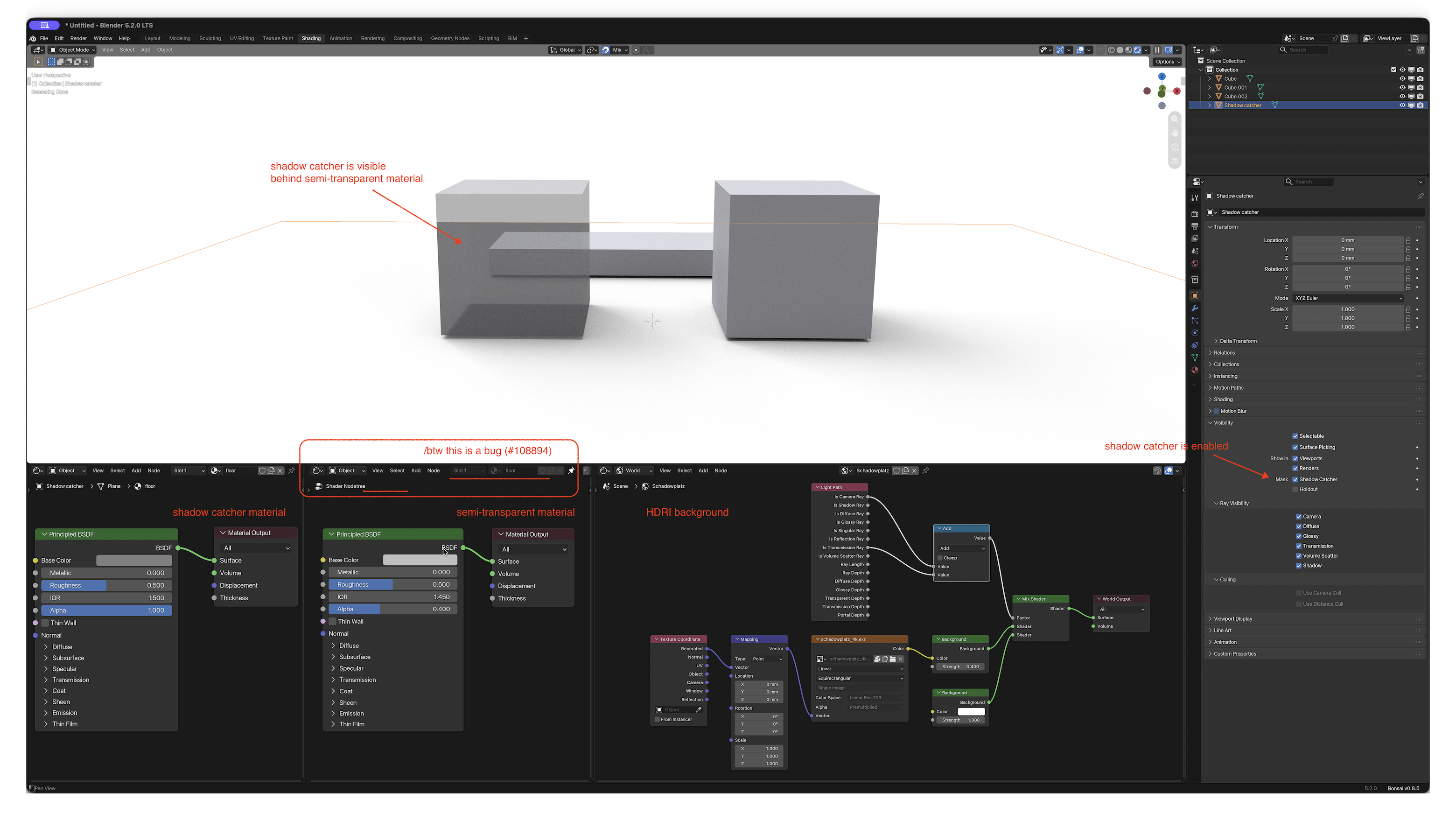
I have a problem of a visible shadow catcher behind a semi transparent material in a HDRI environment. Is there any best practice or shader setting to make the shadow catcher disappear?
I am using Blender 5.2 LTS with Cycles rendering.
The materials / environment are usually used as assets for easy drop-in. So any solution should avoid linking the HDRI environment into the shadow catcher or the semi-transparent material as I have seen in other tutorials → [Cycles] Ground for HDRi Environment (aka Shadow / Light Catcher)
Thank you for your help.
260813_shadow catcher with semi transparent object.blend (193.5 KB)
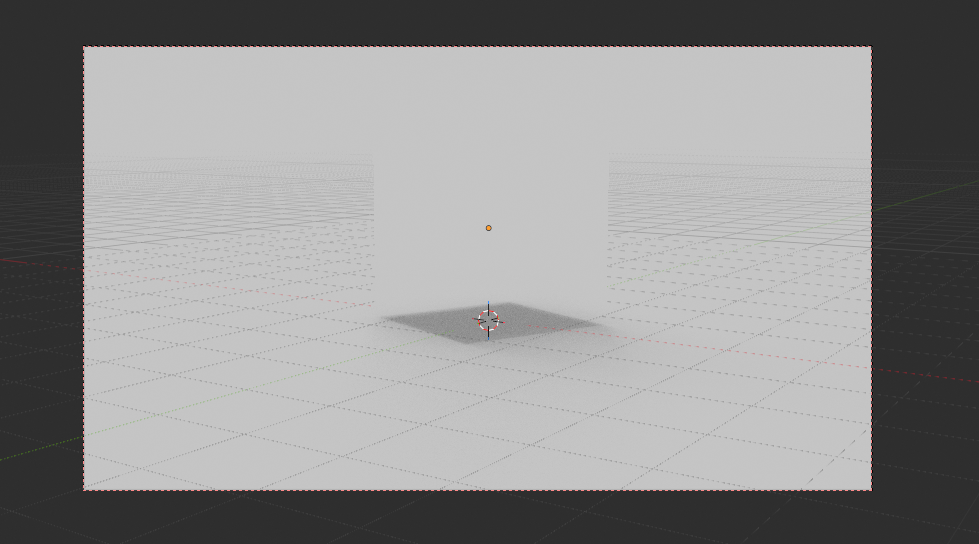
This makes the shadows disappear. Not the intended use case of a shadow catcher 
Yep my bad  A little quick on the trigger
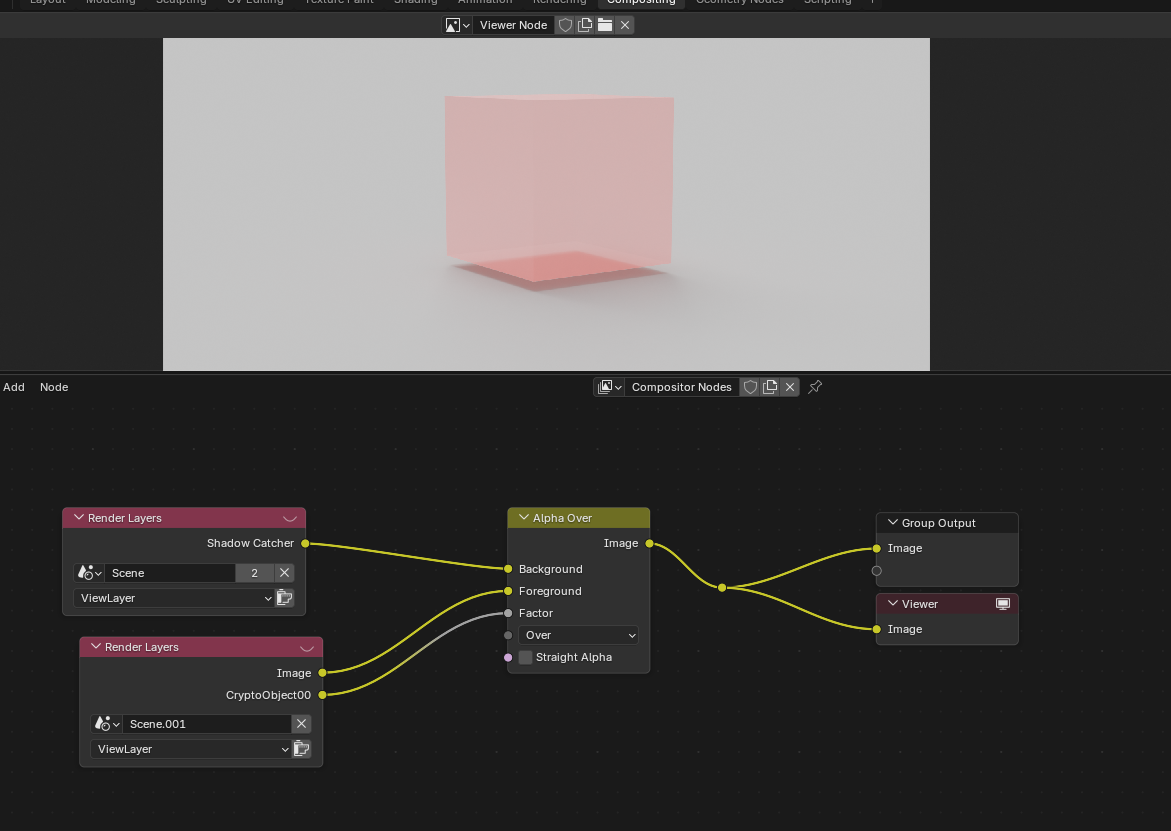
Well, I found a solution, not sure how well it fits your project though
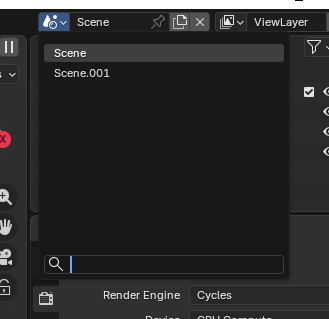
Duplicate the scene
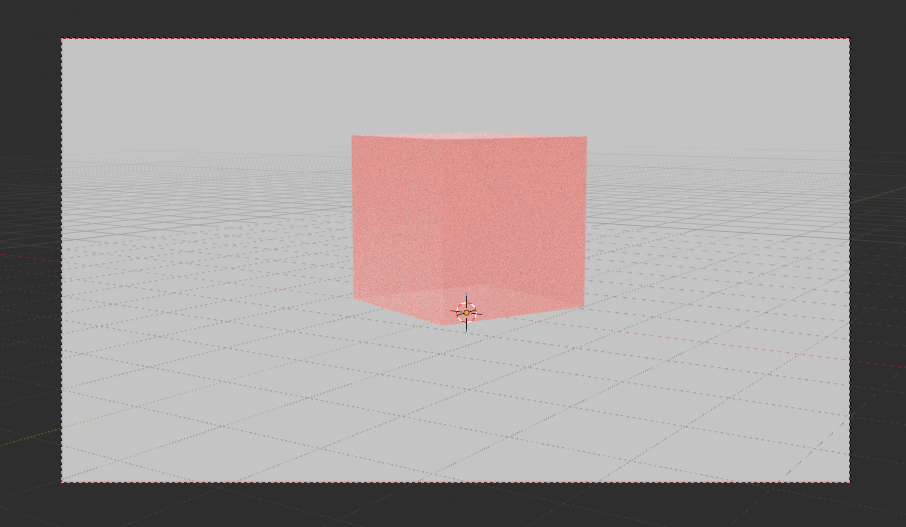
In one of the scenes, disable the ray visibility for the camera of the shadow-casting objects
And in the other scene do the same for the shadow catcher
Then mix the two scenes together in the compositor
Blender file for reference
shadow_transparent.blend (110.5 KB)
Thank, that seems to be one solution.
Yet I find creating 2 scenes and excluding shadow casting object a bit too excessive. Can become a lot of work if I have a scene with a lot of objects.
Will try if I can play with a single scene and use just the shadow catcher pass in the Compositor.
Maybe I am asking the wrong question. I think the first step is to understand WHY the shadow catcher blocks the environment behind a semi-transparent object. This seems such a basic functionality, I can’t believe Blender hasn’t solved that yet.