Hello Rudy. I just found this addon through AskNK’s channel. After reading this thread, and Gumroad, and your website, I still have a few questions regarding your addon. I am at most a beginner when it comes to texturing in Blender with nodes, and I’m mainly seeking an alternative from Substance Painter and Substance Designer for quicker portfolio renders.
Your addon lists as the main features " Pie menu with fast node tree building funtion, More than 40 effects, Bake function."
1-If we disregard the Bake function, am I correct to assume all these features are quality-of-life tools that anyone could customize themselves, or is there anything here that is actually not doable without your addon? For example, the grunges, masks and filters - are these all included in Blender by default, or are these alphas created by you from scratch and imported into Blender to build a library?
2-Are the pie menus and effect functions simply automating a series of steps that would otherwise be normally a hassle, much like HardOps or MachineTools do (mostly)?
3-Where can I see more about your Baker’s features? Can I bake from these nodes Alb, Norm, Rough, Met, Spec, AO, Emis, Transp all in one operation? Does it support features like different sampling, bit formats, padding, etc?
This set of tools looks super interesting! Hopefully I can get into it Thank you for your time and hard work.
HI, Thanks for making this add on. It’s really useful and easy to use.
A few things I think would be useful in the future versions if possible.
Ability to add your own grunge maps.
A simple switch inputs in the mix node, it fairly easy to do manually but a switch would be faster.
Would it be possible to save a set of nodes as a layer and then load them back in? Say you have a nice set up for rust. Instead of remaking it just reload those nodes as a layer?
Thanks,
Michael
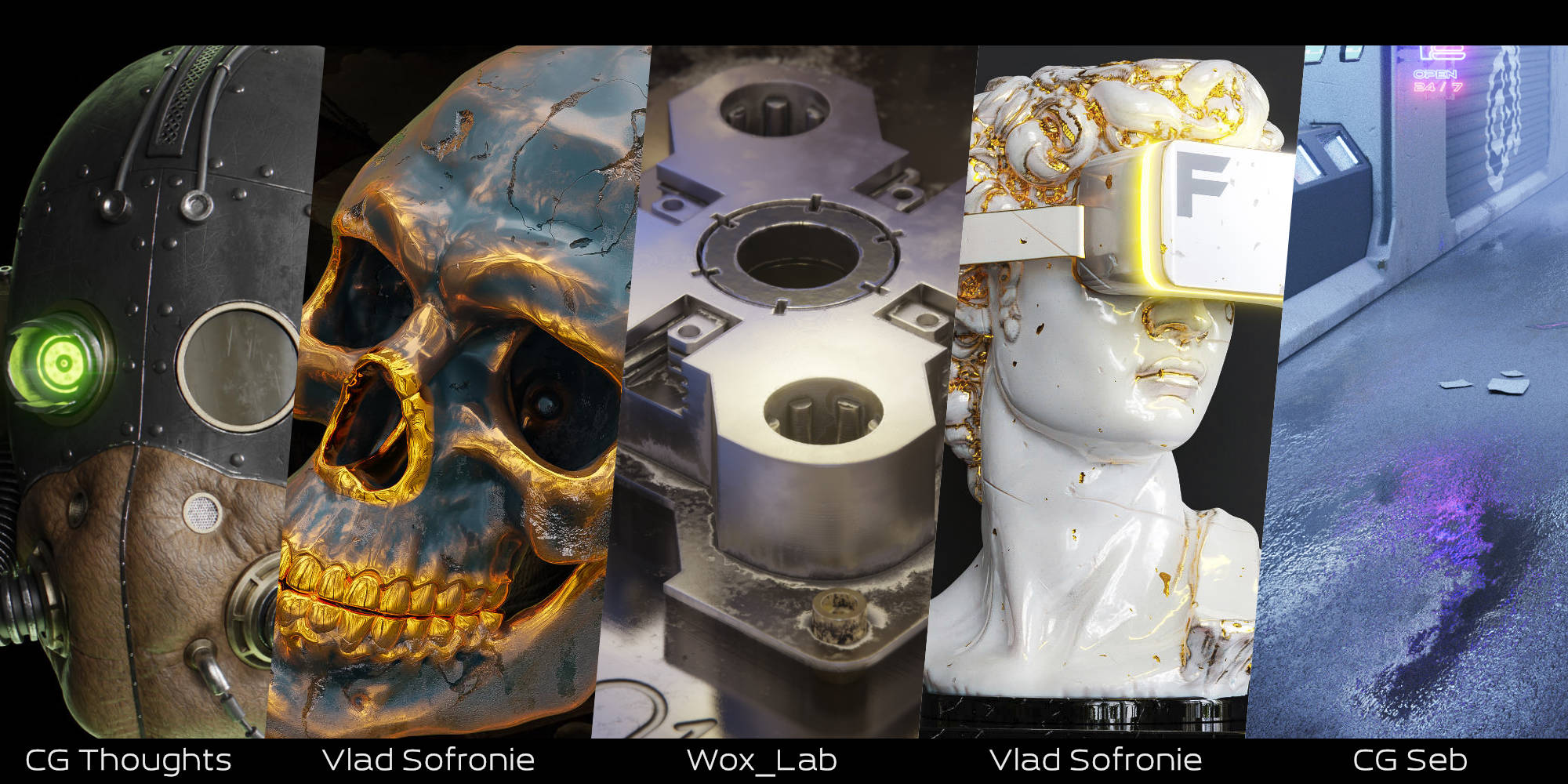
1- As I write it’s a procedural result. No images. It’s custom groups, result of tone of hours of research to make the best result as possible + special design to be use in a consistent workflow.
2-Yes it’s why we make add-on. A pie menu, automatisation, to be faster.
3-Currently export color, metallic, roughness and normal maps. One click. A lot of people speak about more map so I will add AO, emission, spec and transparent in the next update.
Thank you for your feedback Mash3d, I appreciate it.
Ability to add your own grunge maps.
You can use your own. The add-on propose a certain way of building the materials, then it doesn’t matter if the maps are from add-on or not.
A simple switch inputs in the mix node
Would it be possible to save a set of nodes as a layer and then load them back in?
I knew the question would be asked. No, it’s a choice. 4 points : A library addon it’s another job. With Blender 3 and the asset management it’s not interesting to spend time in a library system. I want to spend my time in the procedural nodes. My node follow a specific design to be stackable. You can use any custom map with the addon. The add-on propose a certain way of building the materials, then it doesn’t matter if the maps are from add-on or not.
But I will make more premade node tree like the “smart shader - 3 layers” in the pie menu
Rudy, could there be any conflicts with the demo scenes you shared in the purchase and detecting Fluent:Mat as an addon?
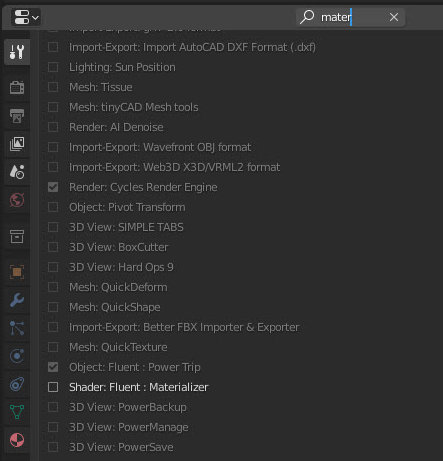
I open up your Shaderball-scene demo and Fluent disappears - the pie menu doesnt show up either if I press F. This does not occur in a new, empty scene. I’m using 2.93.1, latest version from Blender’s front page.
had discussed this issue with Rudy over at discord some days ago, in some of the demo scene files the addon is deactivated. Reactivating it did the trick for me. (Workspace / Filter Addons)
Thank you ByteC, I’ll check it out today. When you mentioned discord, did you mean you talked to him privately, or is there a server in which people gather to discuss this product ? If it’s the latter, could you link to it?


 A library addon it’s another job.