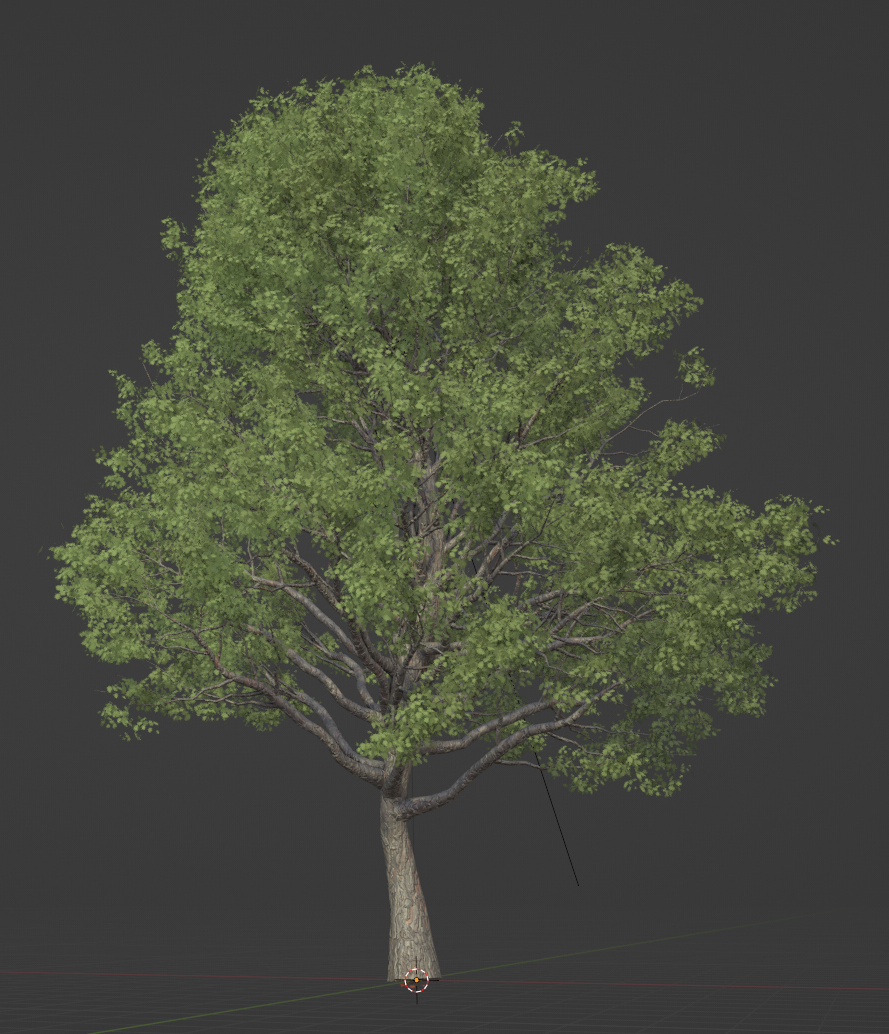
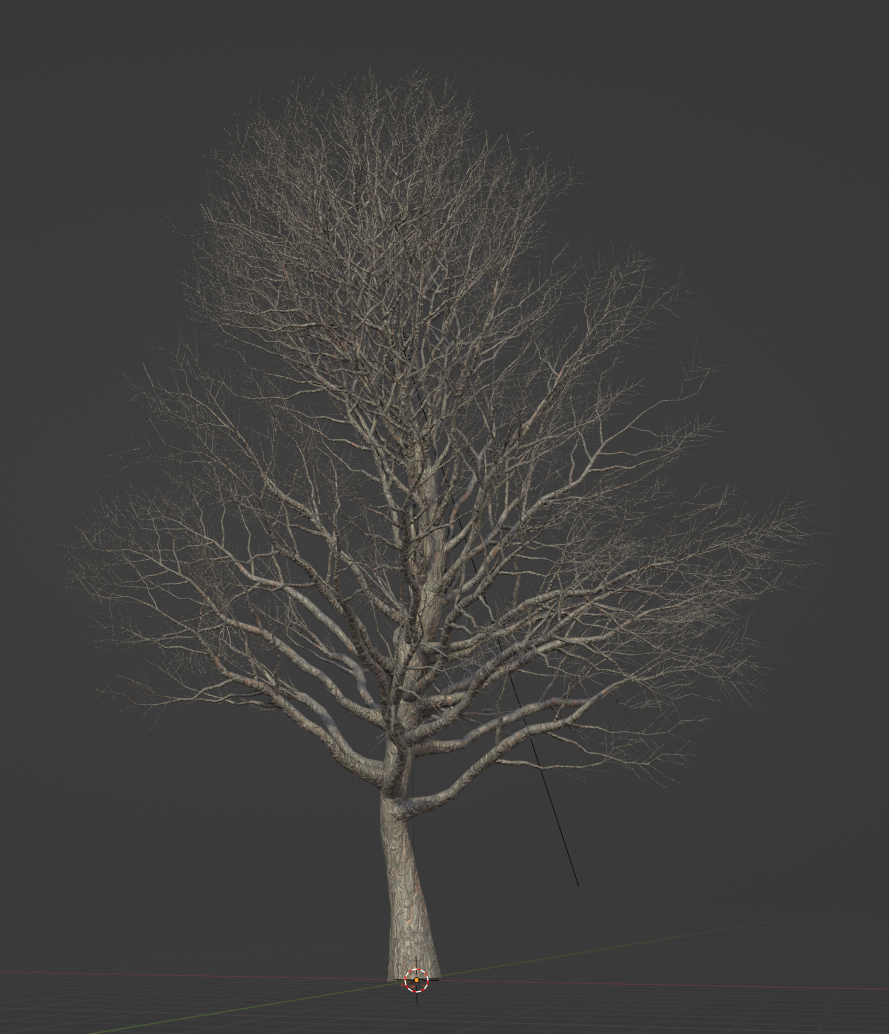
GeoTree: Procedural Trees in Geometry Nodes

That would be awesome :+1:
I am guessing currently it isn’t possible to generate uvs from a geo node setup base? It has to be done manually, right?

Also would it be possible to be able to use a collection when scattering alpha masked tree branches? I think adding more variety to the branches will also add more realism too.

Im pretty sure any geometry generated therein can be UV mapped. I just have to, uh, you know, actually try to figure it out.

I’ll do it, I swear!

1 Like

Yup. It’s all just a matter of basic instancing. It should pop a branch on every spawn point.

1 Like

Thank you, mate :pray: I am very grateful. :pray:

That is awesome. Thanks a ton. :slightly_smiling_face:

1 Like

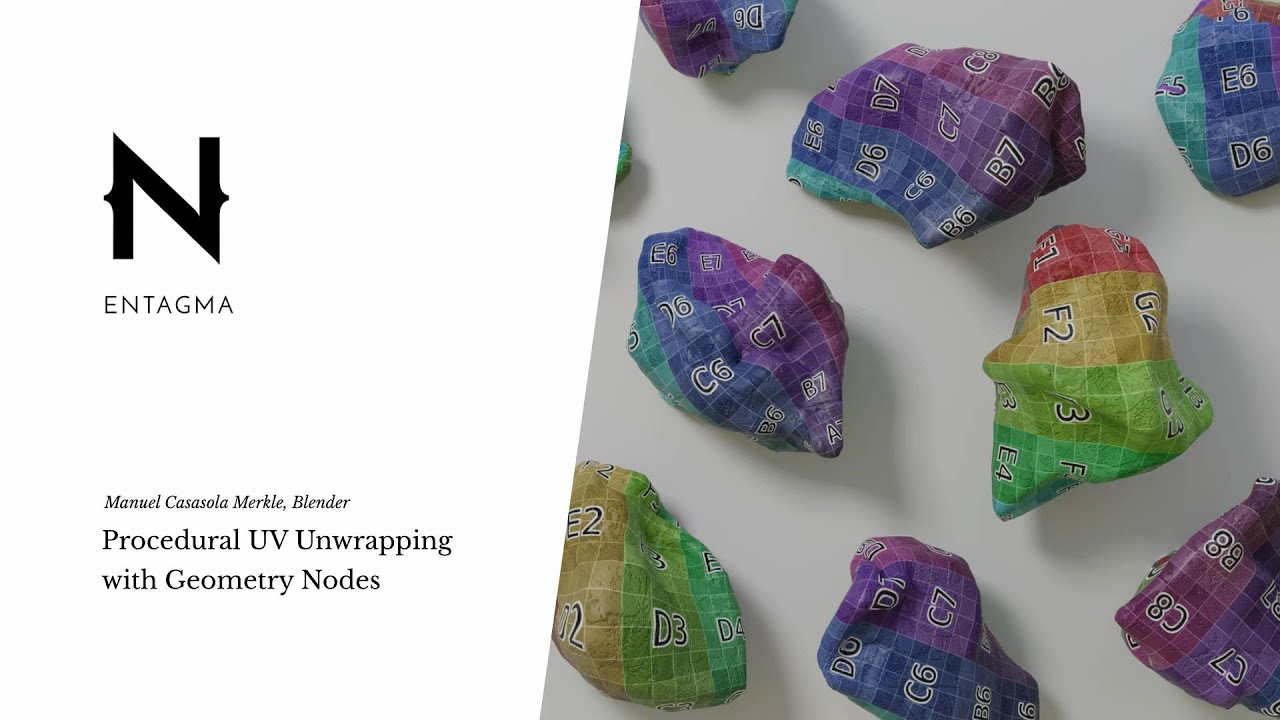
Okay, I’ve done a very inefficient version of a UV unwrap based off a method presented by Entagma. It’s basically splitting the tree in half on a single axis, and laying out the resulting sides of the tree side by side on the UV grid.

It works, but it’s not exactly good for maximizing texel density.

There are a few other options I can try. Like breaking the Uving down to it’s constituent parts, so you’ll have one tree trunk, then the branches, limbs, and twigs are all copies of the same textured object spread out about the tree. This’ll provide more texture space for the individual parts, and PROBABLY won’t notice the repetition.

I’ve also discovered a couple of errors in my tree nodes that need fixing. I’m thinking about going back to the earlier layout, where each part had it’s own node. It’s easier to manage that way.

Or I could keep the trunk, branches, and limbs on a single node, then separate the twigs and leaves. Hmm.

3 Likes

It’s not quite UV ready yet, but I did some cleaning up on the trunk and limb node, and made it a little more flexible in places. I also cleaned up, and added back in some node entries I cut, and forgot to reapply. It should be very slightly easier to use now.

…though I probably should consider writing up some documentation at some point, since there are some things you should keep in mind when playing with the various radius settings in order to keep things nice and tidy.

Next up, I’ll be working on the Branch node, cleaning it up in much the same way, and then attempt to make it UV ready.

GeoTree_v0.582.zip (941.8 KB)

Now capable of some oak action!

15 Likes

Awesome work man!!! Looking great. Thanks a lot :slightly_smiling_face: :pray:

I should have something for you by the end of the week. Right now, I’m doing some node work on the trees for things I’ve put off for a couple months now. Once I get that done, which should lead to better looking, easier to manage trees, I’ll set up the UV work.

If you want something to work with in the meanwhile, then watch this. Attach the set up you learn here after the 2nd tree node, and you should be good to go.

edit: I HAVE ACHIEVED MAXIMUM TREE! I now have a nice setting that allows for big, adjustable branches near the base of the limb, while keeping the branches at the end nice and tiny.

NICE GNARLY OAK TREES ARE WITHIN MY GRASP!

5 Likes

Wow!!! Thats awesome man. I think I will wait. No pressure.

Looks very realistic :slightly_smiling_face:

1 Like

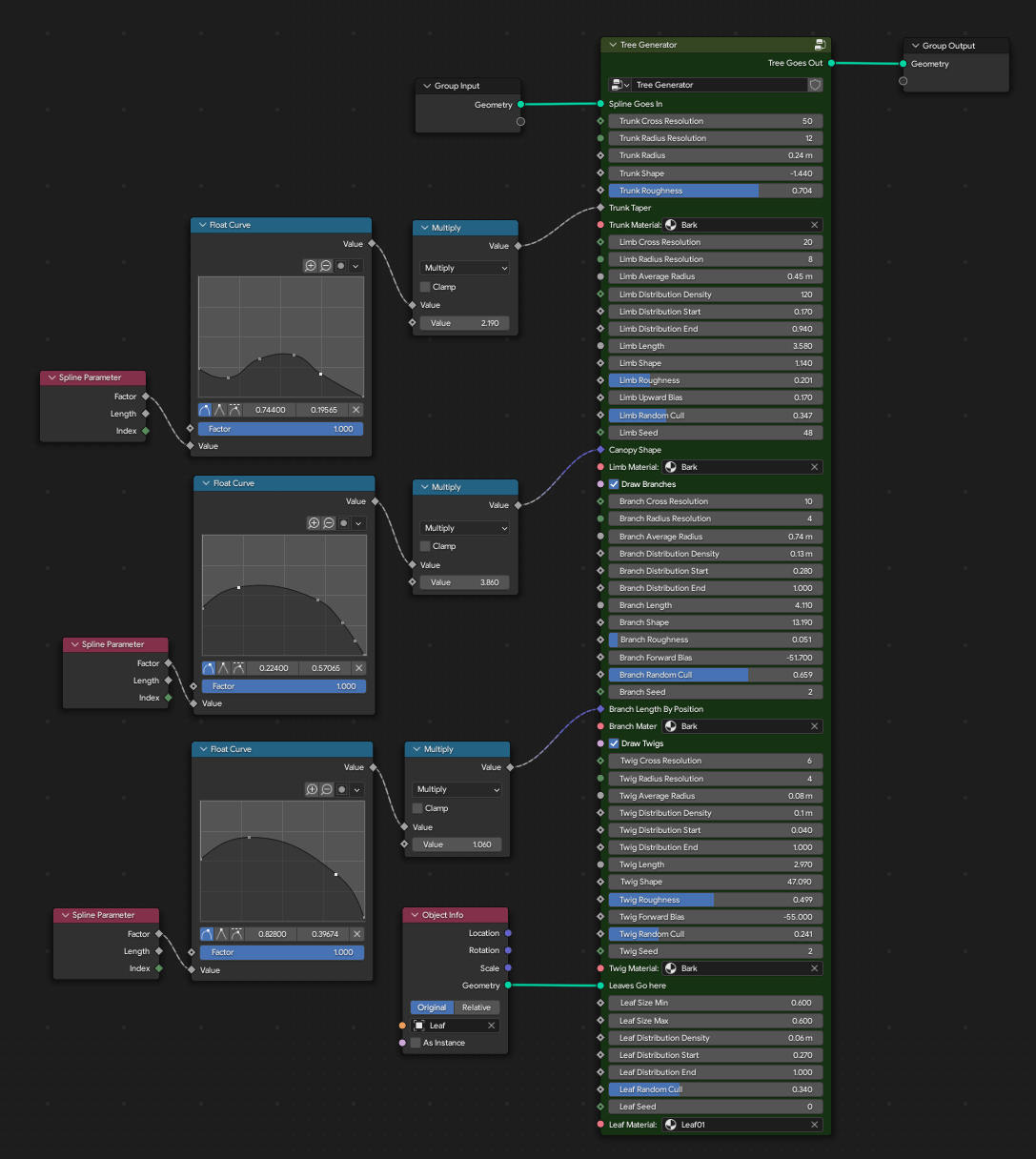
Introducing GeoTrees 0.6! Basically, this is me cleaning up a TON of errors I’ve made, combined the entire thing into a single, hopefully easier to understand node, and added in a few more options for your tree tweaking needs.

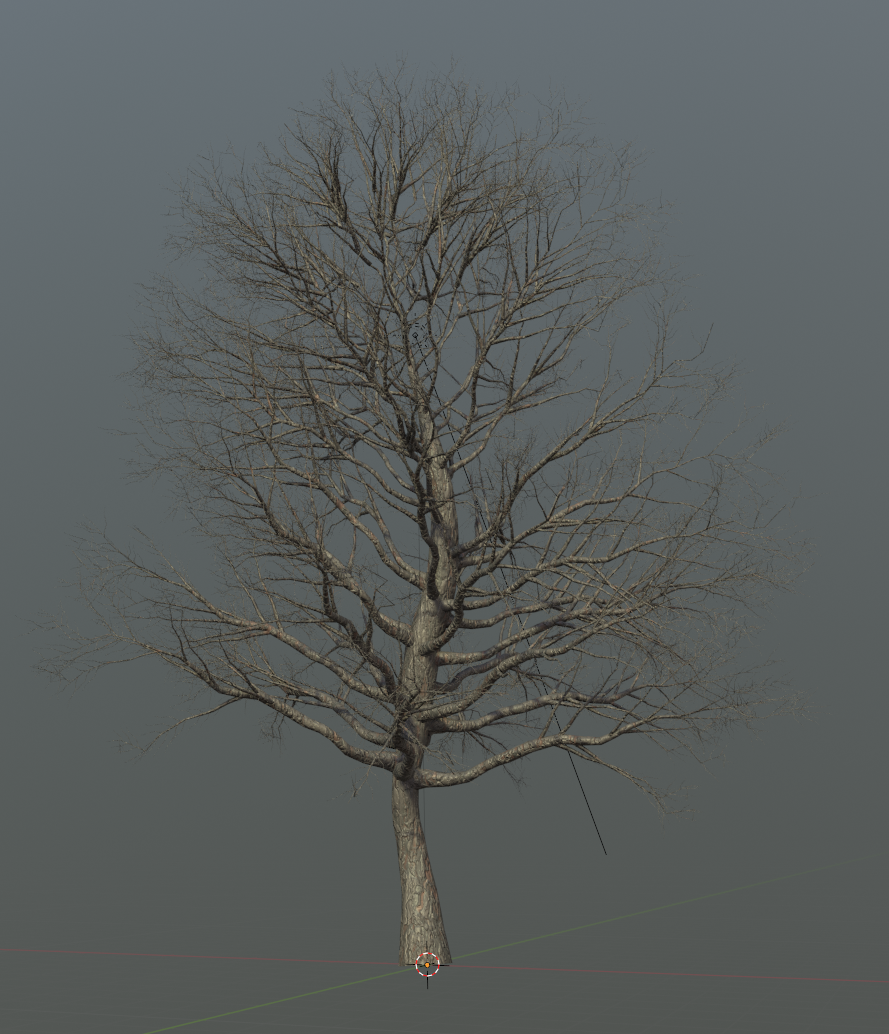
My one major goal has been to replicate that spidery, wispy look bare trees have towards the ends of their limbs. To some extent, I think I’ve now finally succeeded. It still has that procedural geometry look, but it’s the closest I’ve yet been.

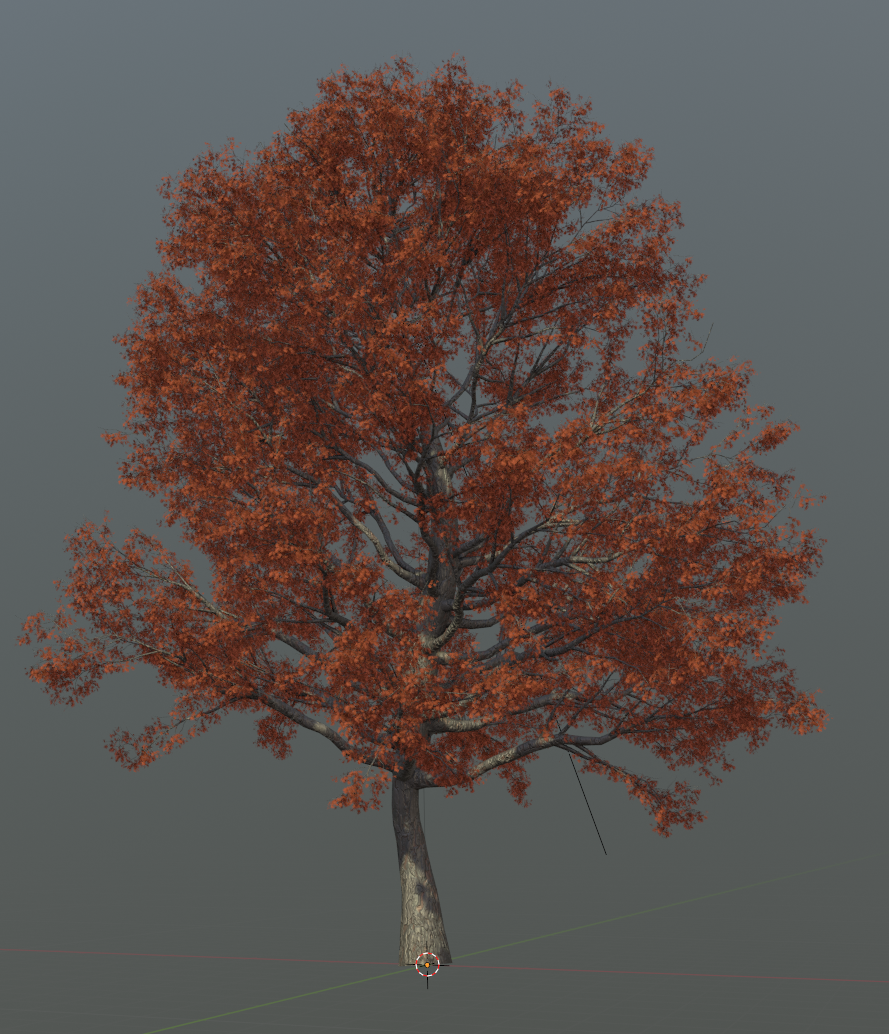
And it looks even better with leaves!

Next up: UV maps!

After that, I’m going to add in more gnarliness for the limbs, then I’m going to try and set it so that lower limbs can produce even larger branches. Really, more granular settings overall will help me out tremendously. Once that’s done, I’m going to see if I can get the node tree to respond to forking splines a little better.

So, without further ado…

GeoTree_v0.6.zip (661.6 KB)

16 Likes

Another update. This one relatively small, though still something I’ve been wanting to do for a bit.

I’ve added two new entries to the Limb section of the node: Crown Start, and Crown Upward Bias. Limb Upward Bias has been rejigged a bit as well.
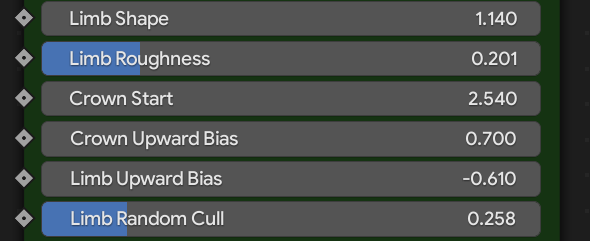
Screenshot from 2022-10-19 21-10-33

Crown Start is probably the most difficult to explain, but fairly easy to understand in practice. Basically, you set a position along the trunk that determines where the branches that make up the crown of the tree, those that tend to grow upwards at a sharper angle relative to the older limbs, begins. 0 is the base of the tree, which assumes that all the limbs are a part of the crown, and will be equally influenced by the Crown Upward Bias entry, acting indistinguishably from the regular Limb Upward Bias entry.

It runs from 0 to 5, with 2.5 being the center of the tree, where the limbs on the upper half of that number will be influenced by the Crown Upward, while everything below it will only be influenced by the standard Limb Upward entry. at 5, nothing is, of course, influenced by by Crown Upward.

…now why it’s 0.0 to 5.0, and not, say, 0.0-10.0, or 0.0 to 1.0, I have no idea. The reason for that particular number is currently something of a mystery to me, and will no doubt require further tweaking later once I experiment with it a bit more. If you want to hold it against me, keep in mind that I never once claimed I was a programmer, so legally you can’t sue.

Limb Upwards will also override Crown Upward as you push it towards the extreme upward end of its slider.

This allows a bit more flexibility in shaping you trees. From nice and natural…

To what the hell kinda goofy ass tree is this…

This shot should help you better visualize exactly what it’s doing.

Get it here!

GeoTree_v0.61.zip (613.9 KB)

Next up: figuring out how to cast limbs in a downward direction without ending up with an untenable mess.

9 Likes

Just a suggestion (I don’t know if it’s “stupid”):
can’t you leave the “crown start” in the 0->1 range and inside the node group make a multiply by 5?
Anyway, if you can add a tooltip specifying the 0-5 range meaning could be also useful.

In any case it’s up to you so make as you prefer :slight_smile:

1 Like

I originally set it up just like you said, and limited the amount of scaling from 0 to 1, but then I did some further experimentation, and realized that the range is actually being determined by the overall length in the spline according to it’s size on Z, and not a raw percentage.

So now I somewhat know why it was using that seemingly arbitrary number, though I’d much rather it be based upon a percentage of the spline as a whole, for the sake of easiness. So, back to the drawing board on it.

…and yeah, I should be using the Tool Tips. I’ll add them in for the next update.

I don’t know if this bug was fixed in a recent update, but as far as I know, custom tooltips only show up in the modifier panel, not the node editor. :frowning:

1 Like

Yes, just tried with 3.4, still the case.

2 Likes

Yup, just tried it myself. Either it hasn’t been properly implemented yet, or it’s only intended to work as developer notes. Kind of a shame.

And I imagine that you can’t retrieve that spline lenght…correctly?
Otherwise you could use that to “rescale” the range.

Anyway, I’d like to do my congratulations as you’re getting a great system that outputs great results.

1 Like

Right, because it’s not actually basing the calculations off any spline parameters, rather it’s rotating the various instances after they’ve been placed. My confusion initially stemmed from me assuming that it was gonna use a float to determine the positions, but it didn’t, and I ended up sorta confusingly stumbling upon the solution from off to the side.

Basically, I have to figure out what factor makes 2.5 the center point of that tree. If it were going by units in world space, it’d be around 10. If it going by the length of the spline, it’d be 0.5. Maybe it’s based off the number of resample points in the spline itself, and that’s currently 50. 5’s divisible from that by 10, so maybe that has something to do with it. But no. If I stretch the tree upwards, the center point becomes 2.8 or 3.

…eh, whatever. I got it to work, and that’s what’s important. I’m sure there’s some very obvious reason how it’s deriving that number, but until I figure out why, we’re just gonna roll with this.

But hey, thanks for the complement. As you can tell by my process above, it’s something of a small miracle I’ve got this far. :stuck_out_tongue:

First real attempt at a procedural UV unwrap. It’s not vastly different than what I tried before, just a bit more organized. Originally, I wanted an individual unwrap for each constituent part, but that didn’t work out too well. It’d require a considerable amount of reworking my node tree to achieve, and the obvious repetition would moot the effort. Instead, I used UVPackmaster to align as many similar islands as I could, then packed them together to maximize UV space as much as possible.

…and a close up shot of the bark texture itself. I have it set to tile x3.

edit: Just made a neat discovery. If I capture the normals from the trunk, and apply it to the limbs, it blends them all together perfectly, saving me from having to find a way to combine the entire tree into one contiguous object for maximal smoothness.

…wonder if there’s a way I could capture certain sections of the limbs, create a vertex group, then steal the normals from the trunk.

6 Likes

Since I’m probably not going to be able to work on this for the next few, I figured it’d be a good idea to upload the UV update for anyone interested to play with.

Since Geonodes are weird about it, if you want to export the model to another program, like UE5, first, select the tree, convert it to a mesh, then go to the Object Data Properties tab, scroll down to the Attributes entry, and you’ll see the treeuv entry. Select it, then hit the little down arrow to the right, and hit Convert Attribute, and switch it to UVMap. That will expose all the generated UVs to editing.

Grab it here:

GeoTree_v0.62.7z (4.7 MB)

Tree bark material source:

11 Likes