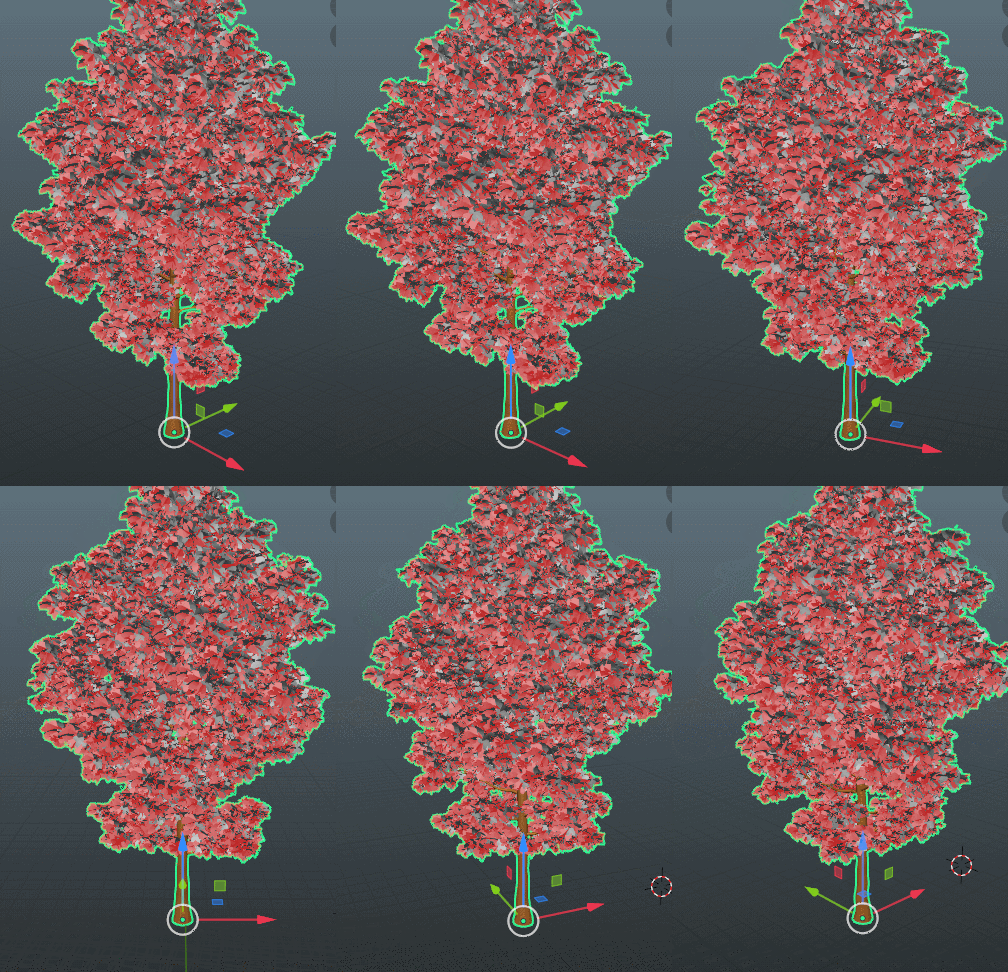
It SHOULD be able to. It won’t work by default, but if you jump into the Tree Generator node, go to the Limb Axis node, and screw around with the settings I use to control the upward bias of the limbs, you can get some nice dropping pine limbs that way.
What it really needs is a point towards the center where it goes from a downward bias to an upward one the closer you get to the top of the tree. You can do that now, though it’ll take a bit more futzing with the nodes to get it just right.
Yeah, it is. When you’re looking at the geo nodes, select the Tree Generator, and hit the TAB key. That’ll take you into the node itself, where you can play with all the various settings.
I tried to make it as coherent as possible, but it’s still fairly confusing in there. To help orient yourself, look for the big green nodes. Those are your Axis points, basically the hub for the various parts that branch off from the trunk, to the limbs, ect. You have the Root Axis Node at the very top, and the Branch Axis node at the bottom. The line running through the center is responsible for the various bits of the trunk.
The branch generator is much the same, spawing the branches off the limbs, the twigs off of the branches, and the leaves off of that.
Think of it as a fractal generator, and you’re about a 3rd of the way there. Each part is an iteration on the part before, with the trunk being the starting point.
Hop back into the Tree Generator, and go back to the Limb Axis. See the field for Radians in there? What I’d do is set to 0.0 then cycle through it with the right arrow, upping it 0.1 steps.
I find that 0.2 looks the most natural to me.
You can also raise the Limb Random Cull a bit, and cycle through the Limb Seed to get some more variation.
I’m not at the computer right now, so I can’t give you the exact details until tomorrow, but I believe all you need to do is select your tree, and convert the curves to a mesh.
And don’t worry about asking me a ton of questions. That’s what this thread is here for.
It is. I’m using the fantasy tree generator bark texture (which I need to credit that guy for), and I have it set to either object or generated mapping coordinates.
That said, you should be able to get UV coordinates out of it somehow. Problem is, I have yet to try, so I can’t tell anyone exactly how.
Unfortunately, I don’t think modular tree leaf distribution is as good as yours tbh especially if you are scattering alpha masked branches on tree branches instead of individual leaves.
The canopy doesn’t look organic and natural and in most cases, you are better off placing the alpha masked branches by hand. Your leaf distribution when used with alpha masked branches which is the technique used for game engines is better unless I am doing it wrong.
I am hoping to use yours for some trees and see how they look in ue5.
That’s something I’ve actually been wanting to experiment with, but keep getting sidetracked by other stuff. Given that my trees are just reiterating the same basic branch object over and over again, it should be able to distribute an alpha masked branch and leaf setup just as well, and probably save you at least a good 30,000+ tris in the process.
I also need to find a way to spawn a smaller branch off the tips of the limbs and branches. That would, by itself, add a ton of realism to the trees.