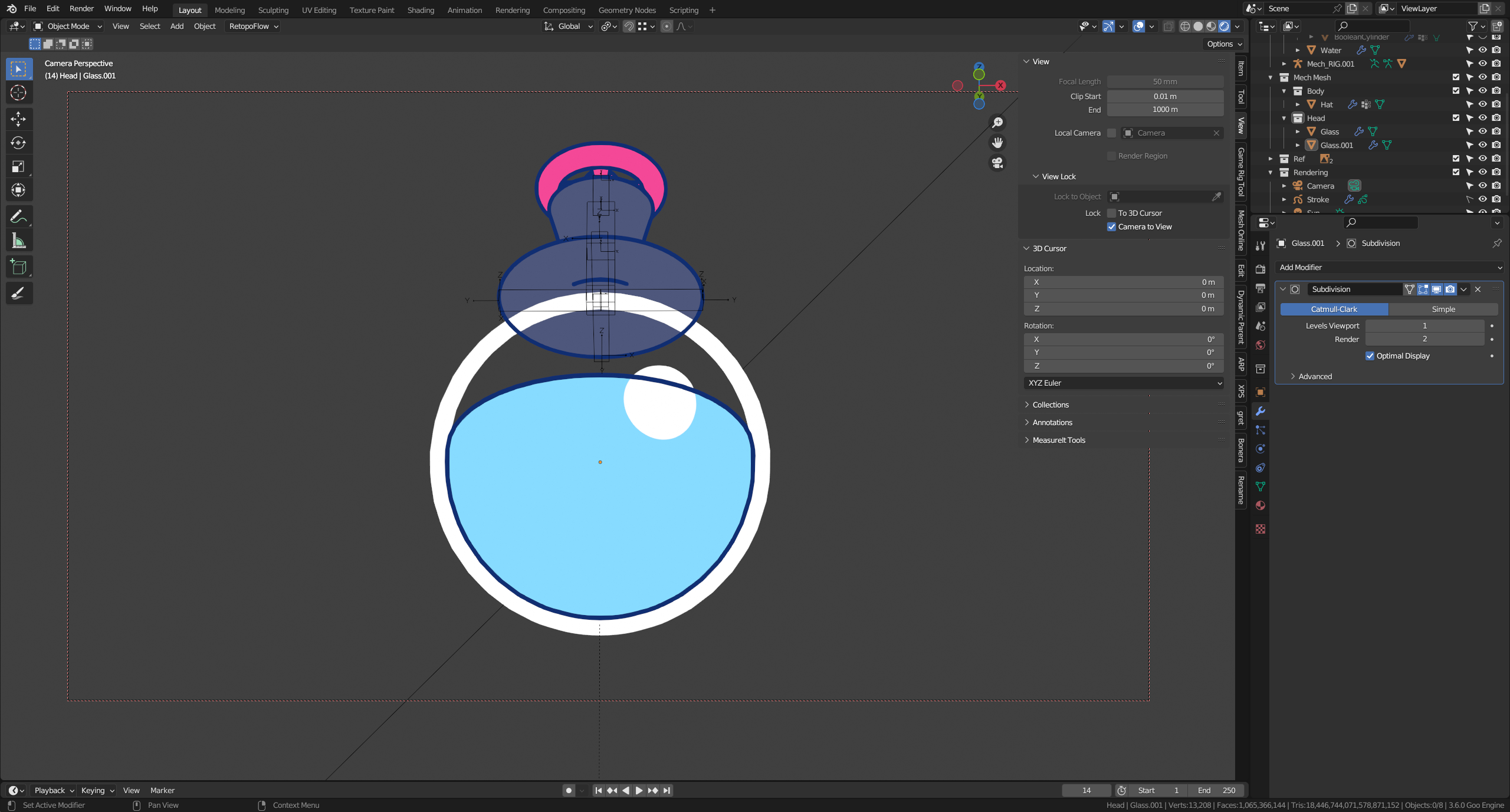
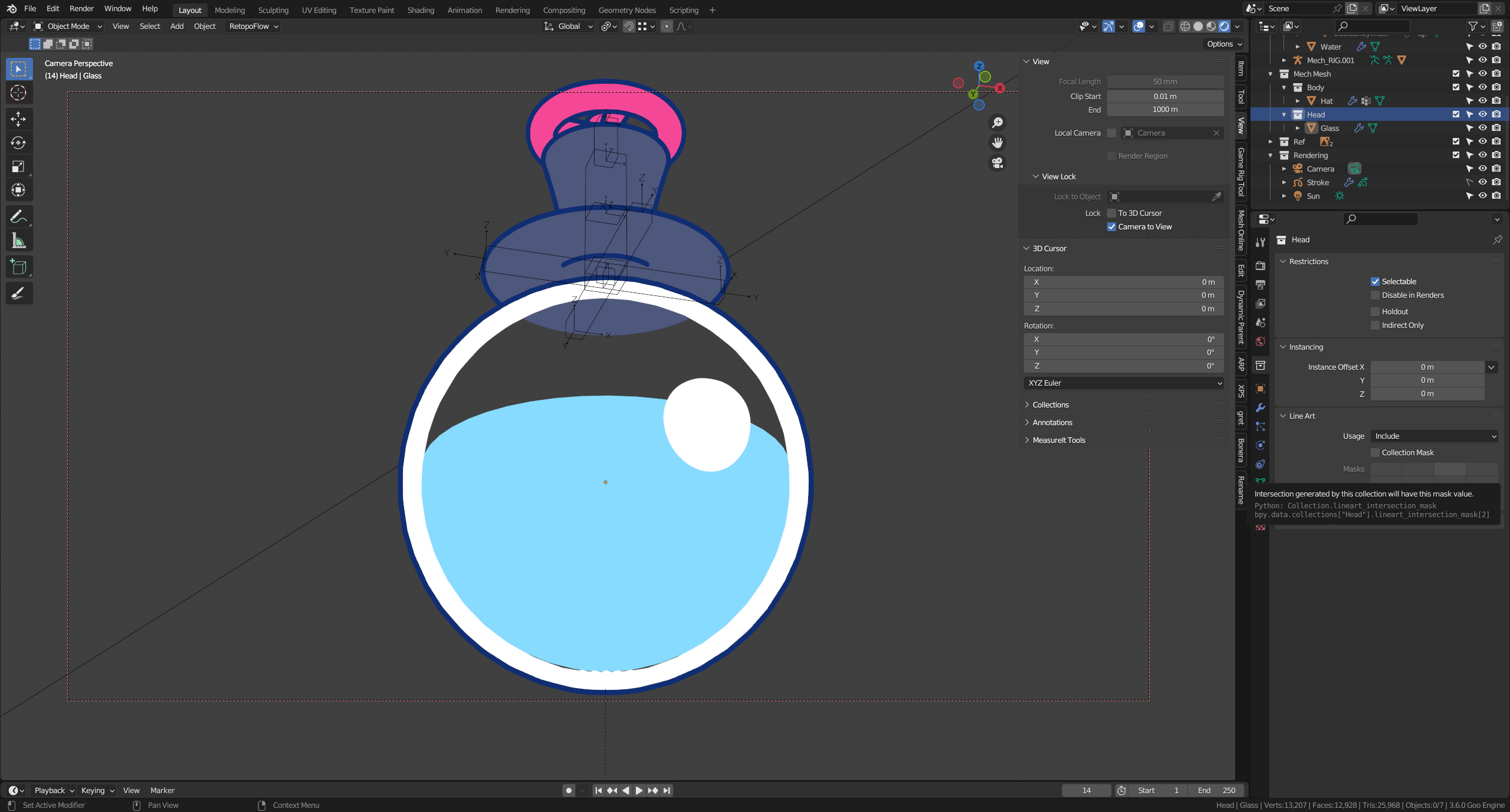
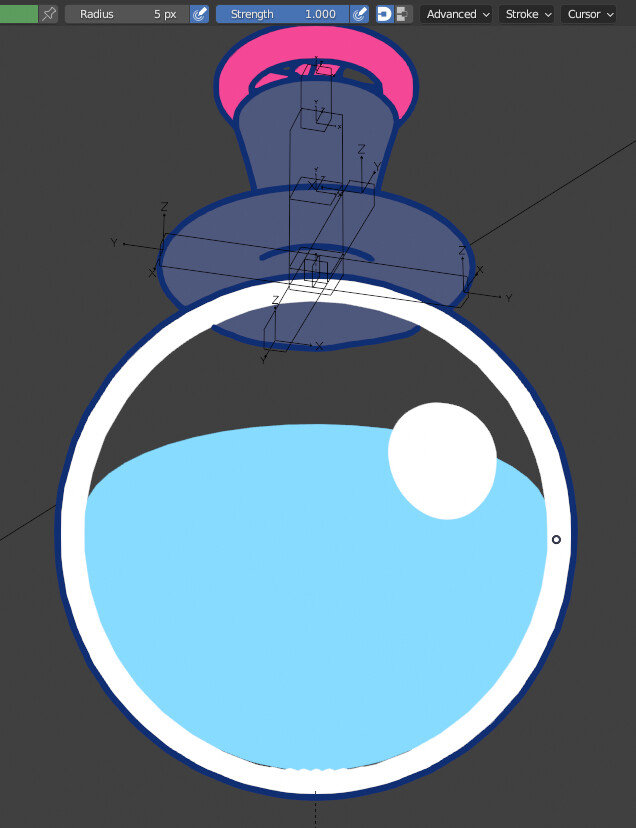
Hello, I’m trying to get lineart to show behind this stylized glass sphere. I need the hat to show lineart even if behind the glass, but not in front of the fresnel.
I’ve tried the method outlined in this post here: Show grease pencil behind transparent plane
Where putting the object in question in a separate collection and excluding would allow the lineart to show, but this causes another issue, which is that it also removes the lineart of the object I’m trying to see through and also generates the lines in front of the fresnel:
Thanks, but the first link you gave is the one I mentioned in the first post. Second link goes over the same thing but also mentions baking, which I cannot use since this is an animated and deforming mesh.
How would I render multiple passes in the compositor in this case? Genuinely never used it before and am only familiar with a few things like the mist channel and UV passes.
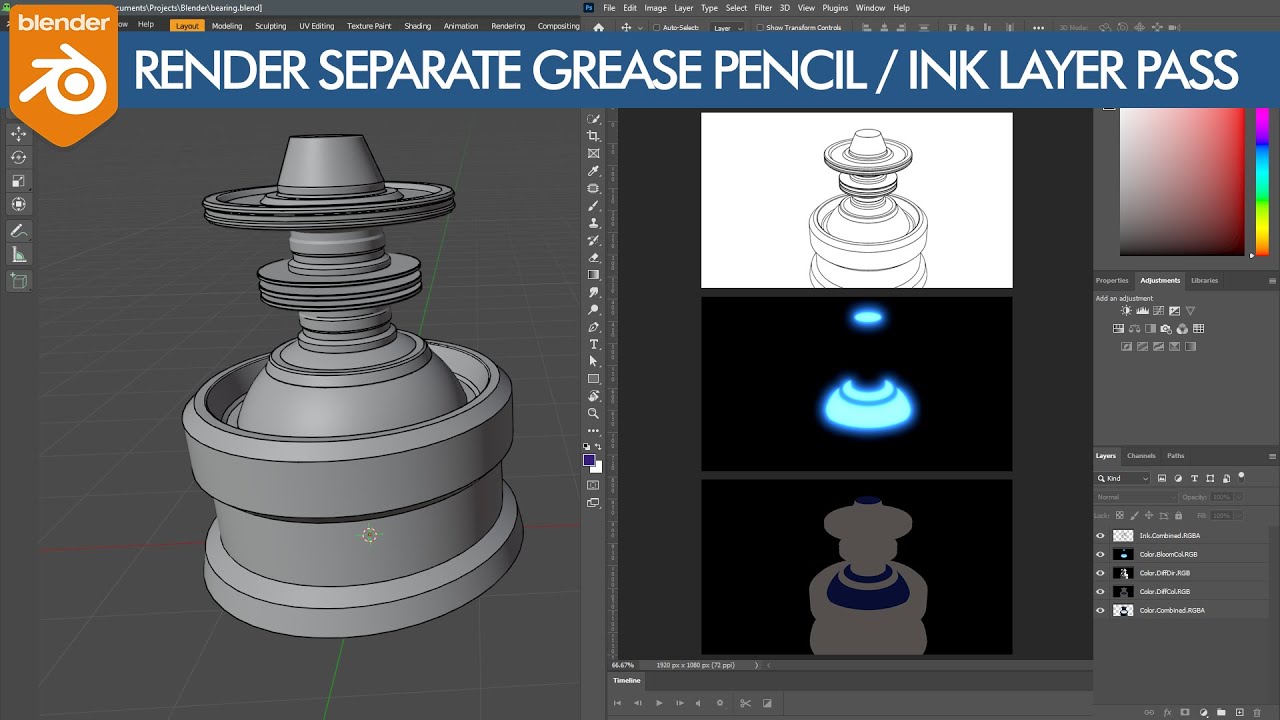
Here’s a couple of tutorials that explain the basic process. The first is targeted toward glow, and photoshop, but the process for setting up the layers is the same.
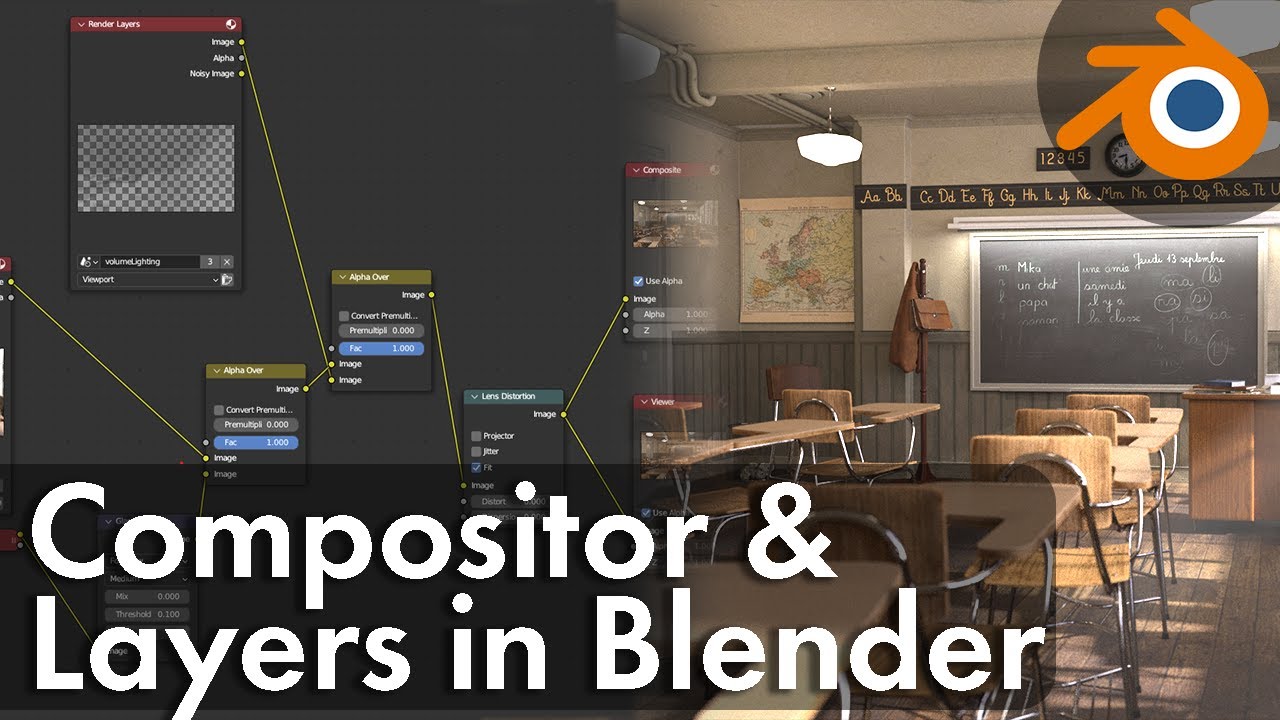
This one will go into specifically into how to work with the blender compositor.
Between both of those, you should be able to get the result you’re after.