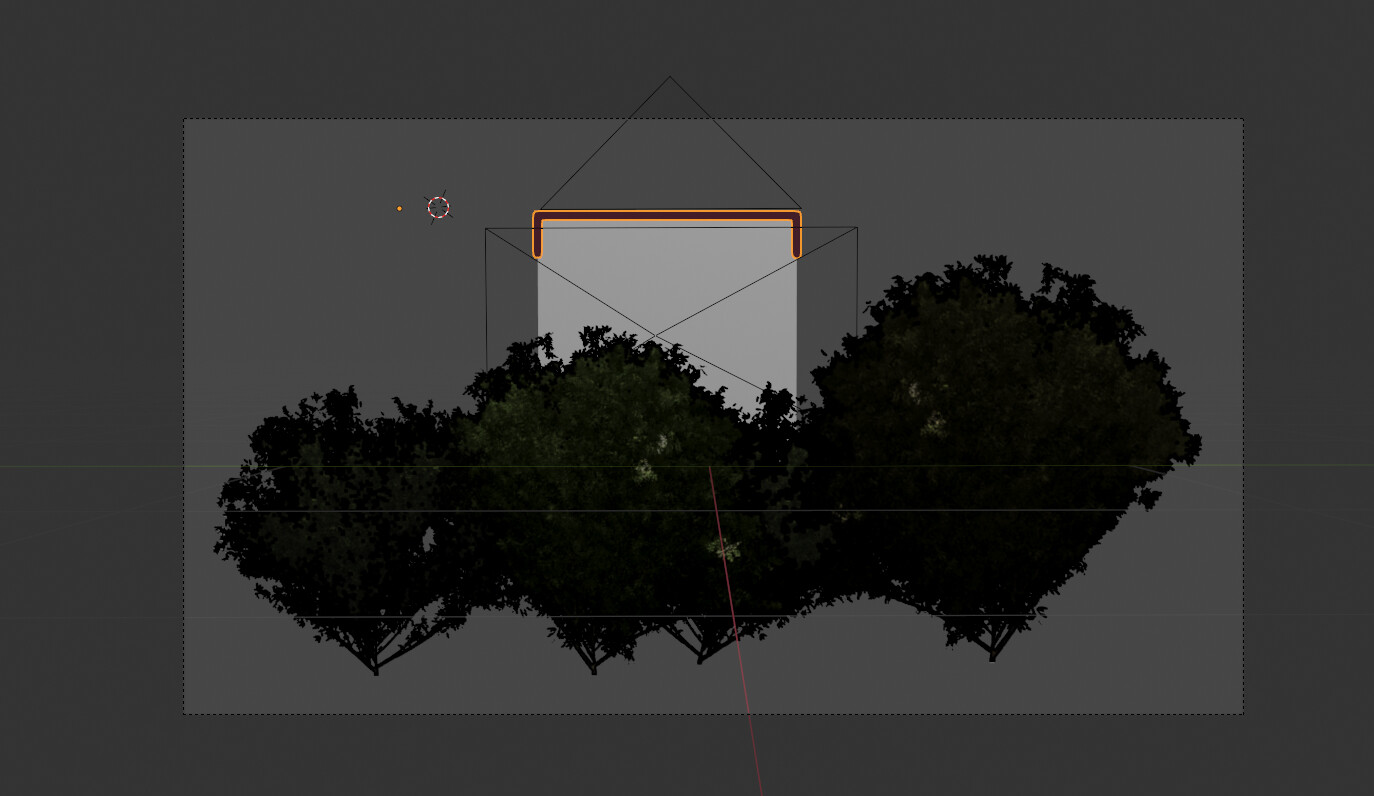
I tried to place an mesh behind a transparent plane. The object in the background should have grease pencil modifier. But its not possible, to see the complete lines, but only the ones that are not behind the plane. For example:
No. GP Object with Line Art Modifier has by default its In Front option enabled.
If you disable it, GP strokes will not appear above textured plane.
They will not be cut by alpha of texture. But their lower part will be occluded.
That’s right. But as I understand him right, he wants to have outlines masked by texture alphas. And that’s currently impossible by default. You’ve to render it in passes and do it in a compositor.
Ok.
I forgot to precise that you have to change Line Art properties of plane to Exclude and enable Z pass in View Layer properties.
But that should work for EEVEE.
And if it is not problematic for animation, it is possible to convert GP object into a Beveled Curve.
A Curve object can be rendered occluded in both render engines.