Hello
You want to create mesh easily with perfect scales and alignment ?
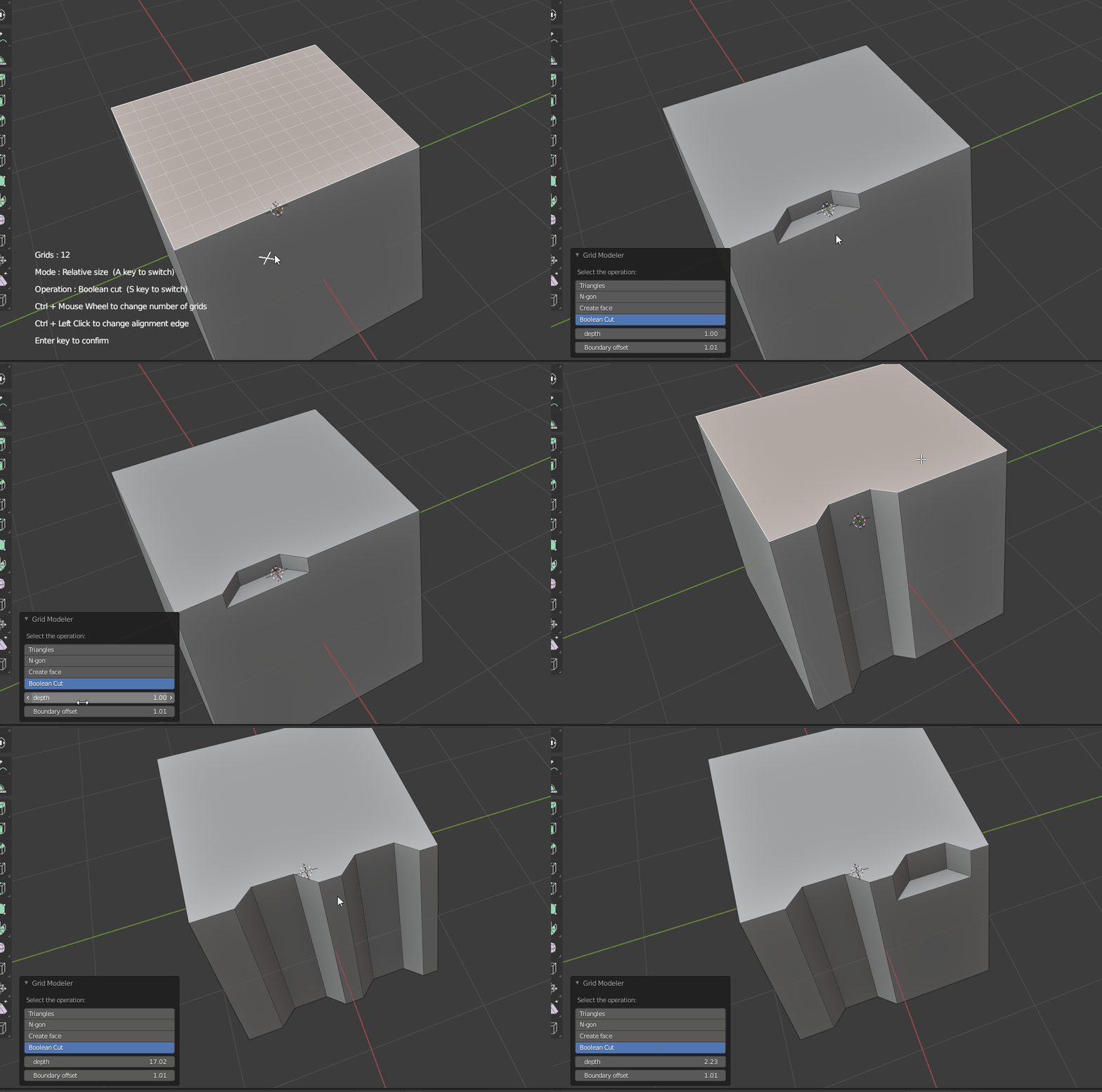
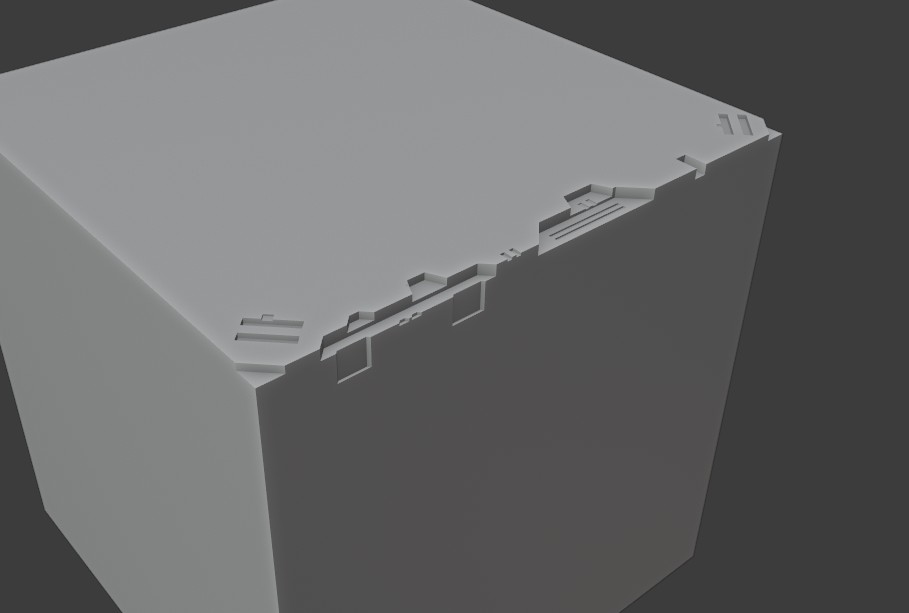
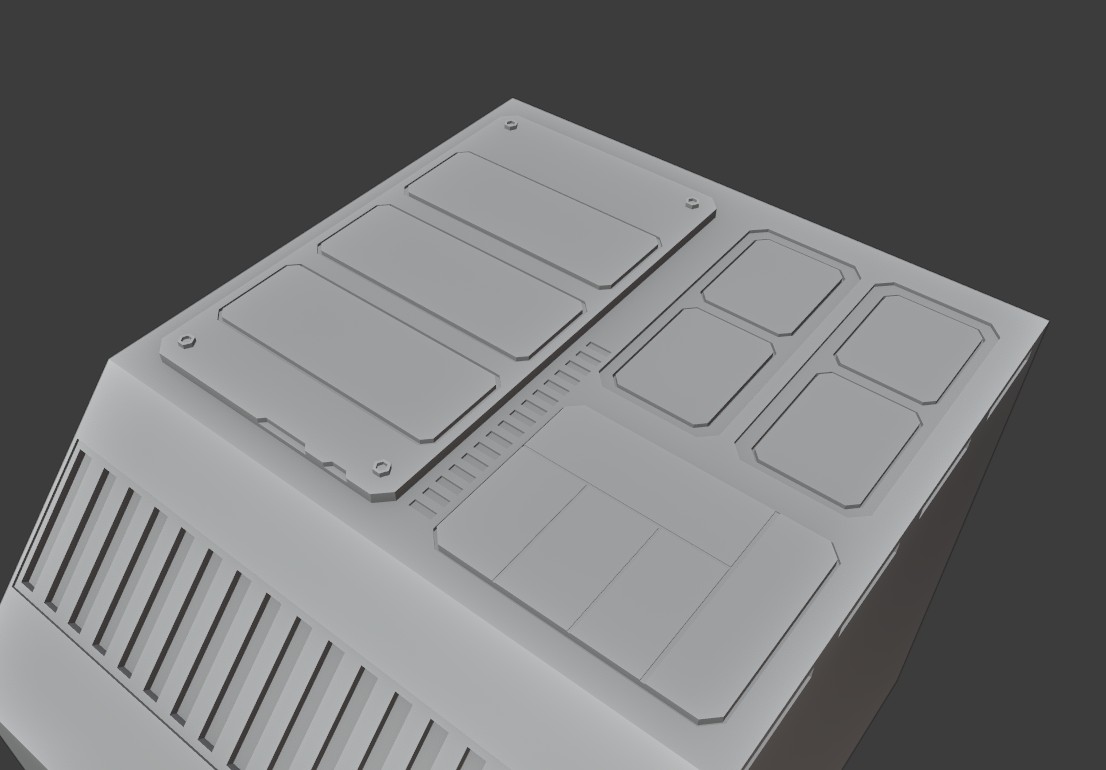
This new addon let you draw shapes on the grids !!
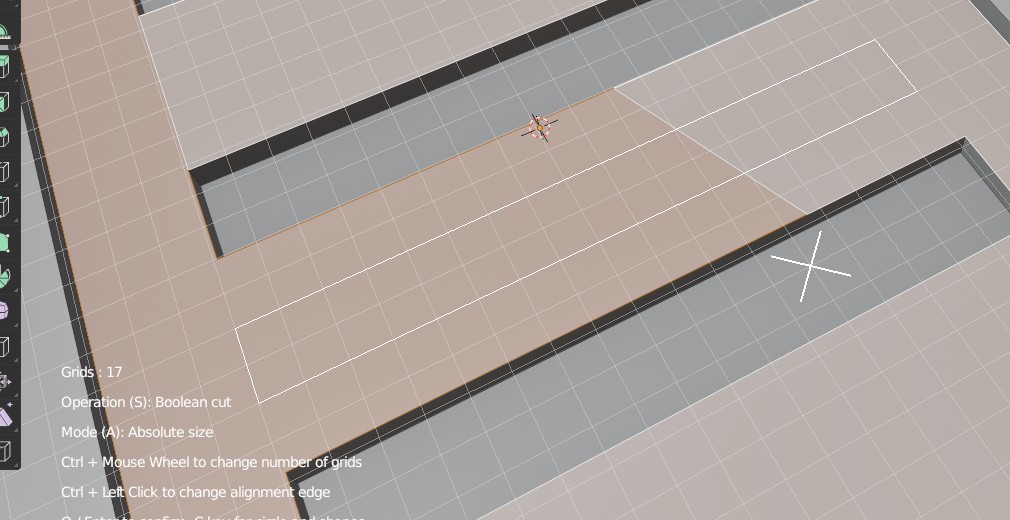
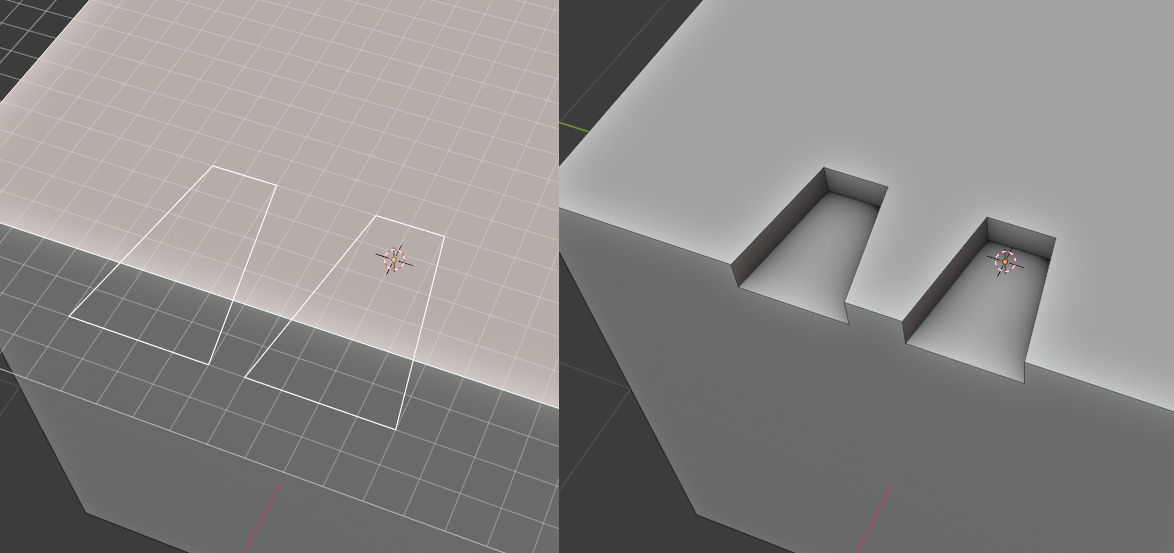
This tool show snapping grids and you draw shapes,
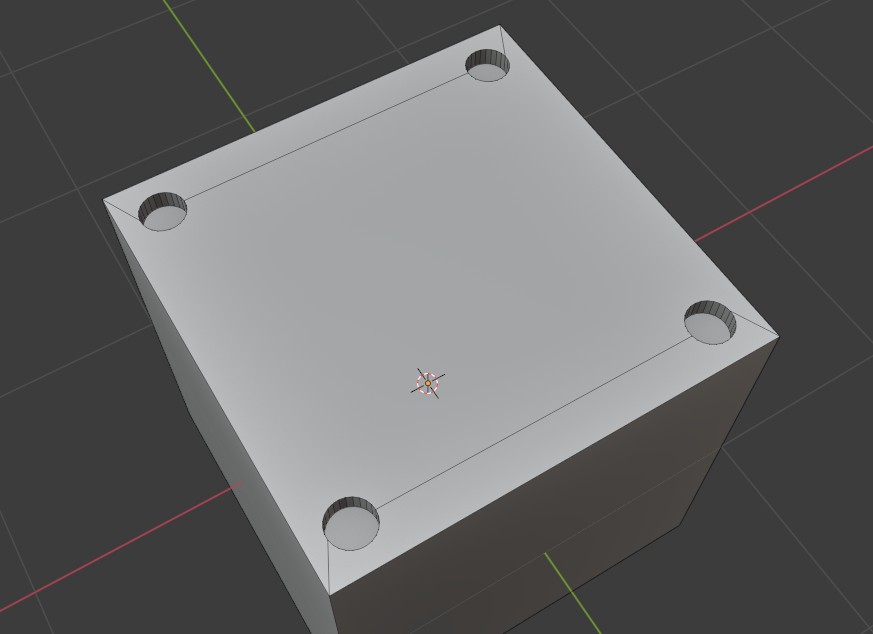
then Boolean Cut / Boolean Slice them ! You can also create new face !
Is it possible to use the grid to add and align meshes? Or maybe it’s a planned feature?
It would be cool if users could to use the grid to perfectly position objects/meshes/shapes…
It would also be cool to use the grid with curves (or with Flexi Bezier Tool)
I will consider this, it is not a complex function to write, but the workflow must be well designed (how to select other objects, how to select alignment edge, then how to select grid, the orientation when pasting, etc etc…)
I will try to make curve !
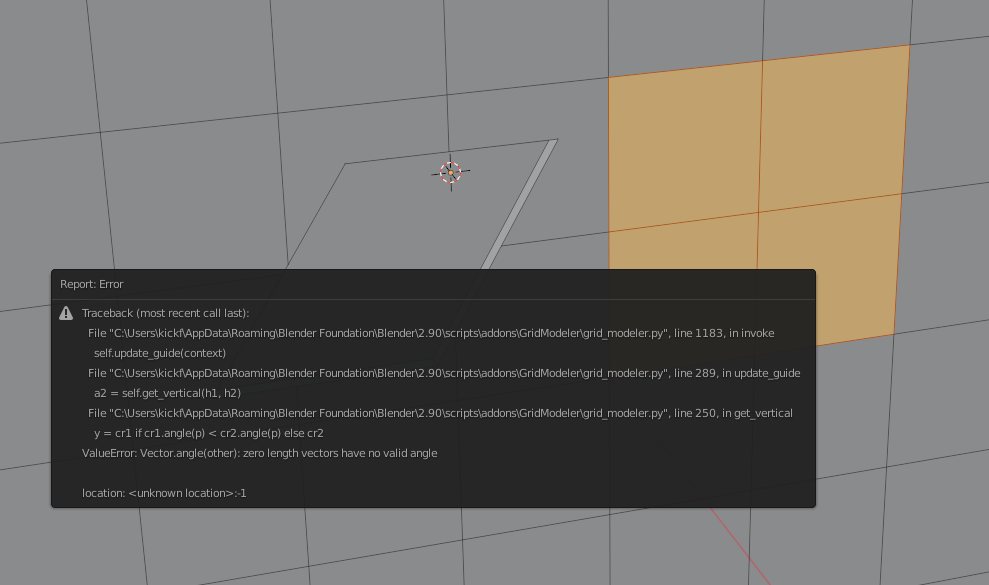
I found a bug or something odd in this situation below. I can’t seem to stop or i have to end where i started to cut i guess? Also it leaves “corrupt” or floating geo/invalid geo left over then.
I see, it is known issues. The blender’s fill faces api is not good for all cases… Please try “triangles” fill mode, or create new face mode. (update to latest 1.2.0)
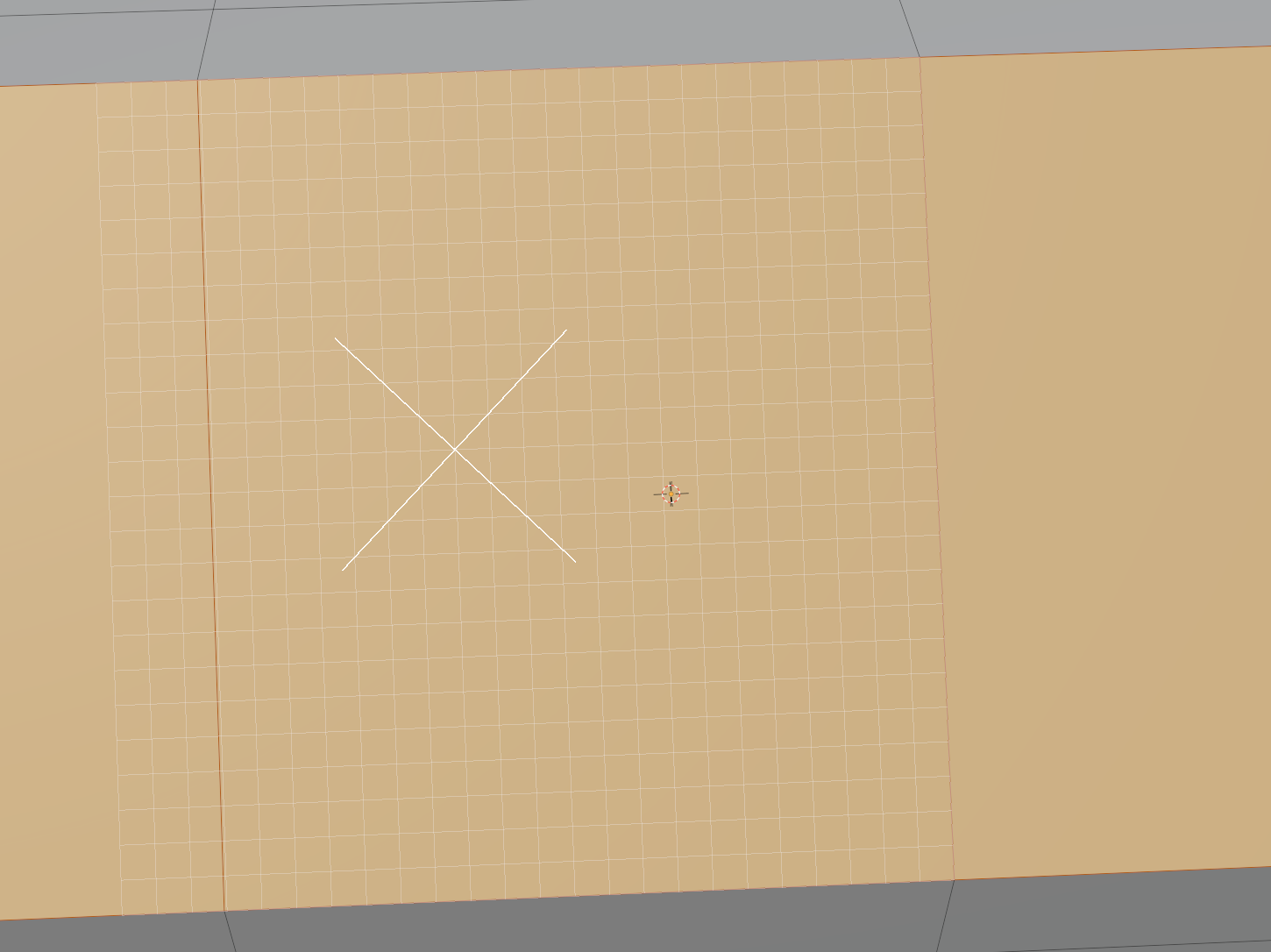
Maybe found another bug, but what do you think?
Since the grid is offset from the selection, not really fitting it?
Hotkeys:
Numpad Enter:
Do you think you might add Enter on the Numpad as a valid button to Confirm?
Backspace:
Also possibly letting the user hit backspace to remove the last added point/cut? So if you click once, then click to add a second point and want to re-adjust that, you can hit backspace, to backup /remove the last one?
Shift + Numbers:
Possibly holding Shift and typing numbers for Circle Shape Segments or Grid Segments?
You can use “Ctrl + Left Click” to manually select your alignment edge.
So when you are drawing on multiple faces, you may Ctrl Left Click the border edge to set it.
You can use Ctrl + Z to remove/undo the last point added.
For the number input things, I will try to research it (blender key event system is a bit complex)
One known issues is that, if you zoom too close , it may have problem
it is because of the stability problem of floating point numbers (3D location is Vector, if two Vectors are very very close, and their number is very close, sometimes it cause error)
I am still finding solution for it
my suggestion is that, scale up the model and draw grid on it. It will be much stable.
Recent update and improvements :
Here is the summary of recently updates.
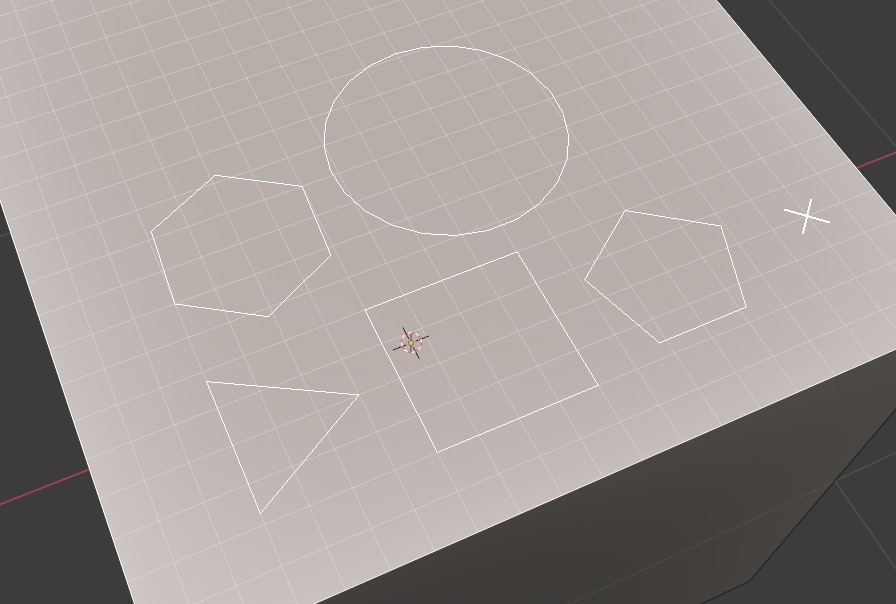
You can use Circle tool (C key toggle) to create different shapes. The number of sides can be changed by Shift + mouse wheel, so 3 sides = triangles, 4 sides = square, and then pentagon, hexagon, too!
Multiple faces support : now you can select co-planar faces, and use the tool, draw on top of them, then cut, no problem! For example, select two or three n-gons, and cut new shape over them.



 - will this work on subdivision surfaces or non-flat areas?