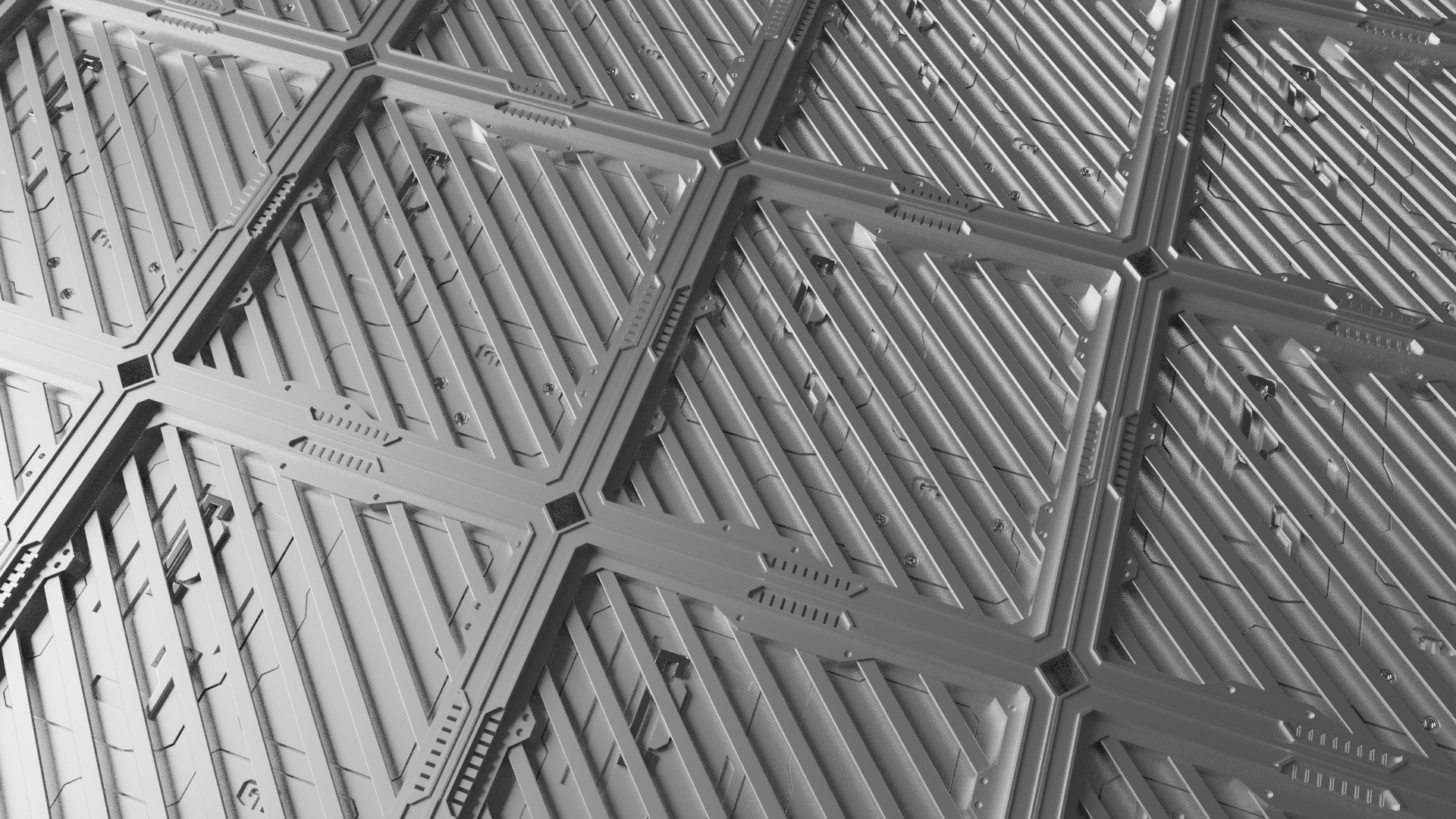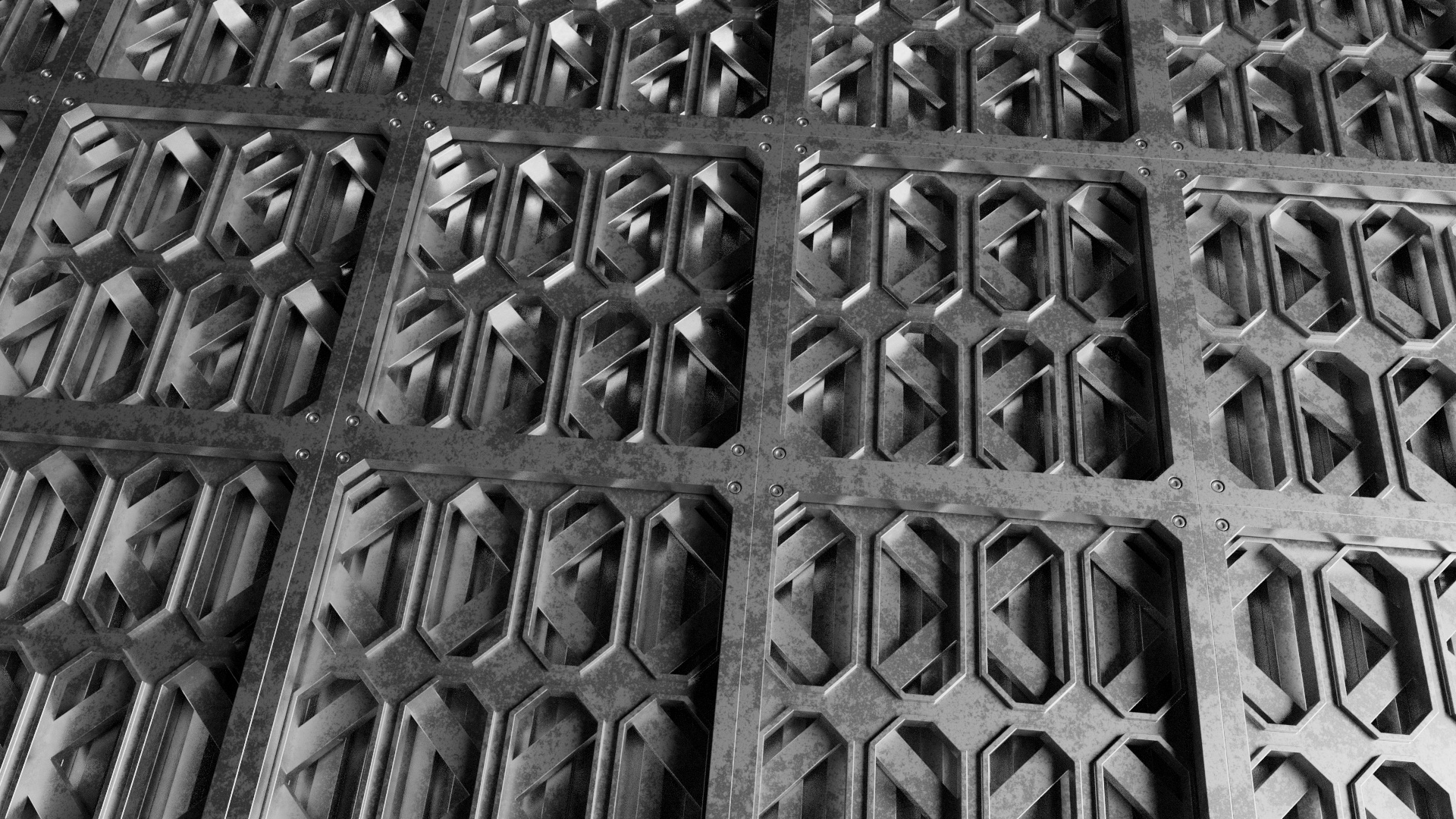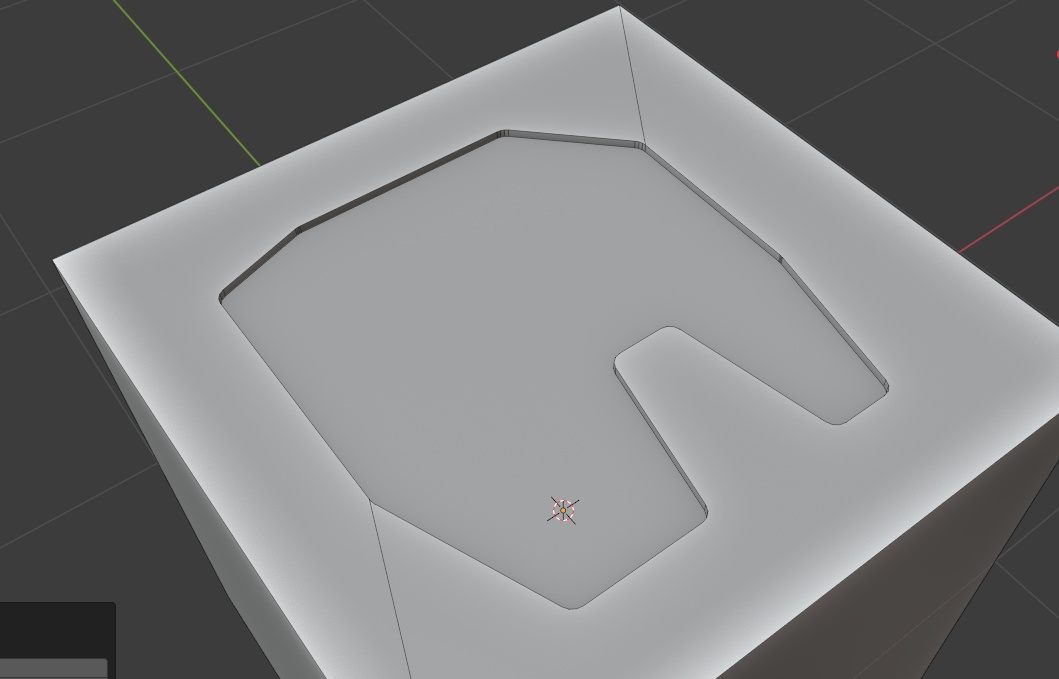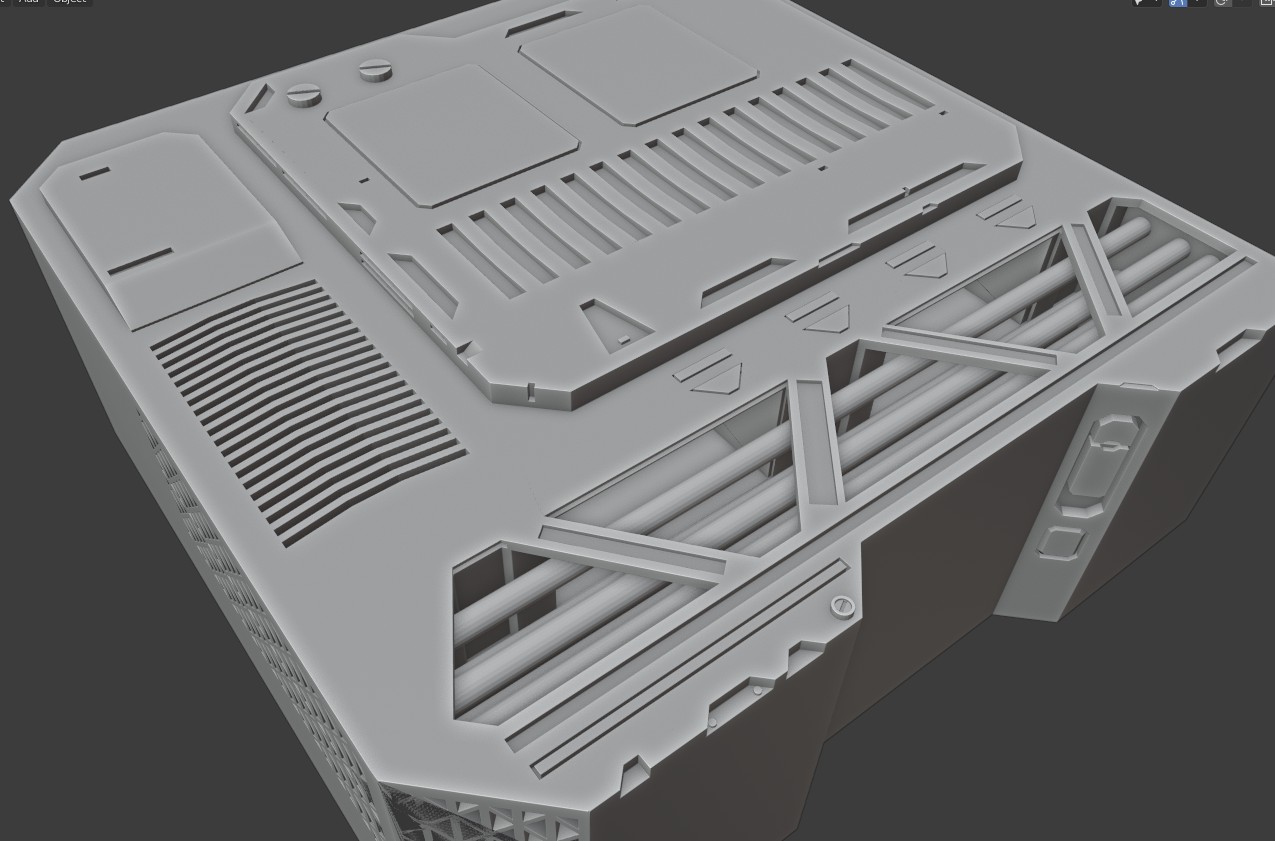
Some test mesh made by it

I am not good at modeling, so may be you all can make better than me

HI look very cool 
Can we mix straight line with circle to make an arch (sketchup way) for example ?
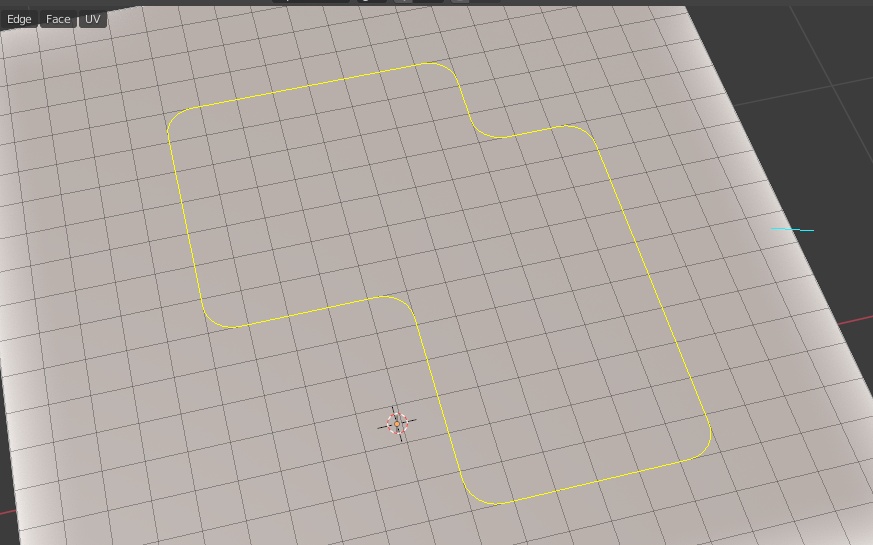
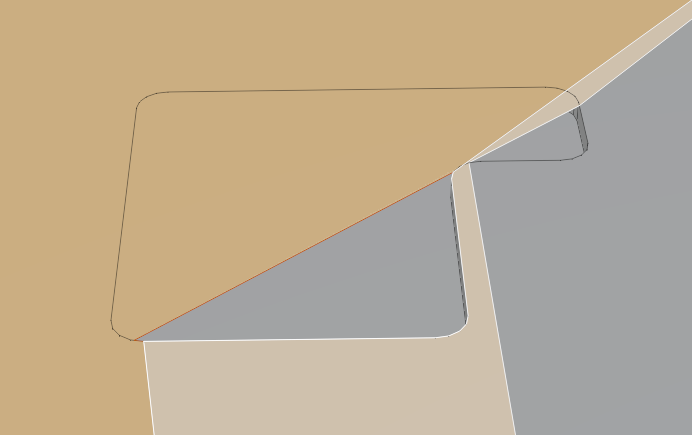
The shapes cannot overlap for now, it is due to blender’s boolean limitation (all overlap / coplanar faces will fail in bmesh’s boolean)
I am still finding a solution for it , because I want to do voxel style things in blender
2.91 as new boolean, coplanar faces and overlap will be no more a problem i guess.

That’s great. I love it! The addon will become much more useful when the boolean works correctly.
For the shapes-overlap , I think that I can boolean union them first, then cut, it may work! (at 2.91)
Is there a way to make bevel edges from the shapes we’re drawing?
I have this idea too  I will try to implement this in updates
This is really neat! Looks even easier to use than Boxcutter.
Does it have a ‘slice’ option too in its boolean operations?
For boolean, it has subtraction only for now. I planned to add other, but the key has to be re-arranged.
Update 1.5.0 is released !
Now you can Bevel the shapes !! 
Just enter selection mode, select the shapes, then ‘B’ key to bevel
(now you can single click to select shapes too)
Can you also make it so that it snaps to vertices and edges?
Very cool update with the Bevel option!
I was confused how to even get into that mode/ didn’t realize it was right-click at first to do that.
Also, it could be nice to have options if possible, to drag out a uniform box or non-uniform rectangle shape in like 1 click/motion. Then you can go into bevel and finish it off, instead of clicking 4+ times.
Maybe also option to set new boolean/cut edges to be Marked up with Bevel Weights/UV seams or something? I always or very often markup edges with Hard Ops, and use Bevel Modifier by Weight.
Edit: Just had this happen with boolean option.
I will think about it, but it is a bit complex
can you use the edge alignment (Ctrl + Click the edge) function for your need ? 
Thank you 
For your suggestions,
I am considering a rect-tool too. But I am still planning (I want to minimize the number of tools / functions). After refining the current workflow, I will add new things.
For the Bevel weight idea , since this is not a modifier based tool, it is hard to show UI for user to input bevel weight and preview the bevel result (I have no plan for creating modifiers in this tool yet, I am concentrating on current workflow for now.).
About the screenshot , did you try to increase the “offset” at the tool properties (left bottom screen) ? Sometimes blender’s boolean fail when both faces overlap (co-planar).
I bought it, it’s very cool addon I count on you for the arches boolean with 2.91 
There is a way to scale the shape and may be rotate free ?