I am using Blender 2.81.
Here the mesh looks ok in Blender

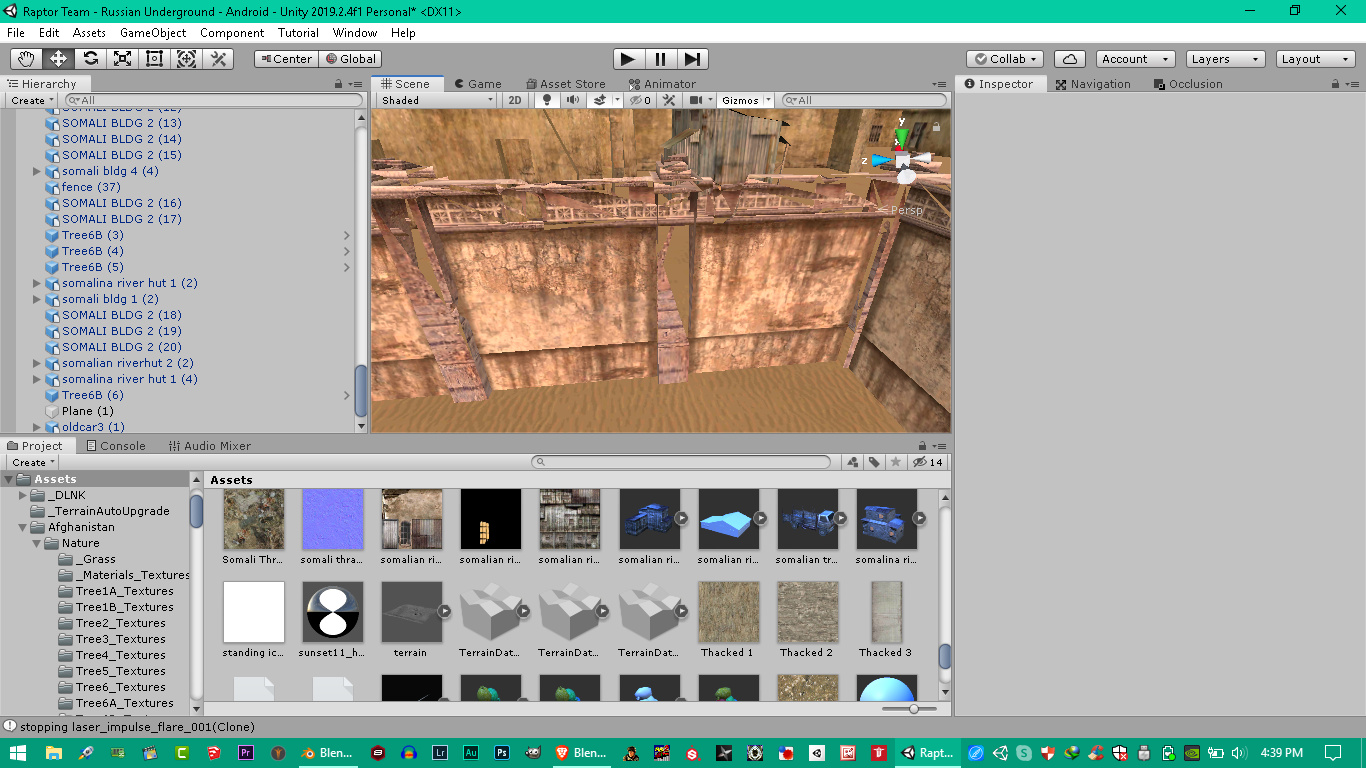
Here in Unity 2019 you see the flipped normals appear as transparent
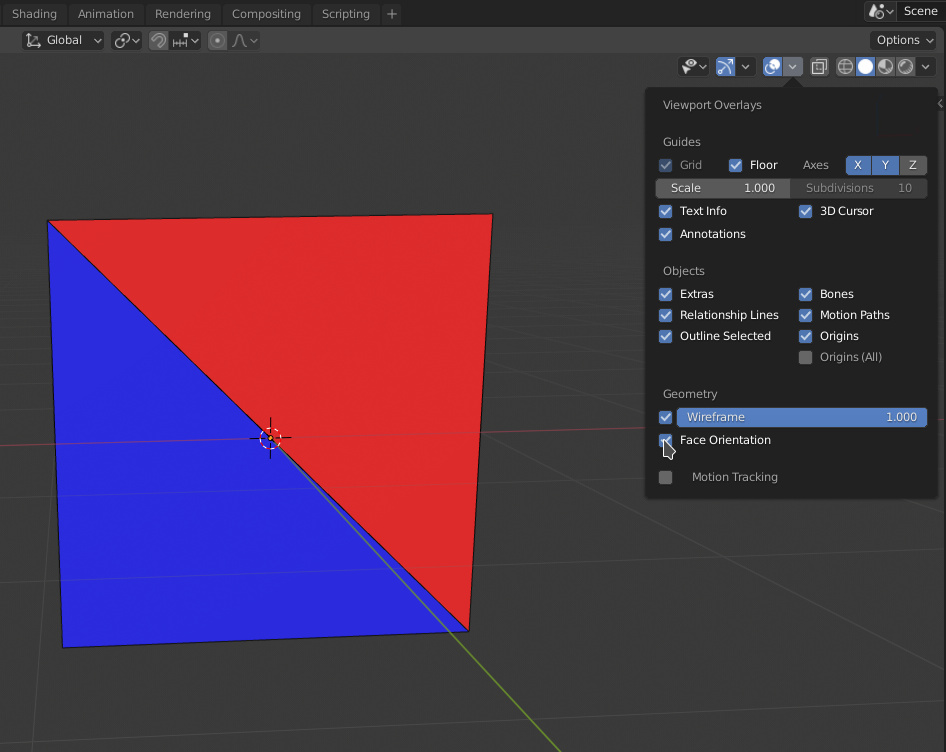
Turn the option on to view the normals: Blender 2.8 How Show/Hide Face normals?
very helpful guys thanks you saved me some time!