Hi , I am very new to blender, just wanna figure out how to do this like title said.
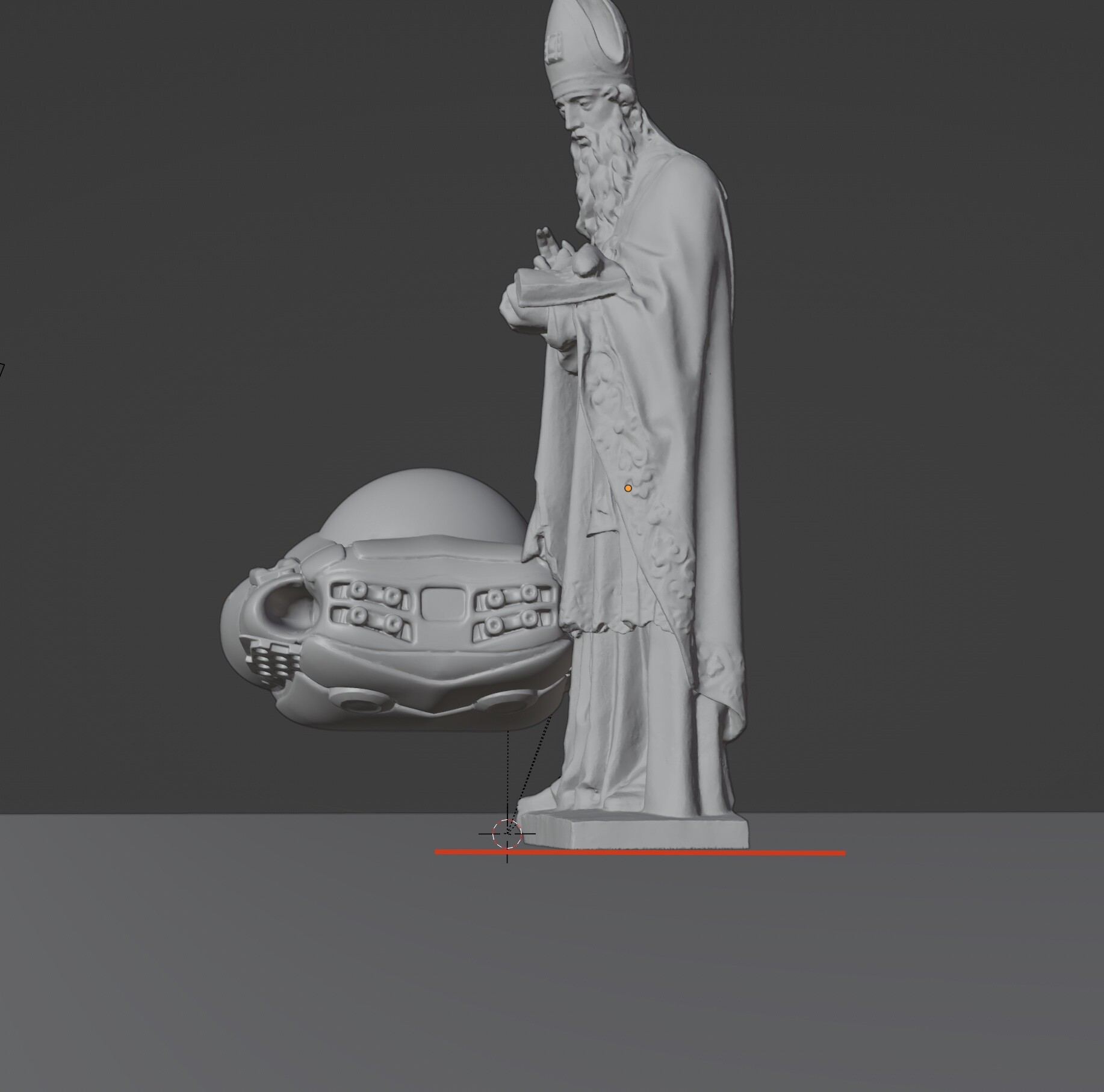
Many times , after created a plane (to test render shadow etc) , then wanna quickly place the objects bottom edge align with the plane ground. (sorry for my english) , I have to use move (G) x , y , z by my eyes. (sorry…)
Tried to play around with “snap” button with not work out very well.

Also check this thread: Object snapping to ground plane
If you set the orgin point to “bottom” of this object, then it will become strange if you try to roate it afterword (correct me if I am wrong)
so you have to set back the orgin to center again after?…it sounds hassle…
Thank you in advance