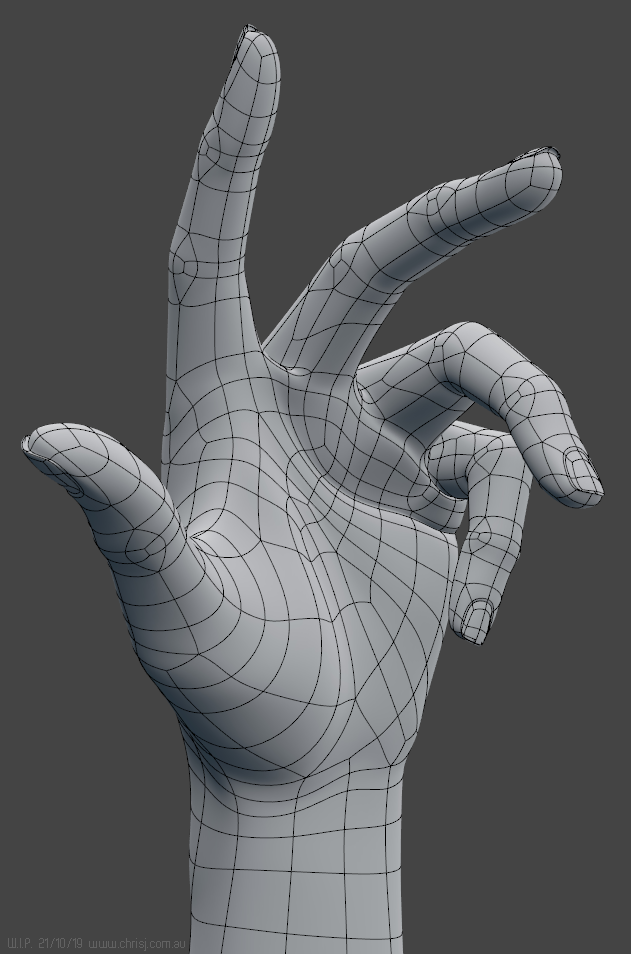
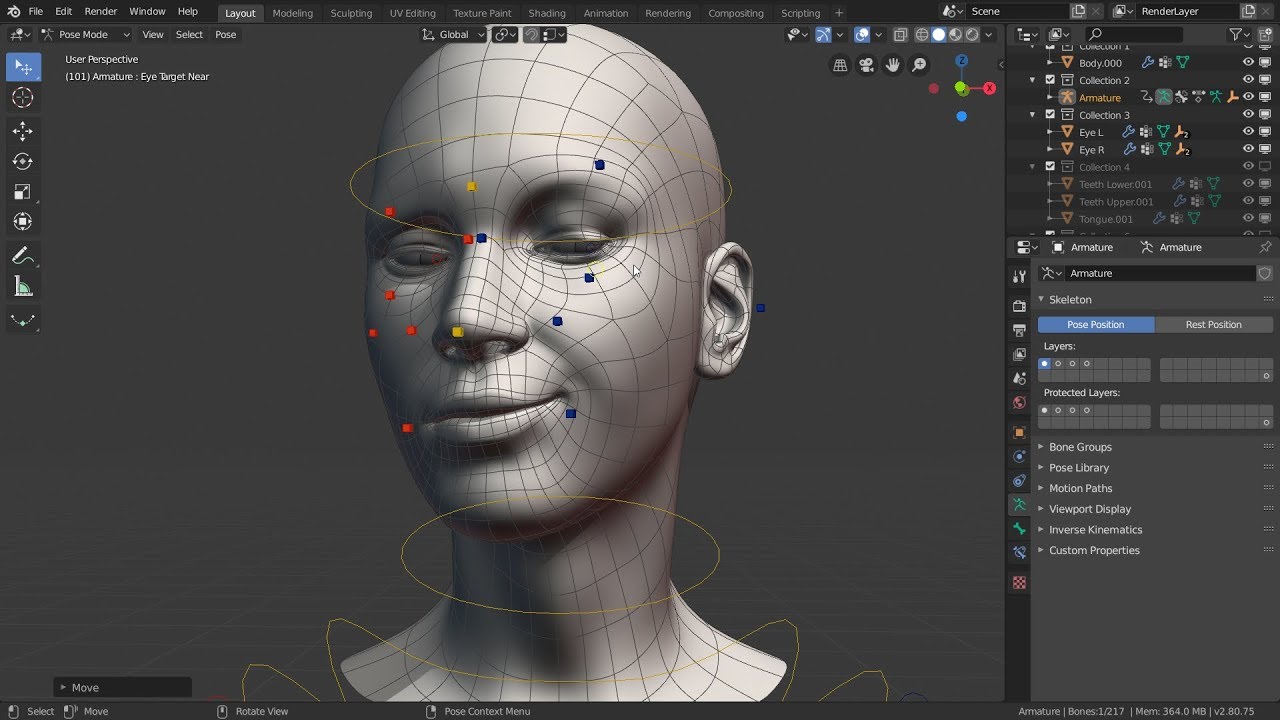
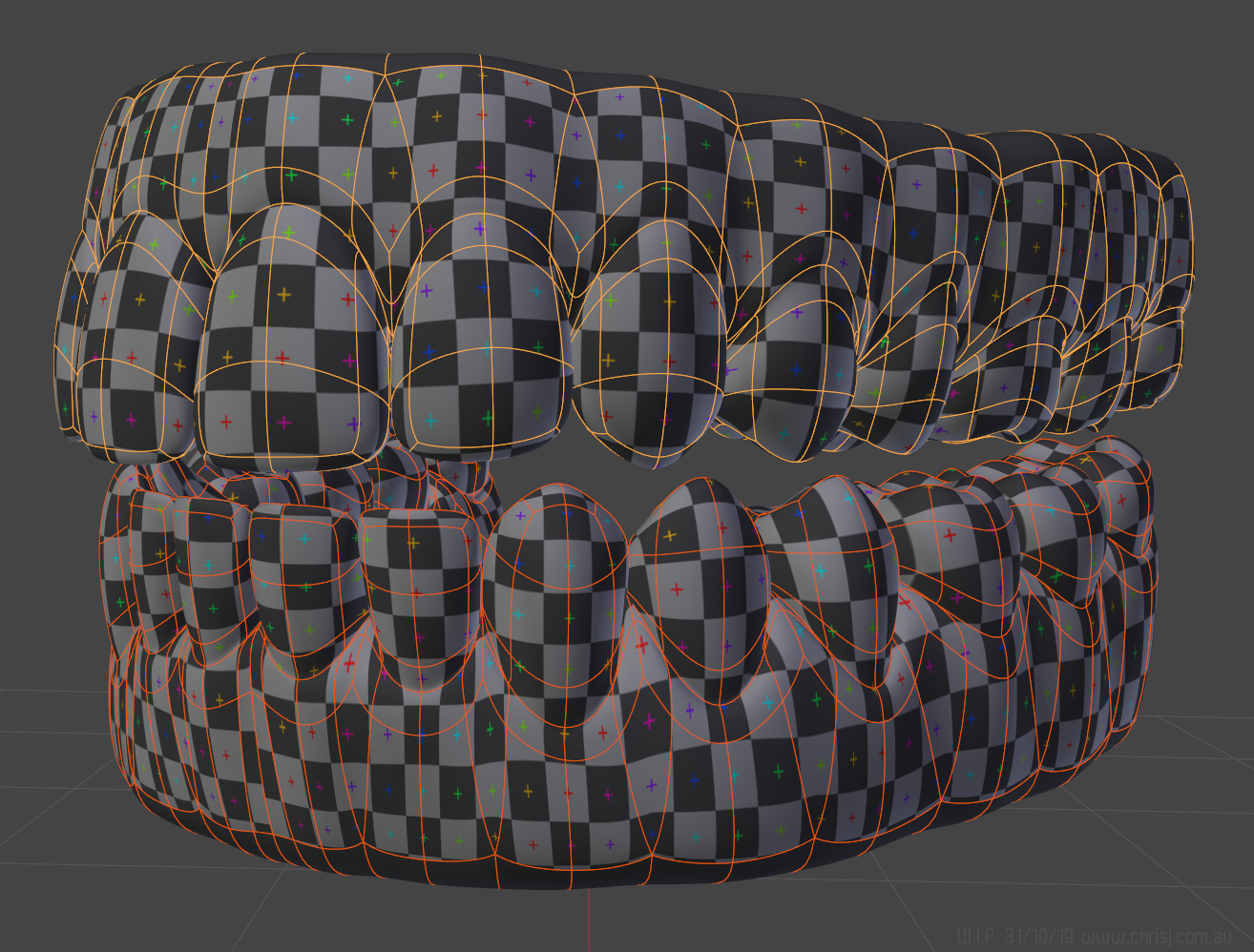
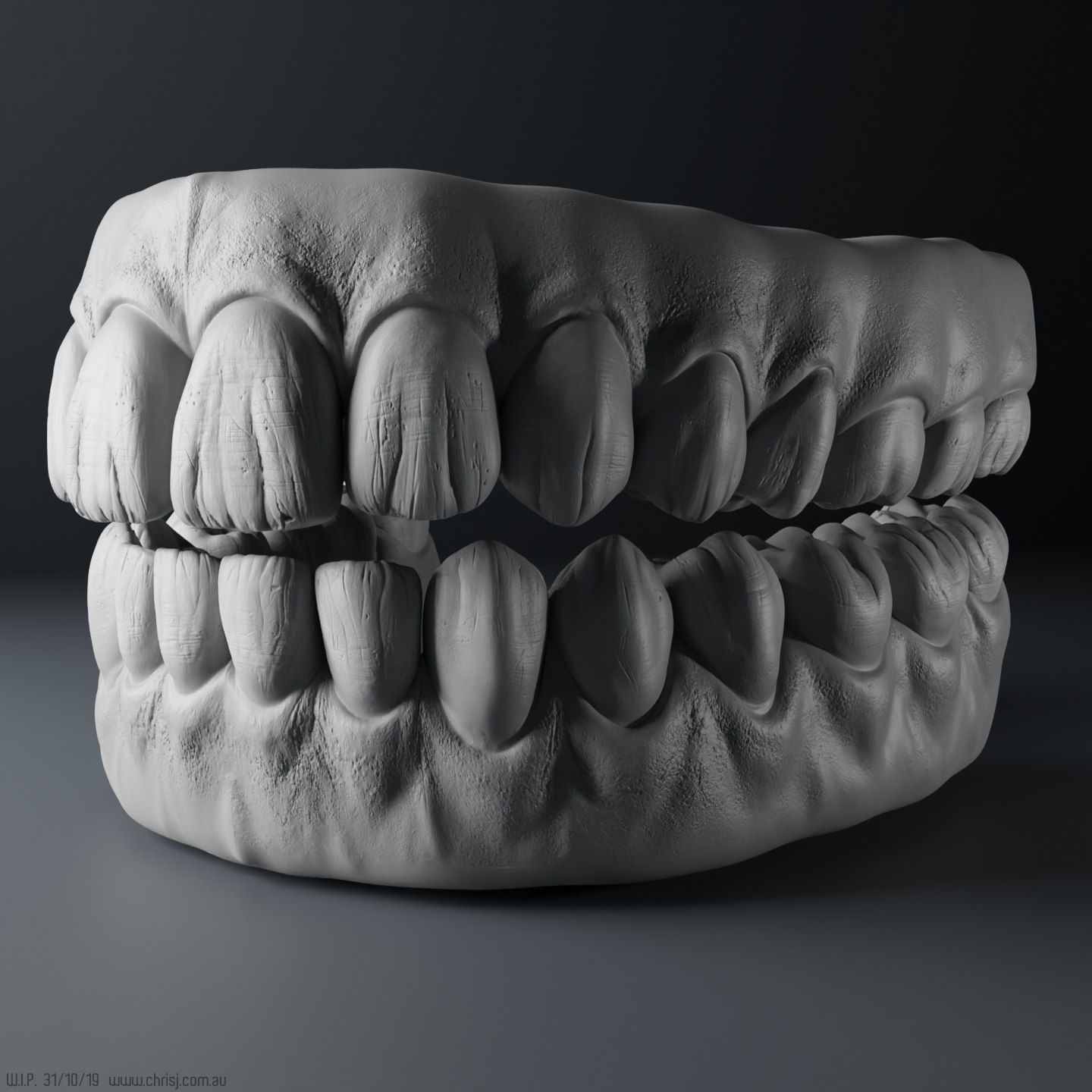
How do you achieve those great smooth detail shapes with out having a high dense mesh?.., assuming is the same mesh that you show in that great “Shoulder exercises” video.
In the base of the fingers when they bend and those creases in the palm when the hand is close for example looks fantastic, very well defined.
Any chance to see one of those hand poses with and with out subdivision modifier?
Truly amazing work, Chris!!!
To imagine that all this might be available to all Blender users (who pay, buy, purchase your plugin) is simply… exciting!!!
It seems to me, as if you’re approaching things slightly differently than other animators.
I feel a great sense, understanding and respect for anatomy and nature in your work - combined with some creative, witty out of the box thinking.
Deeply impressive!
Thanks @yolao, yes it’s all the same mesh. I’ve been very selective about where the geometry is concentrated, and tried to make it as sparse as possible everywhere else, which naturally makes it easier to keep things smooth. Shape keys help maintain volume and definition in the joints and folds.
Or in 2.8: Object Properties > Viewport Display > Wireframe
Or: Overlays button up the top right, and enable Wireframe there.
Then… print screen!
Or you can render it properly in Cycles using Freestyle, but that’s such a complicated procedure that my brain seems to have dumped the knowledge to make room for other things.
Thanks for the show of hands and sharing your workflow so generously Chris. I’ve been reading the thread since April and decided to finally sign up for an account here mainly because of this thread. You are doing incredible work and every update is very exciting.
Can I ask you if there are any other ways to send you a longer message other than the email address cjones@chrisj.com.au? My email bounced back, the server on your site rejected it.
Could do that - usually I just do a screengrab and paste/crop it elsewhere to save having to rummage around for the rendered file. It might give better quality doing it that way though.
That’s my old retired address, the one you want is here https://www.chrisj.com.au/p/about.html (best not to type it out online as it can attract spambots). Where did you find the old one by the way? Just want to make sure I haven’t left remnants of it anywhere.
Great, thanks for the screen shots and the answer about your approach. Is wonderful how far you can go with a well made topology.
Have you encounter any issues animating with the subdivision modifier activated?.., it looks very smooth and real time in your setup. Are you in Blender 2.79?.., have you try it in 2.80?.., i have read that others have issues with the speed in 2.80 regarding the SubD modifier in their rigs…
Now, please forgive me for asking a total noob question:
Will it be possible to freely deform/adapt the face mesh (to a certain degree), to create a specific character, and still get the facial animations working properly?
Or will this be impossible / extremely complicated because of all the shape keys happening?
The reason it looks smooth is because I’m recording at a low framerate and speeding it back up. Bearing in mind that my PC is 11 years old and wasn’t even high spec in its day, I imagine it would run smoothly at a low subdivision level on a modern machine (don’t take my word for it though, I’m only assuming).
In 2.79, which I’m mostly using, I get about 6fps at 1 subdiv level, which is choppy but workable, and 35fps at level 0. Surprisingly in 2.8 it’s slightly faster at level 1 (~6.3fps) and slightly slower at level 0 (~30fps)
I’ll take that into consideration.
Indeed, that was the main focus of this demo:
Granted there are only a few expressions on display here, but I don’t see why it shouldn’t apply to the rest of the face rig as well once it’s all hooked up.
I should mention at this point that I’m thinking of separating the face rig from the body rig to keep the base version somewhat affordable - in fact I’ve devised a plan to separate lot of things out, so they can be “added on” as needed. I might have to get some consensus on that.