Scenes and Shots solve fundamentally different tasks.
A Blender Scene is a high-level data container. It is useful for organizing different versions of a project, render layers, or completely different parts of production. But a Scene is not a shot-state system.
A Shot, in the production sense, is a specific camera angle, frame range, visibility / render setup, and often object transforms or material adjustments - all inside the same working scene.
The goal is not to duplicate the whole scene. The goal is to save and restore a precise production state of the same scene.
This is where Blender Scenes become limited.
 Linked Scenes are too linked
Blender’s Linked Copy option creates a new scene that links to the collections from the original scene. That means the objects are still the same objects. So if you change object visibility / transforms, or other object-level properties in one linked scene, those changes also affect the other linked scenes.
For shot work, this is a serious limitation.
Imagine an animated dialogue scene with three shots:
- Wide shot
- Close-up of Character A
- Close-up of Character B
You may want all shots to share the same rigs, characters, animation data and environment. But each shot may also need its own object visibility setup or object transform / material adjustments.
With linked scenes, that does not work cleanly. The shared objects remain shared. Hide an object in one linked scene, and it disappears in the others. Move an object in one linked scene, and it moves in the others.
This makes linked scenes unsuitable as independent shot states.
 Full Copy scenes are too duplicated
The other option is Full Copy. This creates a separate copy of the scene, which can give you more independence. But now you have the opposite problem: instead of one scene with multiple shot states, you are managing several duplicated scenes.
That creates production overhead: duplicated scene structure, and the risk of updating animation, rigs, lighting, or assets in one scene but forgetting another.
For a few simple variations, this can be acceptable. But for a real workflow with 20-30 shots, it quickly becomes messy.
Scenes are either too connected or too duplicated.
And this happens because a Scene and a Shot are fundamentally different things. They exist on different levels of production hierarchy.
 Summary
A Scene is a container. A Shot is a state inside that container.
A Scene is too big of a unit to represent a single camera angle or renderable moment.
A Scene asks: “What world or setup am I working in?”
A Shot asks: “How should this exact scene look and render for this specific shot?”
Scenes also do not solve batch shot rendering.
And because Scenes were not designed as a shot-management system, their UI is not comfortable for managing many shots either.
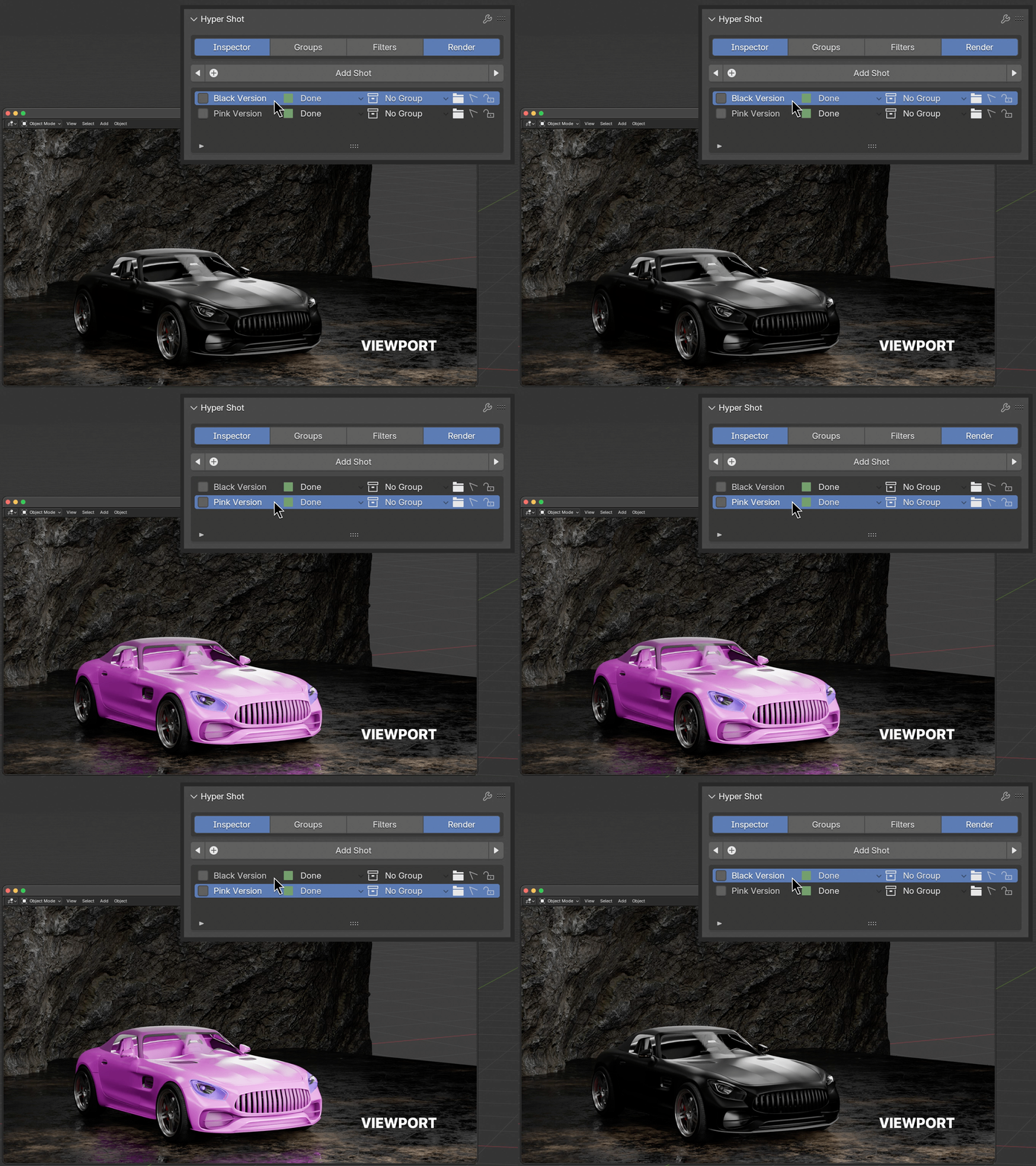
That is why Hyper Shot was designed. It gives artists the missing middle ground: One scene. Many controlled shot states.