Imposter Cards

Yes, it really depends on the workflow. A simple example would be a client asking for a forest with 15 unique bushes, 15 unique rocks, and 15 unique trees. You could download those assets from Poly Haven and place them directly into the scene, but then you run into three common problems: the assets can take a long time to render, you may not have time to manually reduce every model, and you may not want to lose detail through poly reduction.

That is exactly where my add-on fits. You select the assets and click “Generate Imposter Cards.”

image

It converts those objects into single-plane imposter cards in one pass. If “Dynamic” is enabled, the LOD switching from high-poly asset to imposter card is automatic, and all objects can share one material with one consolidated texture atlas.

image

Yes, atlases and trim sheets are another strong optimization strategy for games and rendering. This is a different but related workflow. In practice, artists often use downloaded assets with several large texture maps: diffuse, normal, roughness, alpha, metallic, AO, and so on. Poly Haven assets are a good example. Even 20 high-quality assets can become heavy very quickly.

My add-on makes those assets more efficient by creating a kind of “hologram” of the original object. This general idea exists under the hood in tools like Maya and in large film pipelines as well. Imagine a forest with 100,000 leaves and 50 leaf types. Instead of carrying all that geometry and all those separate draw calls, the add-on can turn those elements into card-based representations using shared atlas data.

Yes, tri-planar mode is related to that idea. In the image you showed, though, it looks like one face using incoming and object vectors to create pseudo-3D intersections in the shader. That is efficient because it avoids filling the scene with many physical intersecting planes.

Tri-Planar mode in my add-on uses three planes with true displacement. This improves ray-traced reflections, shadows, and intersections with nearby geometry. You can see the difference between the modes on the product page here:
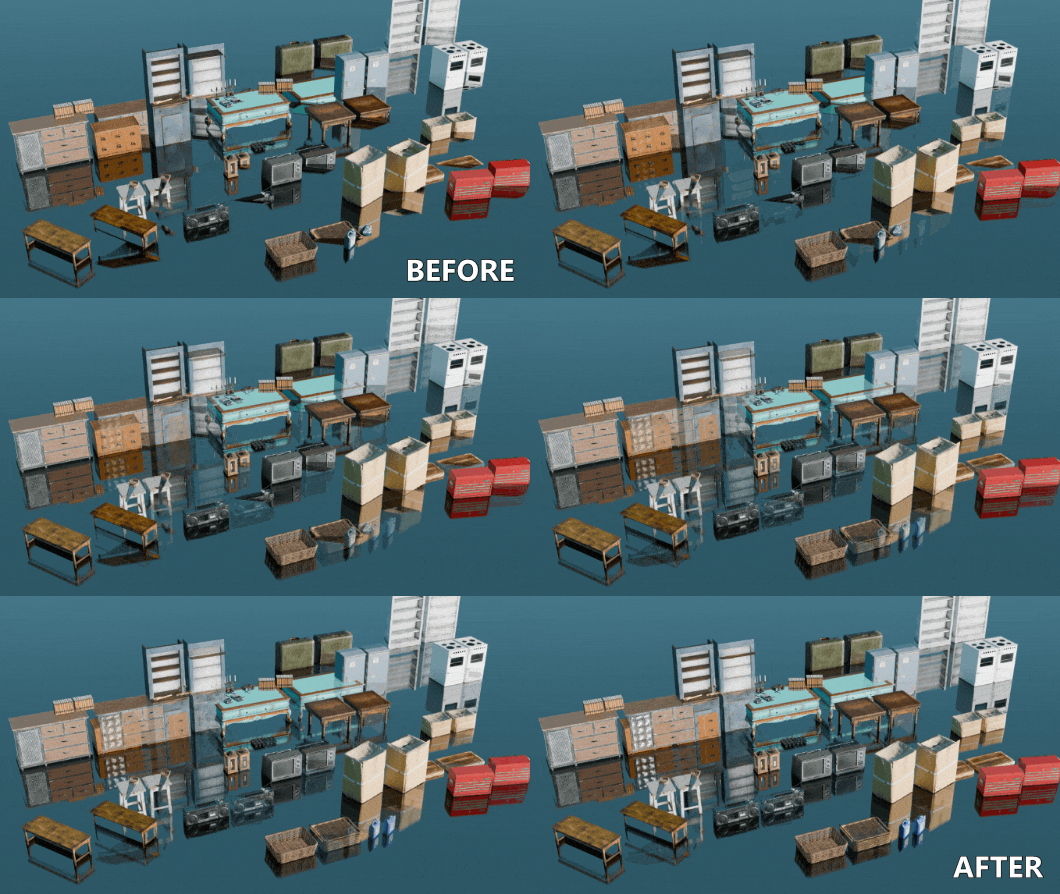
55de17cb36c431a6d1ca4f50034df455
The main reason Tri-Planar exists is for cases where users want imposters that provide better shadows, reflections, and object intersections than a single card can provide.

The simplest way to think about it is this: if an object is 5 meters away and does not need full geometry and full texture overhead, it can often become an imposter instead.
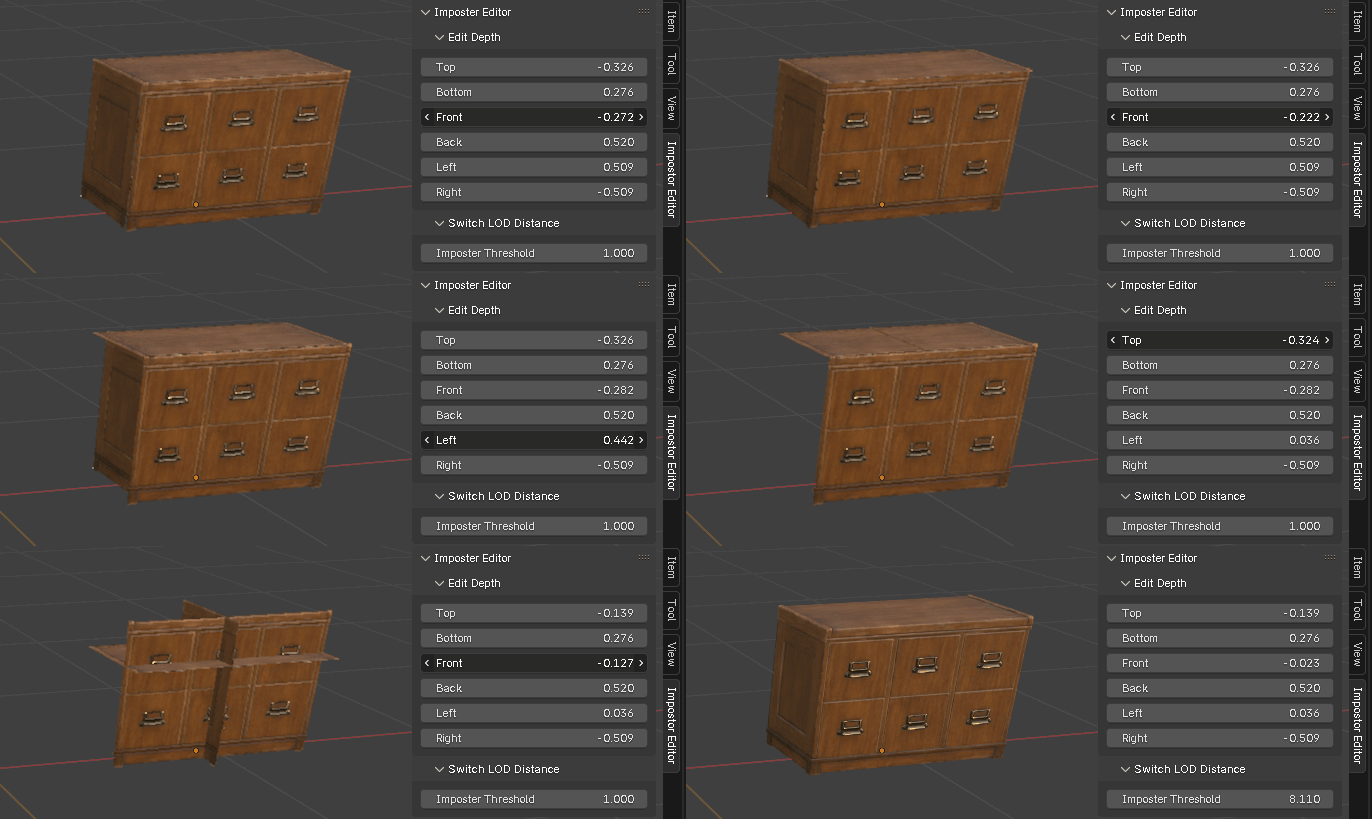
example
In the drawer example, the point is to show that users can edit the shader depth. Those drawers are only a single face in the GIF. Other objects in the scene could also be converted and packed into the same general workflow.

When you mention shared textures across materials, that is absolutely useful, but it is a different workflow. A lot of modern downloaded assets are not built that way. For example, a Poly Haven drawer asset may come with its own bespoke diffuse, normal, metallic, and roughness textures. This add-on helps when artists are already dealing with those kinds of heavy individual assets.

Yes, and it can save a lot of render time in both real-time workflows and final renders. In the right scene, a small LOD change can turn hours into minutes, or minutes into seconds.

Yes, if you choose dynamic switching, you are holding some extra data. That is true. But you also have the option to use the imposter cards without keeping the original objects in the scene.

A good example would be something like the huge trash environments in WALL-E.
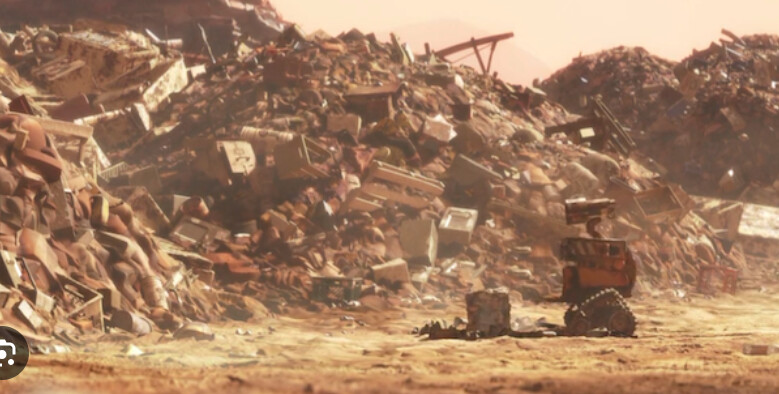
If you know the camera will never get close to those objects, there is no reason to keep all the high-poly models loaded. You can convert them, store the imposters, and append only the imposter versions into the final scene. That removes the original geometry and texture overhead for large fields of background objects.

An artist with an asset library could convert those assets once and reuse the imposter versions in future projects. That means faster renders, lower memory use, a snappier viewport, and more visible objects on screen.

A sci-fi example would be spaceship greebles. You could build wildly complex pieces, convert them to imposters, and cover large ships with them while keeping render time, memory use, and scene update costs much lower.
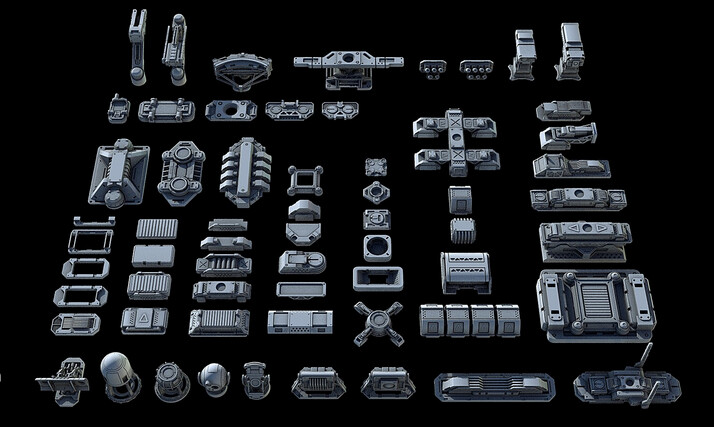
Tthis is the kind of workflow larger tools and pipelines already benefit from. My goal is to bring a version of that workflow directly into Blender. If you use Poly Haven or other pre-made asset libraries to build scenes, this is probably closer to your use case than it might seem at first.

If you would like I can send you a copy of the addon, I would love to get mroe feedback.
6 Likes

Hey !

Thanks for taking the time to write such a detailed answer it’s very interesting !

Yes looks like scattering massive scene could really be a good use case for your tool !
Keep in mind though that still this looks more appropriate to a real time workflow. For high quality render it might be better to use cycles’s instancing capability :

Cards in general could be good too, but then there is the issue of path tracing with many transparency layers that slow things down a lot. In that case cycles could probably handle everything in vram right away.

That’s right these assets are good but they don’t scale really well for massive scenes. That said now that cycles comes with texture cache using assets with unique textures might not be that of a problem.

Interesting ! I definitely see your point. Still if I had to do it, I think I would use displacement/adaptive subdiv to get a basis for the pile of trash. And scatter on that some models, using instancing and shader variations to add diversity.

In a real time workflow imposter seems like the only way to go but not 100% convinced for a path-tracing scenario.

Do you have actual shot examples or maybe a making of / shot breakdown where this technique has been used on some VFX shots or in Animated movies ?

As said, I’m not an expert in VFX or massive shots like this, but from what I’ve seen being used generally they brute force everything for the most part, probably using instancing as well, and they also do some matte painting when that makes sense (between 30s → 1mn20 for massive scene) :

I’ve picked this making of because it’s made in blender/cycles and while they’re old these shot still hold up very well for the most part, nowadays it might be possible to feed even more geo and data especially with texture cache…

Also while I totally understand the benefit of impostor cards, I’m sure it can be a great asset in the toolbox I also can see why in can become complicated to manage in a bigger “rendered” ( vs realtime) pipeline.
Because most of the time it’s not about just downloading an asset and use it right away. It’s an iterative process where everything is split between different departments and everything is subject to change because in a review something popped.
Maybe some good pipeline would allow to switch representation of an asset, so you can decide to use the original, some LOD, triplanar cards or just cards, and every time an asset is published they run through some automatic conversion. So say you’ve made a sci-fy spaceship as you demonstrated, with impostor kitbash that is used in a few shots but now it needs to be handled to FX department that needs to make that things explode, they can easily switch to the full model.

While managing this can be easily be done when you’re a solo artist, when it’s a 100 people within a studio it takes time to write the tools, make sure each department is aware of them and also track stuff down when something goes wrong.

Again, my point is not to diminish your tool, I’m just playing the devil’s advocate here to try to understand the limits of a tool like this in my line of work and also it’s an opportunity to learn about new techniques.
I recently worked for a VFX shop on a AAA video game trailer/cinematic. With an houdini / solaris pipeline and while I didn’t had the chance to closely inspect the final scenes, it was brute forced geometry all along the way as far as I can tell.
And while I think about it , probably an issue with cards in general is that you can’t extract accurate passes for compositing : Z, position , normal are very likely to show the cards rather than what you would get using real geometry.

Anyway, again my goal here is more to try to answer :

And thinking about the benefits and limitation of such a tool outside a real time workflow.

This is super kind ! For now while it would be fun to play with it a bit and see more what’s going on under the hood, I’m not sure I would be the best person to give feedback since I’m not used to that technique. But I have on the back of my head to work on yet another post apocalyptic scene (last of us like), to explore more massive environment creation and optimization. For now I’m just thinking about it and try to foresee when I can reasonably allocate some time to dive into that.
If I get to that and find some use case for your tool, I may get back to you and maybe it would be the right time to test that and give real feedback based on actual scene and maybe that could be eventually a good showcase for your tool… ?

Again , thanks for your time, All the best !

4 Likes

While I cannot reveal all the tricks I have seen in production over the years…because of NDA stuff. I can say one very VERY good application of this kind of system would be architecture. For example… a 3D model of New York city for instance…with tons of buildings, cars, mailboxes, traffic lights… etc…

1 Like

That sounds interesting indeed and that makes sense ! Is it something similar that you saw on real time/video game project or rendered frames (VFX/ feature films) ?

1 Like

Yup. I certainly did.

1 Like

Hey ! sorry if my question wasn’t clear. I was asking if the example you were referring to (giant city) was from a videogame or a VFX project/studio ?
Anyway, since this is completely new to me and I was given the impression that VFX shots where brute forced for the most part, I’m having a difficult time to see that as a typical resource saving technique for VFX, but I’m happy to learn something here and I would probably consider more that technique in the future !

2 Likes

Hey, just wanted to drop that I am watching your product since a while and think it is interesting.
I was hesitating to buy it because right now many addons appear and many are being dropped really soon - so I wanted to see if there is active development behind the product. Also I do not really have usecase yet, but since I tinker with Eevee a lot, reducing geometry is highly interesting to me.

Sooner or later I will buy. Good luck and have fun developing this.
Best,
Vitus

4 Likes

I have seen it both for video games and VFX.
Yeah, you might be thinking that everything is super high-poly all the time, but the shortcuts that studios take all the time are everywhere.

If you watch VFX breakdowns, often times whole video clips and singe photo planes of objects are inserted into scenes. I think a good example of billboarding was in the 2016 jungle book movie.

For my project they are being used for near to distant game obejcts. For VFX, Retail, Archivis.
Internally. Imposters are also used a library tools for example to view a massive library of 3D assets while keeping things fast and lightweight.

And yes, every day learning something new is great! I am constantly learning new stuff about billboard techniques even now!

2 Likes

Thanks @vitoli !

Yeah right now there are lots of barely functional add-on popping up - probably because of AI tools. This add-on is a doozy and I have been tinkering with it for over 6 months before release. I even shopped it around at Blender Conference and got some great feedback from Manuel Luellau, creator of the fantastic “heads Up” extension in Blender:

My add-on/extension is made to serve a real purpose that actually effects me in my work. It has always been a focus of mine to minimize scene geometry and optimize for texture memory. This add-on is the culmination of those two passions.

The sales have been picking up and getting more “steady”!

It makes me really happy to have a small corner of the Blender universe that I can keep improving that helps both my project and Blender grow.

And yes I am updating it almost every week, and I have added two requested features for users.

This weekend I just updated the vector math to use a separate + combine swizzle (rather than the more expensive vector_rotation which uses sin(angle),cos(angle), math nodes, etc..).

2 Likes

Hey, awesome to hear and see how involved you are. Thanks

1 Like

Thanks! I am all over it!

As for use-cases this is useful for games, Archivis, retail spaces, City-scapes and nature.

I just downloaded all the polyhaven.com models and “digested” them into a single blend file so I have all those props as imposter cards with a single draw call. Makes working on my laptop very snappy and keeps things light.

2 Likes

Cool, thats impressive. I thought about doing landscape renderings with the addon.

1 Like

Some news!

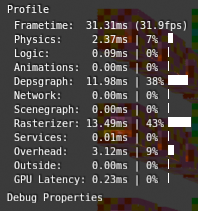
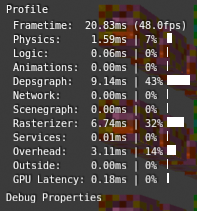
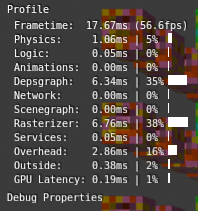
I have updated the addon to expose the texture atlas information used in the shader. This reduces complexity of the shader and makes it 50% faster.

This change was in regards to @ludwigseibt and their comment about reducing shader complexity and the option for directly swapping the textures.

In addition I have added 4 more important updates:

  1. Expanded column limits and improved atlas spacing. Now users can generate up to 96 unique objects, comfortably, in a single atlas.

  2. Added ambient occlusion pass to an unused red channel in the metallic/roughness texture

  3. Added Emission pass! Another unity developer has told me that adding emission, is extremely necessary. They gave a few examples: skyscrapers with lights, vehicles with headlights, ceiling lights with halogen lightbulbs, random sci-fi objects… the list goes on and on!

  4. I have changed the underlying math that rotates the vectors from a vector rotation node setup to a simple vector swizzle, making the shader much faster.

2 Likes

I just did a benchmark test with 3.450 unique objects in the UPBGE this morning with the updated version!

It makes rendering on screen objects at least 2 X faster. Assuming you are not just using test cubes like I just did, it’s more like X5 faster.

I have also added 2 alternate types of imposters:

1 - 6 sided cube imposters (without using true displacement) - Slowest

2 - Tri-Planar Imposters - Faster, it has accurate shadowing, reflections and use only 3 faces

3 - Single Face imposters - Fastest! Reduces any object to a single plane. x2 faster in testing!

2 Likes

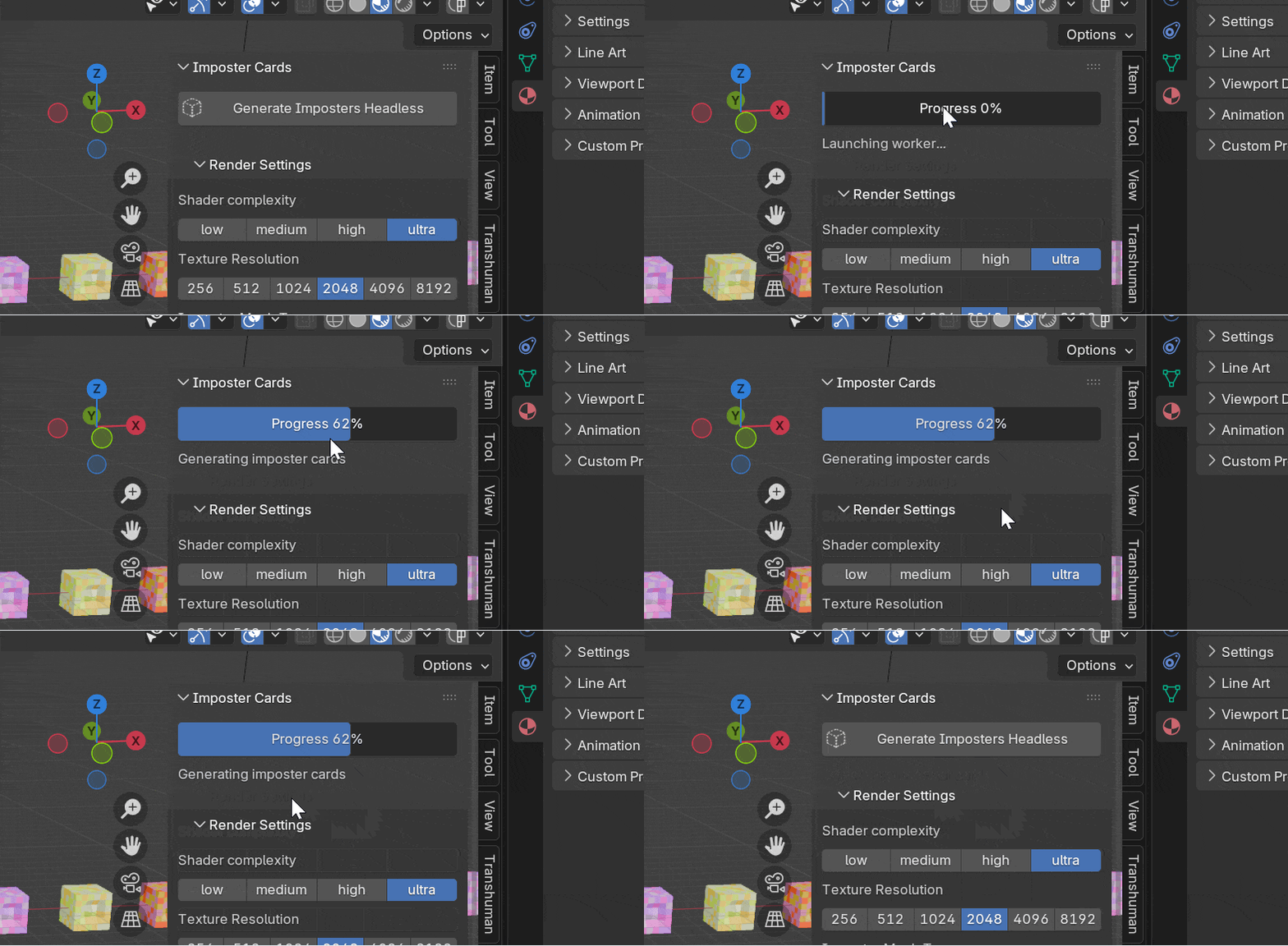
I added an advanced version! It won’t lock up the user interface. The addon runs a headless instance in the background and gives you a progress bar, while you can continue to work on your project.

headless progress

the new advanced version can be found at the same product link, under the second product tier: https://superhivemarket.com/products/imposter-cards-nacho-time

1 Like