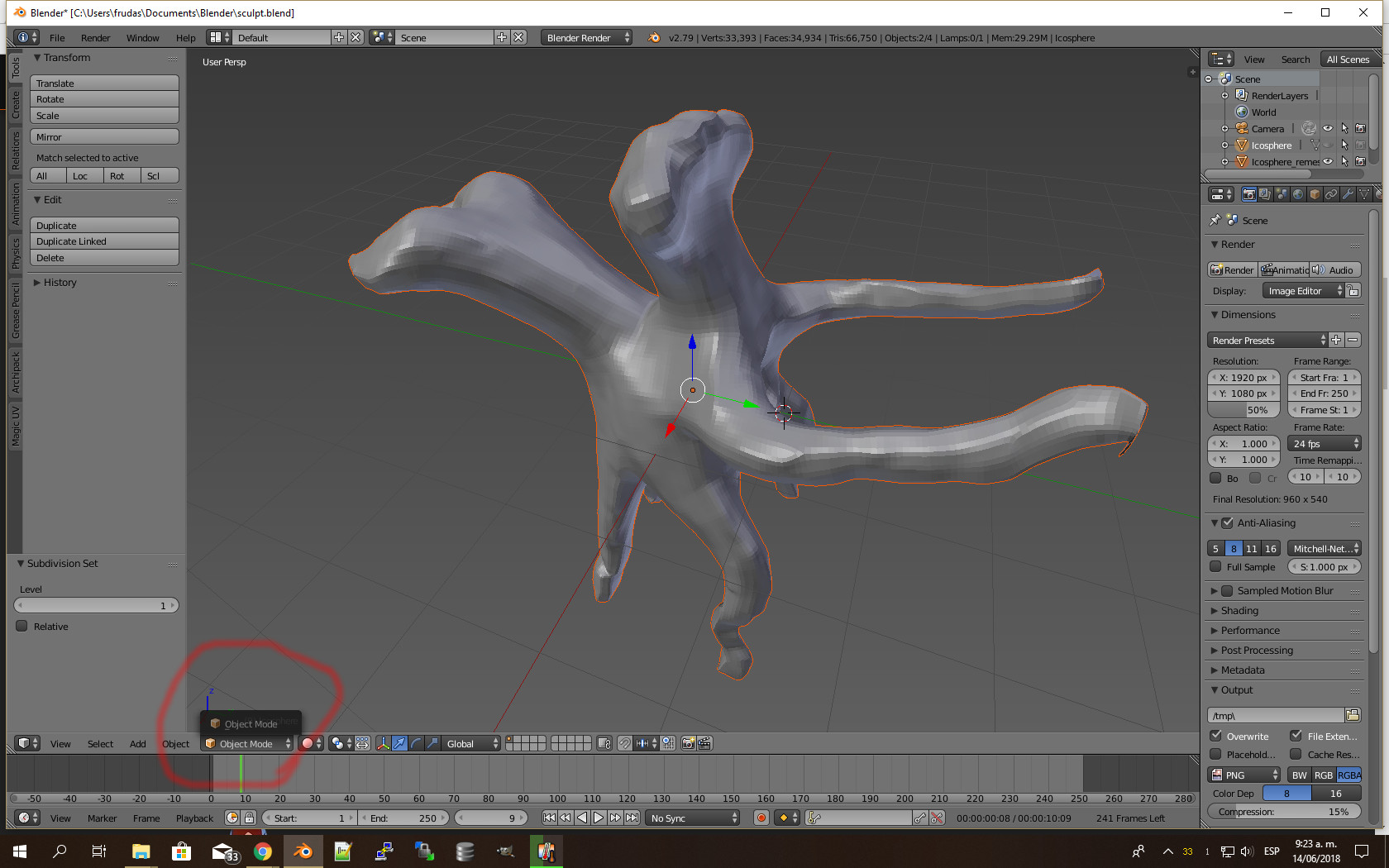
UPDATE:
Now support for editing your mesh in the Instant Meshes UI and a batch function to remesh multiple objects at once. See here:
IMPORTANT: when using the UI you have to save your mesh as %TEMP%\out.obj (or whatever your temp dir is in Linux/Mac)
ORIGINAL POST:
Hi,
here is simple addon that uses the commandline version of Instant Meshes to integrate it into Blender.
What it does:
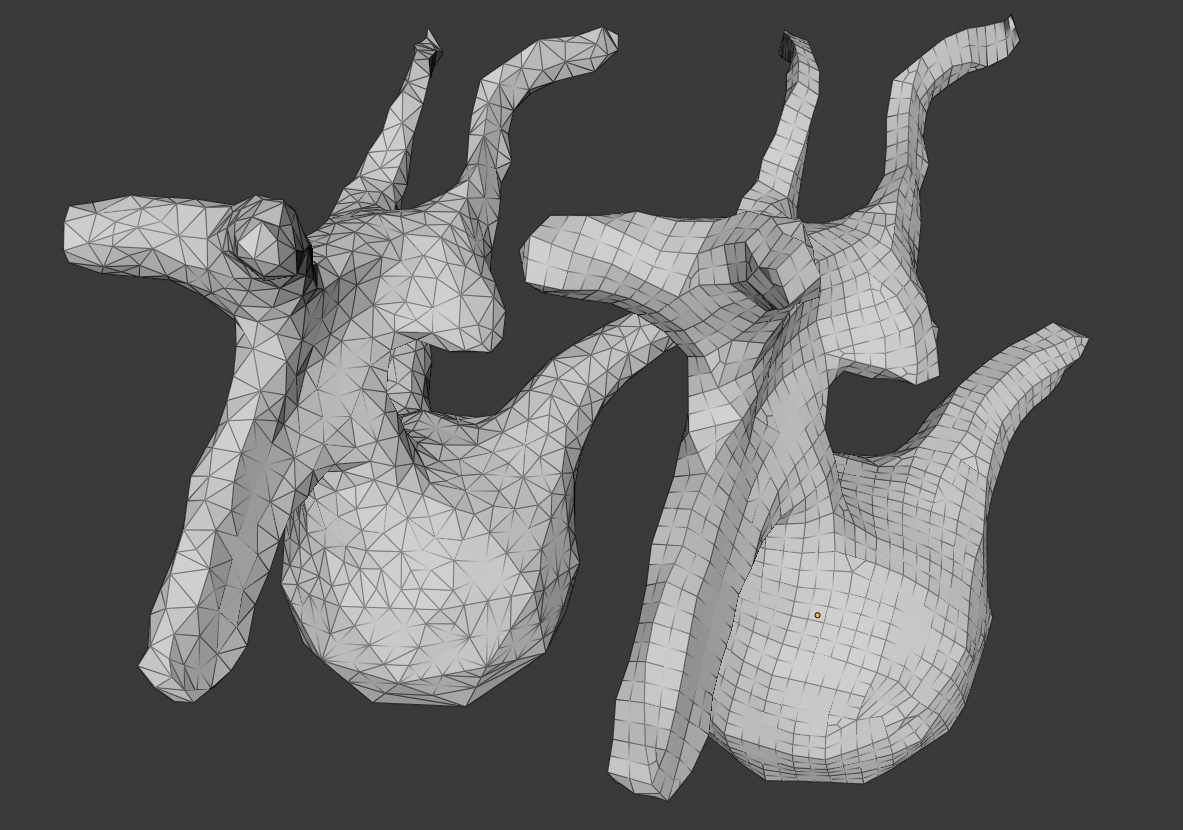
Exports your object, runs InstantMeshes with the specified settings, imports the result and sets UVs and Materials, hides the original Object. Get it here!
Of course if you want to have the paint option of the original program you have to do it all manually. But I have a couple of cases now, where the default is enough.
Feel free to improve it. (e.g. match the parenting of the original object)
Thanks, the addon works well. Remesh options are always welcome.
Conveniënt that we don’t have to switch over to other application but have it integrated in Blender.
Hi.
Thank you.
I do not know if you knew this other:
Just in case you are interested in joining forces with that other addon, I think that it also needs some maintenance and some things do not seem to be working.
Works quite well, thank you. I can’t find it in a panel in Blender 2.79 (I used the menu search option to call it), so (I’m guessing) it’s related to Blender 2.8 ?
@YAFU Thanks, I didn’t know about that one, I’ll take a look. @didli@bkjernisted I’m using it in 2.79b. Just copy to your addons folder and enable. The command shows up in the objects menu, see the video for reference.
Some might try to install zip-file on the github page’s clone/download button. Instead of installing the zip file in Blender you need the InstantMeshesRemesh.py. In some browsers if you save as…py-file, it saves with all the html-code. Two options:
a) Copy the code put it in notepad > safe as InstantMeshesRemesh.py with UTF-8 encoding. In the text-editor you should see code that starts with:
bl_info = {
“name”: “Instant Meshes Remesh”,
“author”: “knekke”,
b) download the zip-file > extract it > and install InstantMeshesRemesh.py
What do I do with the files I posted pictures of in my previous post? The first picture is of the file you download in your first link. The second picture is of a datasets file you download from on the same page. Thanks
nothing, just take the instant-meshes-windows.zip I posted earlier. What you downloaded is the source-code and some datasets to demo the program. we don’t need that.



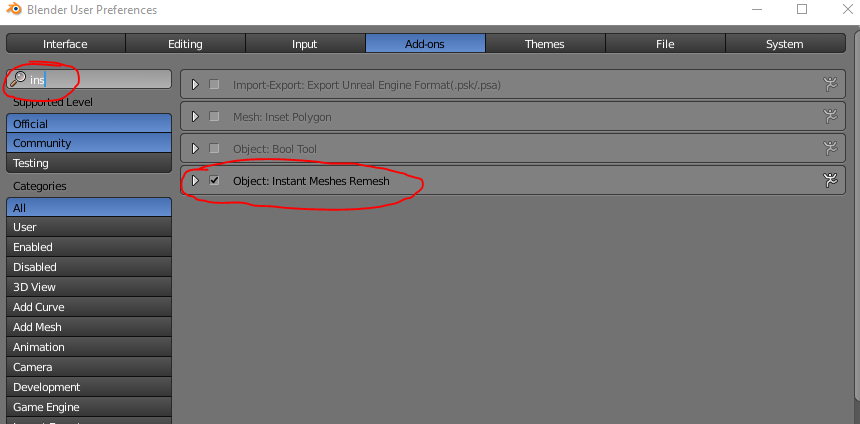
 On the page I downloaded this file from there is a datasets download. What do I do with this file?
 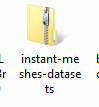 Thanks