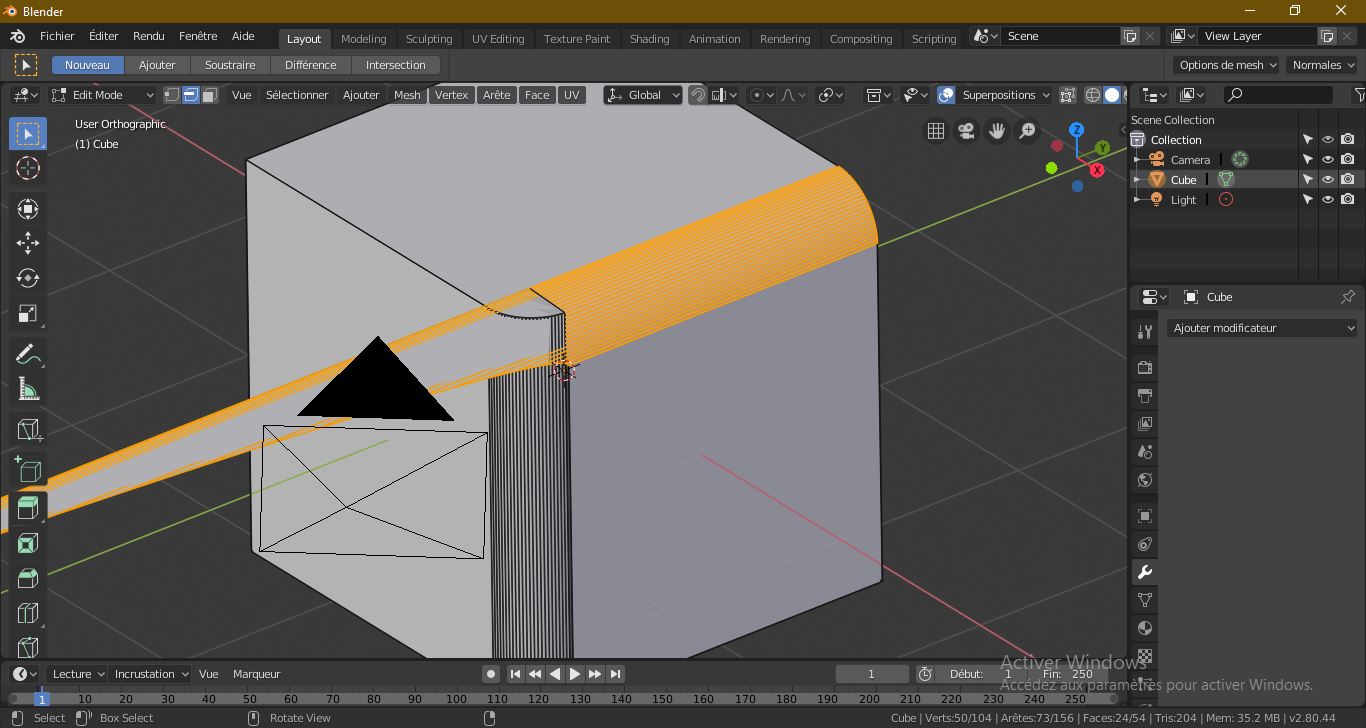
Maybe add a second bevel modifier.
Yep, the speedflow addon, as with others, simply streamlines a workflow to reduce key presses.
You can select points and assign them to a vertex group, then have a second bevel modifier only act on that vertex group. One caveat is, you can’t have a loop of vertices, sometimes, to isolate the points, you need to subdivide an edge so the bevel behaves as expected.
ok can you make me a screenshot? to better understand.
This post might help. He made a series of tutorials showing how to do the type of no destructive modeling of Speedflow without addons.
Made a small video, hope it helps
Thank you it’s really nice your video was very useful for me
Thank you it’s really nice
You’re welcome, glad it helped. 