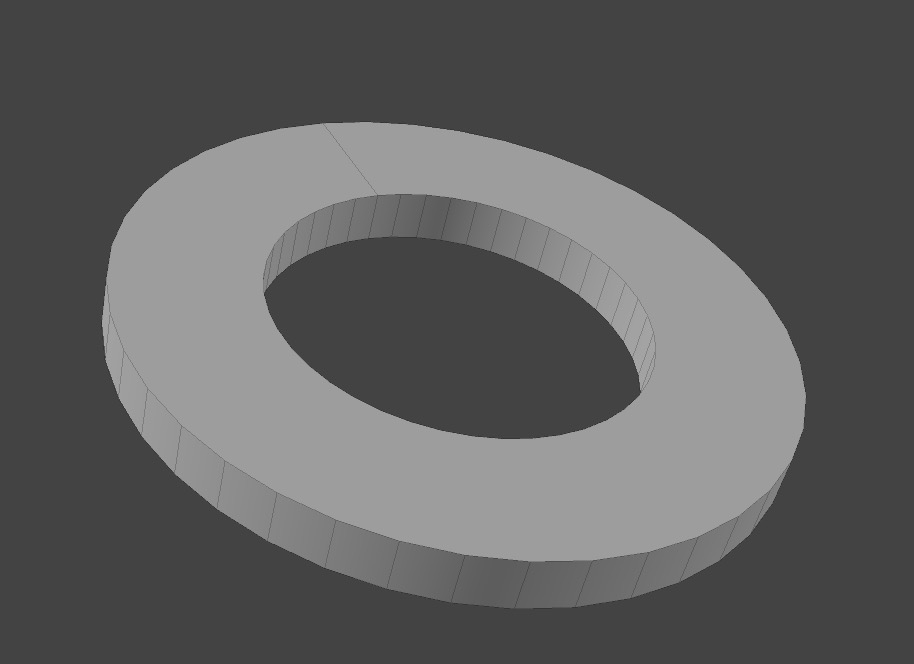
Already through both… I just don’t get it works on the pie menu. In my opinion it has to do with the command, maybe it needs a second one.
You cant get it to work on a clean blender install, with just kekit, no imported prefs at all?
Hi Kjell, how are you doing?
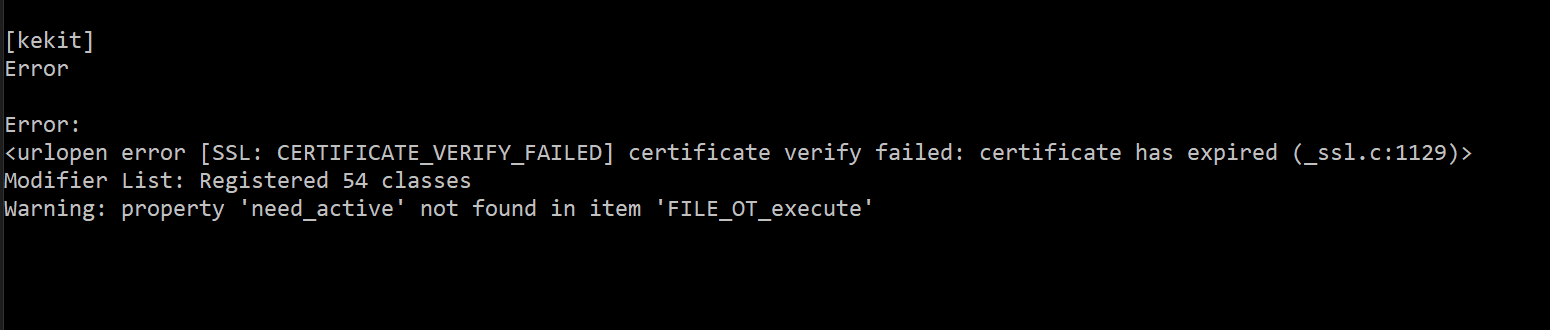
For version 1.462, I am receiving this error in the console:
Feature requests
- Since it appears as though forgotten tools is no longer maintained, would you be interested in adopting selection sets: Forgotten tools?
- For the view bookmarks, it would be nice if you could render the viewport and use this as thumbnail for the bookmarks. These could be rendered in a low resolution and would show which view is which. This could then also be extended for Cameras, so you could pick the appropriate camera more easily. The thumbnails could be refreshed for all or for selected views/ cameras. Do you think this is currently possible?
It works this way in Rhino and is quite nice:
2 Likes
So many things were added in the meantime, it’s really amazing. I also love the new panel layout and arrangement!
TT Tools
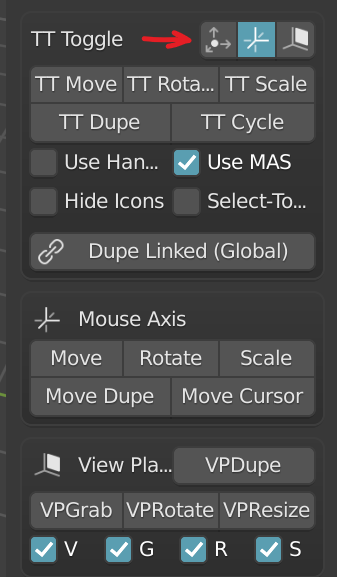
I am, however, having some issues with the TT tools, as I cannot seem to associate a hotkey to these three buttons to change the mode with a single button press. This used to be possible in an older version. If I associate a hotkey to them now, it will they activate TT cycle, so I can no longer activate any mode directly. Could you add three operators for the three modes (none, mouse axis and view plane) so the modes can be toggled discretely in addition to cycling?
TT Dupe
Also could you make it so that there are two specific TT Dupe operators, one with Dupe Linked enabled and one with Dupe Linked disabled? That way I can always duplicate linked with Alt+\ and only duplicate the object with Ctrl+\ as to avoid mistakes from an active/ Inactive Dupe Linked toggle.
Linear array HUD
On my 4k monitor the HUD for Linear array is so small I cannot read it:

This was also the case in version 1.421 on my old 2.92 install. Could you add a HUD scaling in the Addon preferences?
E: For the Context Sensitive connect, could invoking the hotkey with no selection activate the knife tool?
—————————————————————————————————————————————
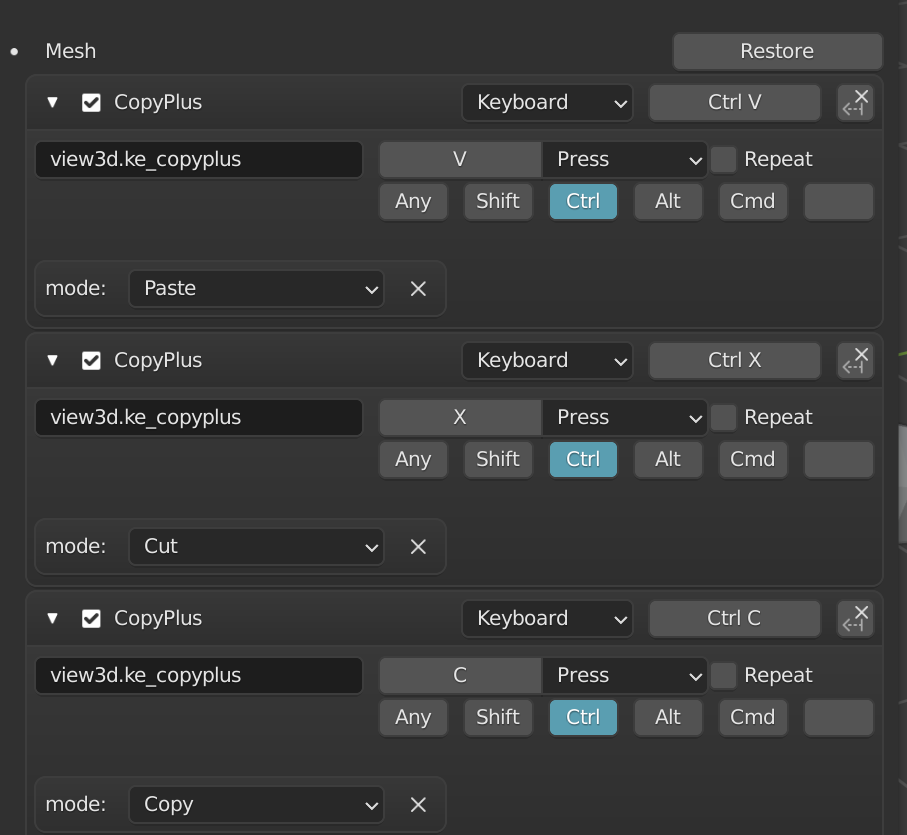
@RobertLe these should fix the issues you are experiencing with Copy+:
Copyplus
What you may want to check is that the modes were asigned to Copy, Cut and Paste in particular (just click the dropdown items to set them if they are greyed out). I have personally opted to use these operators within the Mesh workspace, but I see it now supports object mode as well in the docs.
Context extrude
And this is the TT tool equivalent for extrusion:
If you check the checkbox alongside Context extrude, it will take the TT tools constraints into account. Whenever you extrude a face, it does so by mouse axis. For edges and vertices, you can set it to none, mouse axis and view plane (VP).
I set it up like so:

The reason being, on my UK layout keyboard, the \ key is next to the left Shift key, so I can use it as additional modifier for instancing objects. And it allows me to reserve Ctrl, Shift and Alt combinations for all possible selection methods. You could opt to use Shift as modifier though, then it would act the same way as edge extrude in 3ds Max (though I believe they now changed this). Be aware though, that you should release the modifier key prior to extruding the last segment, because a mouse click also invokes the next extrusion when the modifier is held!
Thanks a million for your help. The keyboard shortcuts now work. Not sure what I did wrong, but this solved it!
Just noted that strangely Blender doesn’t have a object or node cut tool. Its just copy paste or duplicate… At least for Nodes someone should add this.
Hey!
Heh, thanks for the feedback, and the many requests ;>
URL error: This is the version update check. This error is not on my end nor the webservice, afaik. Check your net settings, firewall, permissions etc. I dont really know.
p.s. “FILE_OT_execute” error : Not kekit related afaik, probably some keymap conflict issue from importing to 3.0 (I had the same until I cleaned up my keymap file.)
Forgotten Tools: No.
View bookmark thumbnails: No.
TT tools shortcuts: ed. Hmm. I will check. But it should be noted that I intended these to be used for cycling, with just one hotkey. Or clicking the button in the viewport.
TT Dupe: Yes. ( begrudgingly. I prefer reducing the amount of hotkeys ;>)
HUD Scaling: Yes - I will be using the scaling value from blender prefs tho, not a custom one.
Connect Knife: Do you mean Maya Connect? (JFYI-PSA, I regret this name, might change at some point) , not sure, TBD.
2 Likes
Hey, happy new year!
Yes, I meant Maya connect, with no selection > invoke knife tool. I see that as a ‘selection-less connect’ and Machin3 did the same with his smartedge, though that one only connects verts.
“Context connect” would seem a logical name 
I wouldn’t know where to start for the update check error message either, maybe someone else has an idea?
Yeah I do too, going over all the new features you’ve added since the last time I updated, I managed to free up quite some keys. You’ve done great work there! 
Hey Kjell ,
Pls check “Merge To Mouse” tool. It doesn’t merge more than 2 edges in v1.462:
Will fix! (fixed)
2 Likes
upd reg this: TT Tools unique operators for modes… ed: I will pass on this for now.
ed2: no wait, i think i found the issue. might sneak into an updated 463. dl again if you were fast ;>
ps. new kit version will be released very soon. (ed: released)
4 Likes
Just an idea. In Modo the delete command works without a menu. Its set to do it more like most users would like it. Meaning in face mode, it deletes only the face, in vertex mode it deletes the vertex and in edge mode it dissolves the edge. And in Object mode, it delete als the child objects.
All that is possible in Blender and sometimes you might want to have the menu with options, but I wonder if this couldn’t be scripted in a more Modo way. I actually dislike to make chooses all the time.
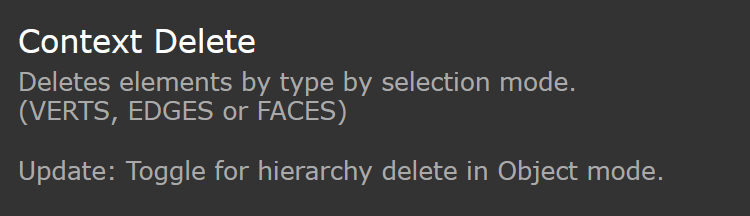
@RobertLe This is already in Kekit, check Context Delete in the Context tools. Also be sure to go over the documentation: https://artbykjell.com/wiki.html
1 Like
Wow, you always one step further
Haha no Kjell is, he already made it for us 
1 Like
Just a note so, when using context delete on edges, the edges get delete but not the vertex. so the faces vanish. Its not the same like edge dissolve would do in Modo.
PS: Yes I know there is a context dissolve button underneath. But thats the point, I really do never need to delete edges and keep vertex. And I was hoping to find one command for all.
I think an earlier version of CD had delete for all except edges, but it got inconsistent with how it works in blender. I might introduce a toggle (for either context dissolve OR context delete) that only deletes faces…not sure. maybe a separate command. ed: Though I have gotten used to having these separated, so i its not a priority.
Could you post the source code, so I can make my own?
Basically its how you query the current state.
All the py code is there in the kit, context delete & dissolve ops are in ke_contextops.py.
(where you can still find the old dissolve-mixed behaviour commented out 
Yeah, I as almost about to delete the post… I hacked your script to do what I want 
You already left the code in the hachtag