Martinsh: Savefile is VERY slow now, can you upload to filefront?
Thanks
Thank you, i also dreamed that Blender Game Engine could do a real reflective… and hopefully - a refractive water.
I actually didn`t do anything, just made a scene using existing scripts :). And of course you can use it in your own projects.
Hosted the file in Filefront: http://files.filefront.com/Water+videorar/;13073068;/fileinfo.html
GLSL scripts work on using GLSL, but only if you don’t have a material 
They should release a build that can use scripts with materials with Use GLSL materials.
Thanks for hosting it in FileFront.
I do not understand … So why the script to “Parallax Mapping” work with GLSL on?
Attachments
parallaxbumpmap_07.blend (341 KB)
Hello! 
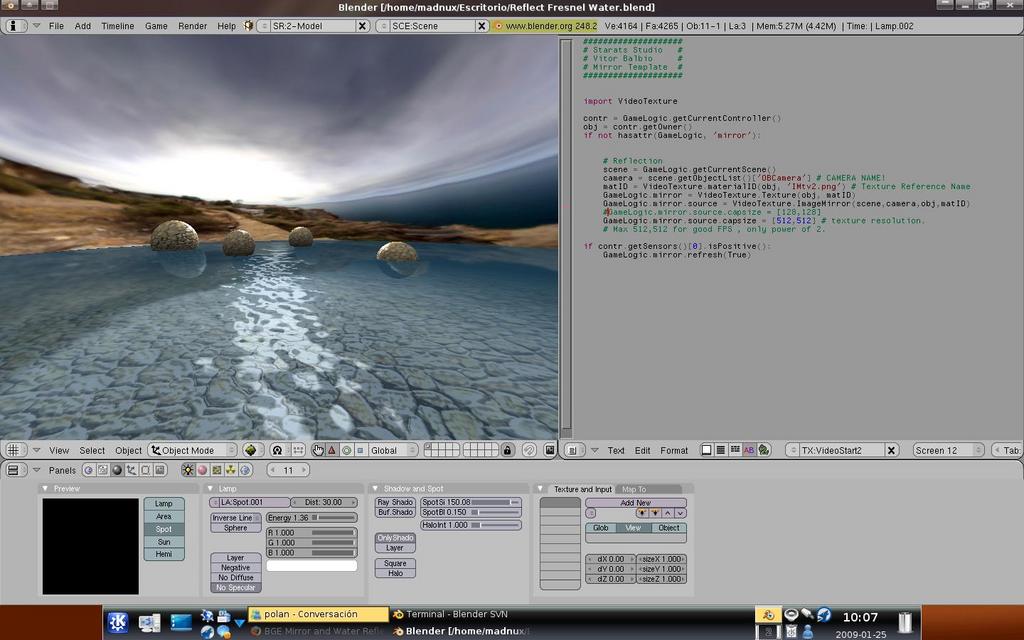
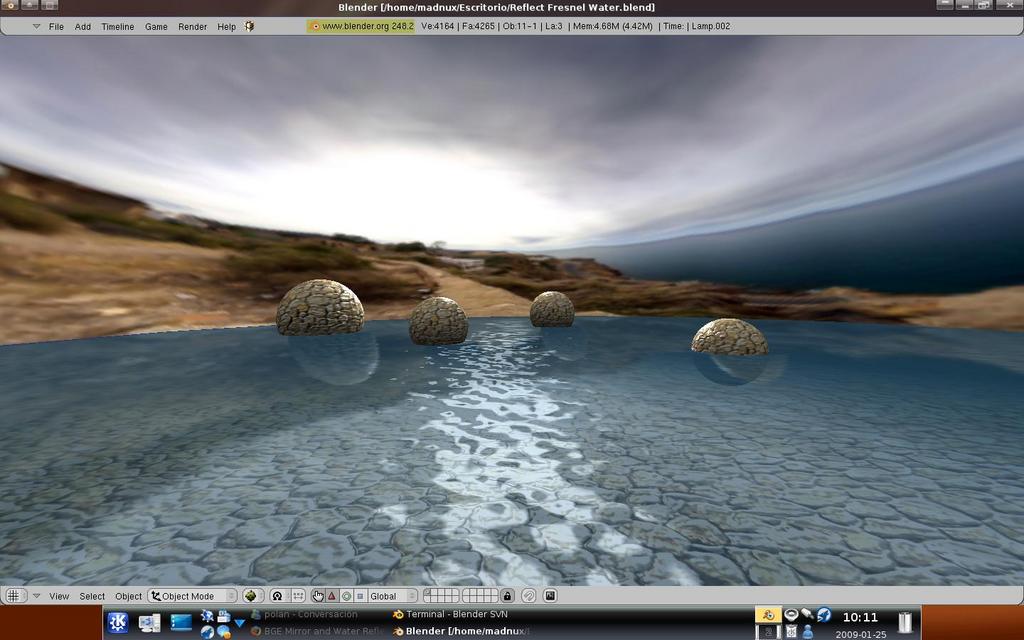
I build a Fresnel Reflecion real time water with Note Editor. This work only GLSL mode and SVN VideoTexture ok? 
Enjoy!
Attachments

Reflect Fresnel Water.blend (883 KB)
Hi! I appreciate you work
I have a question:
Why the reflection of the objects are not aligned?
Attachments
Hi madman!
you can send me the. blend?
Maybe I can find out what happened, but I believe that is a loss of alignment in the UV reflective texture.
Fantastiiiiiiiiiiiiiiiiiiiiiiiiiiiiiiiiiiiiiiiiiique!!!
Martinsh Je vient de tester Water_video avec blender 891_SVN 17735, et Blender 2.48 SVN 18671 de Zebulon c’est magique!
Martinsh I just Water_video test with blender 891_SVN 17,735 and Blender 2.48 SVN 18671 of Zebulon’s magic!
Martinsh Je vient de tester Water_video avec blender 891_SVN 17735, et Blender 2.48 SVN 18671 de Zebulon c’est magique!
[LEFT]Martinsh I just Water_video test with blender 891_SVN 17,735 and Blender 2.48 SVN 18671 of Zebulon’s magic![/LEFT]
Unfortunately it works only with “Blender Multitexture materials”, not “Blender GLSL Materials” .
French:
Malheureusement il travaille avec le “Blender Multitexture materials” seulement, pas avec “Blender GLSL Materials” 
Bonjour Martinsh,
A zut alors!, quelle dommage!, tout espoir se fonde alors à un avenir (si cela est techniquement possible)
ou “Blender Multitexture matériaux” pourrait être fusionné avec “Blender GLSL Materials”!. Et puis se serai
le top qu’une variante de Water_vidéo avec des boutons dans l’interface soit intégré à Blender 250.
Hello Martinsh,
A zut alors!, What a pity!, All hope is founded on a future (if it is technically possible) or
“Blender Multitexture materials” could be merged with “Blender GLSL Materials”!. And then be
the top of a variant Water_vidéo with buttons in the interface is integrated to Blender 250.
vitorbalbio:
I think that was because I press CTRL+A in the plane.
Hello!
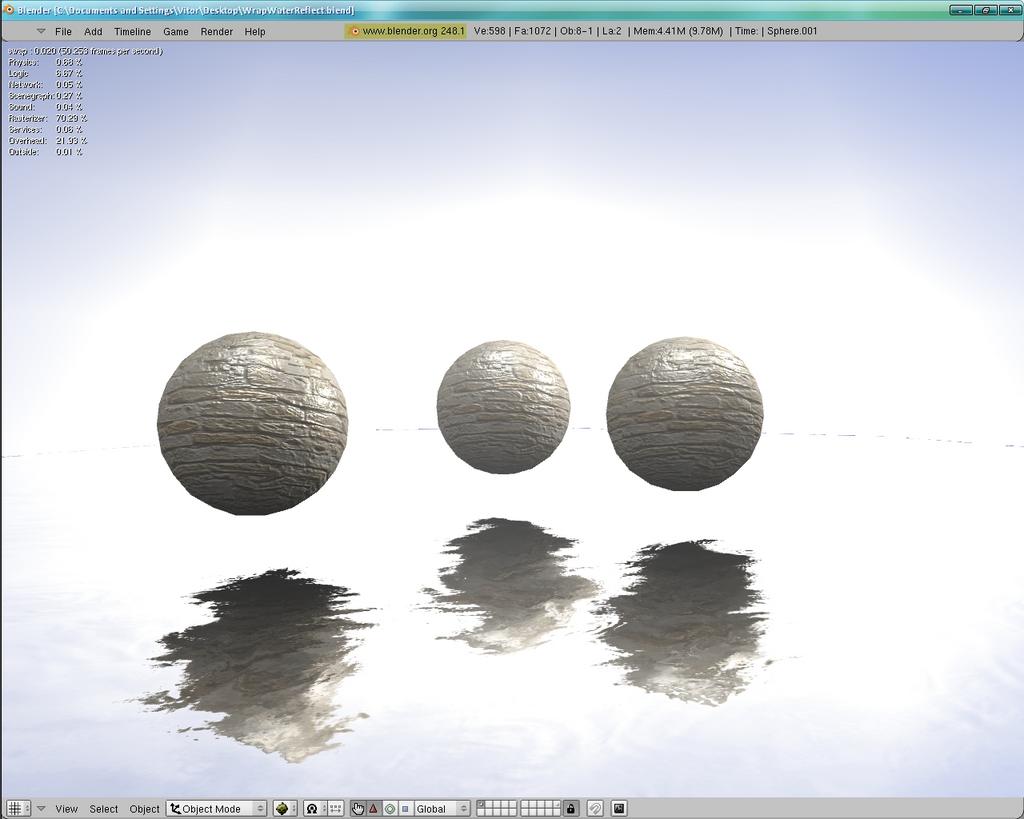
Continuing work in search of a perfect water I implemented the martinsh´s Wrap code in my model of reflective water. The result is finally with water reflection and waves in real time with GLSL. There are still several problems in improve (is is still without support for Shines and Ztransp and the node for fresnel does not work too) but it is a big step.
http://www.4shared.com/file/83431710/cb2efb3a/WaterReflectWaterWip1.html
Awesome! I think you should make an animated normal map? Like in apricot? I think it would be more realistic
the problem is that animated normal maps do not deform the reflection = /
But the actual normal map can be improve
…
This is better…
http://www.4shared.com/file/83444131/f6cf9be/WaterReflectWaterWip2.html
Attachments

Finally I can compile with videotexture, here is a example using nodes.
File: www.mad-3d.com/pub/MirrorTemplate_b.zip
Move the colorposition in the ‘ColorRamp’ nodes
Question:
How I can change the color in the plane? by default is blue and I can found where change it. (Materials, Node, Texture, Code)
Attachments

For fix this you need use a skydome/ skybox. because the reflection not detect the Blender Word background color…
But I want to change the color to ‘Red’ to see like blood.
Put a texture with ‘Col’ activated, replaces the reflection effect.
In my example active the col in the splat texture and you can see what I mean.
He’s talking about fake HDRi, in the real world reflections would look gray without a world, put in a skybox and it should fix it.
Awsome!! Guys I was just wondering…
Is it possible to do that without using an existing image (use the buffer) ?
Its actualy my first time suing the VidTex build (COOL) and the last time I actualy did play with VideoTexture was with the old(one of the first plugins) and I think I remember the frame buffer could do a similer thing like save the frame and display it as an texture and “I think” it did it without an empty or black texture.