Hello,
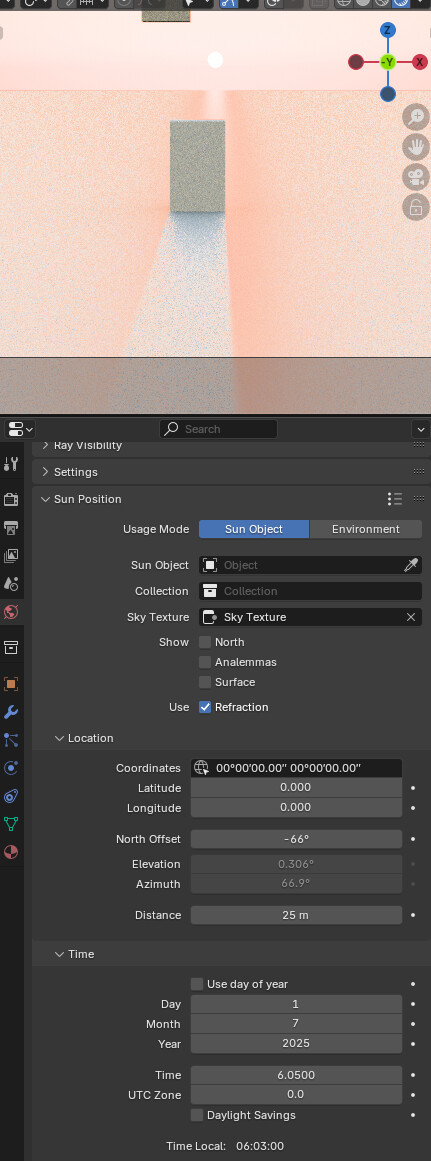
I’m currently in the process of bringing a new Sky Texture into Blender, this time the model takes into account multiple scattering. This topic serves for feedback purposes.
The model is based on the work here: Real-time spectral rendering of the atmospheric medium, I’m just re-implementing his ShaderToy code.
I already implemented the model in Python and you can test it here.
Right now I’m exploring the possible ways to implement it into Blender.
Any feedback is appreciated along the way, I’ll keep the topic updated!
The improved Nishita model Sky Texture I implemented here (with the help of a lot of developers) is making use of single scattering, meaning you get wrong radiance all over the place, and the twilight Earth shadow will be black because of that. Multiple scattering fixes these issues, making the sky look much closer to the ground truth.
This new implementation specifically makes use of 4 wavelengths, which is lower than 21 wavelengths we use for Nishita Sky Texture, but thanks to the “hero wavelength” method described here, we get pretty good results.
Oh and I though that the current one was “perfect”, but apparently not
Though there are two things with the current one that could also maybe be fixed with this new one? First is to have the option to have a ground at a color of your choosing (and maybe even a texture mapped somehow?) and secondly that the current one is really really bright, for it to be useful for me I have to bring it down to 0.1. Is the intended somehow in a physically correct manner maybe?
Hello, thank you for your feedback :).
Adding a texture as a ground is a really specific use-case, you can just add a plane for that purpose, it’s better to keep the Sky Texture as minimal as possible.
The current one uses accurate lighting values, meaning you should not lower its brightness but rather the exposure of the scene, you can find such value under Color Management in the render setting.
Hope it helps.
Though I’m curious about the brightness, in what way is that the real world sun value? I mean what’s the reference in Blender when everything else seem to be balanced around having the exposure to 0, like the regular sun lamp, all the HDRIs I’ve ever downloaded etc?
The RGB values are straight out of the sky model, meaning without any hack, and back then when implementing it we checked it was the correct physical values.
Most of HDRIs are not calibrated to match the physical values AFAIK.
Okay perfect, now I know. It’s great to have a real world reference lighting like this so thank you for that. Looking forward to an even better reference lighting when you’re done with this version!
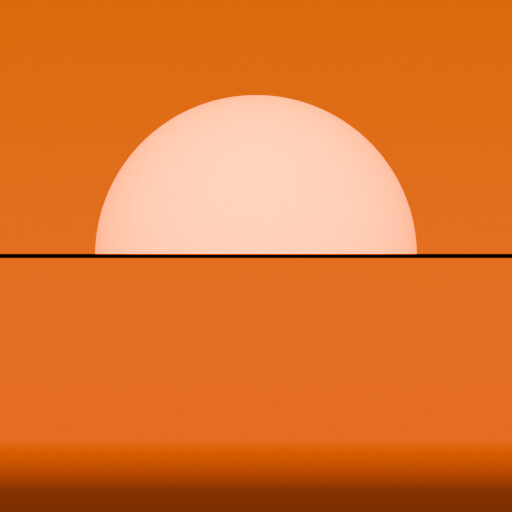
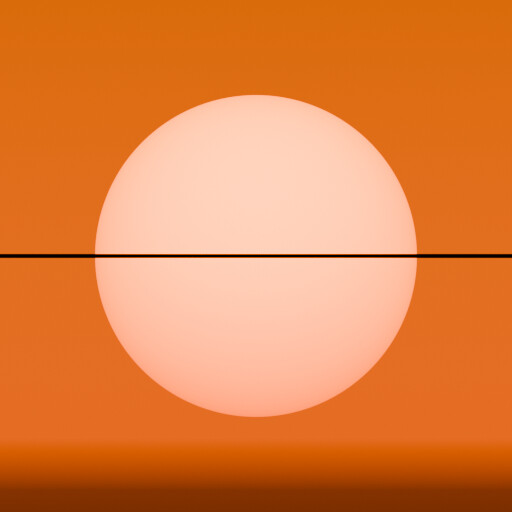
If you are, let’s say, at an altitude of 10 km, then you will see the Sun below the line of 0 degrees elevation.
Let me edit the previous post, by “horizon” I meant an elevation of 0 degrees, currently Nishita is hiding the Sun disc below that elevation.
ok…but (just to learn something…not be presumptuous)
…often, doing archviz and environment, there is a, let’s say, plane where put over all the stuffs (buildings, people, cars, vegetation and so on).
That plane is often not so big (in the Earth scale), so this plane is not obstructing the sun…so…when the sun goes down the 0° elevation, if the sun still be fully visibile doesn’t create some unwanted lighting directions?
That’s a good question @marcatore.
Yes for a simple archviz scene the Sun below the plane surface will illuminate it from below, but you can always set the Sun Intensity value to 0 if wanted.
The thing is that we want the Sun to go below for aerial scenes, you want the Sun disc to be visible until it goes beyond the Earth’s surface.
Hope it makes sense.
Yes…for aerial view or big scale scenes it will have a great sense…for other scenario, suggesting to put sun intensity to 0 when sun is near the 0° elevation seems a bit hacky.
Doing some testing (really really nothing scientific style) with just the sky (Nishita) to do lighting and shadows and this results:
Here the sun has full disc and it’s projecting shadow
Ok, I could set the Sun Intensity to 0 when I go below the horizon (actually copying the Nishita model) but I had to do manually.
If this could be added automatically with a user choice, I think it will be great.
aerial (Earth scene scale) ON you have the sun full disc below the horizon
aerial (Earth scene scale) OFF you copy the Nishita Sun Disc behaviour
As you’re in development process, do you think it’s doable or could have sense?
That’s not an issue since doing an archviz scene requires you to have an altitude set near sea level 0 m, so the Sun will still disappear once it’s below the horizon (slightly less than 0 degrees).
I am always against adding extra UI elements, especially if they don’t add any new feature that can be already achieved with the already available elements.
By default I think the Sky Texture should behave like a real sky.


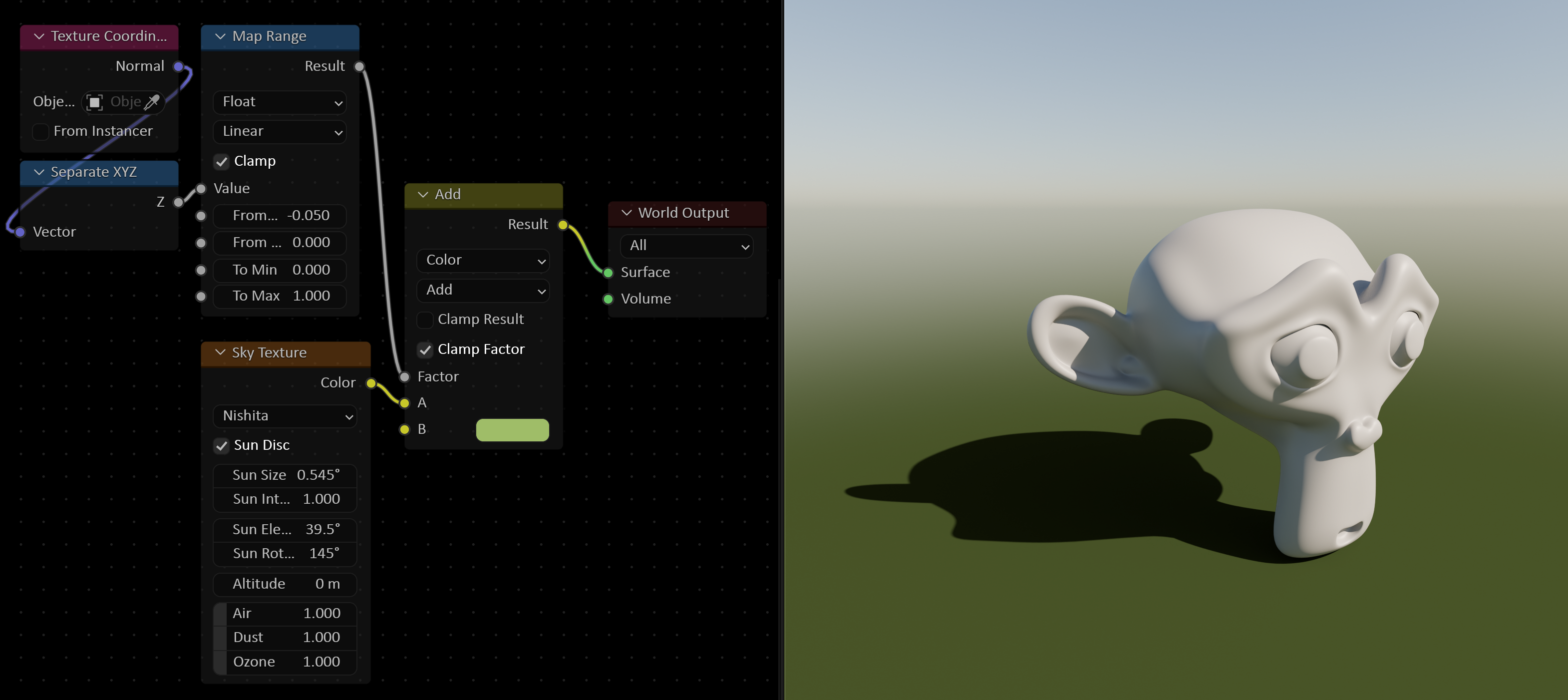
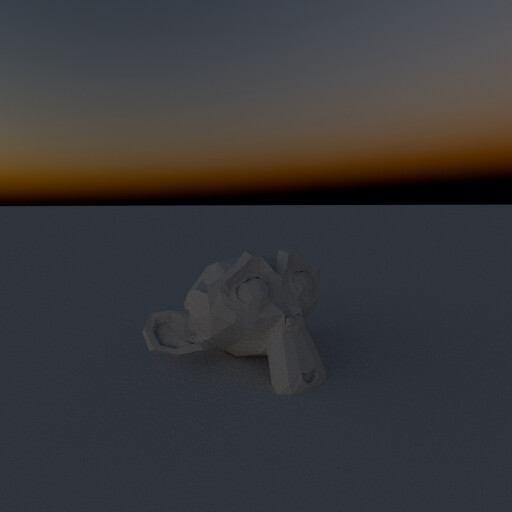
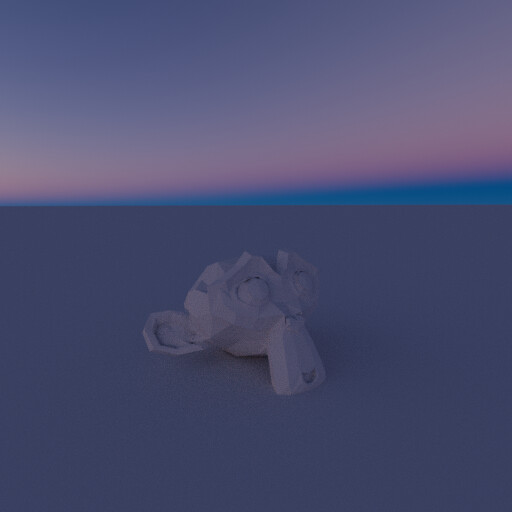
 , I’m glad to announce that I finally started implementing the Multiple Scattering sky texture in Blender!
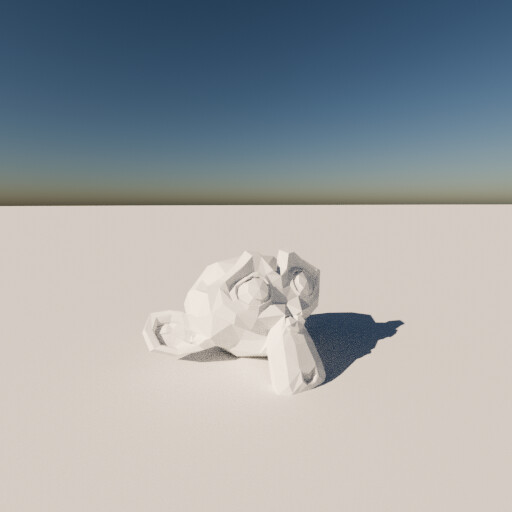
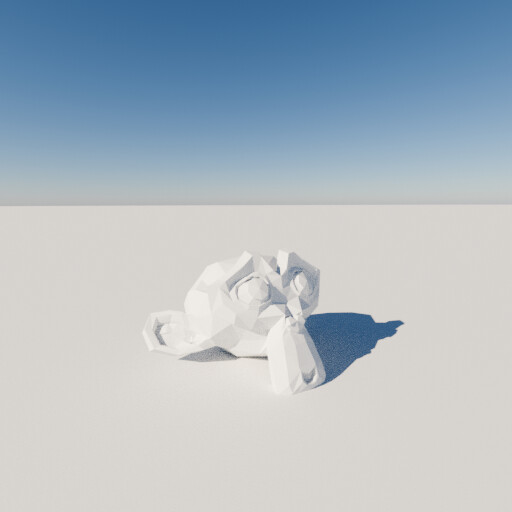
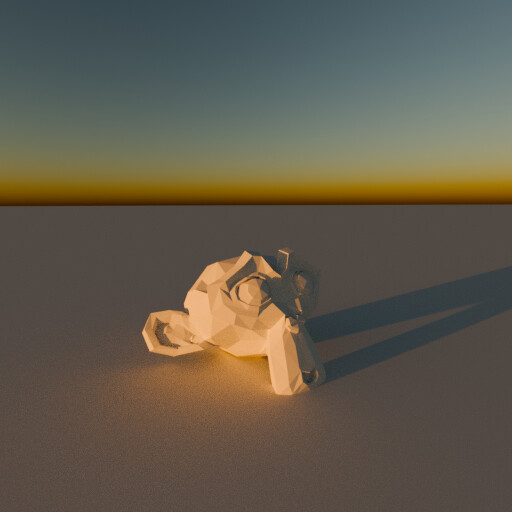
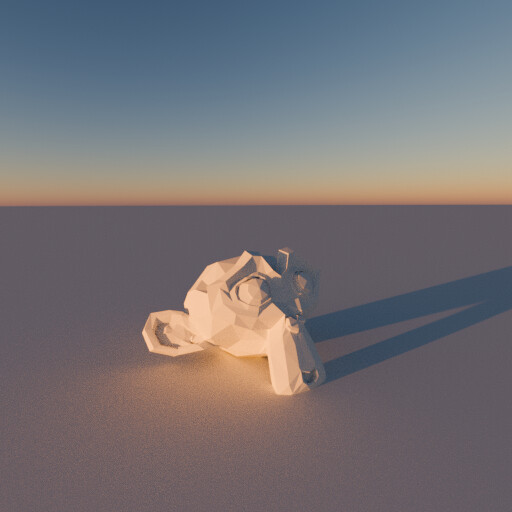
 .
.