Hi
I would like to announce my new addon:
It is an updated version of the addOSC addon with a richer feature set and customized nodes for AnimationNodes and Sorcar.
Let me know how it works for you.
cheers
martin
Hi
I would like to announce my new addon:
It is an updated version of the addOSC addon with a richer feature set and customized nodes for AnimationNodes and Sorcar.
Let me know how it works for you.
cheers
martin
If I understand correctly, these nodes will appear inside Animation Node. But is there a video or guide to show how they are to be setup in order to get the property panel to listen to OSC and send OSC commands?
Hi David
I added a first tutorial on general usage: https://youtu.be/o9bzujeOyc8
unfortunately I don’t have a decent microphone at the moment, so the audio is crappy and I will do the other tutorials once I have access to a decent microphone again.
there is a Tutorial blend file on the repo: /help/Tutorial.blend
where you can find a working setup with AN nodes
Hi Maybites, I read the other thread. Will start threading here instead.
I’ll rename the folder and rezip it removing the dot. I’ll re-download it as of today. Thank you for your support maybites. OSC has a lot of potential for blender users, I just wish I could totally work with Android at this stage of development.
I will be using Blender 2.83 from now onwards, since 2.82 is not suitable for these kinds of things and 2.81a is locked at the moment.
Sounds good? Let’s make this addon work on 2.83 explicitly please (devs have explained a lot of reasons about code and bugs for 2.82, so let’s just jump directly into 2.83, please). Thanks!
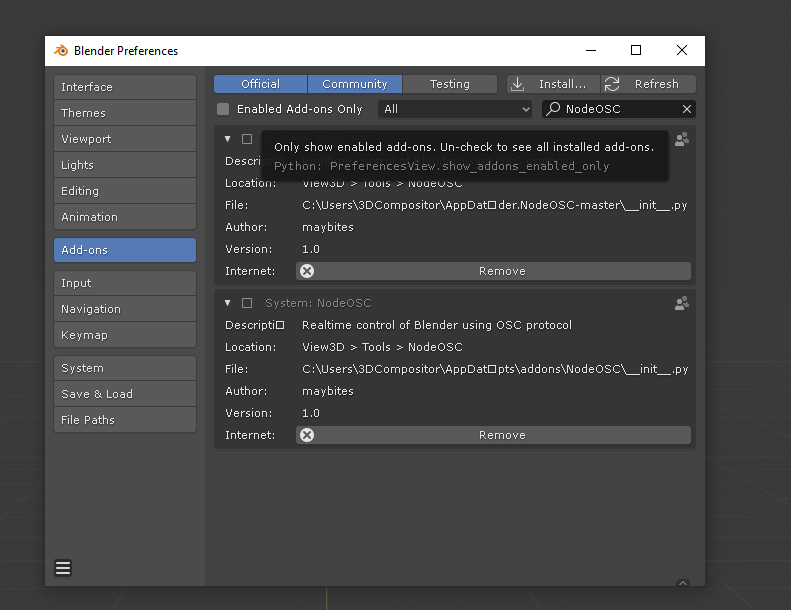
there is a older installation inside your searchpath. you can see them in the screen shot.
remove all of them and reinstall.
Also, I will install animation nodes from here: https://github.com/JacquesLucke/animation_nodes
In case of errors:
please send clear step by step instructions. I have to be able to reproduce what you did in order to see whats happening.
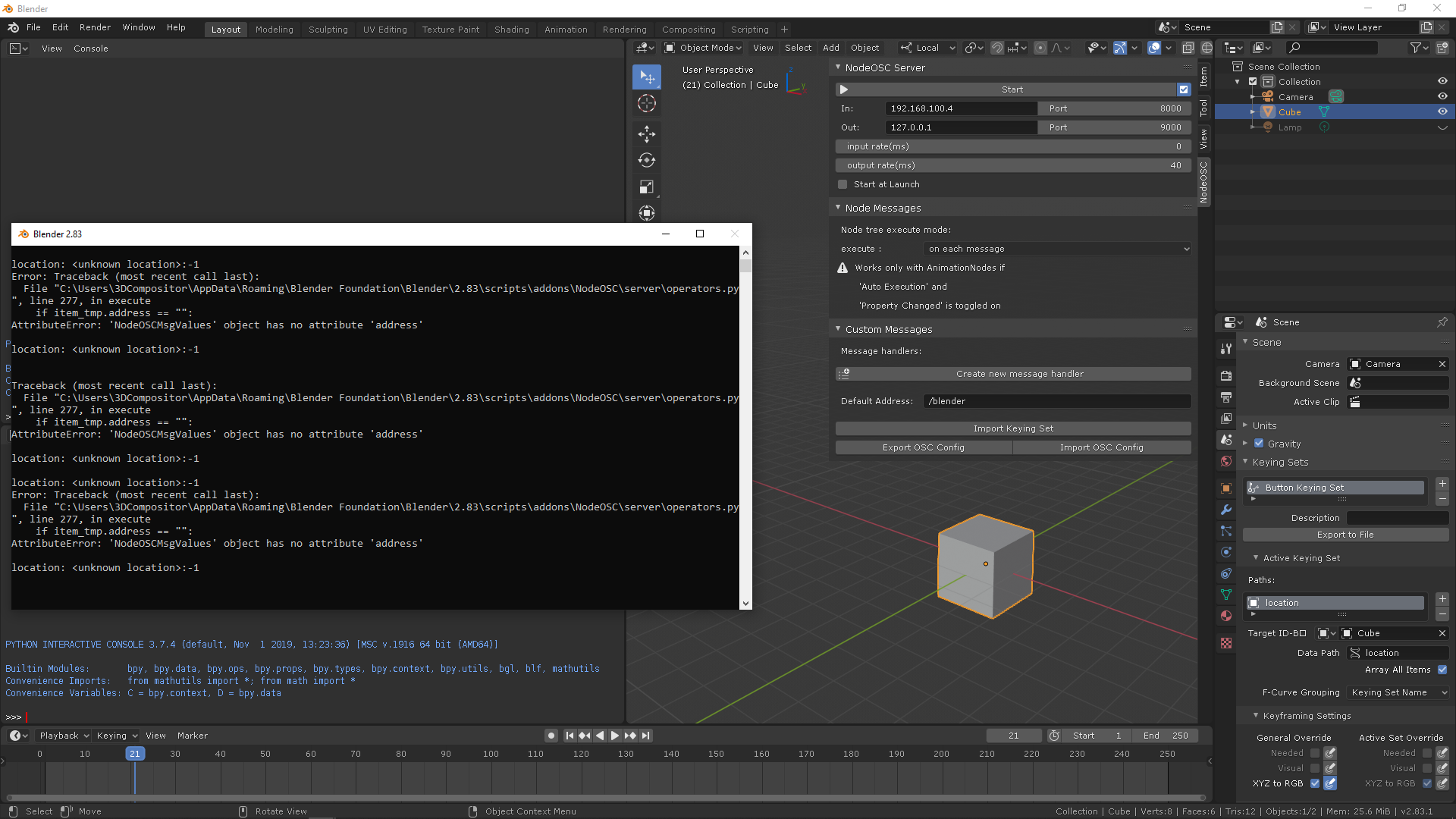
I just activated the addon, then I created a cube. Went to the N panel to properties and in the XYZ translation, right click “add to keying set”.
Then I pressed “import keying set” which gave me the result you see in the window.
Question aside: Do I need to download the build for animation nodes from here?: https://github.com/JacquesLucke/animation_nodes/releases
Which one?
–EDIT–
(nevermind I found it from DOWNLOAD):
Deleted all 2.83.- Installed from scratch. Installed animation nodes. Installed (renamed) NodeOSC.zip addon. Created the cube. Right click on XYZ translate properties: Add to keying set.
Switched to NodeOSC, error when I import keying sets:
importing keyset fixed with the latest development branch:
I tried uninstalling the previous NodesOSC from the addons menu. These are the error screens when I do that:
I deleted folder 2.83 blender. Started anew. Installed animation nodes. Installed NodesOSC.zip ← I renamed the addon to this specific name.
Error when I try to activate it:
did you download the release zip or the zipped repository?
please go to release and download that zip.
Could you please install OSC Bridge and do a test run with the TouchOSC app? please?
I am trying all of this, but I keep getting an error:
an oversight on my side.
I pushed a bugfix release: https://github.com/maybites/blender.NodeOSC/releases/tag/V1.0.1
and please:
error messages alone don’t help. step by step guide is needed to reproduce the error.