Looks like a conflict with another one, but I have installed far too much, any idea how to check it?
@rovh with SHIFT+A you also need to add “REROUTE” and FRAME so that the nodes can be parented together as a block and also to add reroutes from the menu.
Someone who’s new to Blender and doesn’t have node wrangler will not be able to use these things if not presented on the SHIFT+A menu in the NOTES interaction mode with their own workspace.
Also, please add a “SIZE” for WRITE LABEL option. The title of the Note should be really noticeable on BIG mind maps look from afar.
Thanks!
1 Like
I changed the code and created a separate branch on Github please try and tell me if it worked out to solve this problem: https://github.com/rovh/Noter/tree/1%2C0%2C1
2 Likes
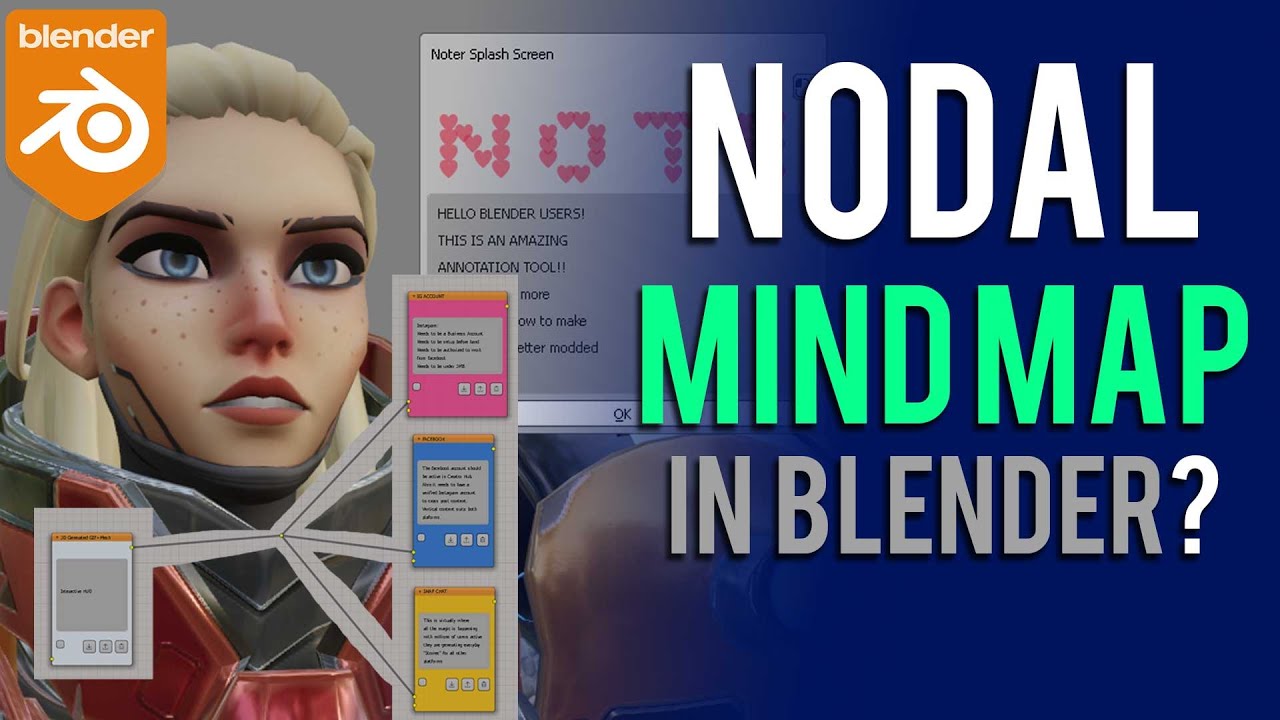
I finished the video. Editing now. So timely for the new URL 
1 Like
No, sorry, it’s a different one now.
If it’s not difficult for you, you can do this, but be careful:
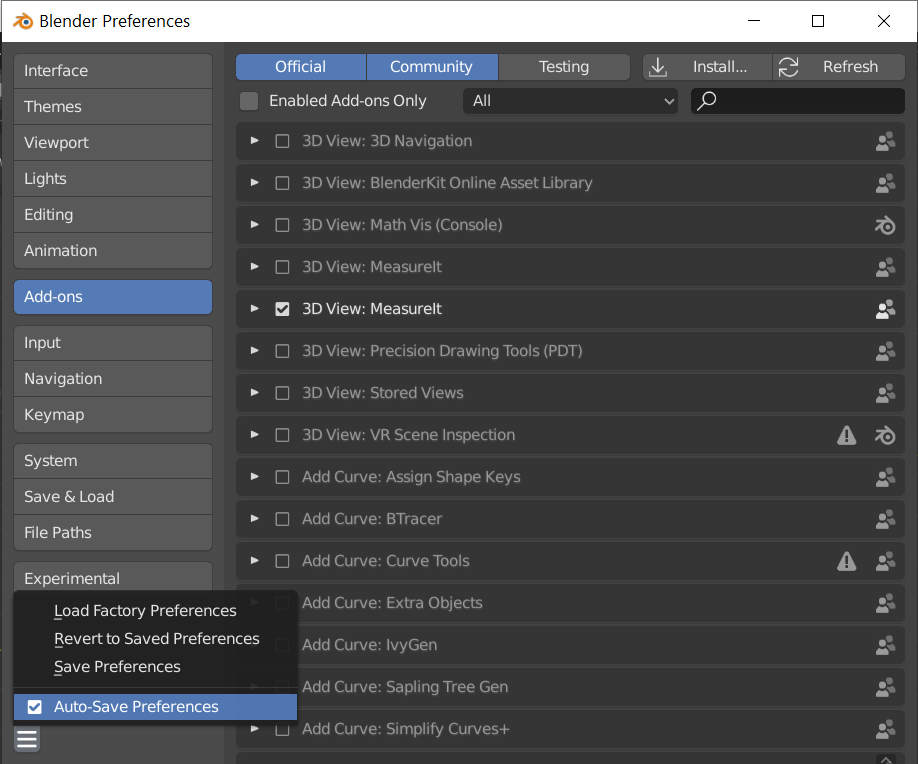
- You need to disable AutoSave so that changes are not saved automatically

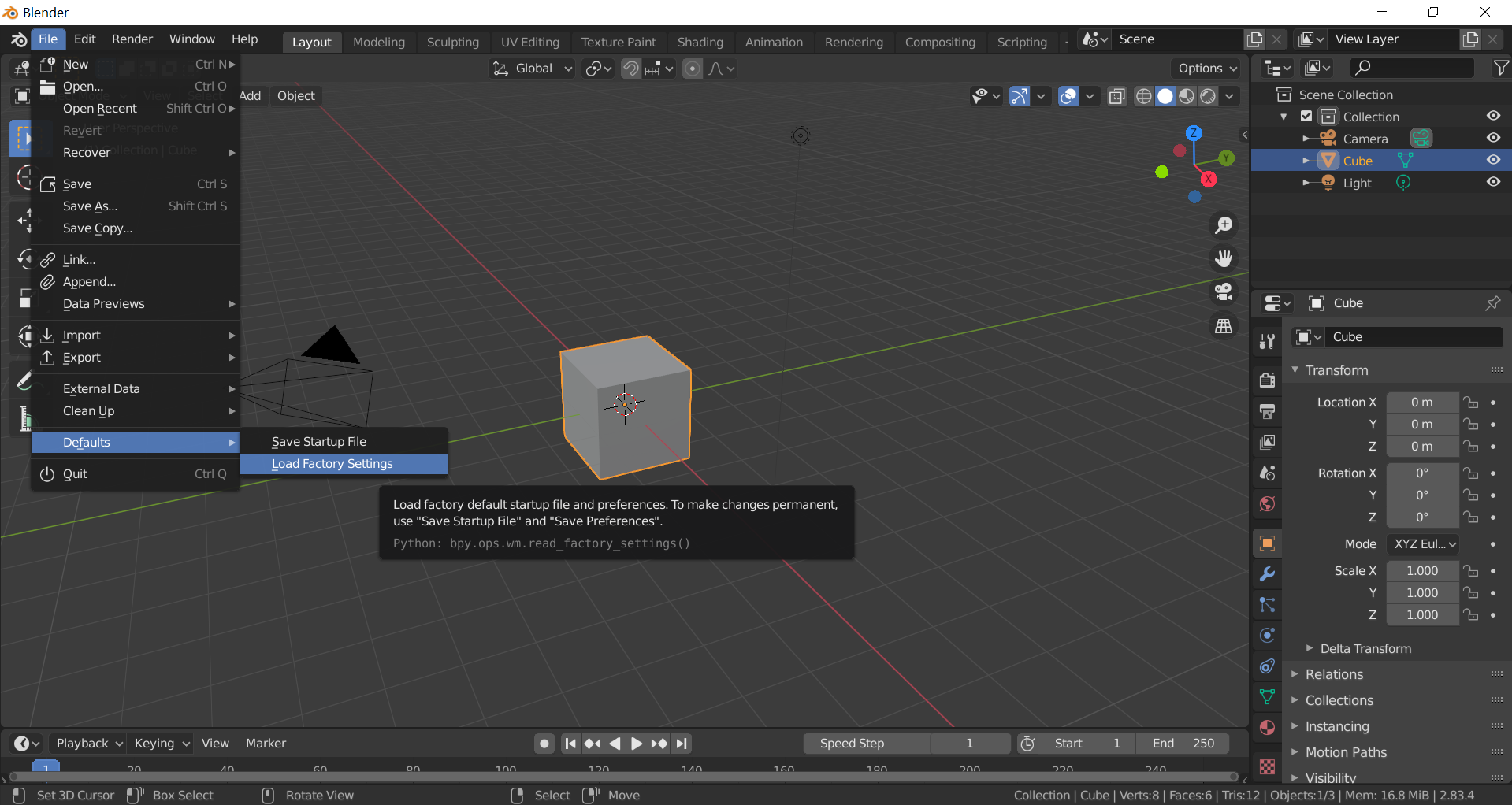
- You need to clean Blender
- Try to enable Noter (if it is not installed you need to install it)
- If Noter is working, then the error is due to a conflict of add-ons
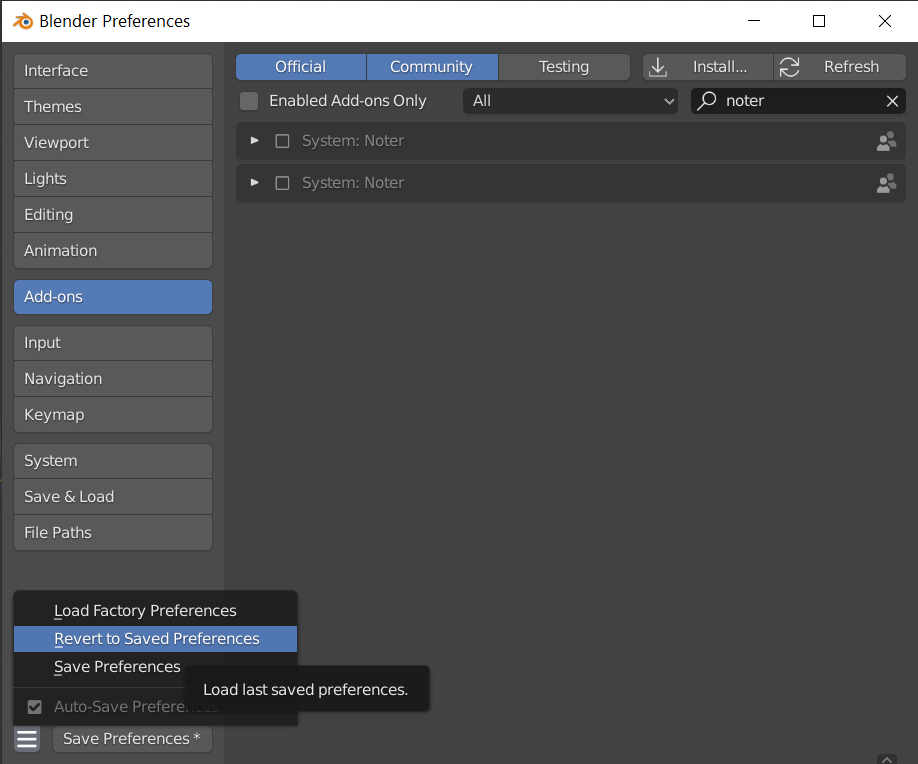
- In order to return the old Blender, you just need to close Blender and open it again, or you can use the option “Revert To Saved Preferences”
1 Like
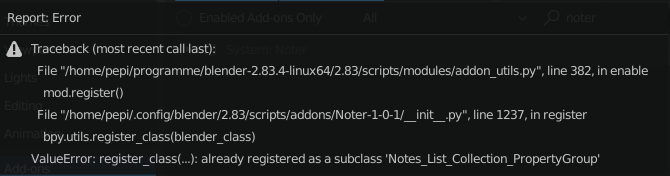
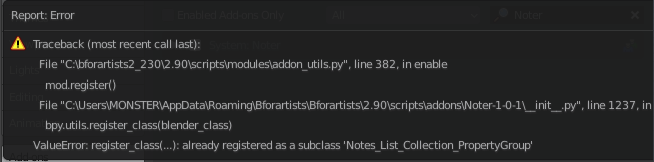
I’m getting the following error when trying to enable Noter:
1 Like
Have you tried this method? 📝 Noter Add-on [Release Addon]
Thanks for the advice, I didn’t think of it.  It’s not quite that simple. @Geep You’ll have to restart Blender. I simply deleted the userpref.blend and the startup.blend and restored them after testing (don’t forget to make a backup
  ). Under Linux you can find them under : /home/youreusername/.config/blender/2.83/config. Under windows it must be under youre blender folder some where like: Blender/2.90/config
And Noter works.  Only I don’t know which addon interferes here. Some tips. With more than 200+ addons it gets really annoying. But thanks for the great addon.
Edit: @rovh can i simply rename the class registation to something very long. Does it work than or did i crash it ?
In the branch on Github called 1,0,1, I renamed the class ‘Notes_List_Collection’ to ‘Notes_List_Collection_PropertyGroup’. As I understood it did not help you
1 Like
Okay, I understand.
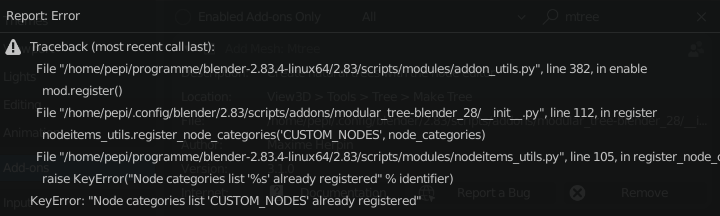
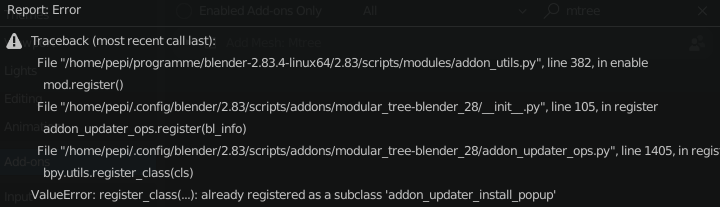
Edit: @Geep It is ModularTree. @rovh If you are interested, this is what it looks like when I first enable Noter and then try to enable mtree. Then I can’t make a note of what I have to do tomorrow if my tree is not finished today. 
I don’t have Modular Tree installed so that’s not it. Following the guidance on disabling autosave and loading defaults also did not work for me.
1 Like
My idea to search was to start with addons that have something to do with node editors. Since these are the fewest. Maybe you have activated sorcar or sverchok. I also have Luxcore and Material wizard activate but that work.
Did you follow from post 30?
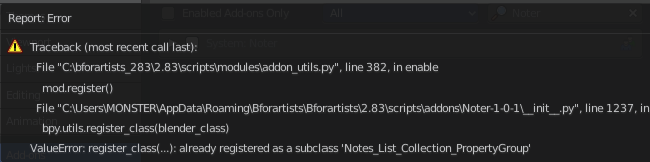
Once all my installed addons have been disabled (except the defaults that Blender has enabled by default), I quit and relaunch. Confirm Auto-save is still disabled. Install Noter. Enable it and…
1 Like
That’s confused. Sometimes there are differences between windows and linux but this is just python. Maybe it’s because you use blender for artist. Try the normal version of blender.org. not the .exe but the zipped version which is always the best recommendation because it doesn’t register anything. You have to start it from the folder or better make a link to youre desktop.
Yup I just used a vanilla Blender and it works. So this looks to be a B4 issue.
1 Like
If you’re interested, here’s what I found https://developer.blender.org/T60591
1 Like
Yes thanks I had actually activated Scatter Objects and even added a modified version. Oscurart Tools and UV Magic I had off. If they are off then I get this message when I try to activate mtree again (with Noter enabled). I think it’s o.k. so. If I need a tree again, I can do it in one day.  Noter on is much more important. Thanks again for the help and of course for Noter.
OMG!! Just tried it, and it’s amazing to have a MindMap tool with Blender shortcuts!!!
It’s so damm fast to create a mindmap with this addon 
Great Work @rovh!!!
2 Likes
THANKS 