Hi guys,
i finally managed to merge the addons i made. Huge thanks to mont29, Meta-Androcto and Ryker for making this possible, joining macros is rare and undocumented. The addon now installs all available NP operators and has been accepted to addons_contrib collection for Blender’s 2.78 daily builds and 2.79 release candidates.
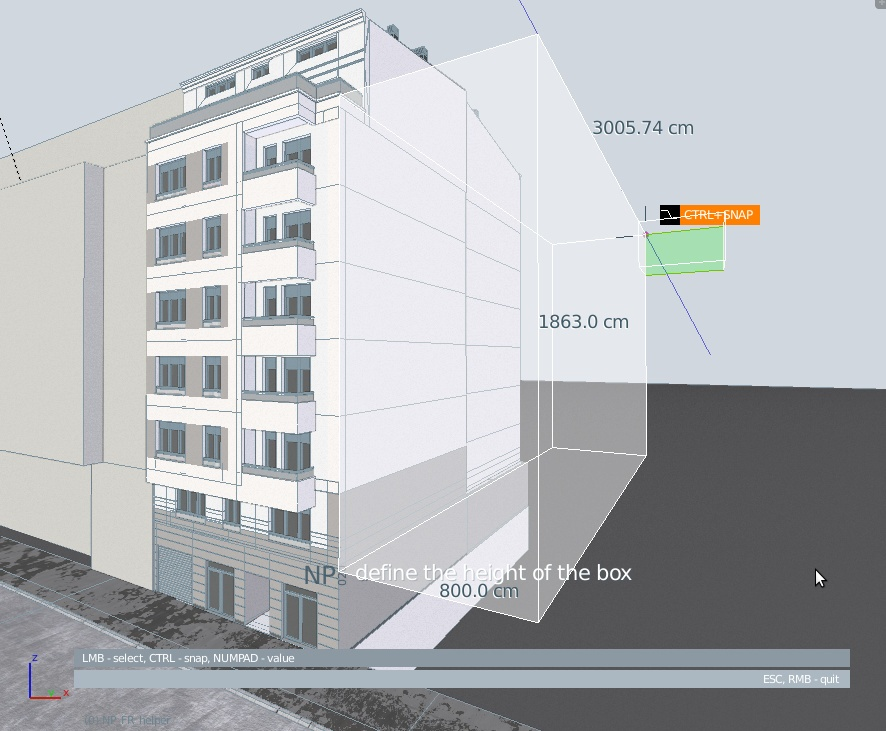
The package is far from finished, the operators are still a bit unsynchronized and there is fine work to be done in various aspects. At the moment, the package is more of a testing ground for command behaviour and graphics, so use it with caution. Aside from simple integration of existing NP operators, a new graphics system and some new operators were introduced.
For newcomers - NP is an experiment to make some precise modelling tools in Blender, using it’s existing technology. Working mostly in object mode, for quick CAD-like sketching and modification, with interaction, snap procedures and numerical input. For more details you can consult the PDF manual that goes with the addon: NP_Station_020.pdf
INSTALLATION:
Download the version edited with the help of @nBurn: np_station_2017_09_29.zip . Unzip the file and place the np_station folder it in the Blender’s scripts / addons_contrib folder. Start Blender, go to User Preferences / Addons, turn on Testing filter and type ‘NP’ or ‘020’ into the search box. Check the box next to the NP_020 name. If you have a previous version, first deactivate that one and then check the new one. A new section with the name NP Station will appear in the Toolshelf (T) / Tools panel and will be active in object mode, addon’s operative context. All the commands should be there.
If you’d like to use the addon via pie menu, here’s one made by @11131 : NP_020_pie_menu.py.zip
USAGE:
Run operators by clicking on the corresponding buttons in the NP Station panel or by typing the operator name in the spacebar search dialog. If you’re trying to modify objects, select the objects first.
Detailed description on usage of individual operators can be found in the PDF file that accompanies the addon.
If someone tries it, please report bugs, the operators need a lot of testing. Joining them requires quite a bit of code meddling and i still don’t know if they work as they did individually. Thanks to everyone that participated, comments and suggestions are welcome, though be patient with development, the addon is done in spare time.
DEMO VIDEOS:
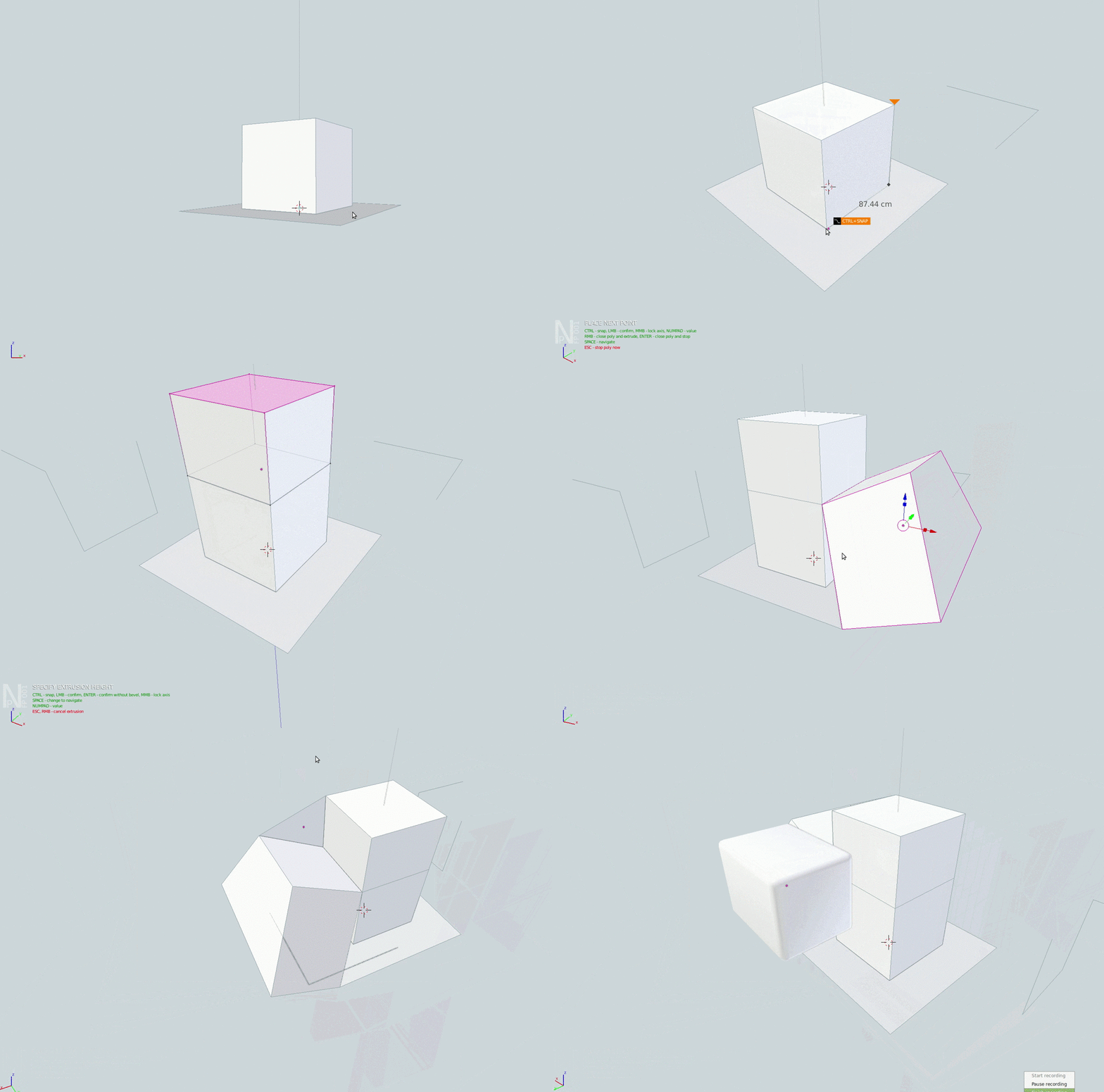
NP_float_poly
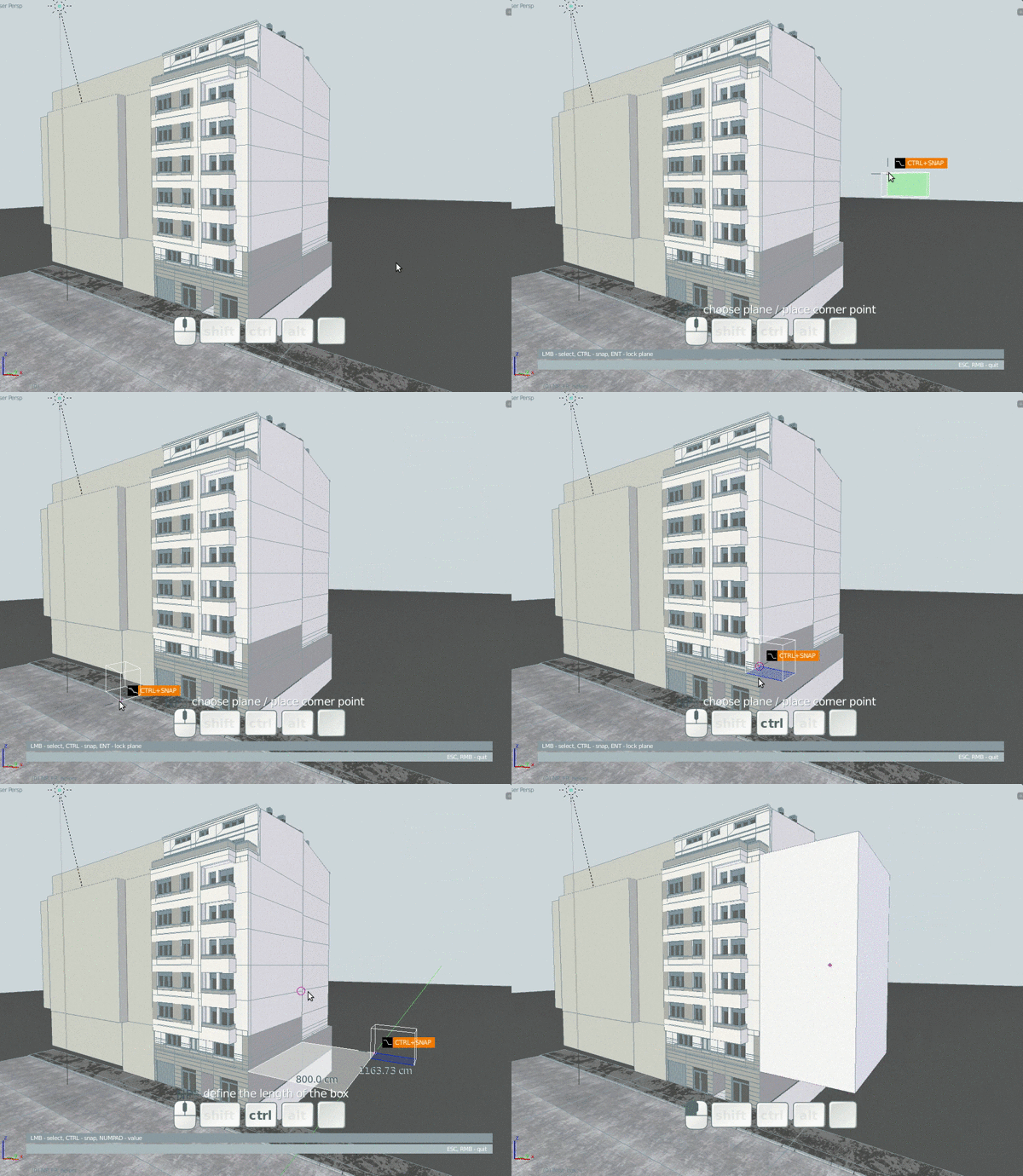
NP_float_box
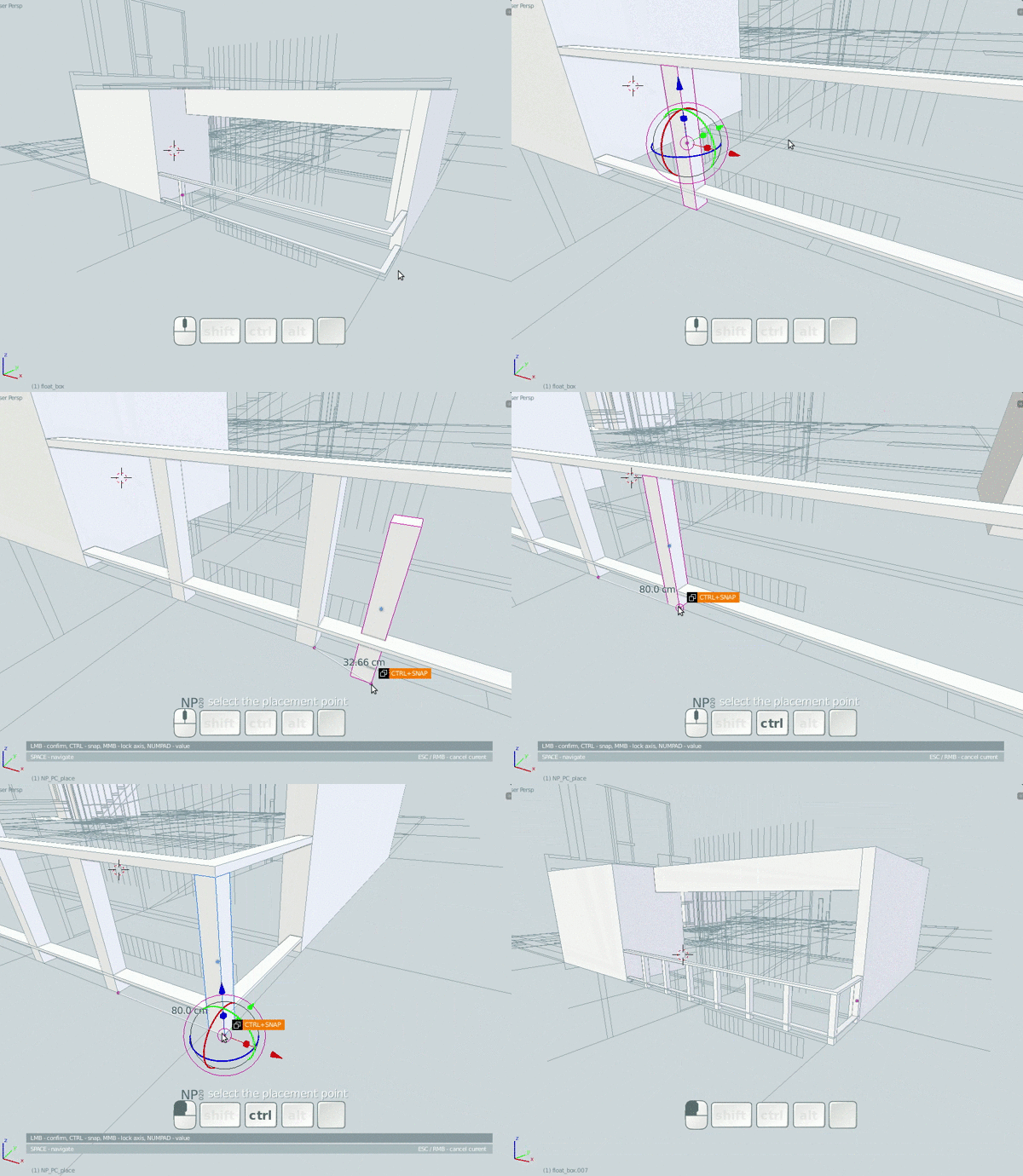
NP_point_copy
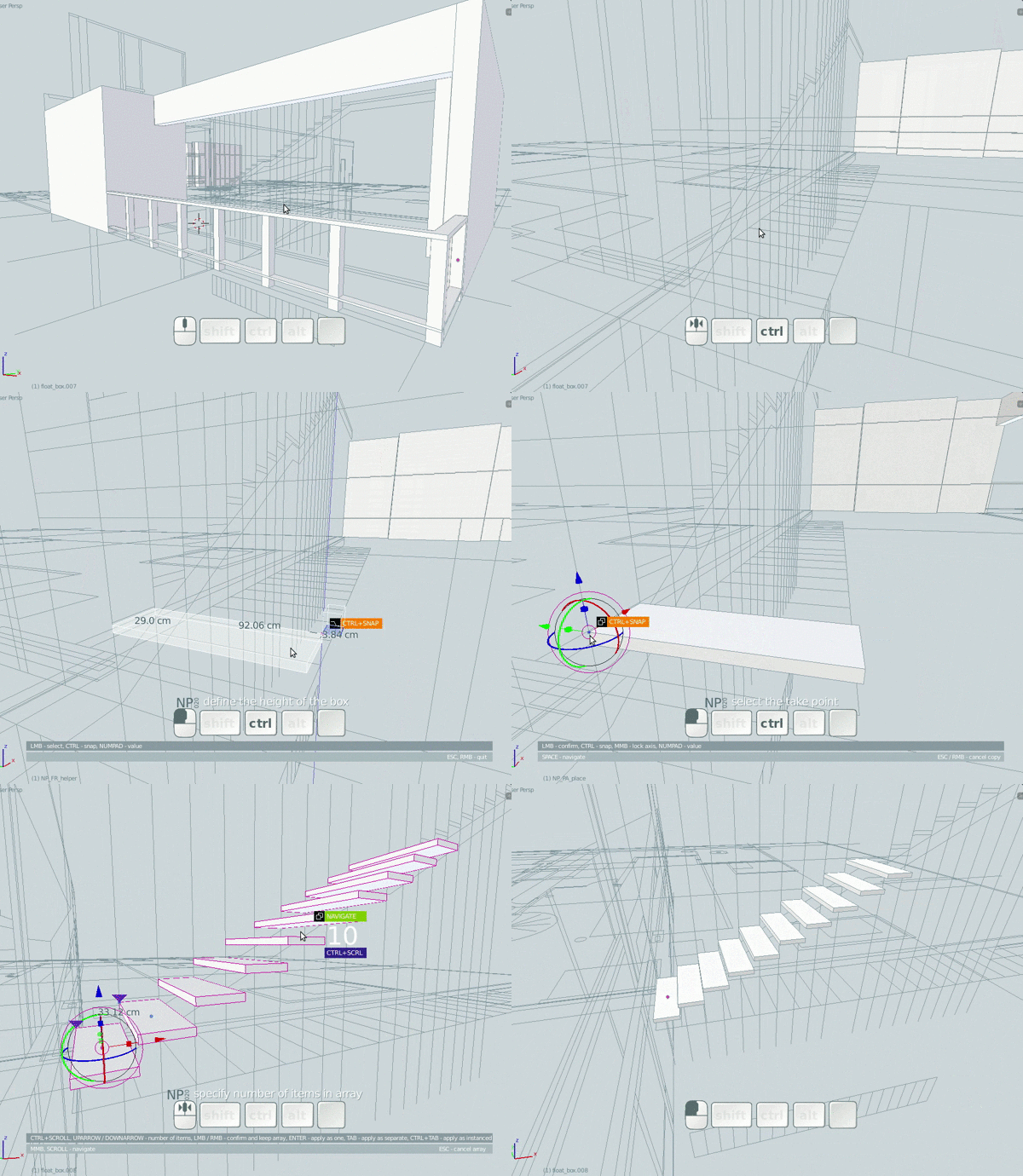
NP_point_array
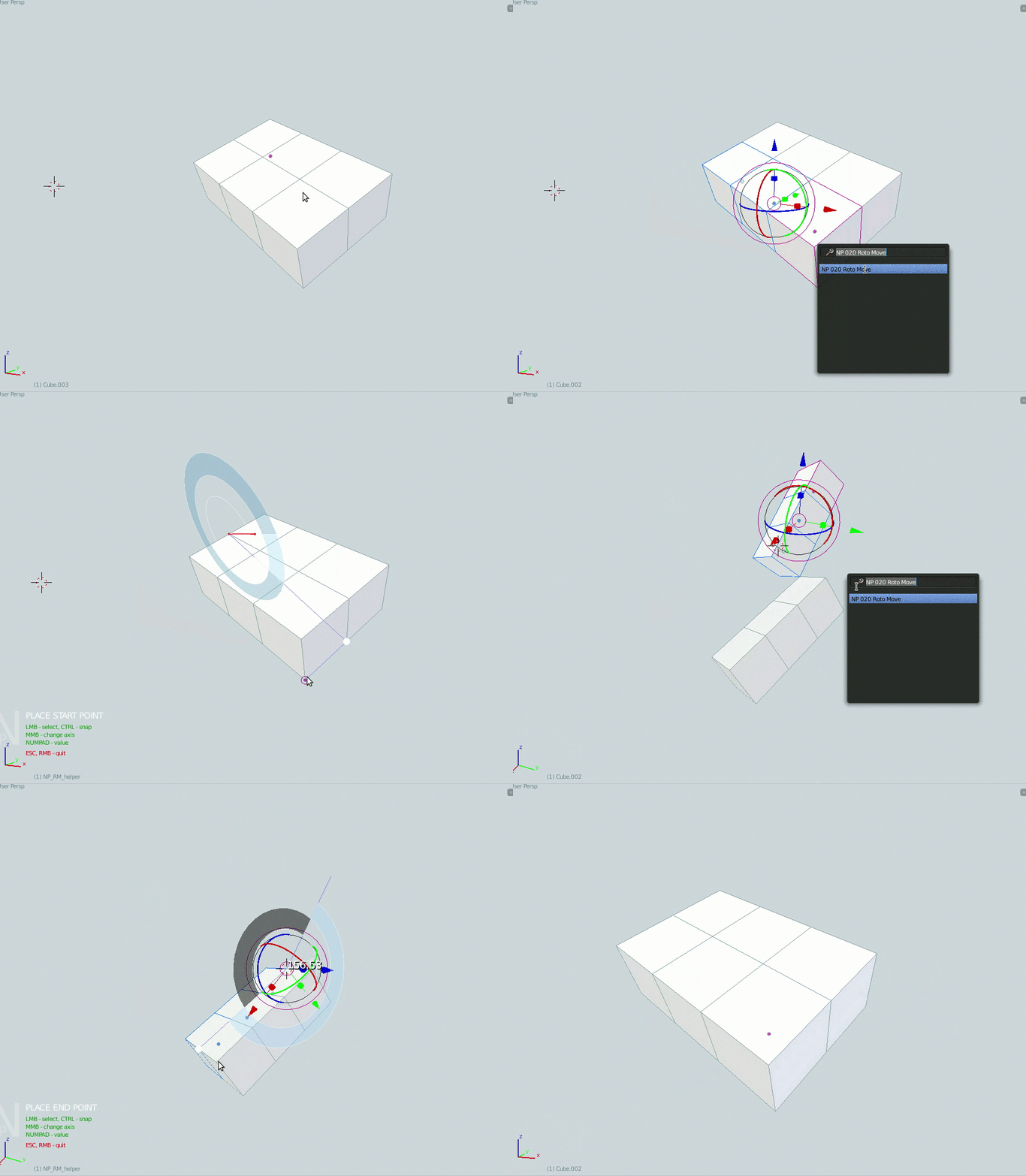
NP_roto_move
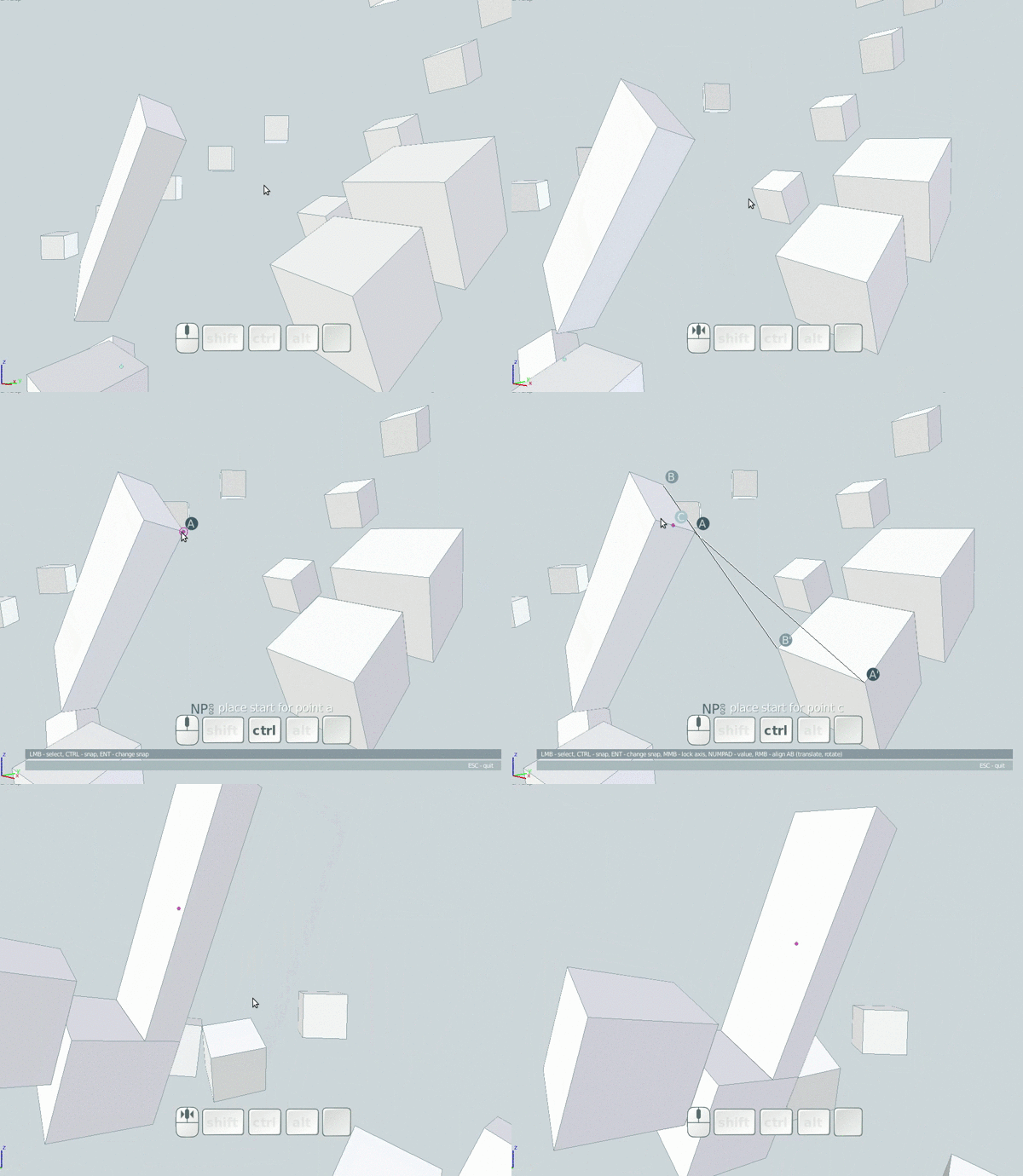
NP_point_align
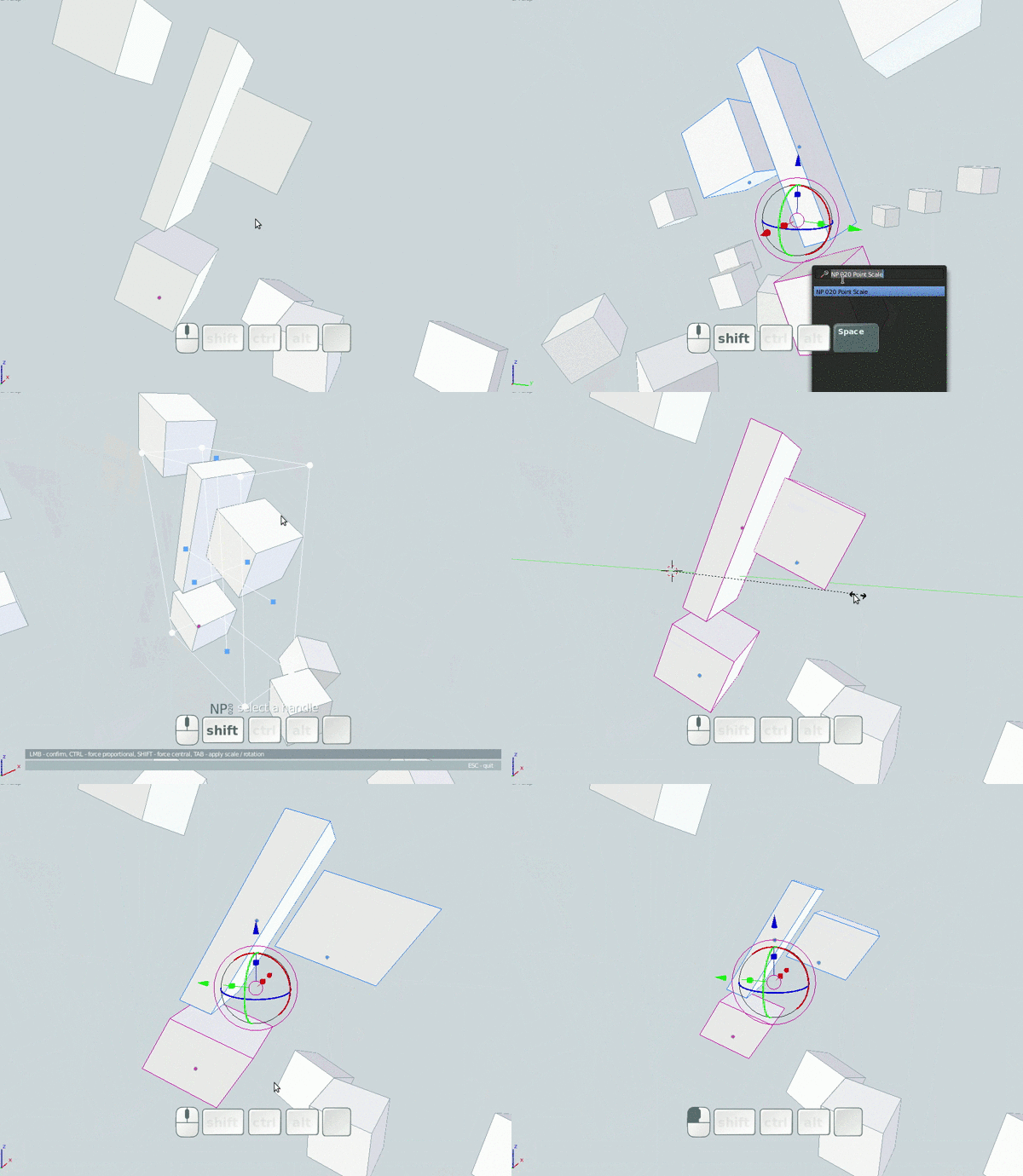
NP_point_scale
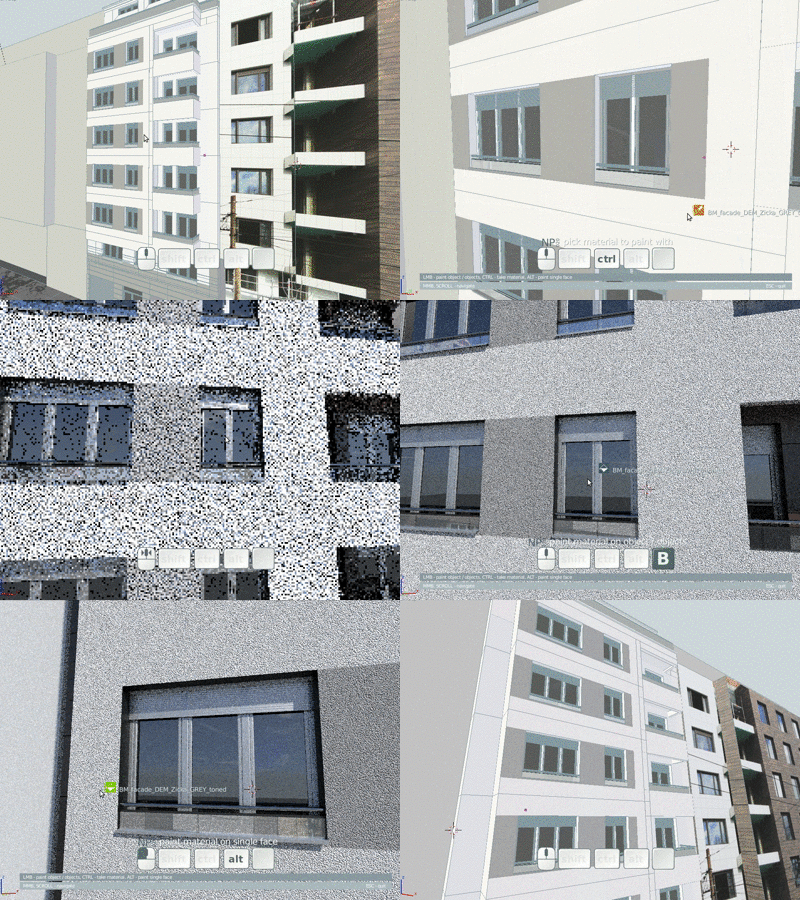
NP_shader_brush
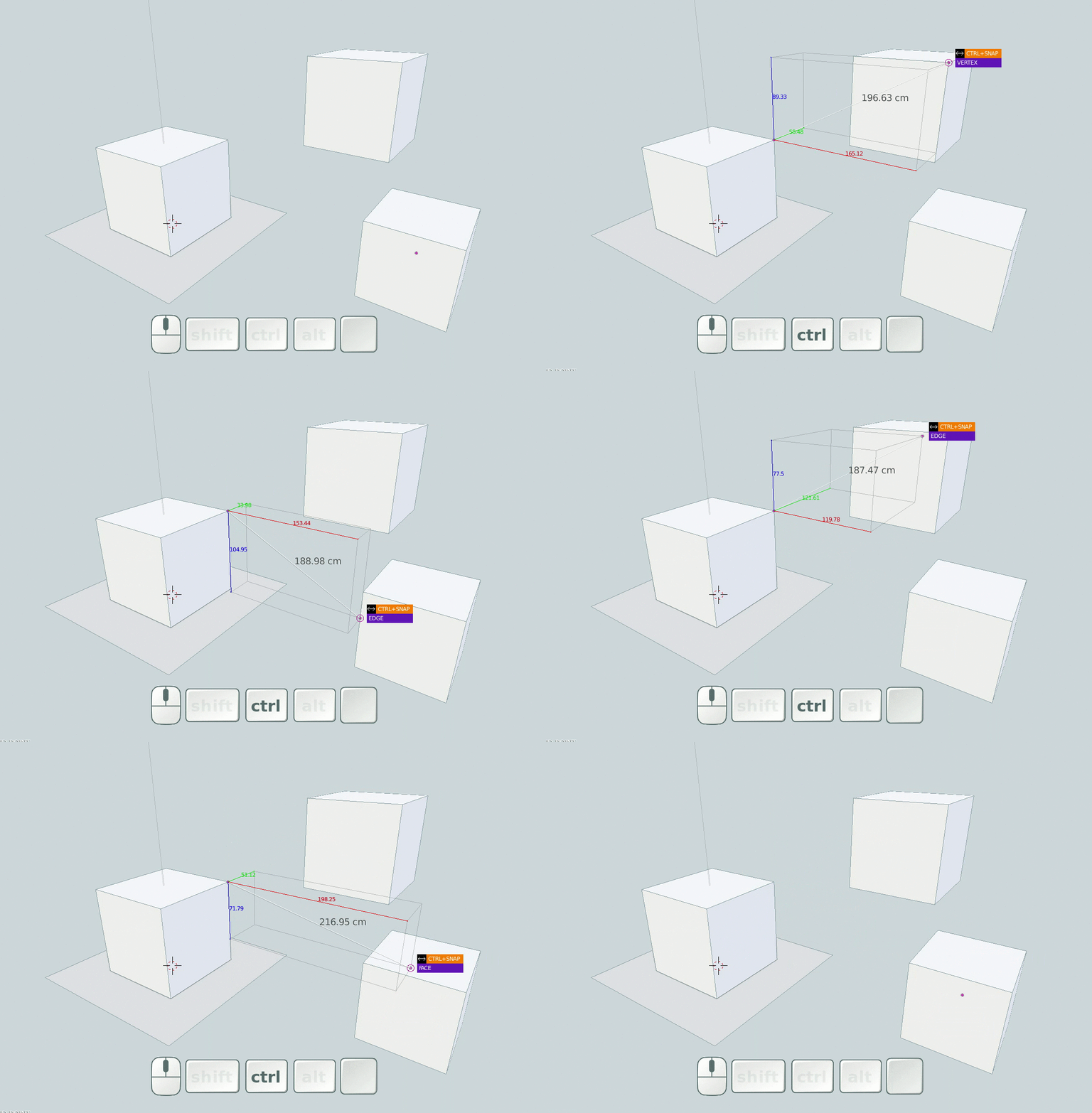
NP_point_distance

 is allowed now to snap a new drawed lines to middle point of other lines? Or to start drawing perpendicular lines from middle point of other line?

 I can see that modals are modified to act differently from default, but it seems to be a productive hack. Would you mind sharing the .py so i can learn something