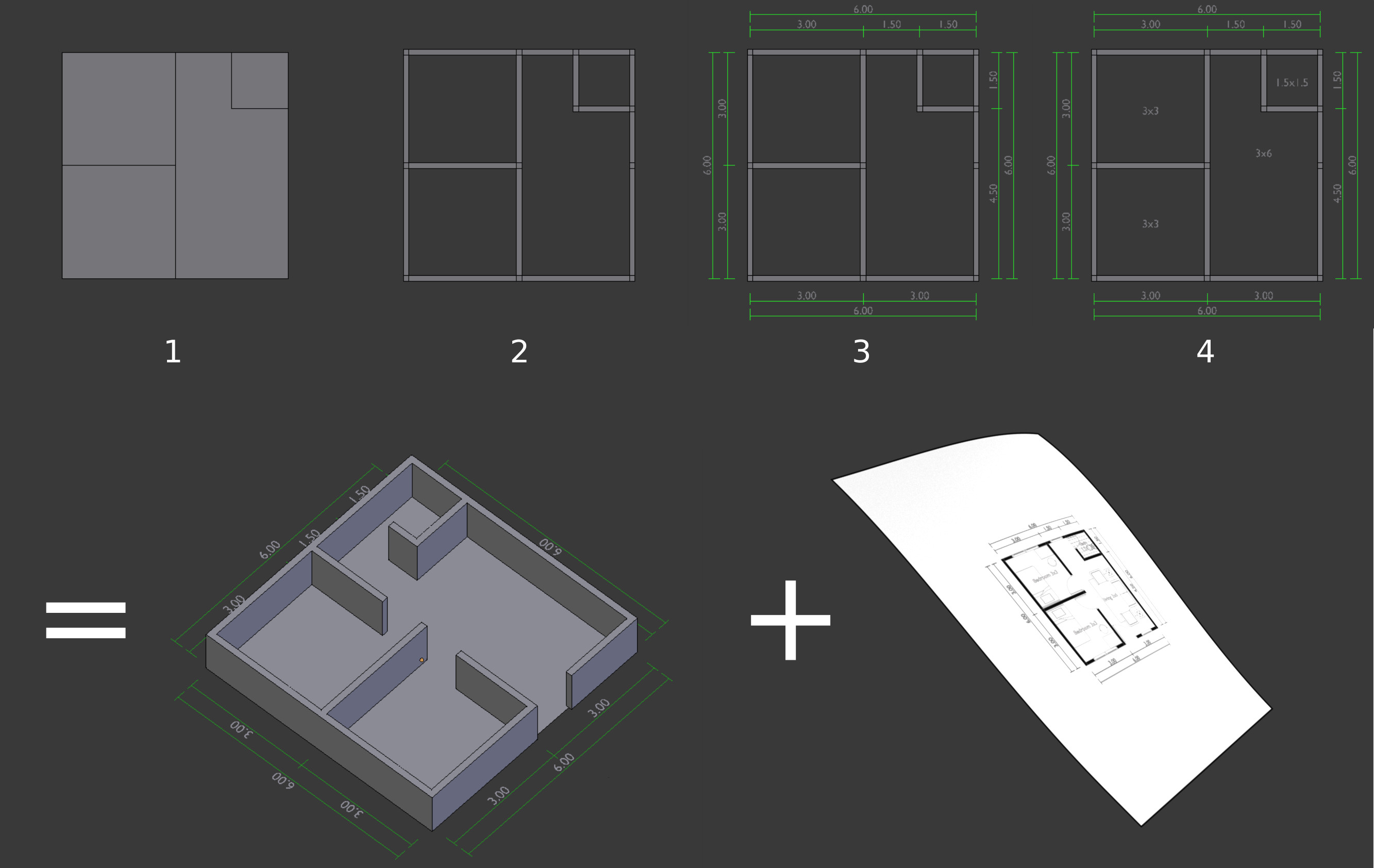
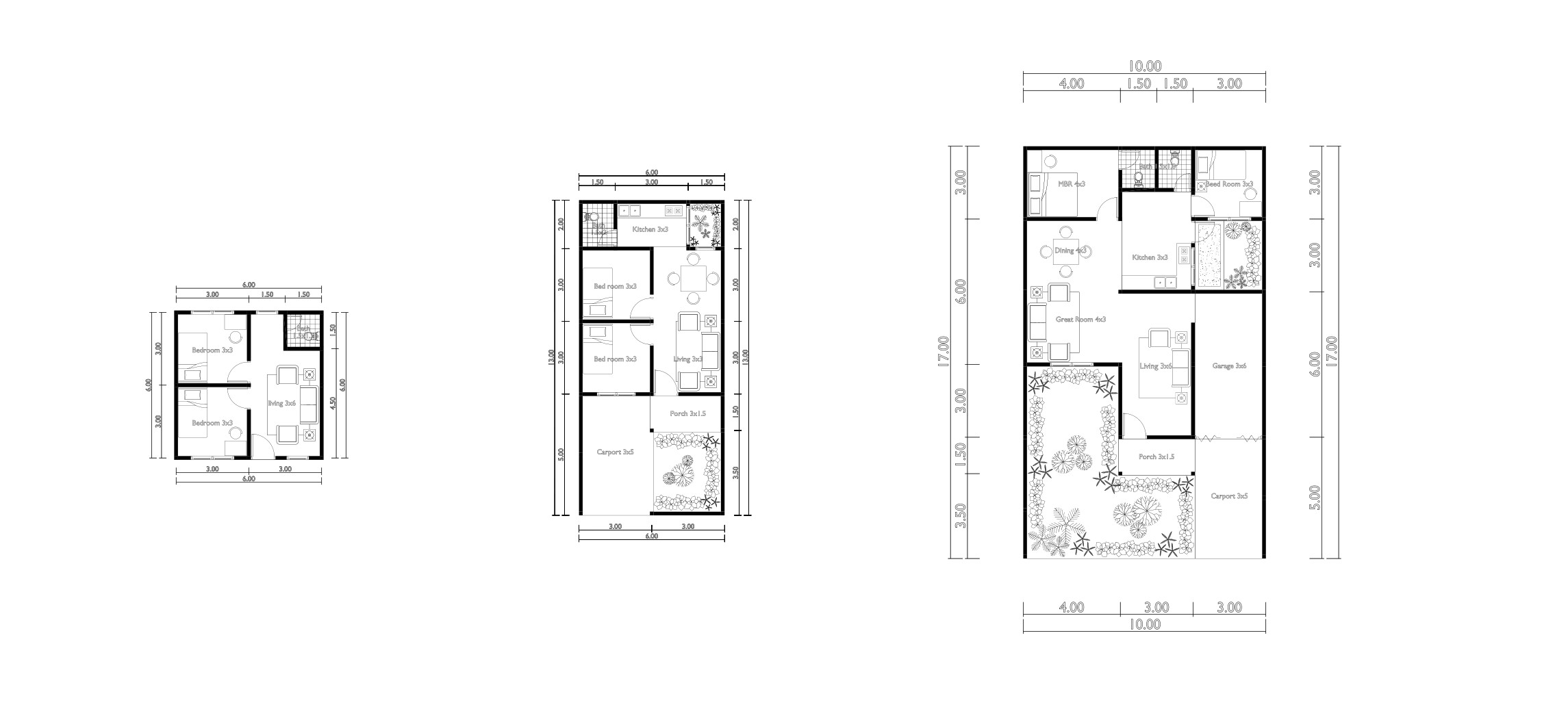
I have publish an add on called “Quick Plan”, it’s helps on create architectural floor plan. It’s useful for people who want create 2d or 3d architectural floor plan.
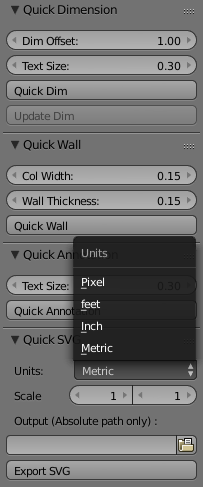
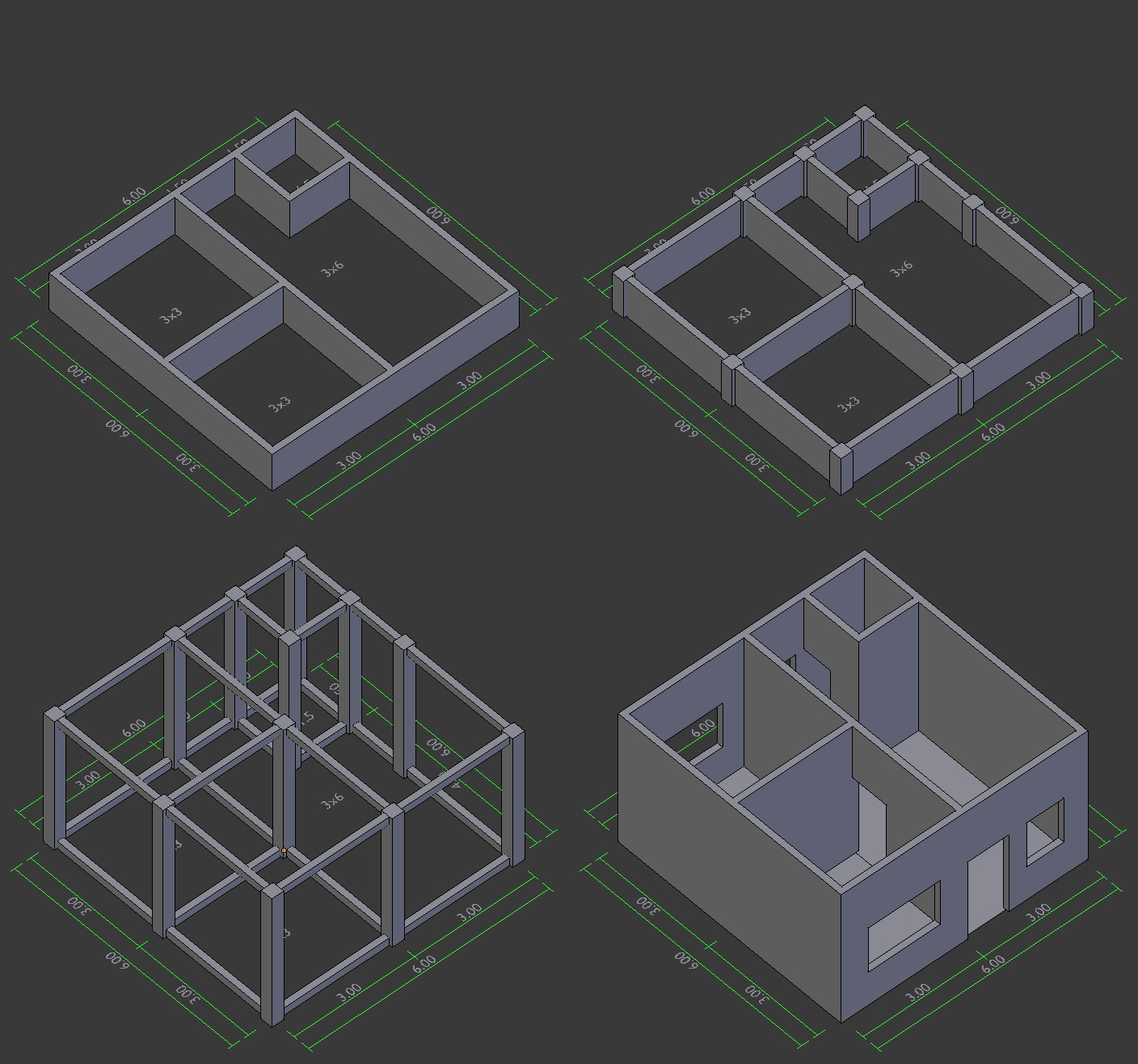
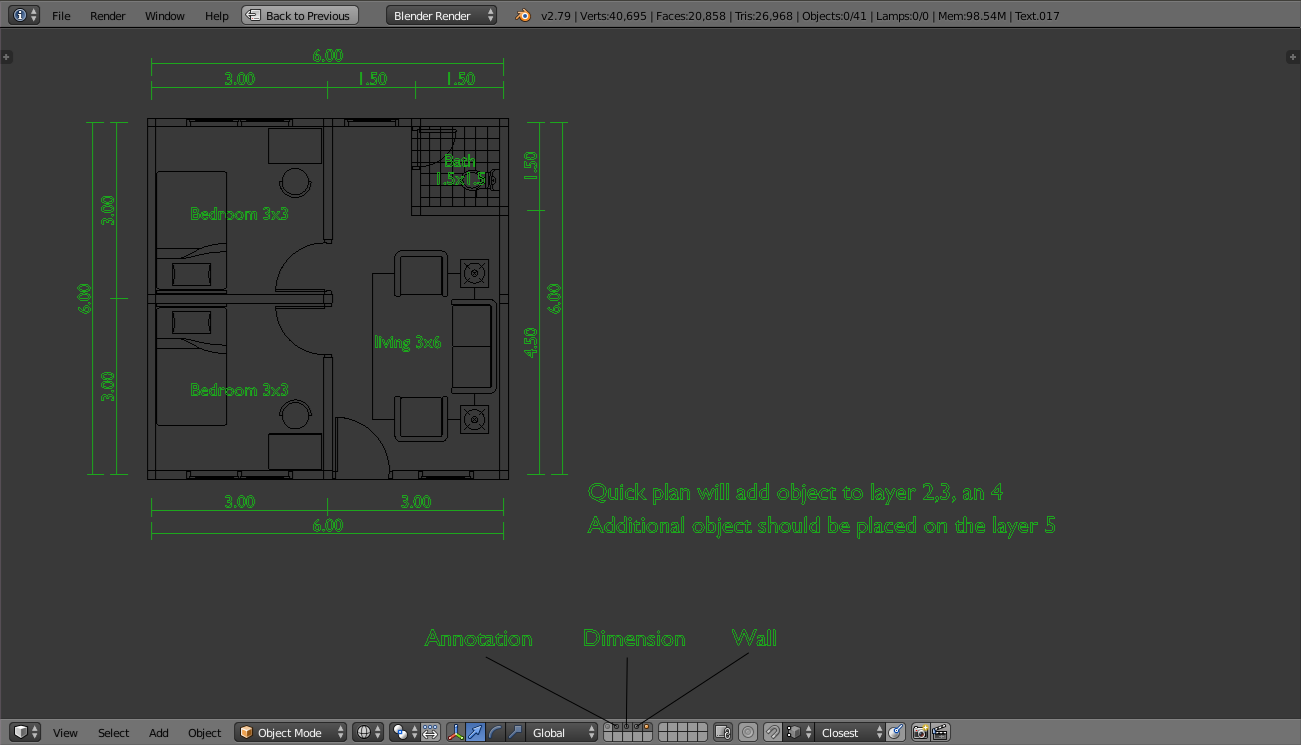
Quick Dimension is a tool that automatically create dimension on top, bottom, left, and right of the base mesh.
Quick Wall automatically add wall and column base on edges and verts. Wall and column are solid face, it’s capable to extrude it to create 3d object.
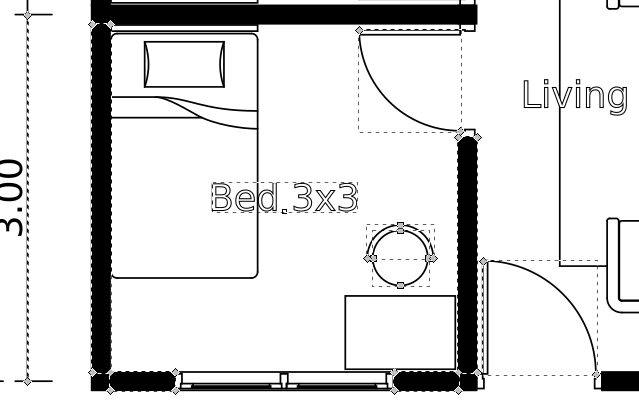
Quick Annotation would add a quick notation base area of each faces.
Quick SVG export to Scalable Vector Graphics (SVG) with 14 digit precision on metric, and 25 digit precision on pixel, inch, and feet ( tested with Inkscape ). Created SVG files have 4 different layers so users can adjust line thickness easily.
Exported Blender objects:
Face on mesh exported to closed path.
Edge with no face exported to path.
Curve exported as curve path. Bezier, path, cyclic and non cyclic are translated well.
Text exported as text.
Limitations,
Quick Dimension and Quick Wall works only on 90 and 180 degree edges.
Version 1.0.2
Export to SVG faster, cleaner and smaller file size.
No more limitation export area.
SVG bugs with incorrect face and a lot of dot fixed.
New units and scale setting on Quick SVG.
Cleaner SVG typology
New units and scale setting
Version 1.0.1 – Fix incorrect SVG layers Version 1.0.0 – Initial release
@anon72338821 I made modification on Gumroad by made 2 separated zip files to avoid confusion. “example_files.zip” contains example Blender files, “quick_plan.zip” contains add on files. To install it extract and copy quick_plan folder to your Blender > scripts > addons directory, or by hit File > User Preferences > Addons > Install from files and then select “quick_plan.zip”.
@Kouza_Nagi Not yet, it’s works and tested on Blender 2.79. SVG files tested with Inkscape.
Why are my normals flipped and why will they not recalculate? When choosing 2 vertices and hitting the J key my vertices would not join. Is there a way of getting vertices on the inside and outside of walls and not only in the center of the wall? Thanks
Hello @bkjernisted , thank you for taking the time to reply.
Recalculate normal doesn’t work because it’s plain object, not a solid 3d object. Yep the normals are flipped and not corrected yet because the main goal is to export it to SVG or to extrude it to make 3d solid object. If it’s important i will take a note on future update.
To join 2 vertices I usually use Alt+M or W > remove double in edit mode. The wall and column are separated object, if you want to join it select wall and column in object mode, Ctrl+J to join it, then switch to edit mode select all vertices ( Ctrl+A) > W > remove double.
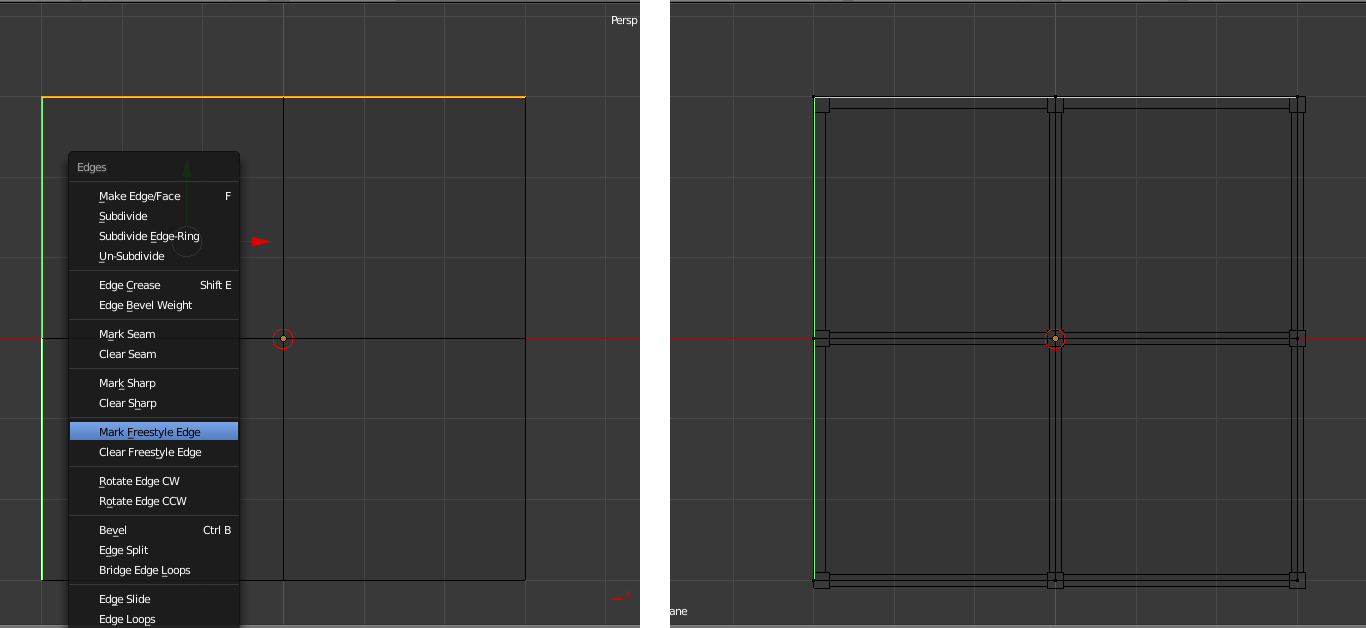
There are an option to make wall inside by marking as Freestyle Edge.
Wow, this looks great, sorry I’m late to the party that appears to be over. Last post 6/2019. So sad Blender really needs a way to draft, annotate, call out, and print to B, C, and D documents.
When was this addon last updated?
Will it run in 2.93 and 3.00
Please consider developing a true Blender 3d PDF export addon.
Found this old thread through a search, and this looks like it would be a big help to me.
Quick question, does anyone know how I can change the DIMS to three decimal places, please? Asked ChatGPT and it said change 2f to 3f in the python, but that didn’t work.
Thanks all.