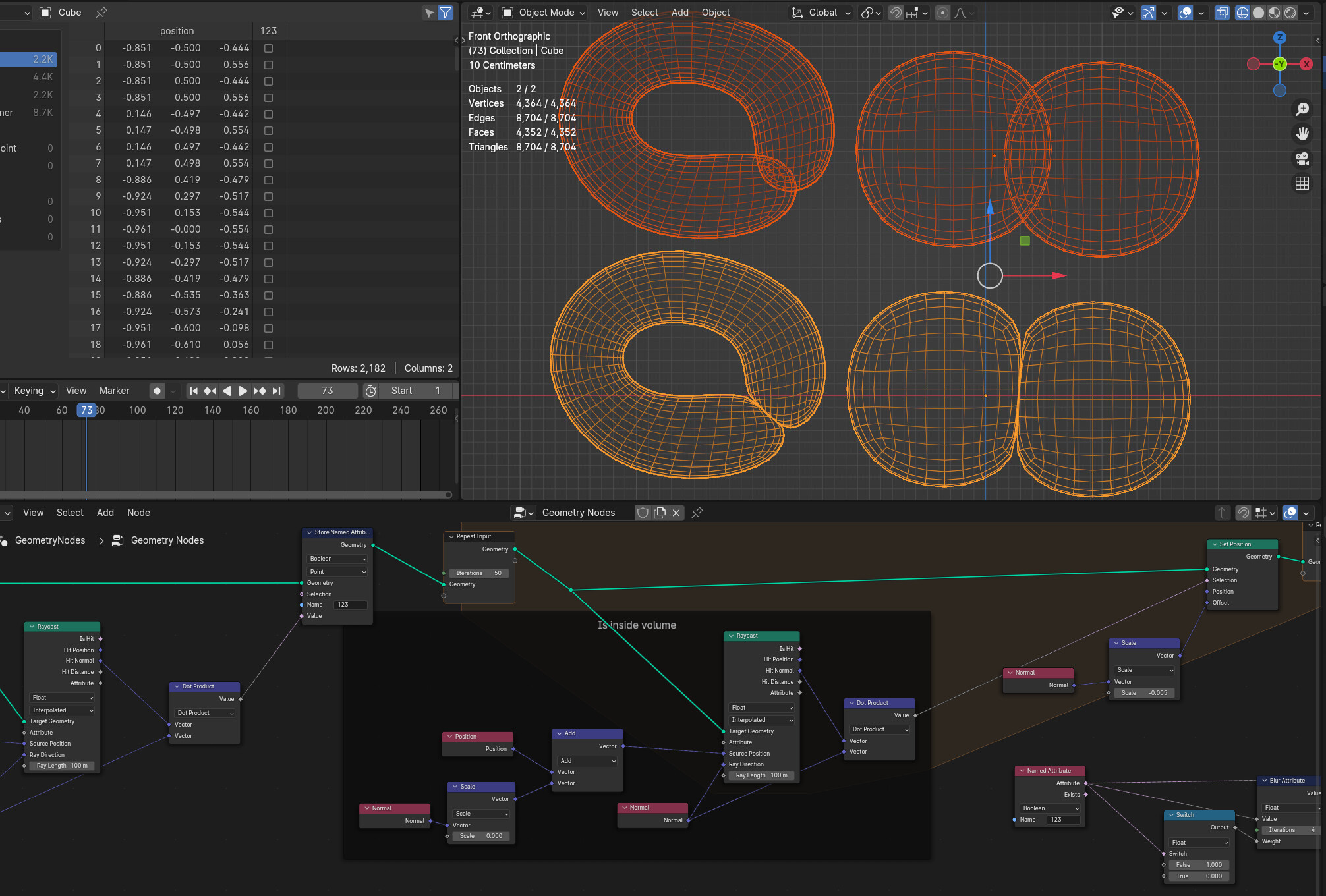
I’m looking for a possible way to fix self intersections. Inspiration was the faceform (former Wrap3D) fix intersections node.
Basically I’d need to detect every face that is inside/self intersecting a given geometry and move it towards it’s negative normal. I guess moving the neighboring, not intersecting geometry towards it’s positive normal direction would result in some sort of volume preservation.
Not sure if someone has an idea on how to best do this (sim nodes, repeat zones or the likes) bit I thought it’s best to start with asking people who know more.
@higgsas very nice solution to push out the geometry from itself!
I played around with it a bit and I think I found a modification that should work with far fewer iterations in some cases: instead of pushing the geometry a tiny bit along the local normal, one can do another raycast in the opposite direction: this should (more often than not…) find the other part of the geometry that is intersecting. Pushing the mesh a portion along the way in that direction (I am using 0.25 here, so not a tiny amount!) seems to yield roughly the same results, here with only 5 iterations. As the distance to the other part of the geometry should shrink with every iteration, we should see convergence. In practice, if the mesh geometry comes very close too itself, it may get gltichy, though.
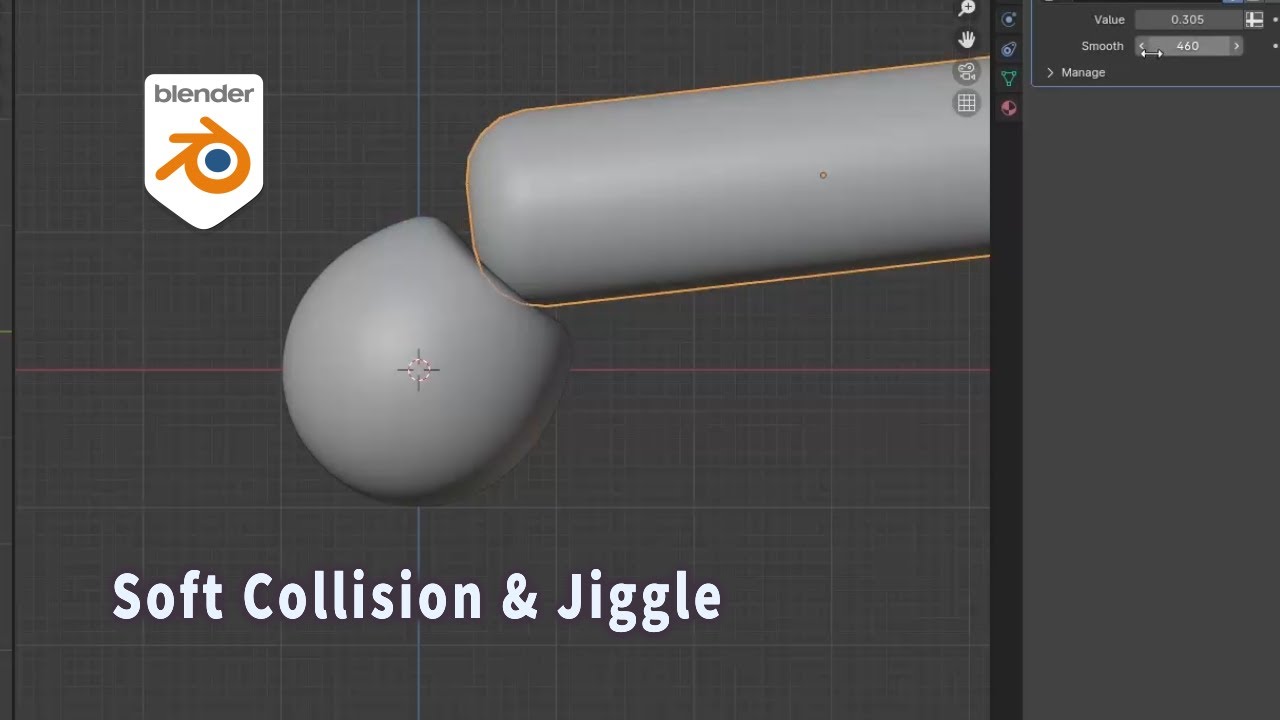
Playing around with this it works really well, is there some way to get the colliding meshes to also move in opposite directions to the intersection. So there is some general push force along with the squish. Resistance force i guess it would be, i figure you do the move first then squish the result
that’d be handy… I only used it as is, mainly for tech fixes, but getting a squishy effect by moving the neighboring verts along their normal direction would be real handy.
What I don’t like with that or the squish addon is that the motion looks bubbly if that makes sense. It’s not smooth, but vertices are popping, their movement is a bit too sudden at times.
I wanted to take a look at this one first and do some exploration before asking people on the topic.
I was also thinking of opening a new thread, since technically this one is solved and something with “collision” would be more descriptive if people from the future want to find it down the line.
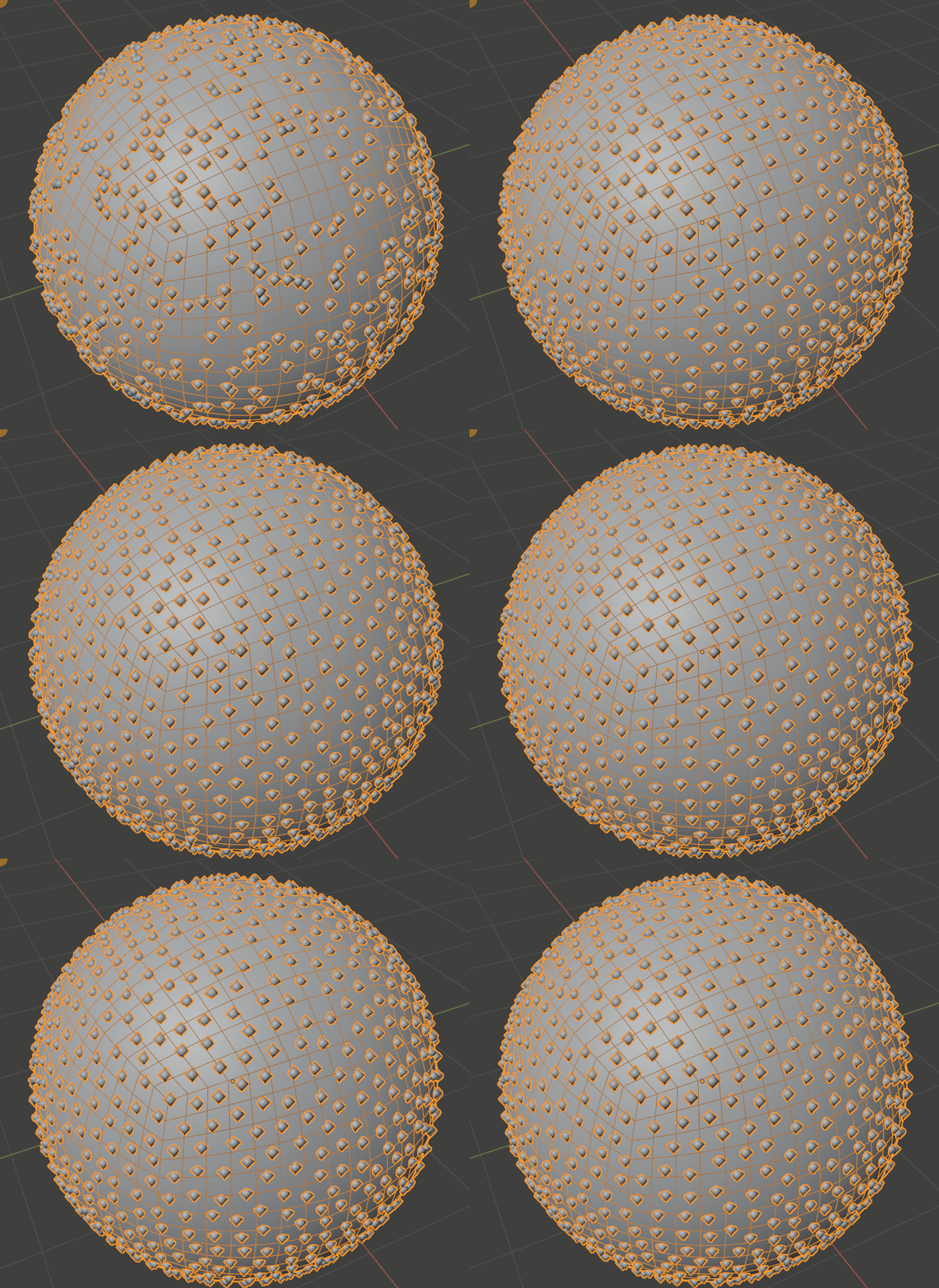
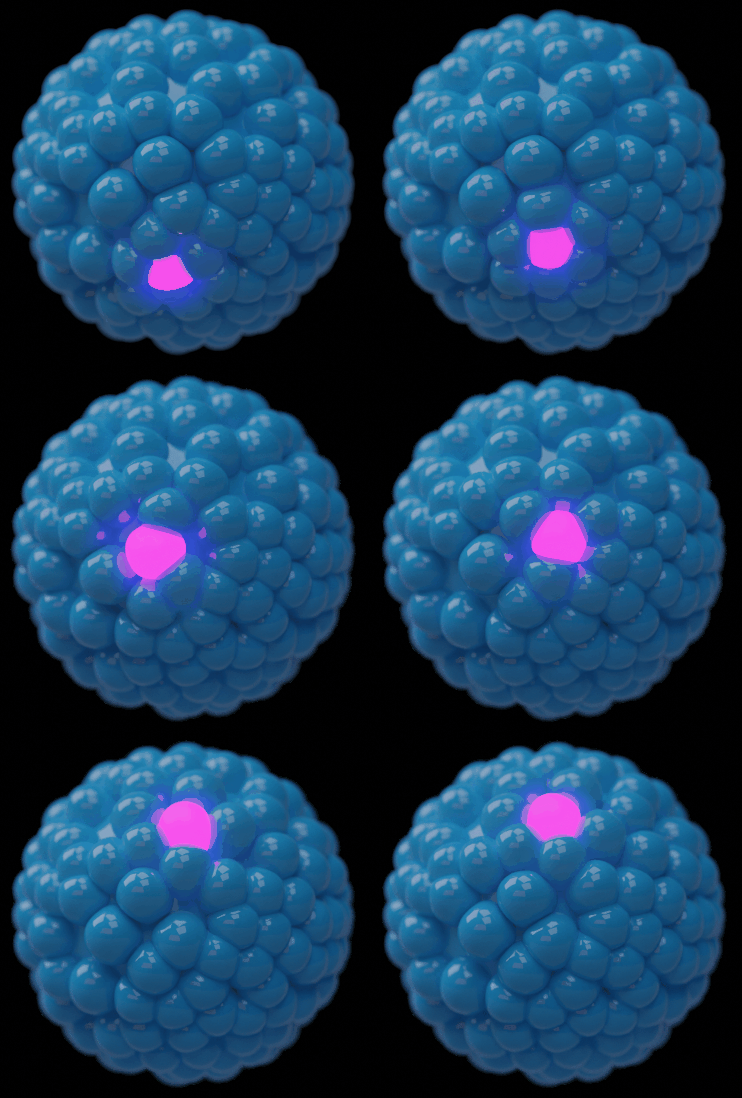
So imagen these spheres(but any mesh) have an internal shape that pushes out with another
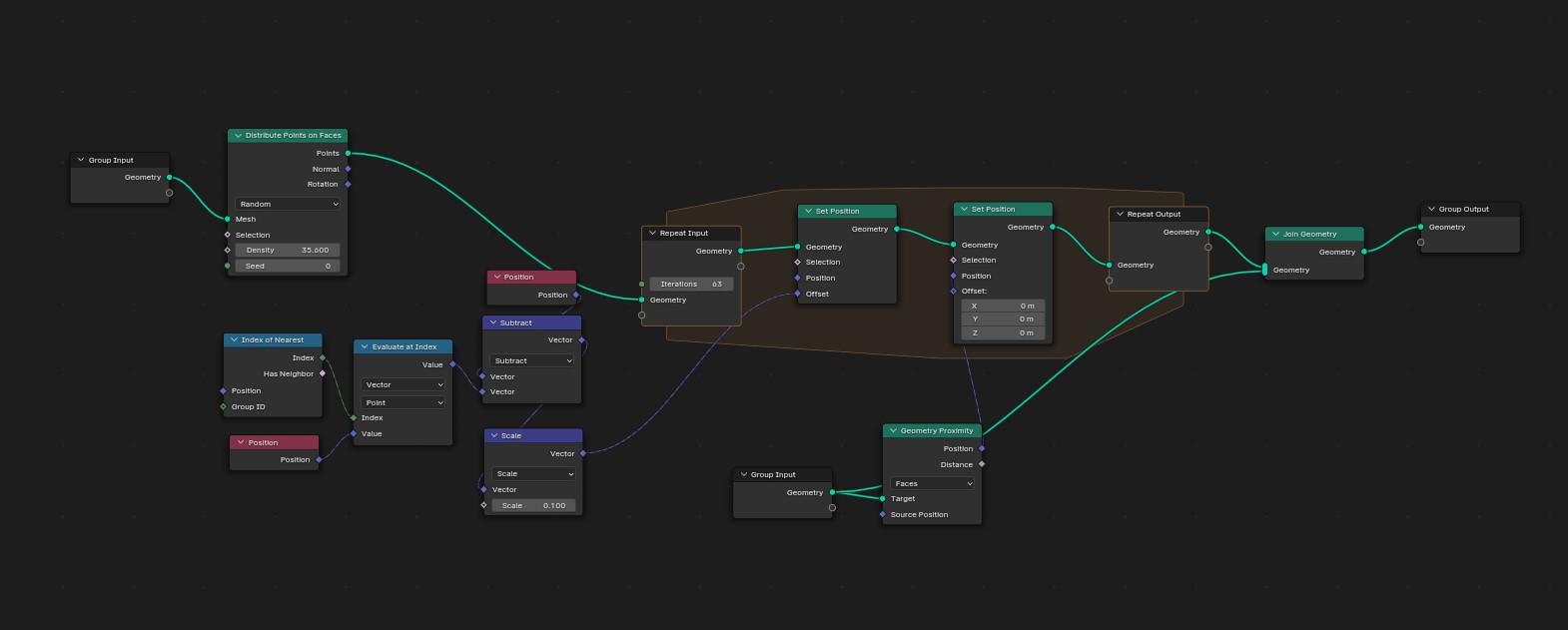
This and general squish would be applied after a starting adjustment move/push @dan2 can you show what you did to do this proximity push, do you think you can use to a whole push aswell so we can have a slight whole push and then some of this area/proximity push
It might be worth opening a new thread, something with collision/squish in the title so people can find it later on.
I can see that internal mesh concept working with simpler things, not so much with more complicated stuff like characters. If an arm is intersecting, how would it push away just the arm without deforming it in an unrealistic way, before doing the squish thing? We probably need rigging nodes for that, else it’d become too hacky.
Im intending this for more simple shapes, the internal thing was just a visual concept, dont think we need to actually have a shrinked mesh. think of this a more of a move limit or falloff using a value. we set the value to represent how much softness there is till it produces a hard push way. Or more simply this value is how much objects will push away from eachother as a whole, this move amount would effectively be the length of the inner and outer meshes without having to have an inner mesh
Could you show what you did here?
Could it be tweaked to move the whole mesh abit then have the area push
Think like whatever you push amount is in your gif you have half of that do a whole push of the whole mesh then the other half doing the area/proximity push
So its a half and half
This is something i intend to use on spawned objects in a glass container
Im spawnng points in a volume so i want them to start pushing each other to better fill the container
Cool thanks, to use this for a whole move what would you advice i change?
As simple as removing proximity?
I would have a version of this as an extra set position operation i would take the value from your multiply divide it by two and feed that value into the multiply slots so each one dose half of the move amount