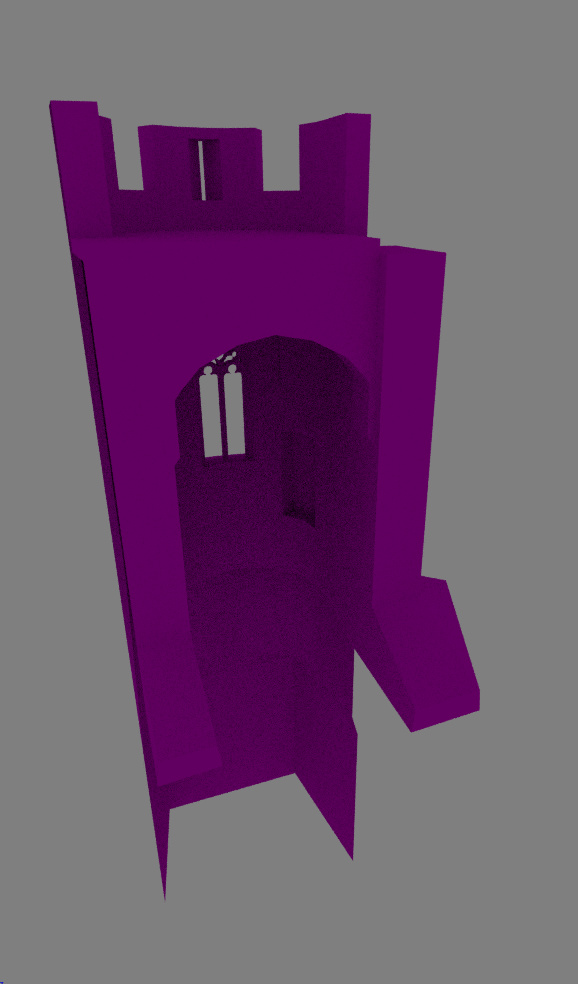
does NE1 have an idea of what’s going vrong ? it’s just a damn simple mesh !!!
am not an expert but am not a noob… knowing about normals and geometric basis for dig image rendering…
but atm, i got no idea why this fux up
please gimme your advices
Just checked the file, I assume its a problem with your baked AO map (maps are not included in your file). Using the AO shader, I can reproduce some very small artefacts in those areas.
finally the textures have nothing to do with this problem. I noticed the AO node changes some things…
Also, i moved the mesh away from the place it is and i noticed this problem disappears.
And playing with various things, showed it looks like some normal interpolation problem
tied to sharp edges…
an of course it appears on my baked AO map
Mebe it comes from my blender prefs ? or from my machine ? ( graphic drivers )
i gonna try this blend on another machine just to see.
EDIT: well bad news this happens on my other machine !
i tried to open the file with blender 2.79b and the problem disappears ( but 2.79b
don’t have the AO node that i need… )
therefore it appears to be some kind of bug in the 2.79 up to date builds.
maybe i should file a bug report ?
here’s a simplified version of the file, with simple nodes material and no textures. bug.blend (1.2 MB)
an accuracy problem in cycles unable to interpolate normals when far from 0:0:0 coords
( to be honest it’s a noob programmer’s prob floating point accuracy is too short… well… i do not code anymore then i shut my mouth ! )
the case… we could say it is close as it do not depends on some tech but on some software limits…
BA Forum can do noting about this…
Note that it’s not a bug but a floating point accuracy limit problem ^^
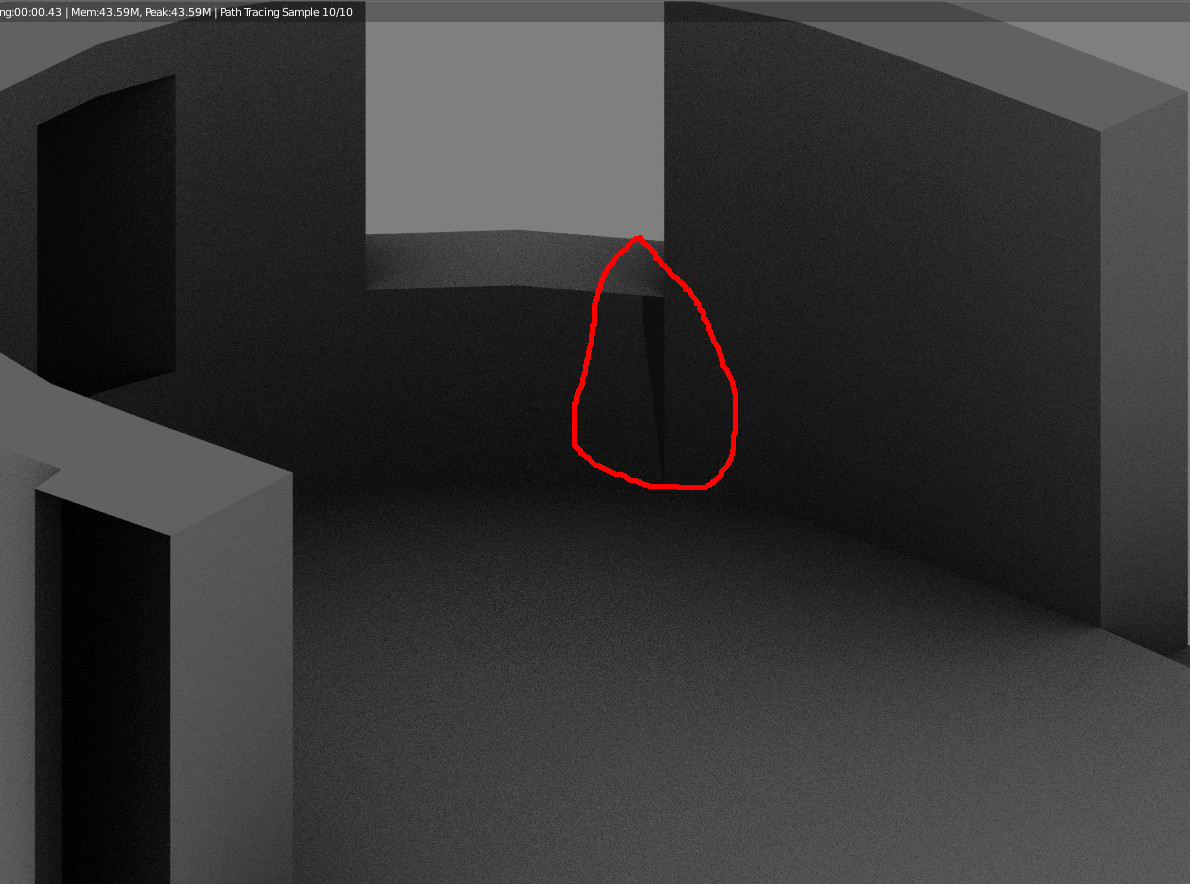
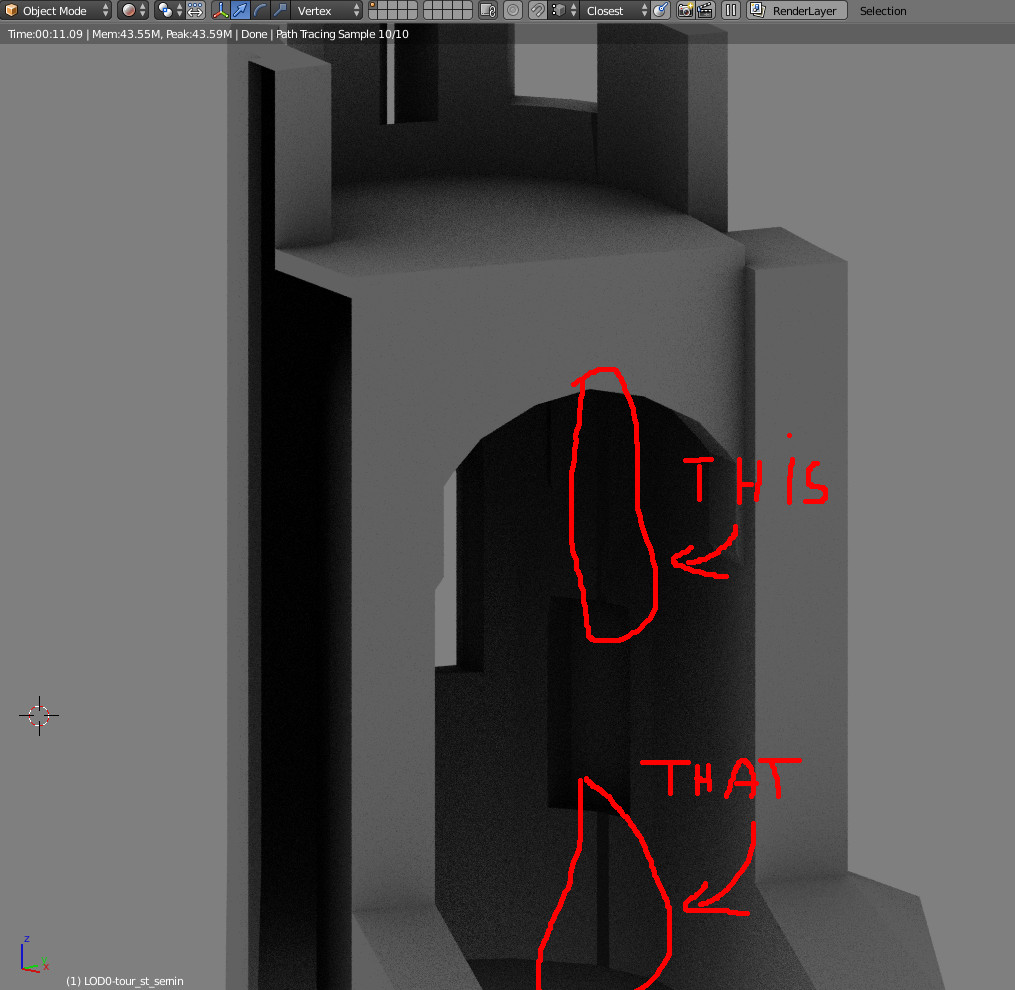


 lol )
lol )