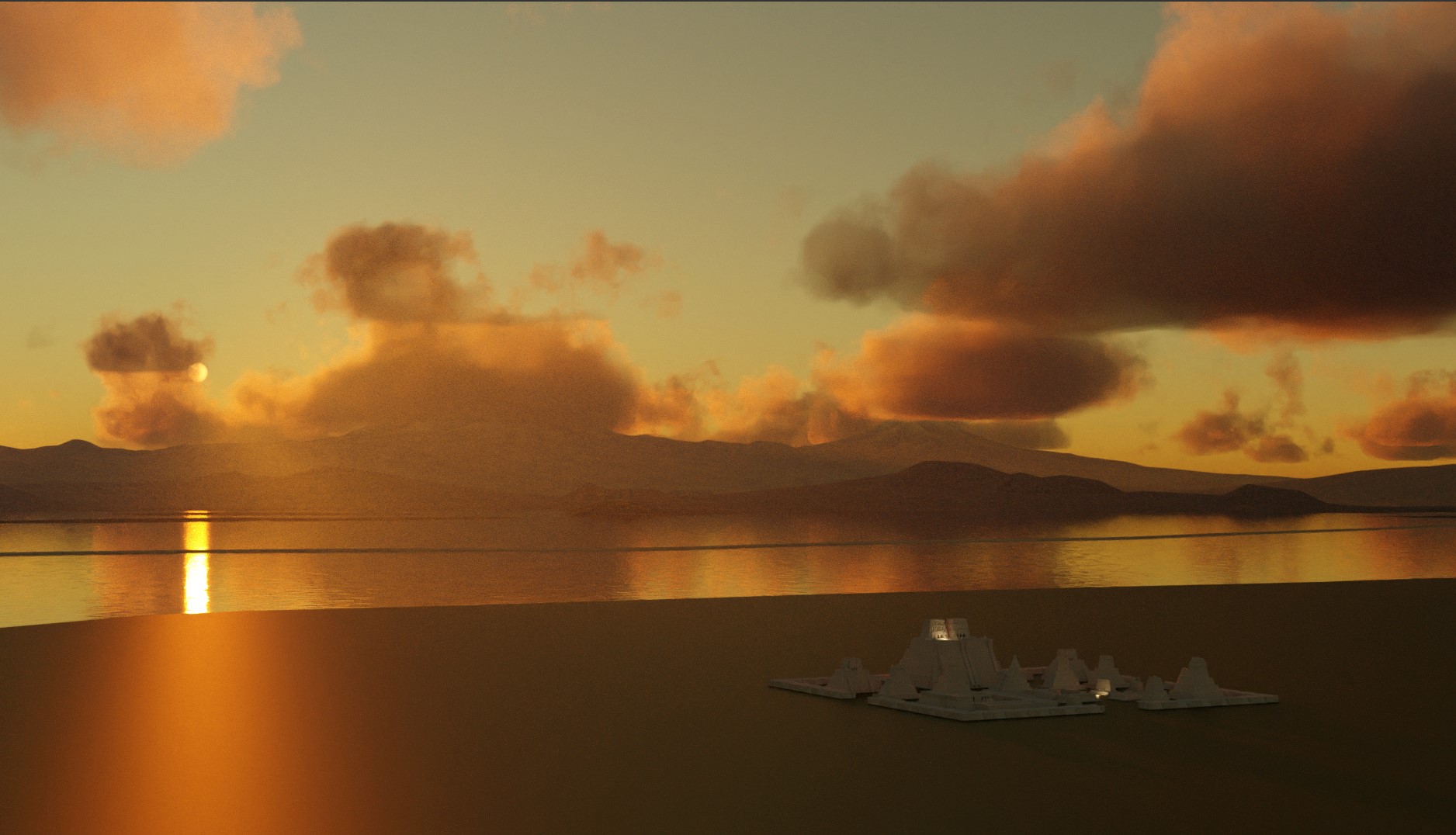
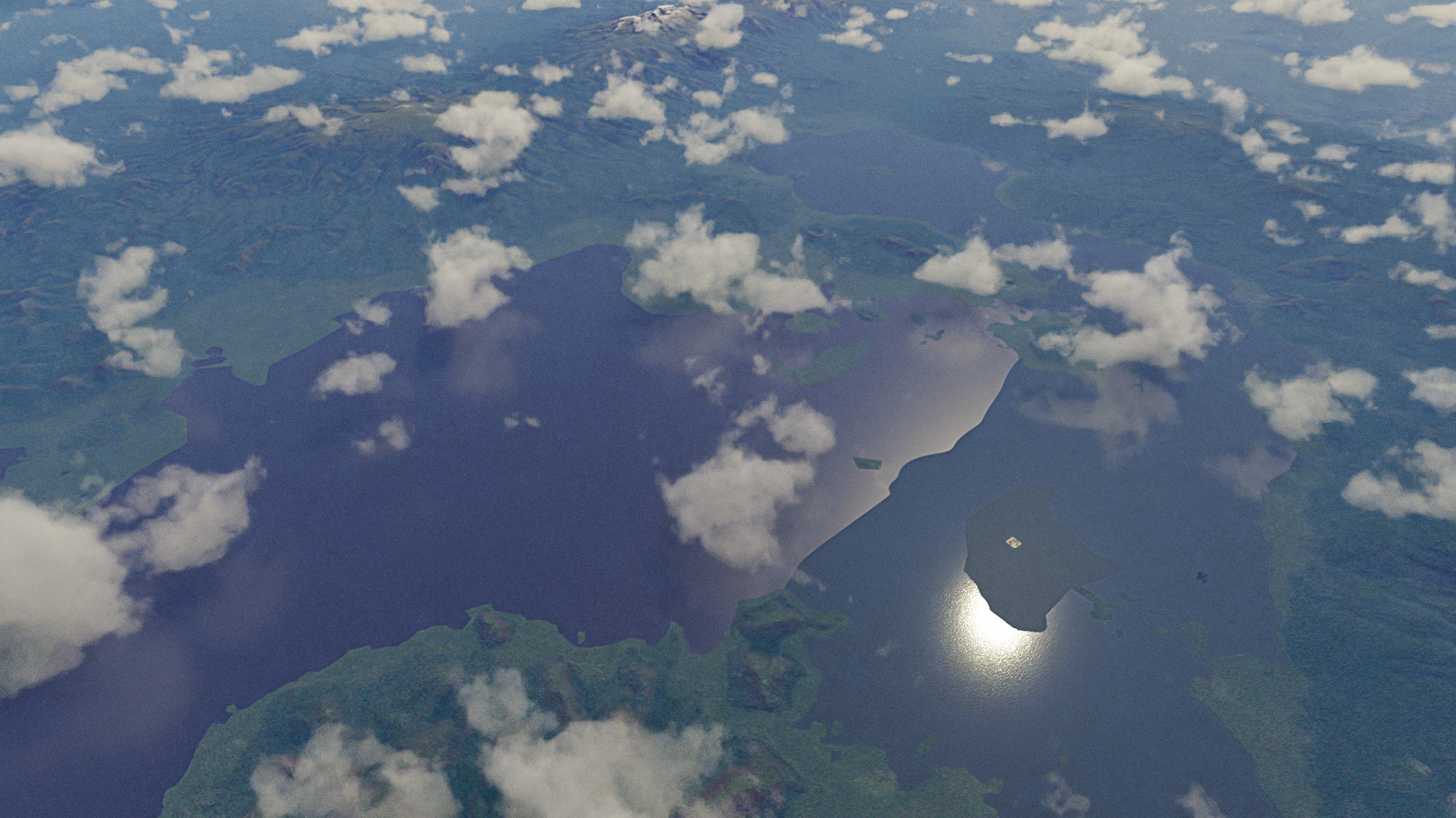
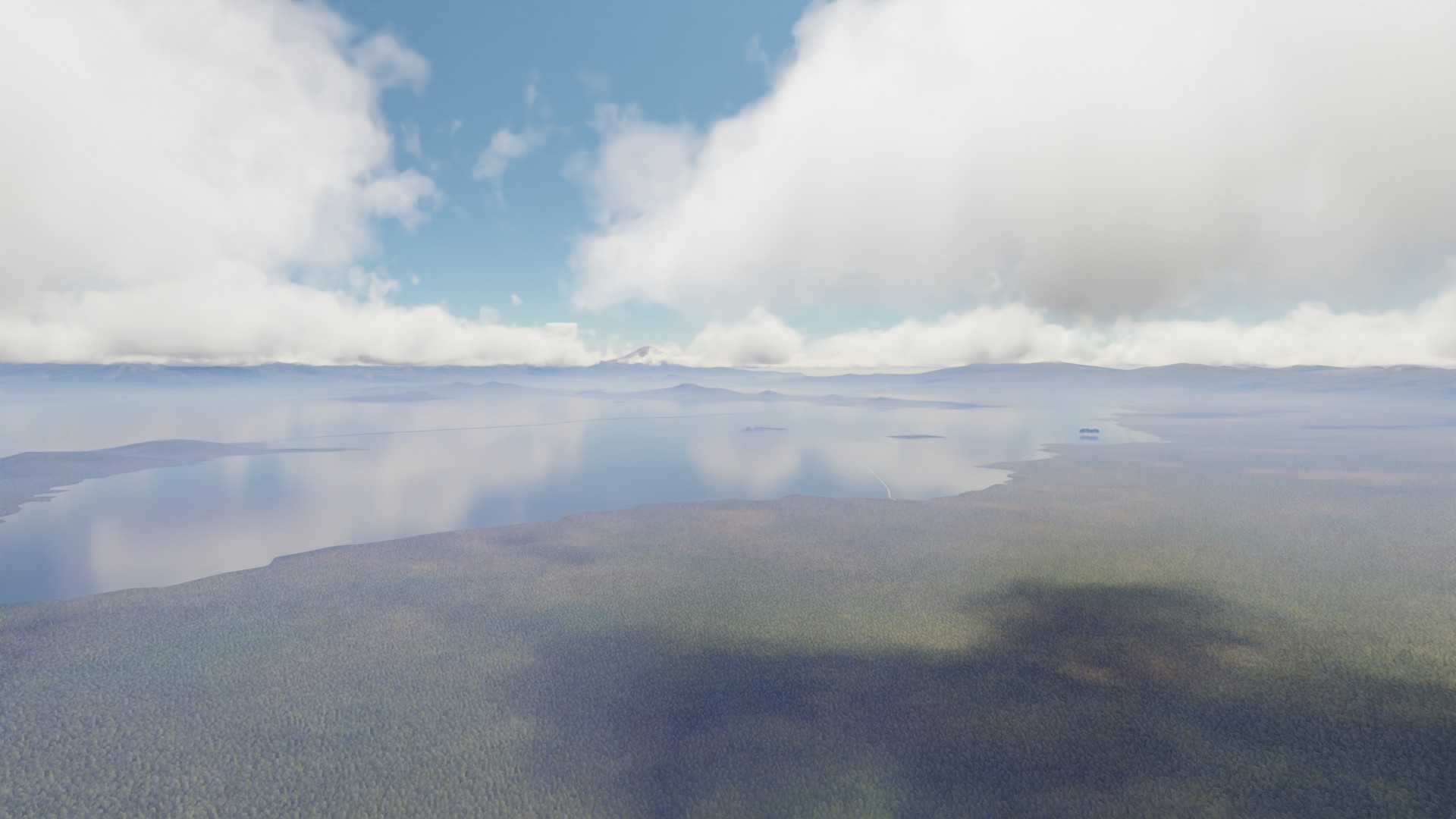
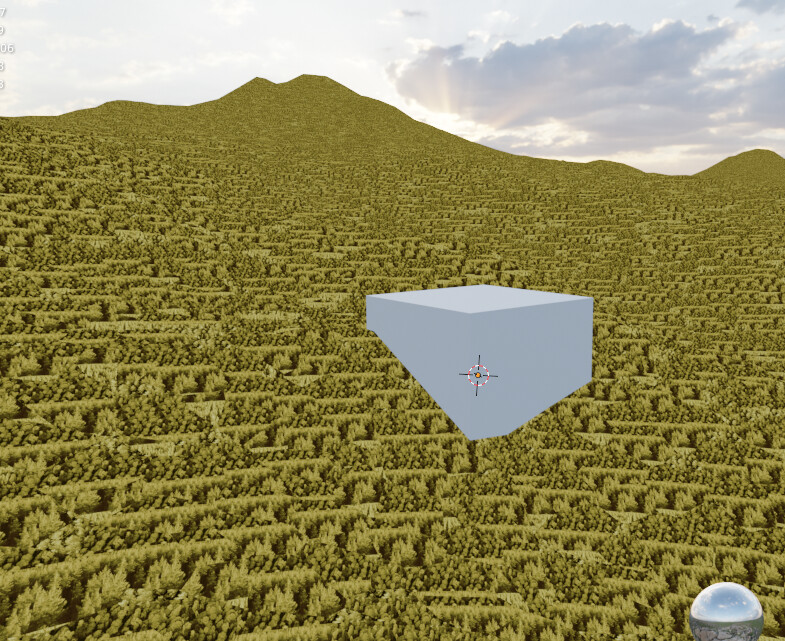
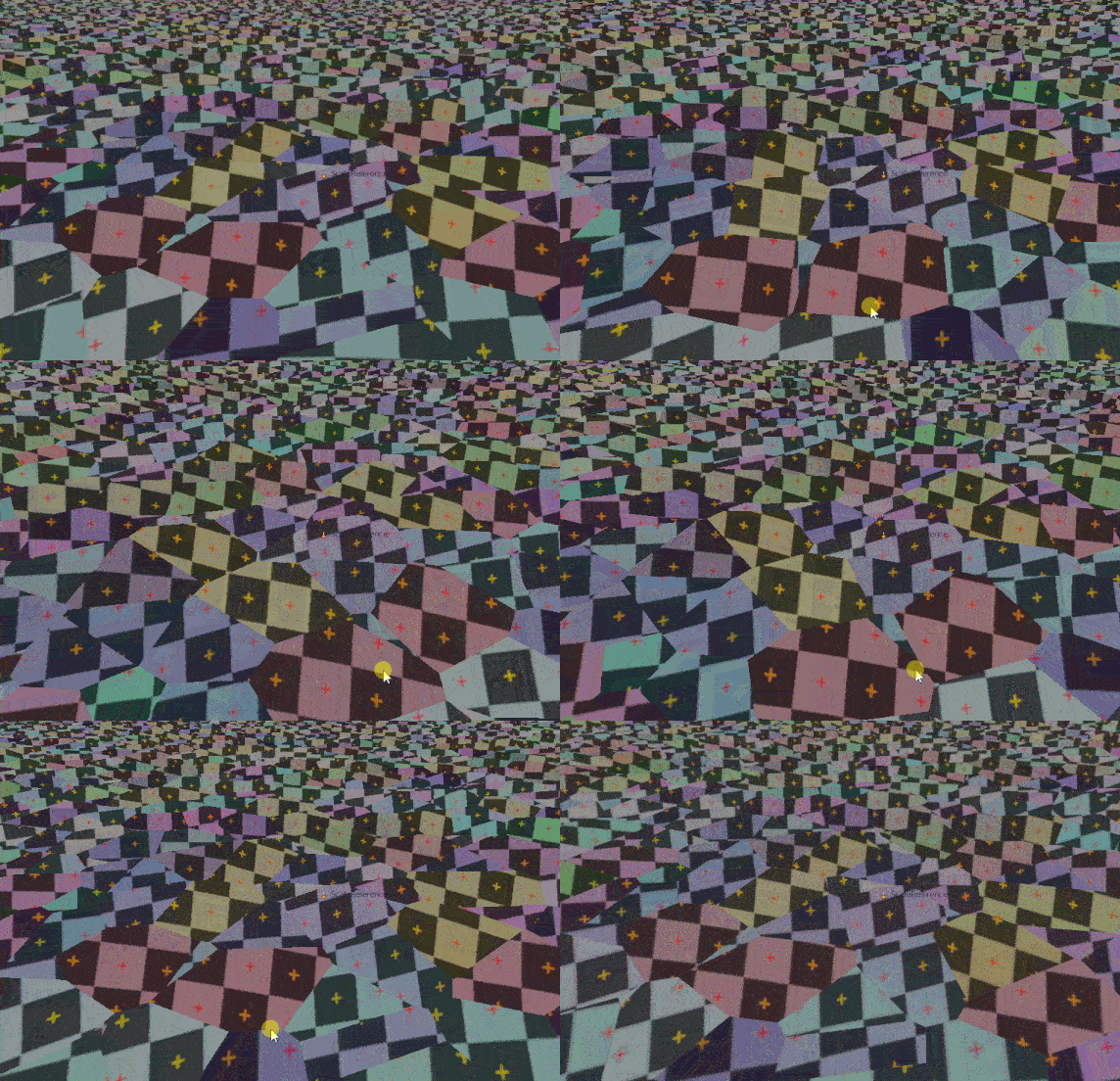
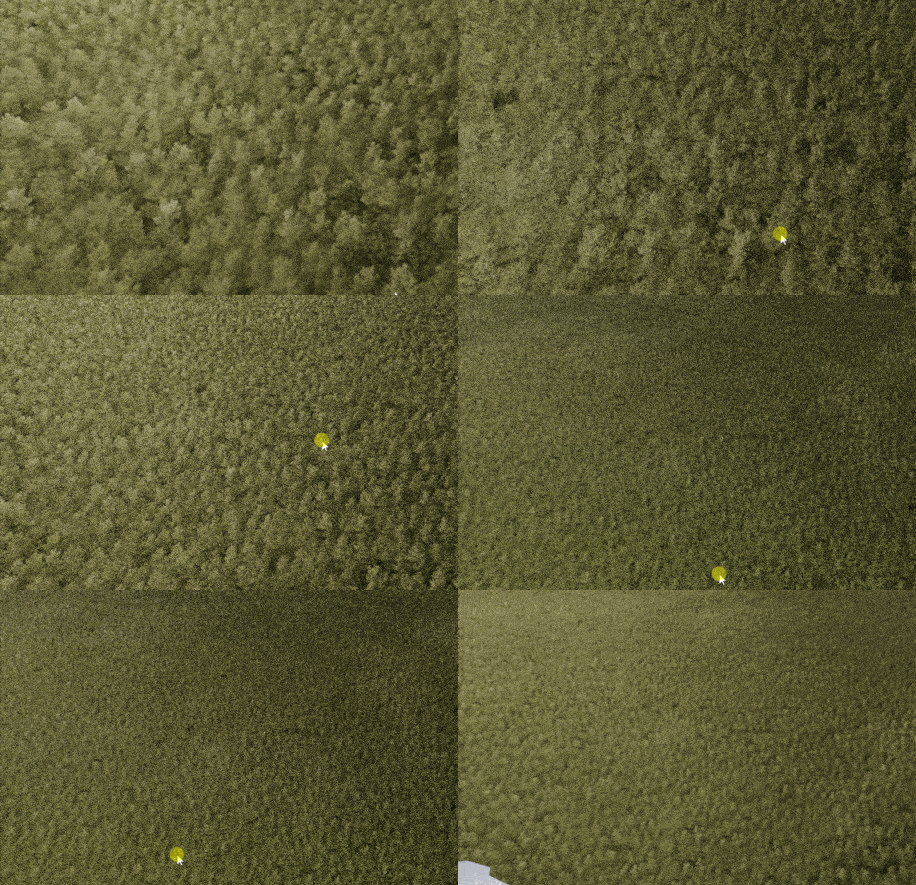
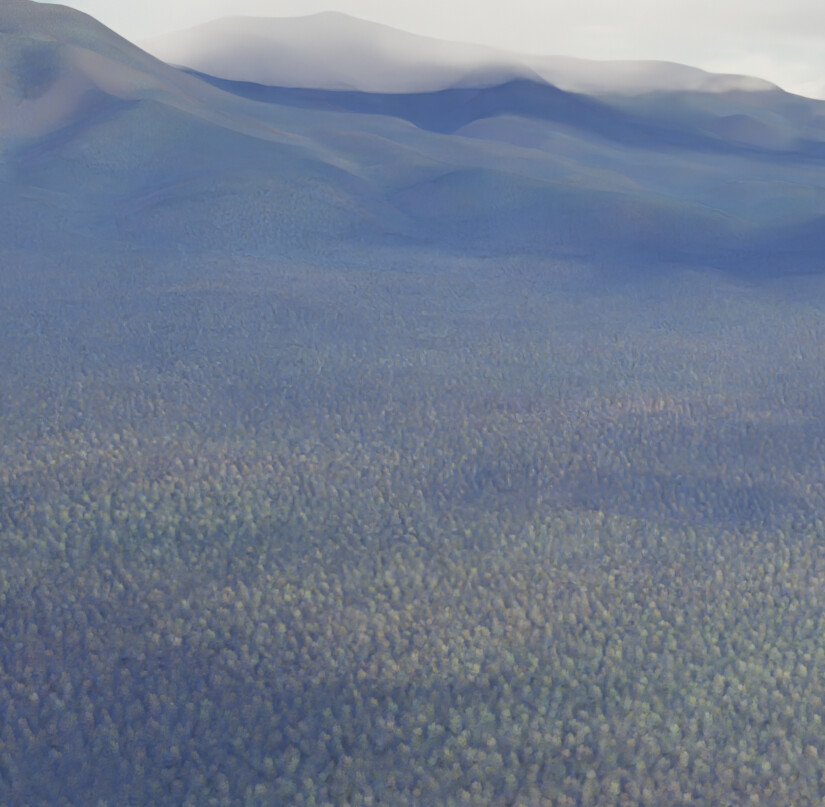
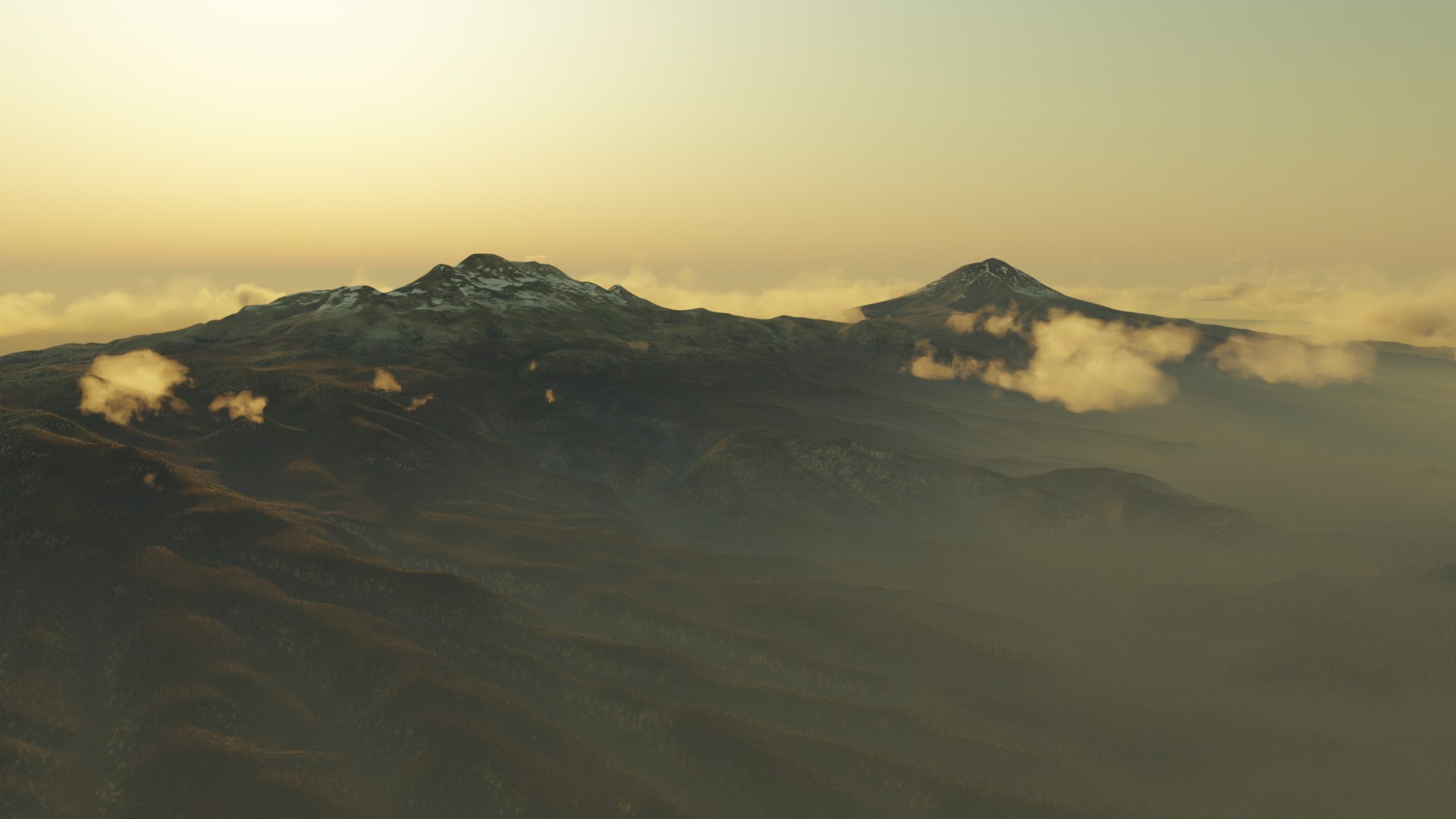
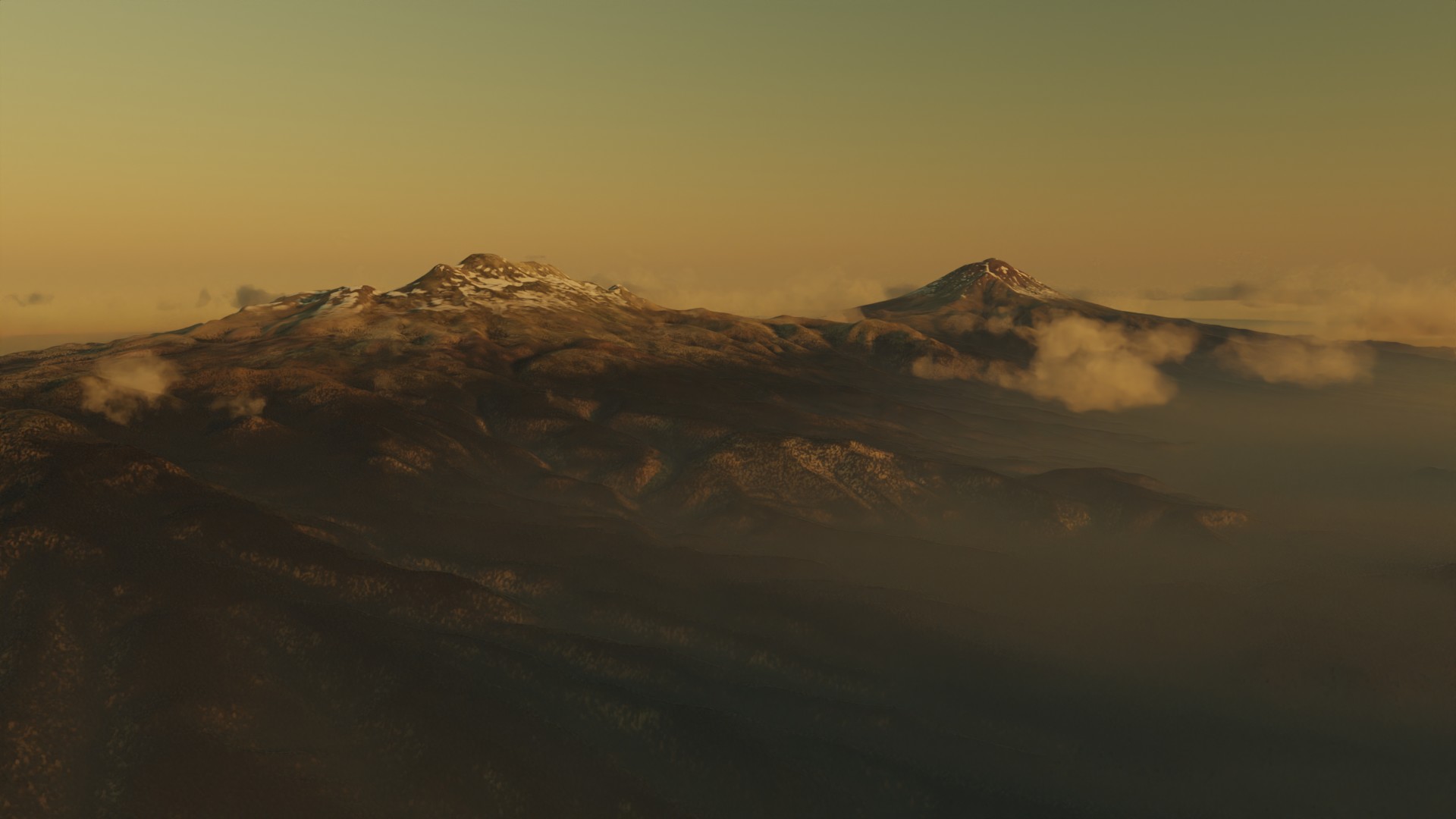
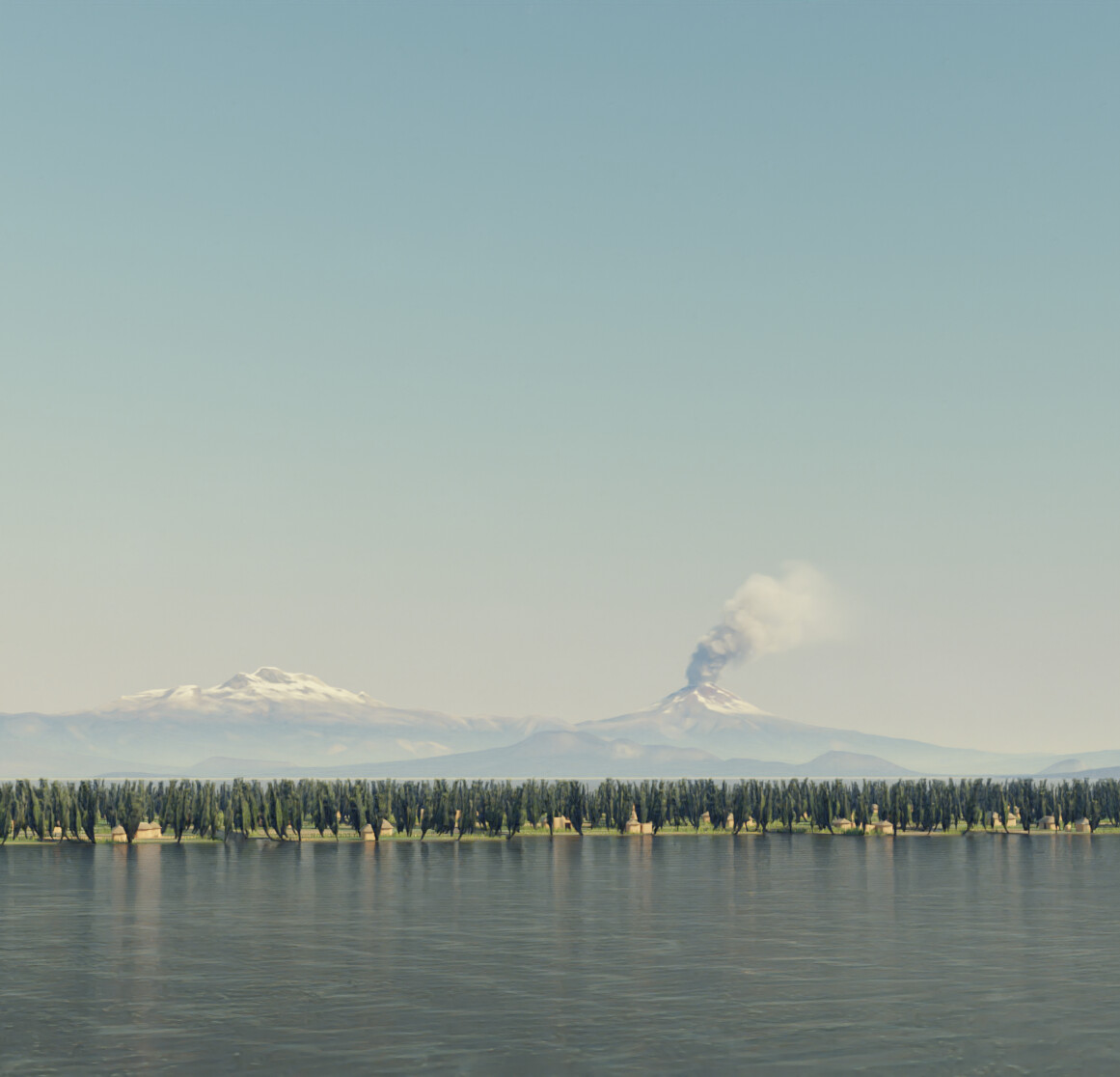
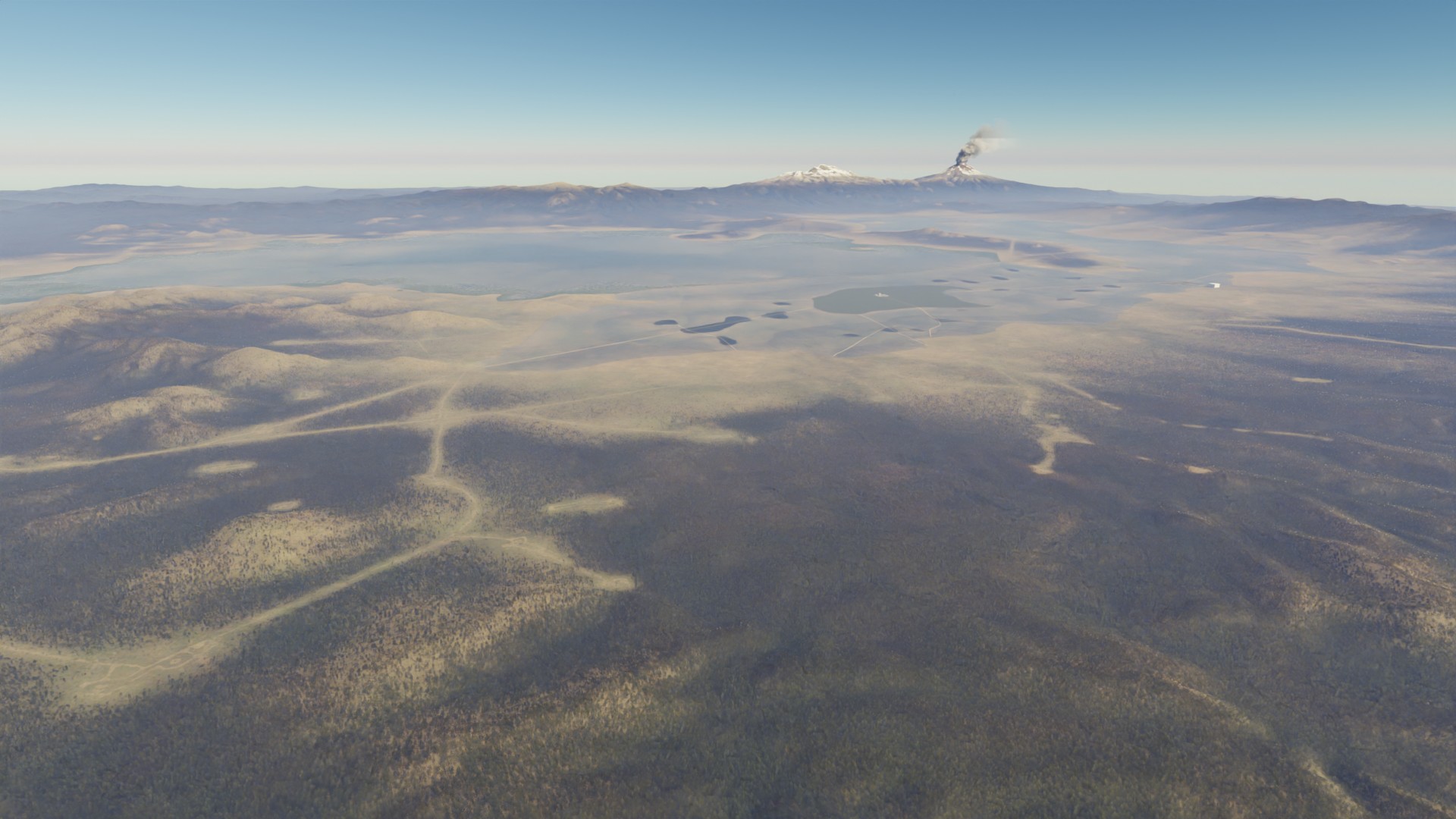
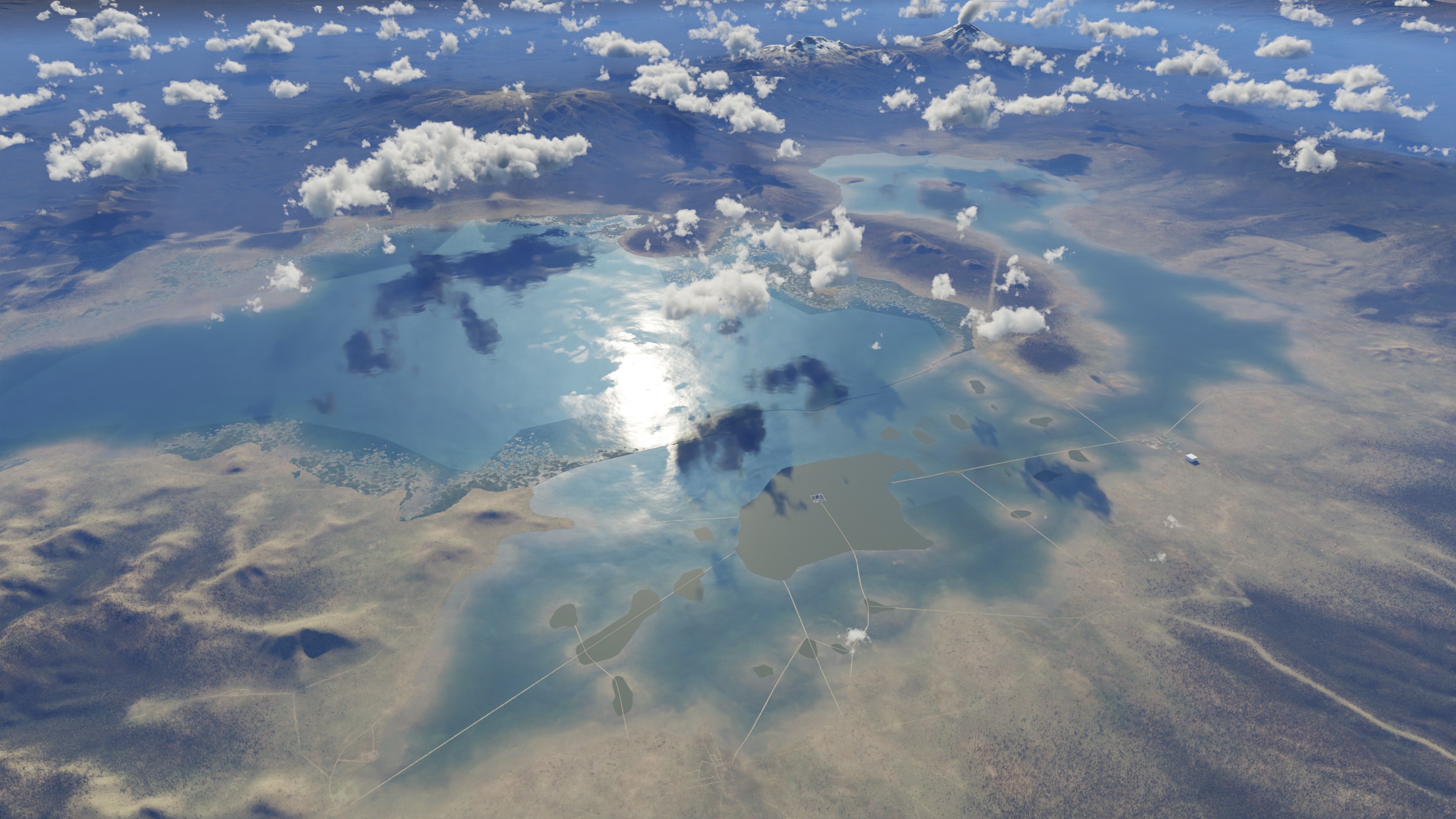
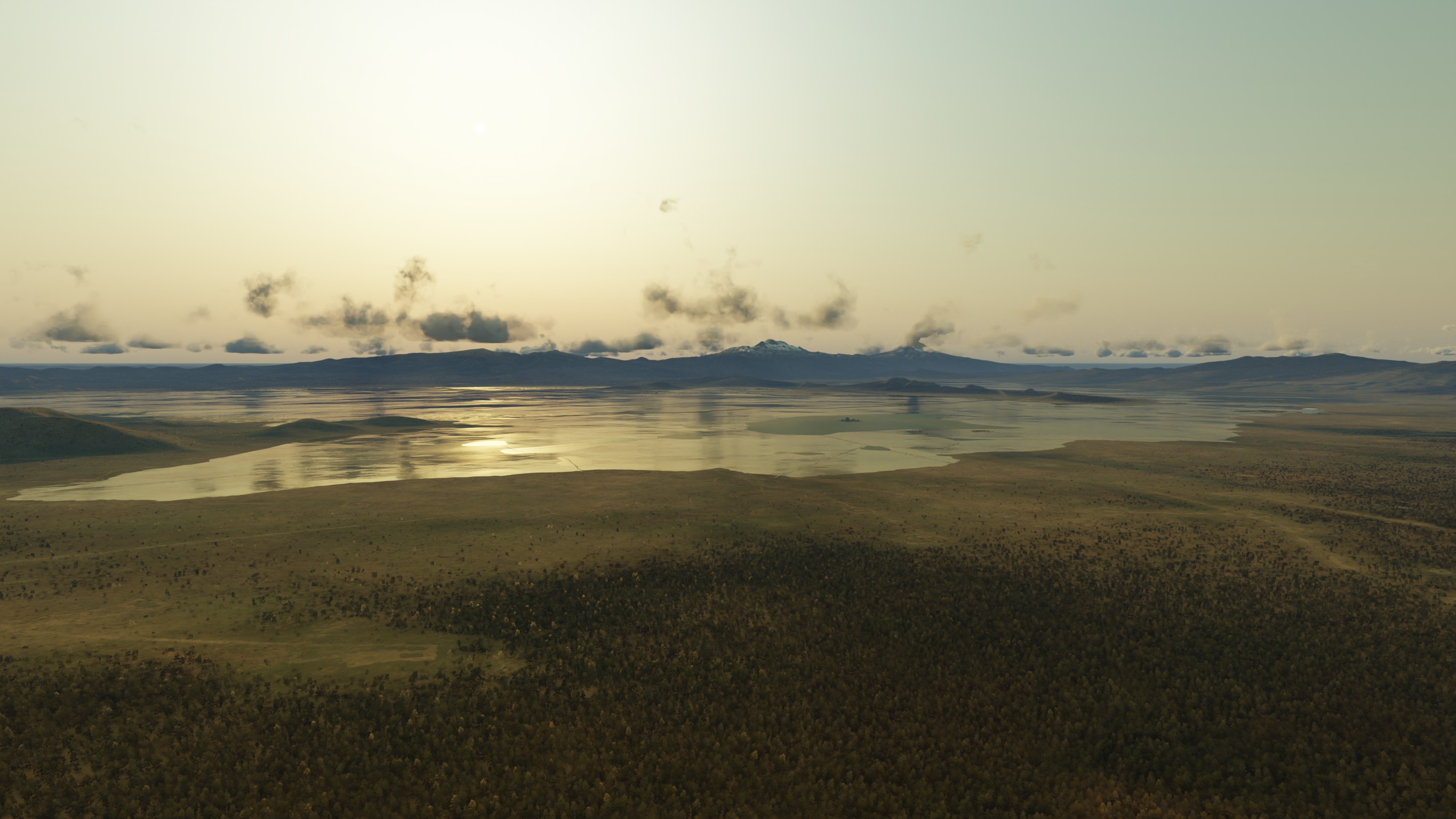
I’ve started work on recreating the city of Tenochtitlan.
Not just the city, but it’s surroundings too, with lake Texcoco, and the surrounding towns.
The idea has been bouncing around in my head for a while now, but with the power of Geometry Nodes I think I can make it work.
I want the scene to hold up to about what you would expect from drone or helicopter footage.
The city is really quite large, housing up to 200.000 people at it’s peak.
It’s situated right in a lake, built up of squares, connected by land-bridges and with farmlands all around similar to Dutch “polders” called chinampas.
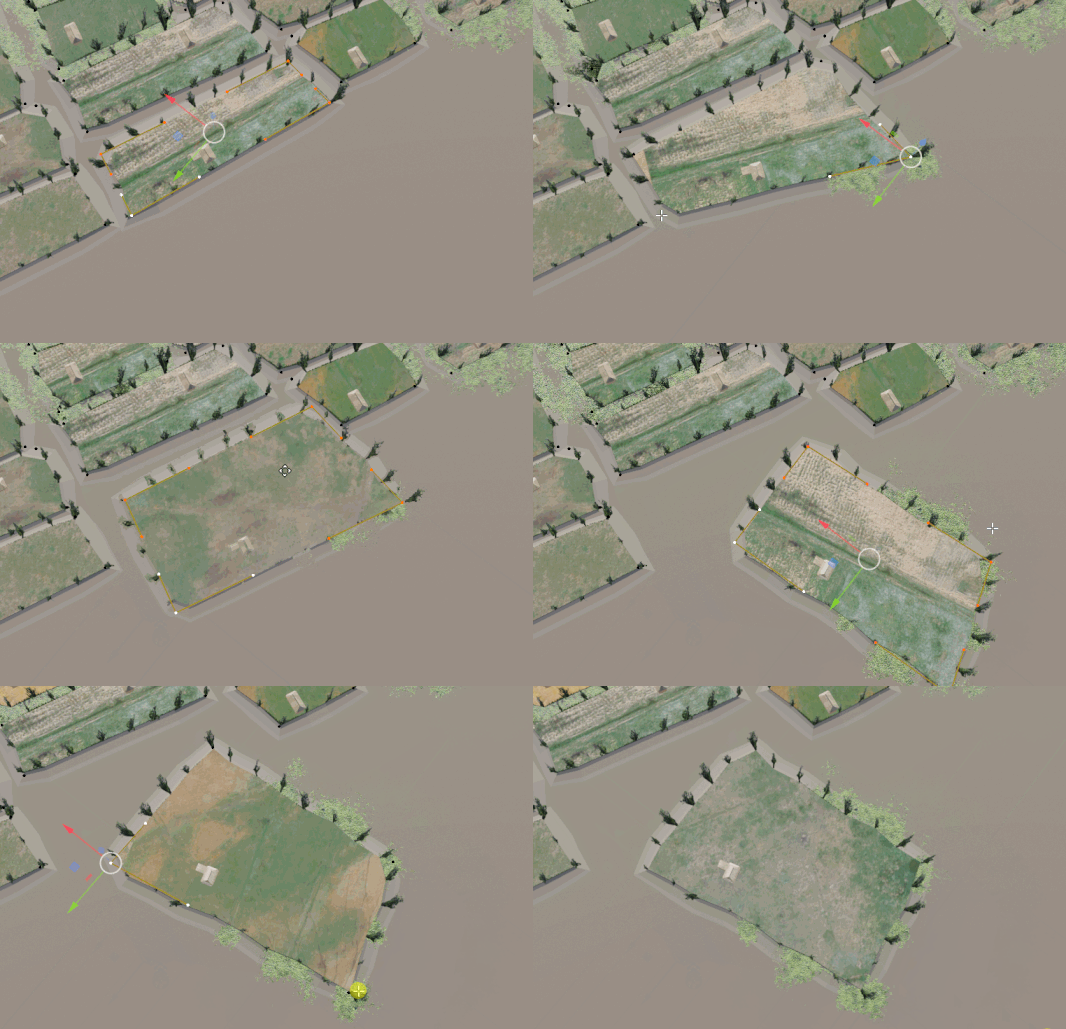
The chinampas will be built up from 2D splines, which I will create in Inkscape or something.
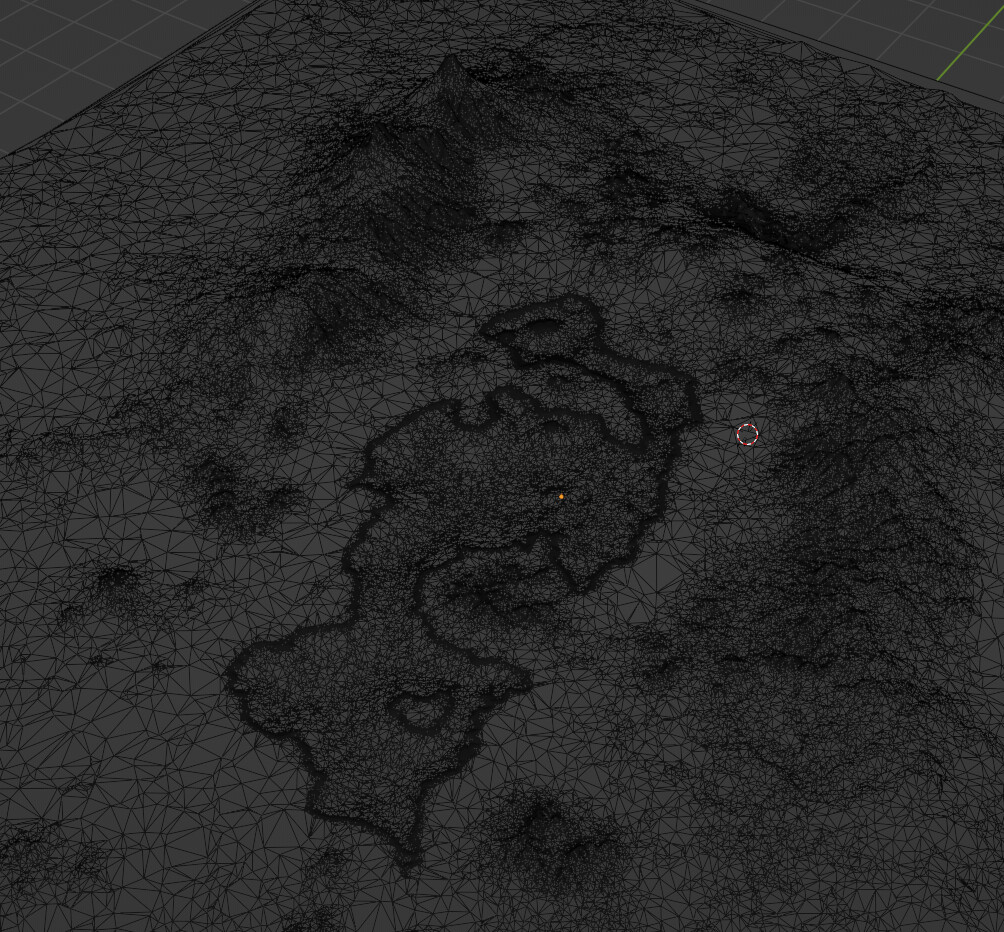
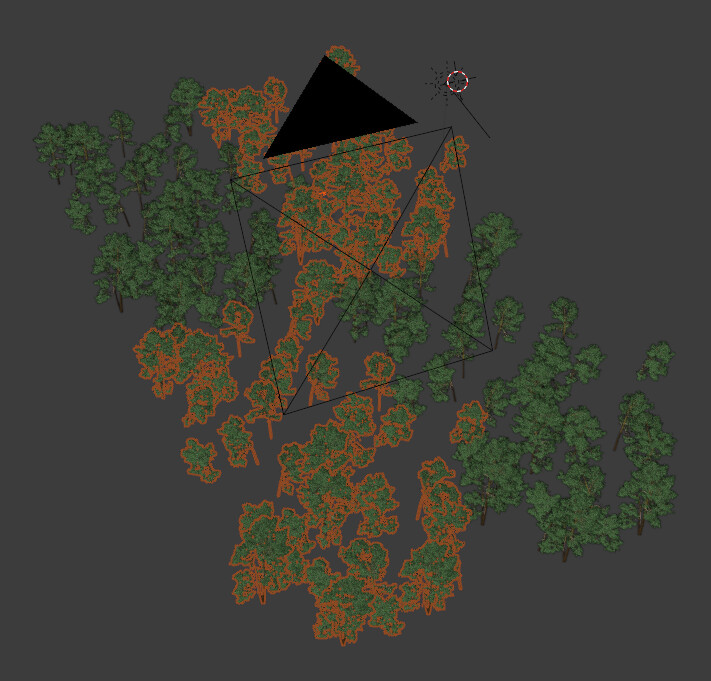
The input shape is slightly distorted to create the basic shape, and then trees are placed along.
One small house is placed inside, which was quite a pain to get working. Not only that, it is oriented along one of the edges of the spline to make it look less random and more organized.
This same direction is also passed along as an attribute to be used in a shader - this way I can slap on a farmland texture approximately in the orientation of the chinampa - you can see it in the gif when I rotate.
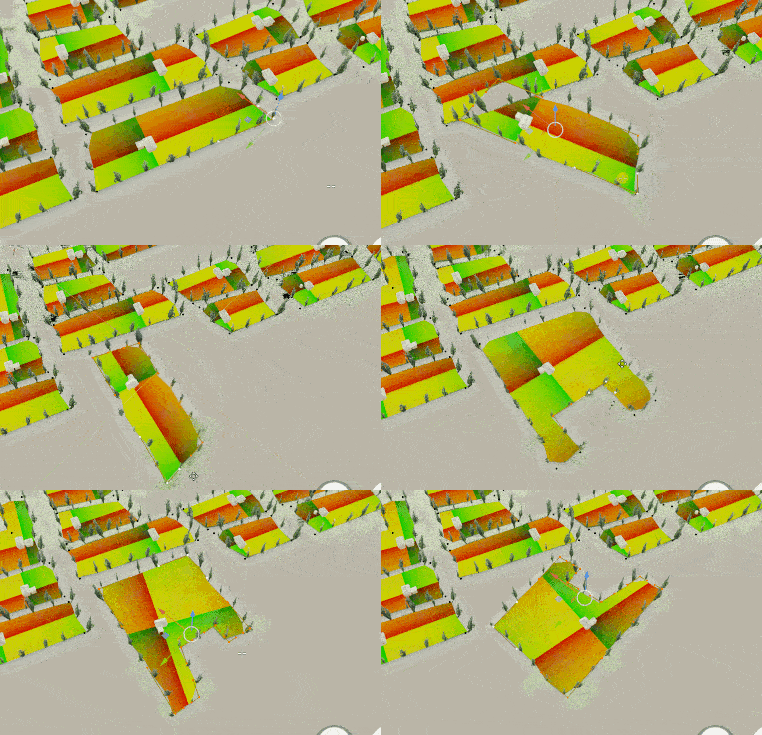
On each curve “island” I’m generating one house.
This position is passed to a material via attributes.
The direction of the first curve segment is also passed along.
This way I can generate farmland patches that center around the house, and are oriented roughly in the general direction of the island.
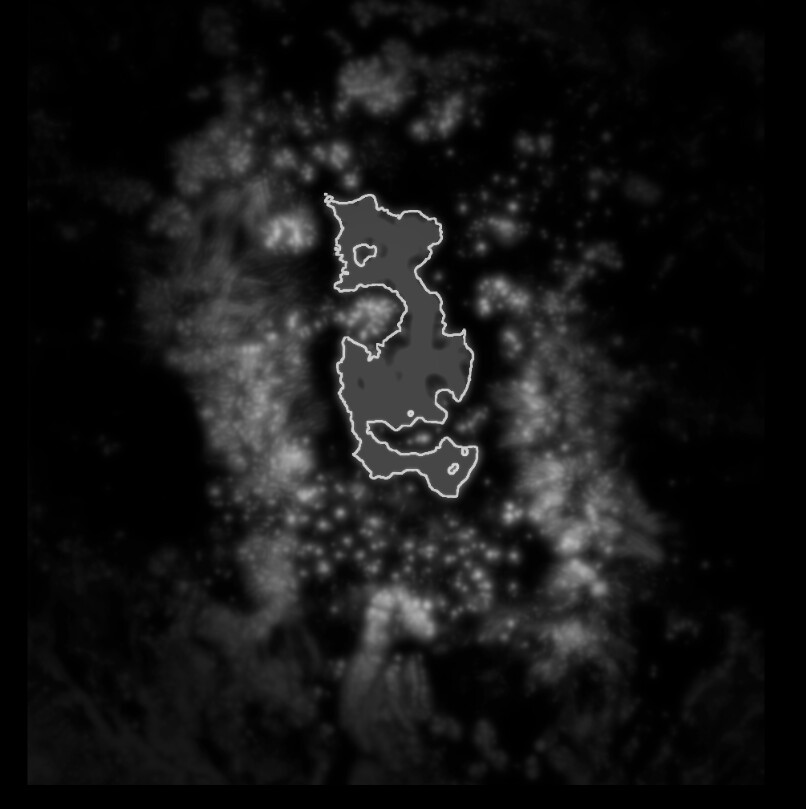
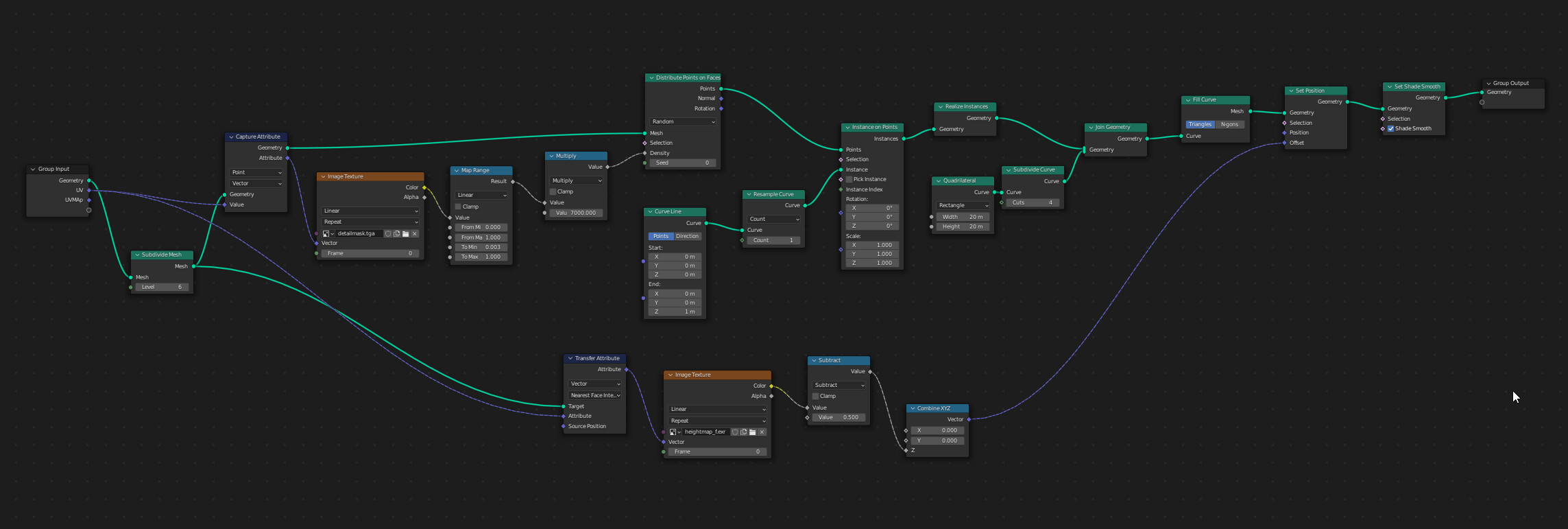
So what I do is Distribute Points on Faces with the black/white map shown above, put single spline points on those points, and then use Fill Curve (Triangles)
It’s a weird trick but works very well.
Here’s my setup, the input is just a plane with a UV map.
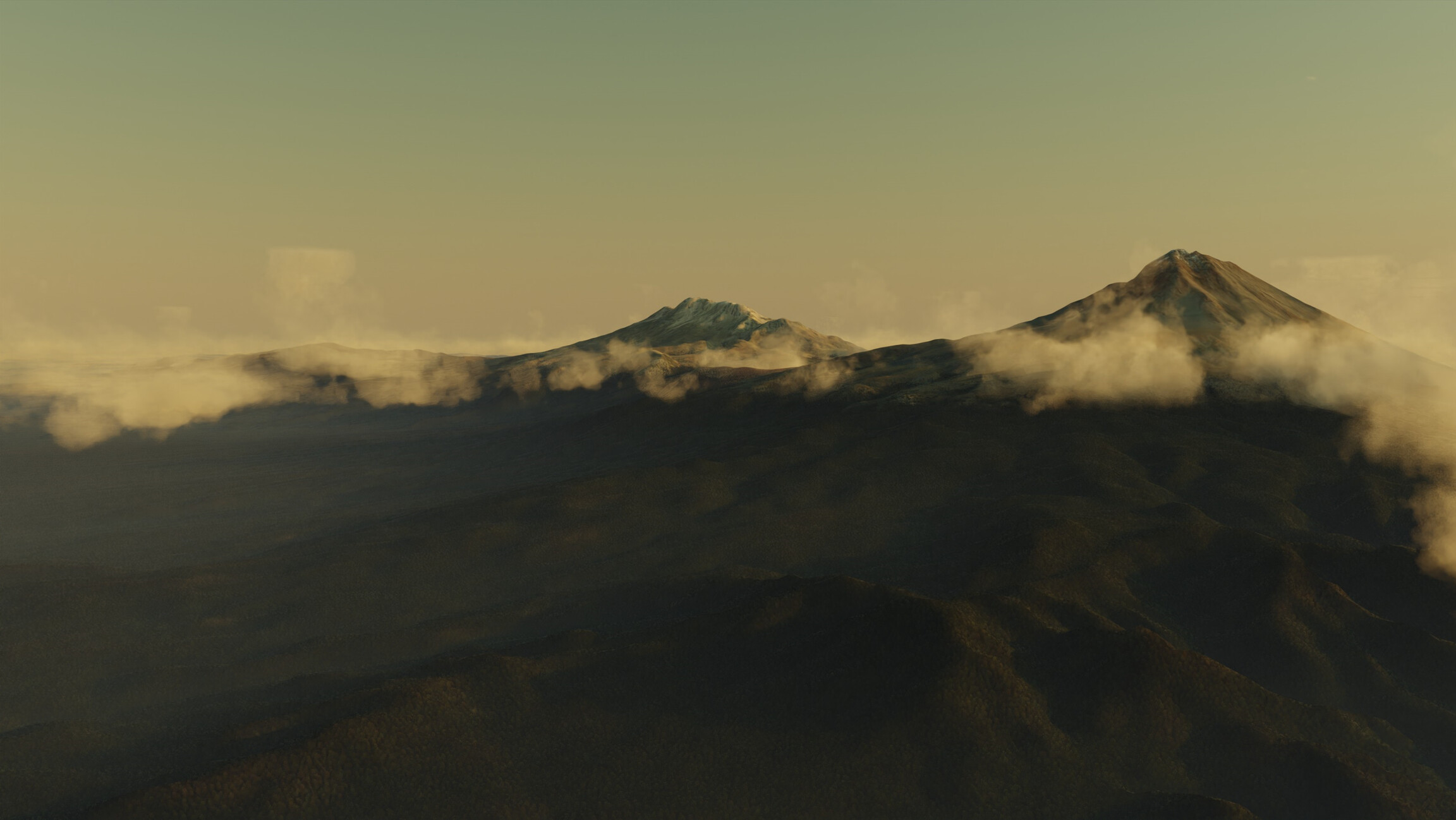
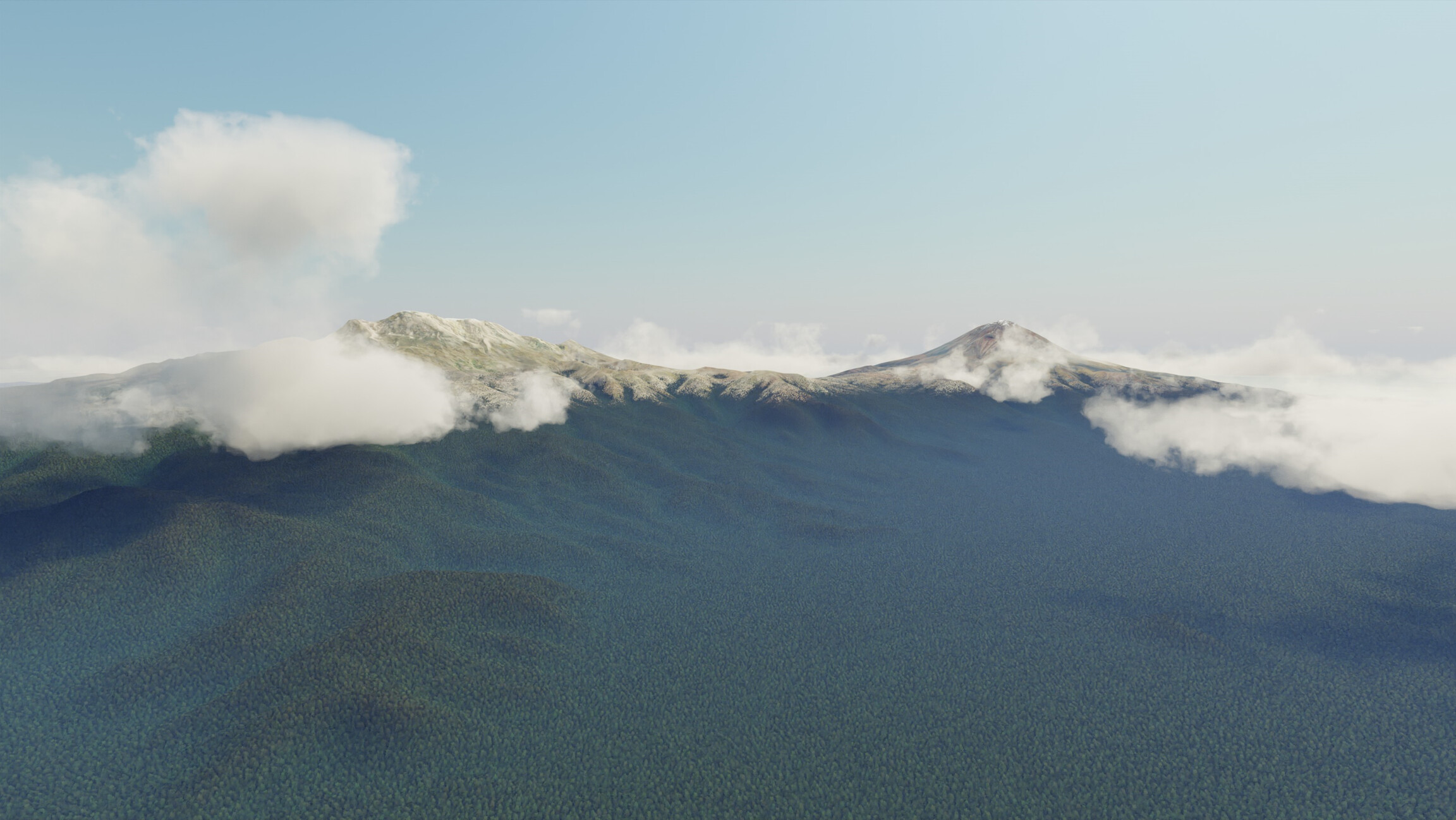
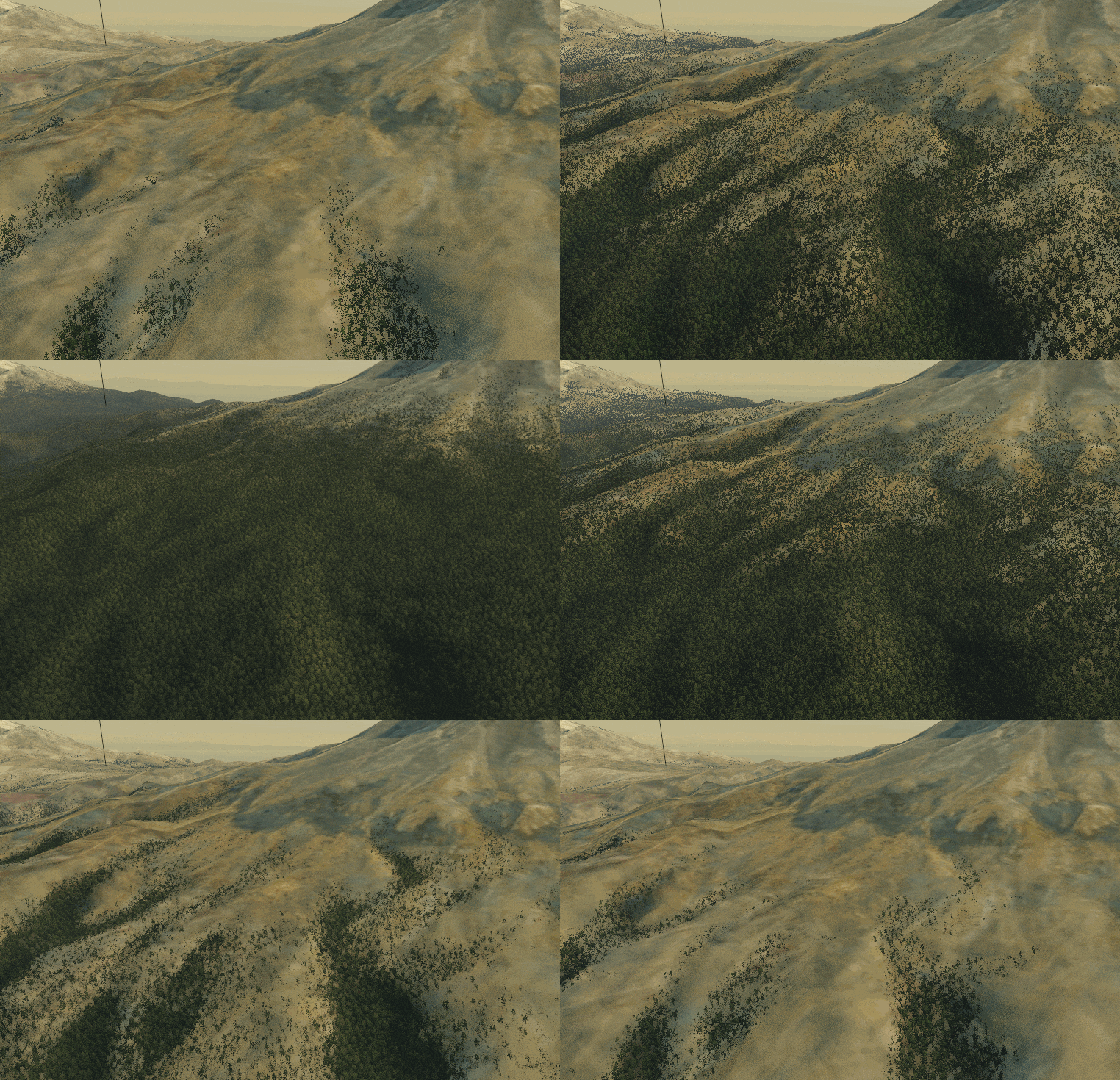
For the longest time I was struggling with the trees on the terrain.
The scale of the scene is much to big for individual trees, even with tricks like imposters and cards.
But just slapping on a color with some noise is also not good enough.
@ThomasKole, really great solution! May I ask, where did you get the tiled trees from? May there be other species of trees like this out there? I preferably go for cc0 ofc…
Great job!
I would be really interesting and thankful for knowing how you are doing this. Would be great if you could share a bit more about this shader.
Hi Thomas, this looks brilliant! - and is exactly what I need for some massive forest landscapes I’m doing for a small movie project - please put me out of my misery and reveal how you are generating the “little view aligned islands” - I spent the last couple of evenings trying to figure it out with various combos of texture coordinates, vectors, normals, geometry nodes, drivers… and failed totally! - cheers, Stephen Norrington
Thanks, much appreciated. Don’t stress yourself, a simple paragraph and maybe a node tree about these voronoi view aligned islands and the in shader dithering would be great. I think I remember seeing a video about the second topic on youtube from way back when eevee didn’t have it.