TextureSynth - Procedural GPU Texture Generator

Guide: https://texturesynth-user-guide.pages.dev

Helloo :wave:

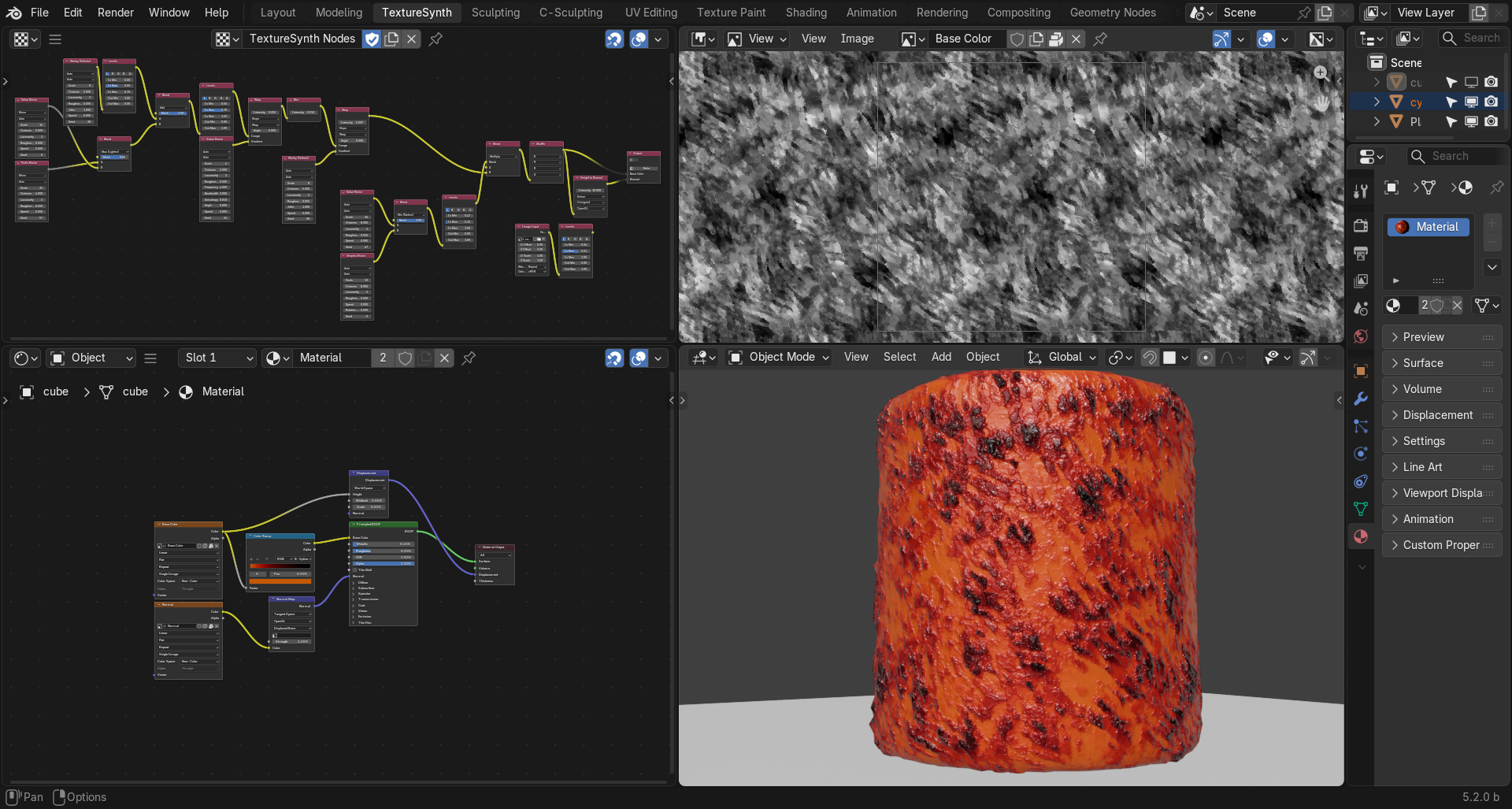
Thanks for being here! Follow the development of TextureSynth — a procedural texture generator aimed at real-time designing and utility of textures directly inside Blender.

Vulkan-powered compute GPU backend.

I’m building this alongside work and life, so progress may be gradual — but I have big plans for where this could go.

You’re welcome to share ideas!

6 Likes

Rough around the edges, but already fun

7 Likes

The system is handling graphs well so far, so I’m moving on to mask-aware blending and multi-channel outputs

7 Likes

I’ll try to get a beta version out tomorrow for you all to try. Just need to wrap up some backend work, maybe add more nodes, and polish the UX a bit.

3 Likes

Beta is live! Your feedback shapes what comes next!

v1.1.0

Ships with 14 nodes, my focus is still on getting the core mechanics right. Nodes are just .glsl files — the community can add more faster than I can alone.

4 Likes

V1.1.1 Beta

Fixed Image node upload bug, New Warp and Blur nodes. Simulations next maybe :melting_face:

2 Likes

I am getting “graph submit failed:” when I click “Bake”

noted. still expanding the backend for baking atm, the workaround for now is to manually save the image on the active node or rename the TS_Preview2D texture. Thanks!

how to connect texture to shader nodes? It’s shown as black texture in shaders

what GPU are you running? could you check if it’s active in Options?

also try deleting the Output node, i’ll include a fixed one in the next Beta

V1.1.2 Beta

  • Image Input — OpenEXR support, edge wrap modes (repeat/clamp/mirror) + Color Space handling

  • Height to Normal — new node, convert height maps to normal maps

  • Warp — cleaner UI, dropdown menus, angle in degrees

  • Bake — now fully syncs sliders, precision, and images. Result matches preview

  • Output — preview fixes, bake auto-targets the right output

1 Like

Tried to use it in Blender 5.2 LTS, but I cant find it anywhere?
It installs but do not show up anywhere.

PM me with more details please

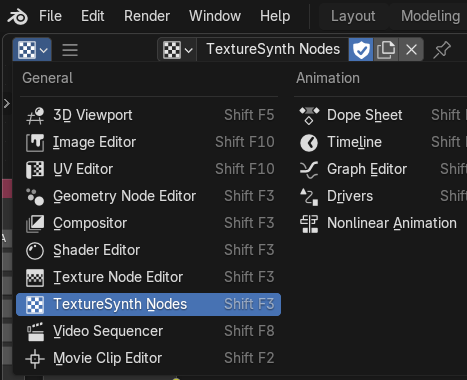
do you mean it doesn’t show up in the Editor type or in your Addons list?

No, it do show up in the Editor . I just didnt know how to use it.(I’m a noob) :slight_smile:

Do u have any documentation on how to use it?

https://texturesynth-user-guide.pages.dev

Thanks :+1:t2: will try it out.

1 Like