I think they’re not only smooth, they’re completely flat because From Min and From Max are now completely outside the gradient range. When I said:
I actually meant to say From Min and From Max. Sorry, my bad. I think leaving To Min = 0.0, To Max =1,5 and From Max = 1.5, then increasing From Min starting from 0.0 might do the trick.
Could you also try different values for “Inflection Point”? If that doesn’t work, I think there is no way around changing the height map gradients of the flowers to be less steep where the inner ridges are.
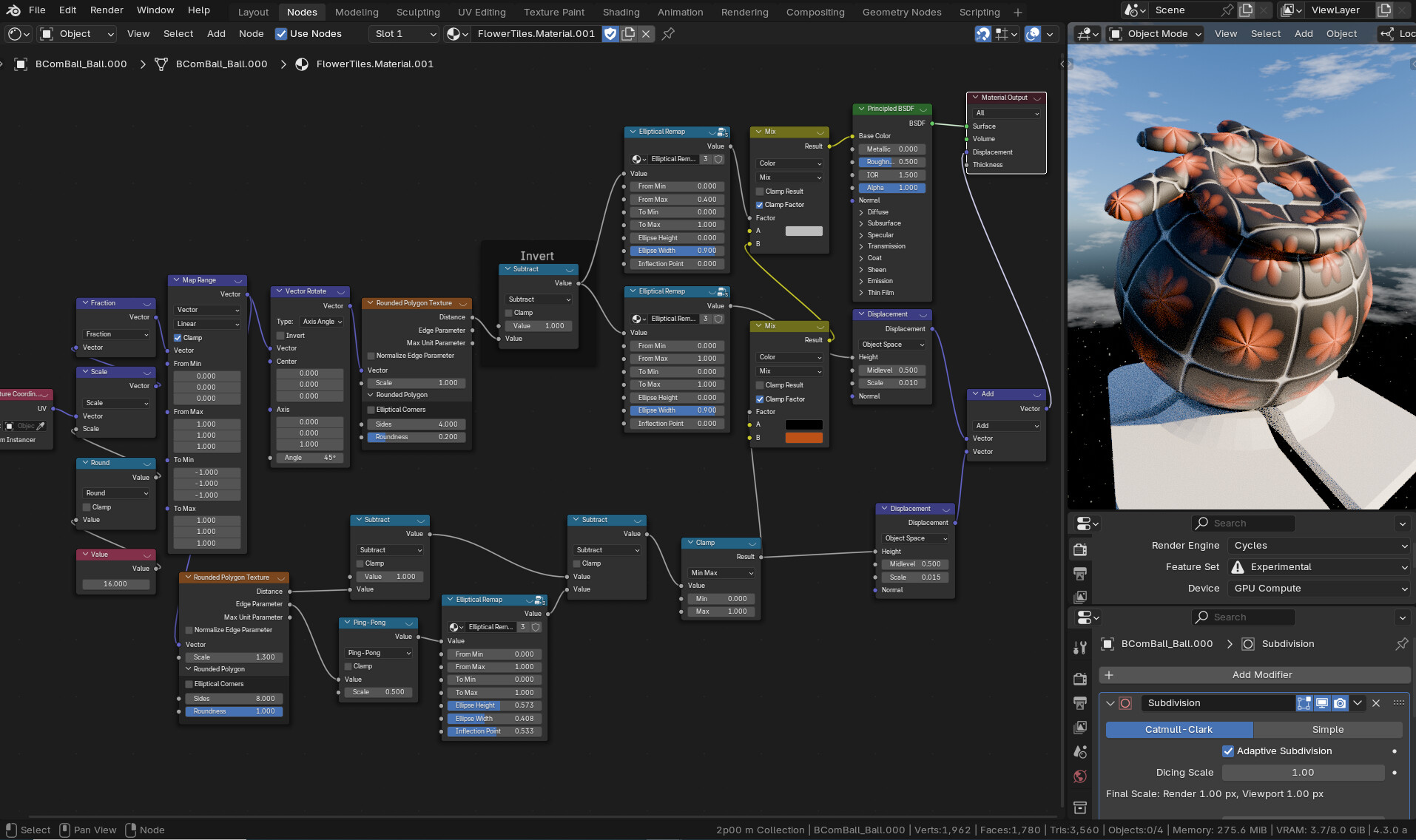
Step 1 : for the tiles you need another setup because you are using voronoi distange to edge - you can not round or smooth this - you need to use the round polygontexture - why not use adaptive displacement :
Since I don’t see many people talking about it, I have another idea:
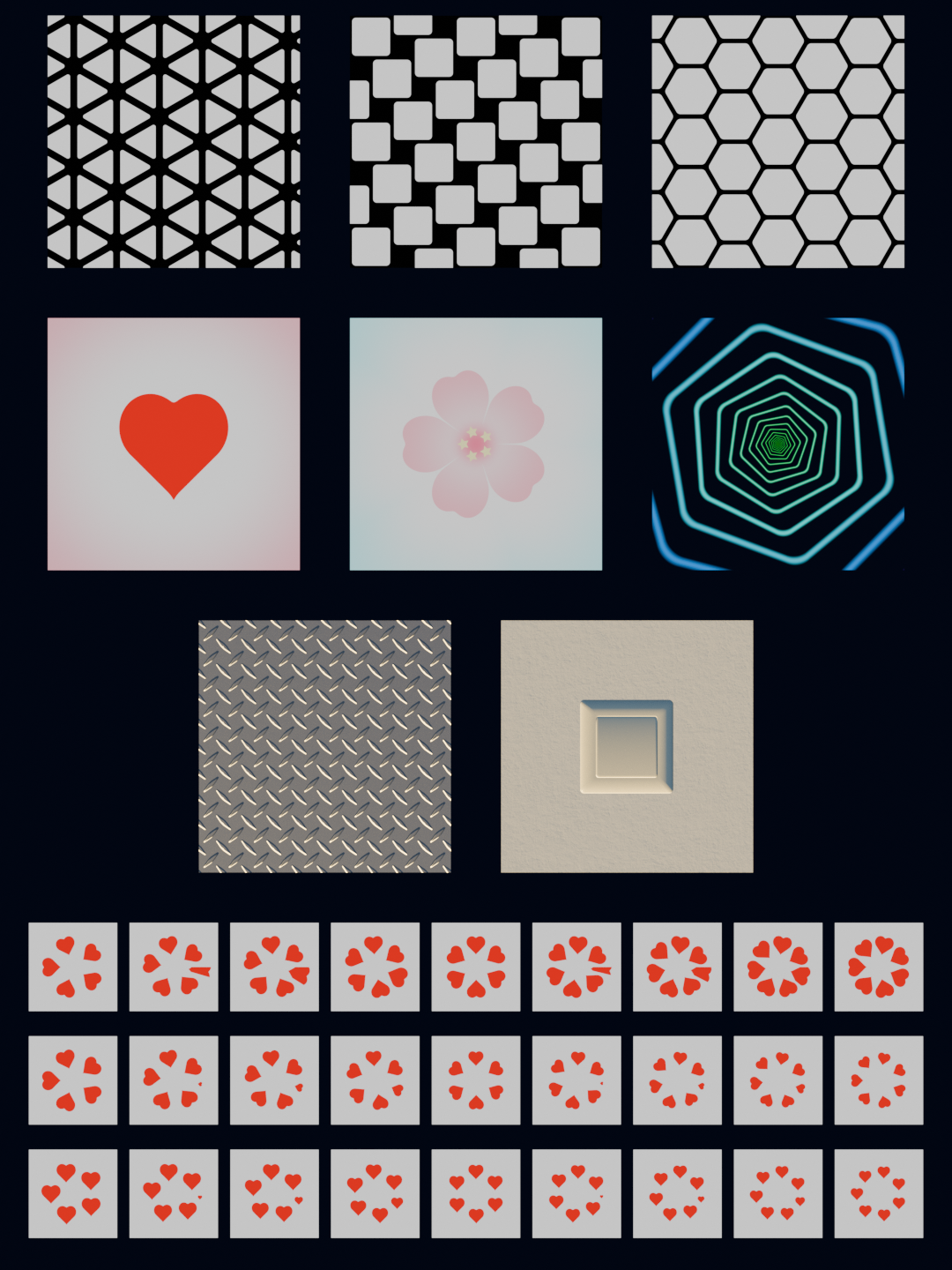
Raiko made a demonstration .blend file that you can download here: v2_raiko_texture_components_example_use_cases.blend
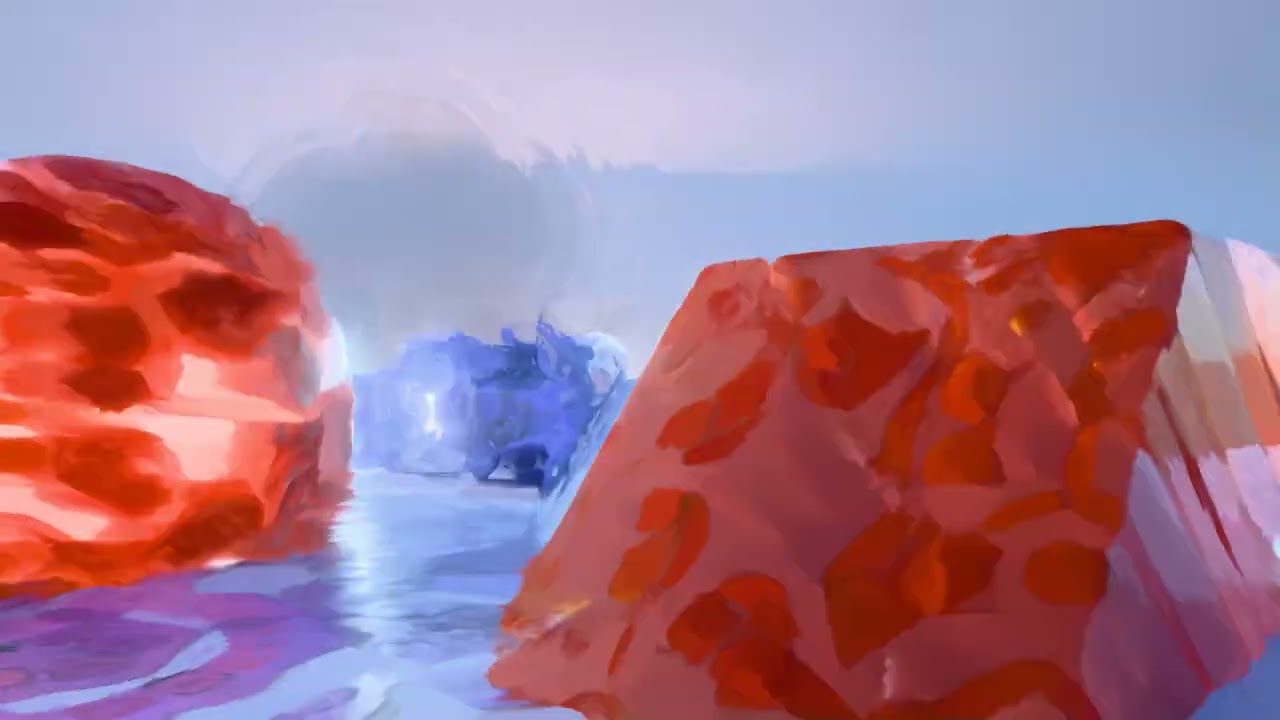
This is what the demonstration .blend file looks like in rendered view:
It shows various use cases of the new nodes, so having a look should also give a better intuition about how the new nodes could be used.
My idea is the following: Since the examples in the demonstration .blend file tend to be rather simple, maybe you can create some variations of them or maybe even other things based on the example node trees.
Also a quick Blender tip: If you don’t see the node trees in the Shader Editor pressing the Home key on your keyboard should move the node trees into the visible area.
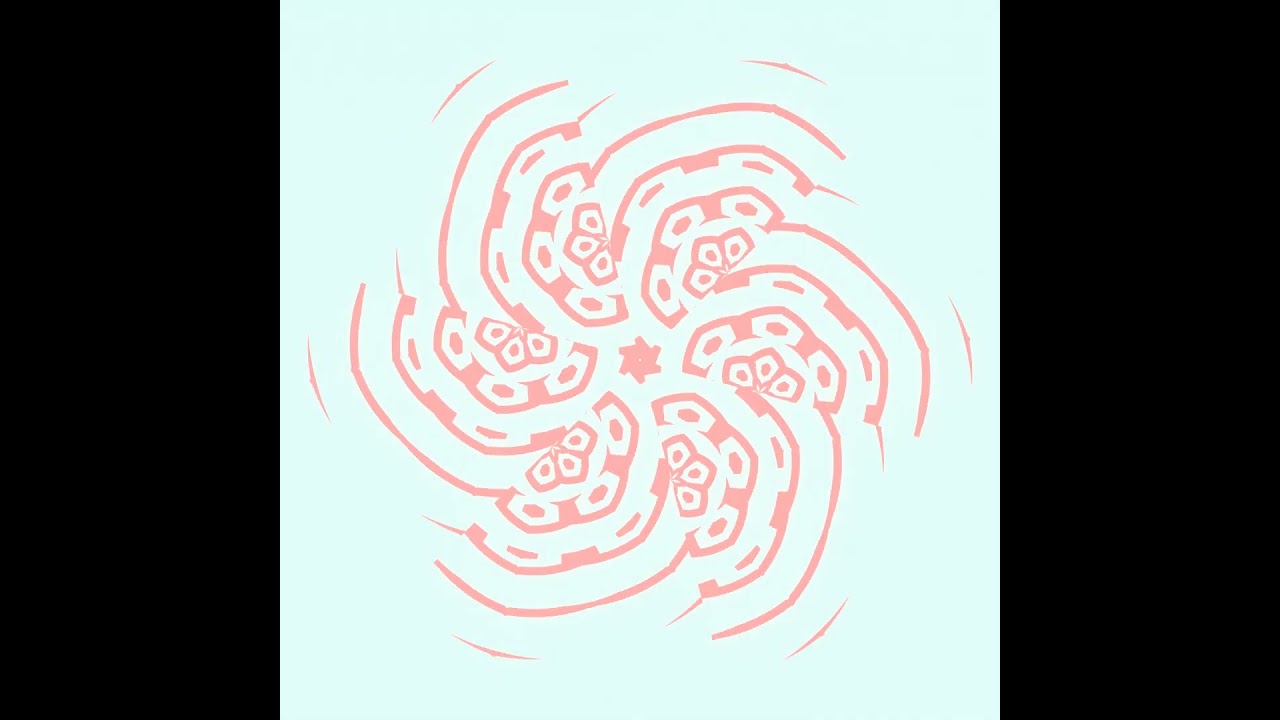
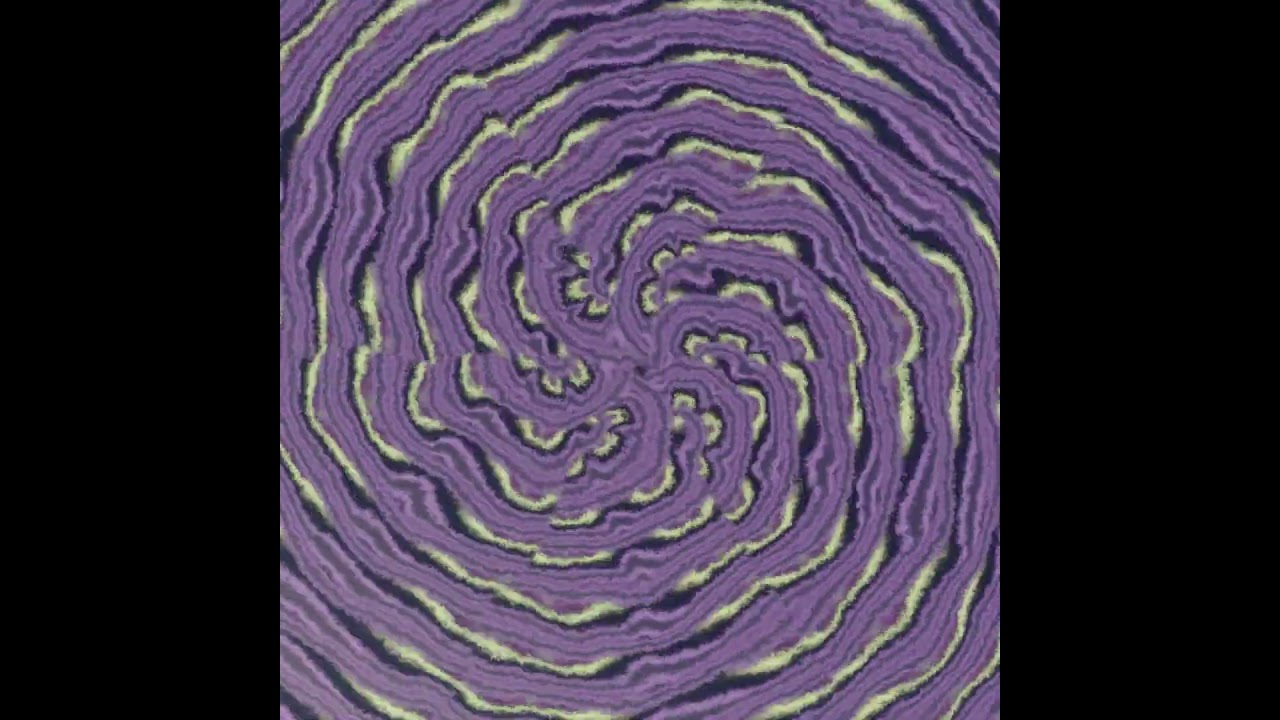
I love how easy it is to make unlimited radially morphing shapes. Very useful for creating animated pictograms for situations when you just need some sort of stuff going on like for the motion graphics of a callout text or to highlight some feature of a product or something like that.
Looking great! I think animating the “Sides” input could give some really interesting results. You could also combine it with Radial Tiling as shown in the bottom examples of the demonstration .blend file.
Yes, animating Sides makes these cool asymetric “hobble” when a new one is added.
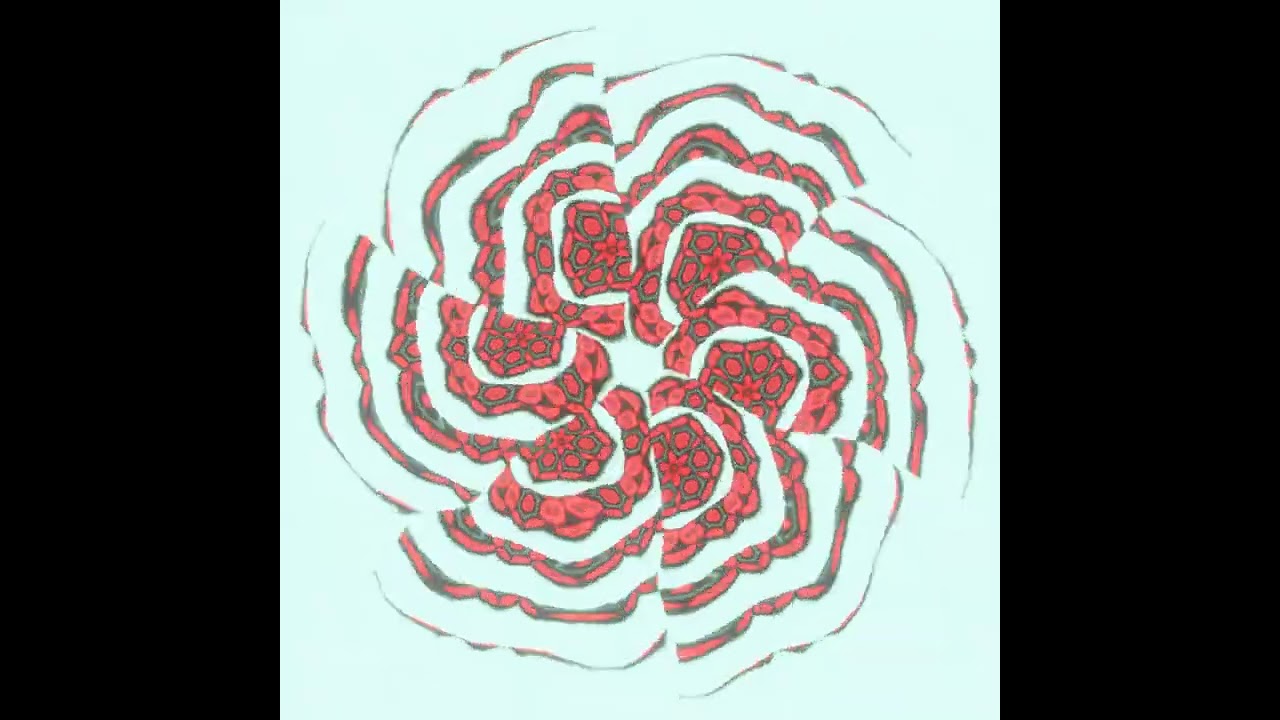
Yeah, these are pretty much three serial radial tilings. I basically used the heart setups from the example file as a reference and did some plugging. Still need a good way to loop them.
I was thinking about trying out what happens if I “fractalize” the radial tilings as in making the size of each following iteration (and perhaps also its animation speed) depend on the first one with some sort of lacunarity input. I am off for the weekend but I hope I’ll find some time for that on monday.
Update:
I’ve renamed the Distance output of the Rounded Polygon Texture node to Radius because some people mistakenly thought that it outputs a signed distance fields of a rounded polygon, which it doesn’t do.
Apart from them the Elliptical Remap node groups and Linear System Solver node is no longer part of the PR as separate issues will be opened for them.
Moreover the Linear System Solver node will be implemented as a part of a larger Linear Algebra suite of node groups.
The user documentation and demonstration .blend file have also been updated to version 3.0. If you’re using the latest build from the buildbot please make sure to use the 3.0 version of the demonstration .blend file as previous versions won’t work correctly.
That’s so cool!
Btw. I think you can get rid of the seams by making the spirals a bit less curved, such that the end of the spiral of one segment aligns with the start of the next segment.
I used Voronoi because I was more familiar with it – and Elliptical Remap is smoothing it. Raiko, hope “separate issue” doesn’t turn out to mean “abandoned” because I’m really enthused with it so far.
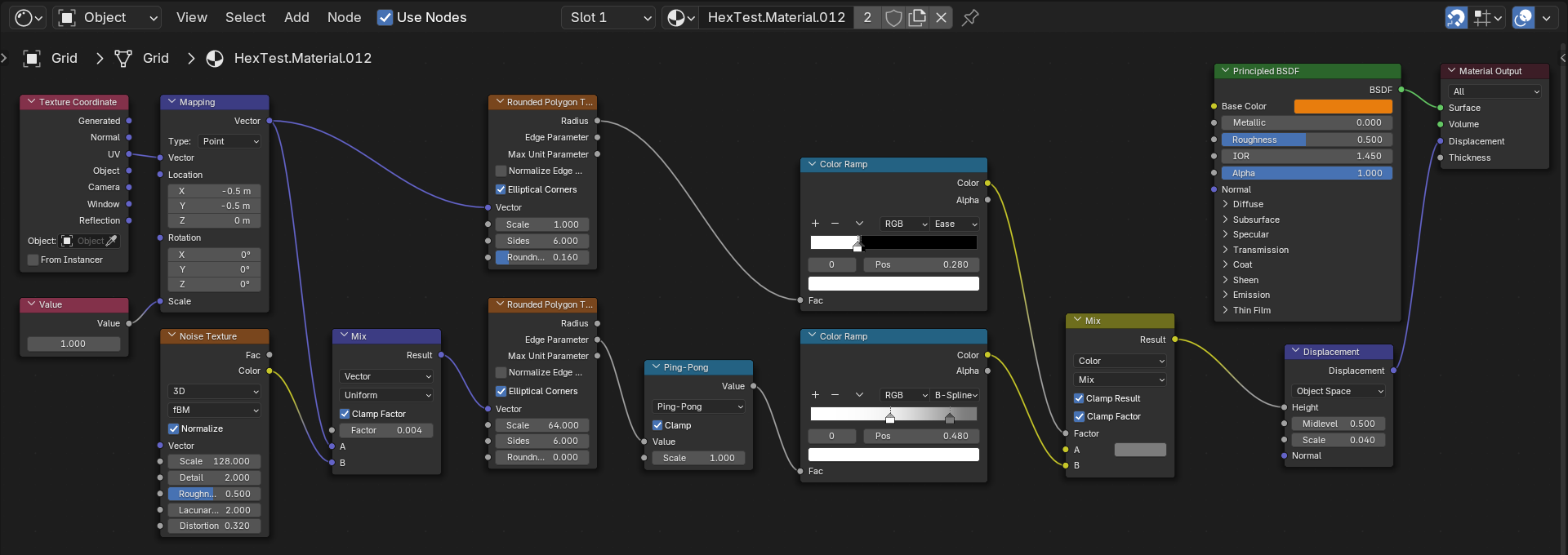
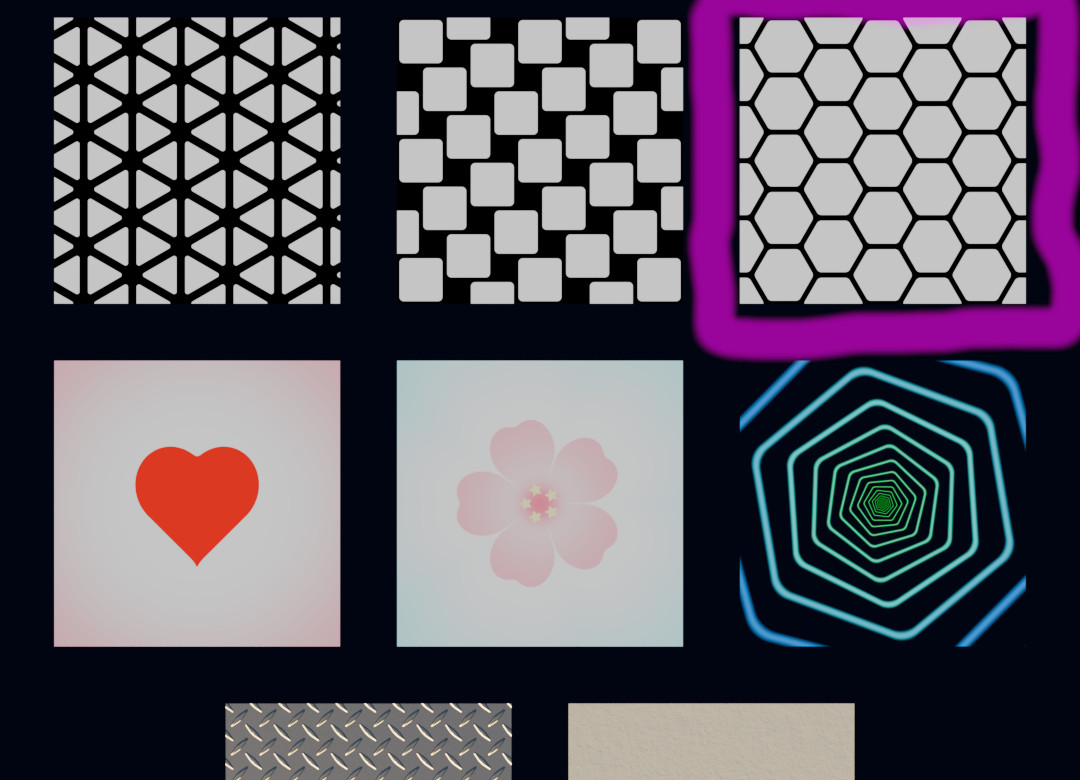
Which includes an example of Hexagon Tiling – Benny_G’s flowers stamped into hexagonal clay tiles! Having no luck, though. Four branches of identical Rounded Polygon nodes? The following math nodes producing hard edges instead of the softer that Ease/ColorRamp could do if I could use them there (tried, didn’t work). If I make something like this:
I should be able to plug it into something that’ll tile it hexagonally without much fuss, doesn’t seem like that’s what the current Hexagon Tiling example is for.
Some people are clearly doing great things with these, but so far I’m not finding them intuitive.
I don’t think the demonstration .blend file includes an example of Hexagon Tiling, which example are you referring to?
That’s due to current limitations of the grid node group. When the grid node group gets a proper implementation in the future such duplicate node trees will no longer be necessary.
I’m not sure what you’re trying to achieve, could you please elaborate?




 Looking forward to it!