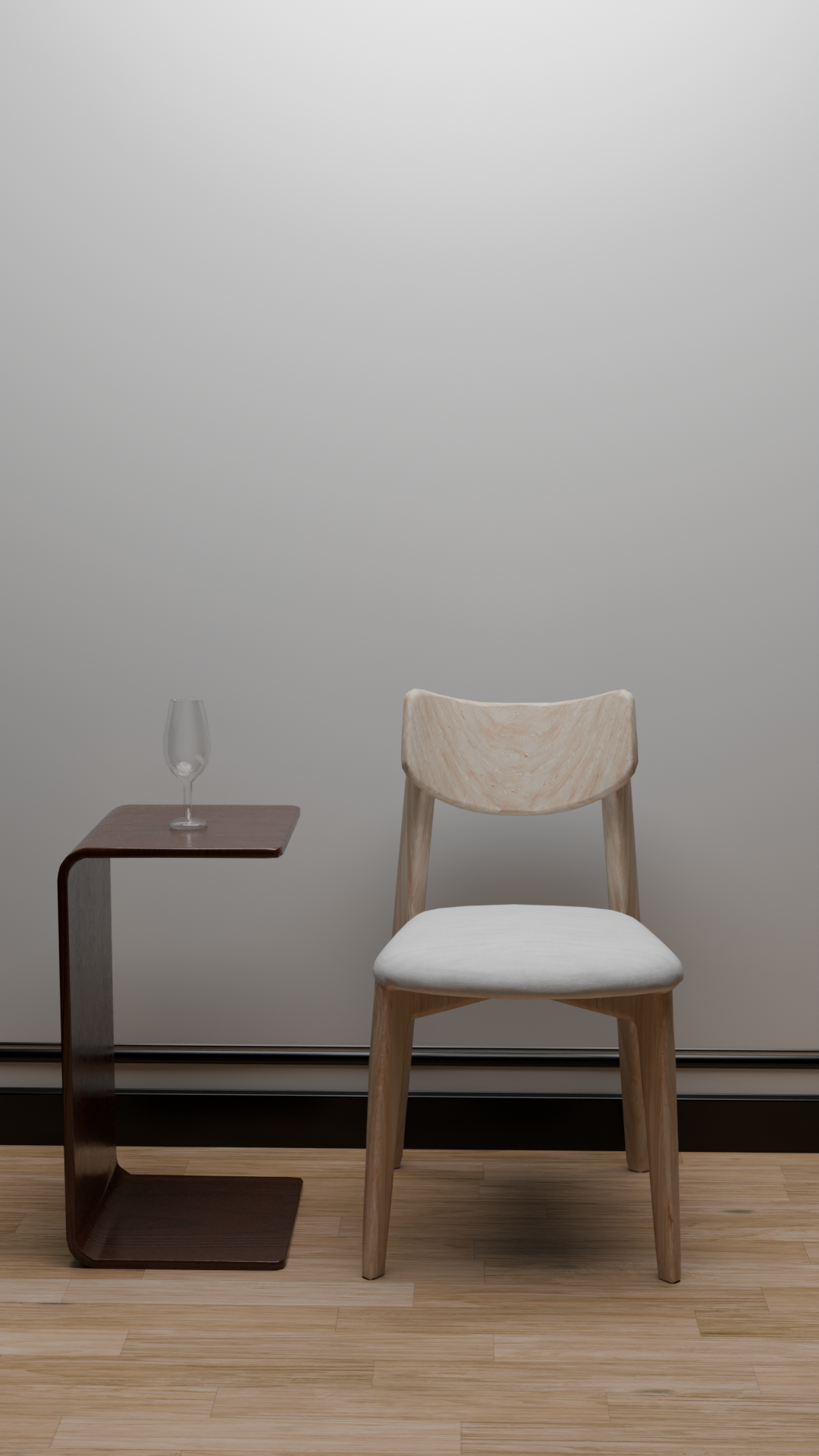
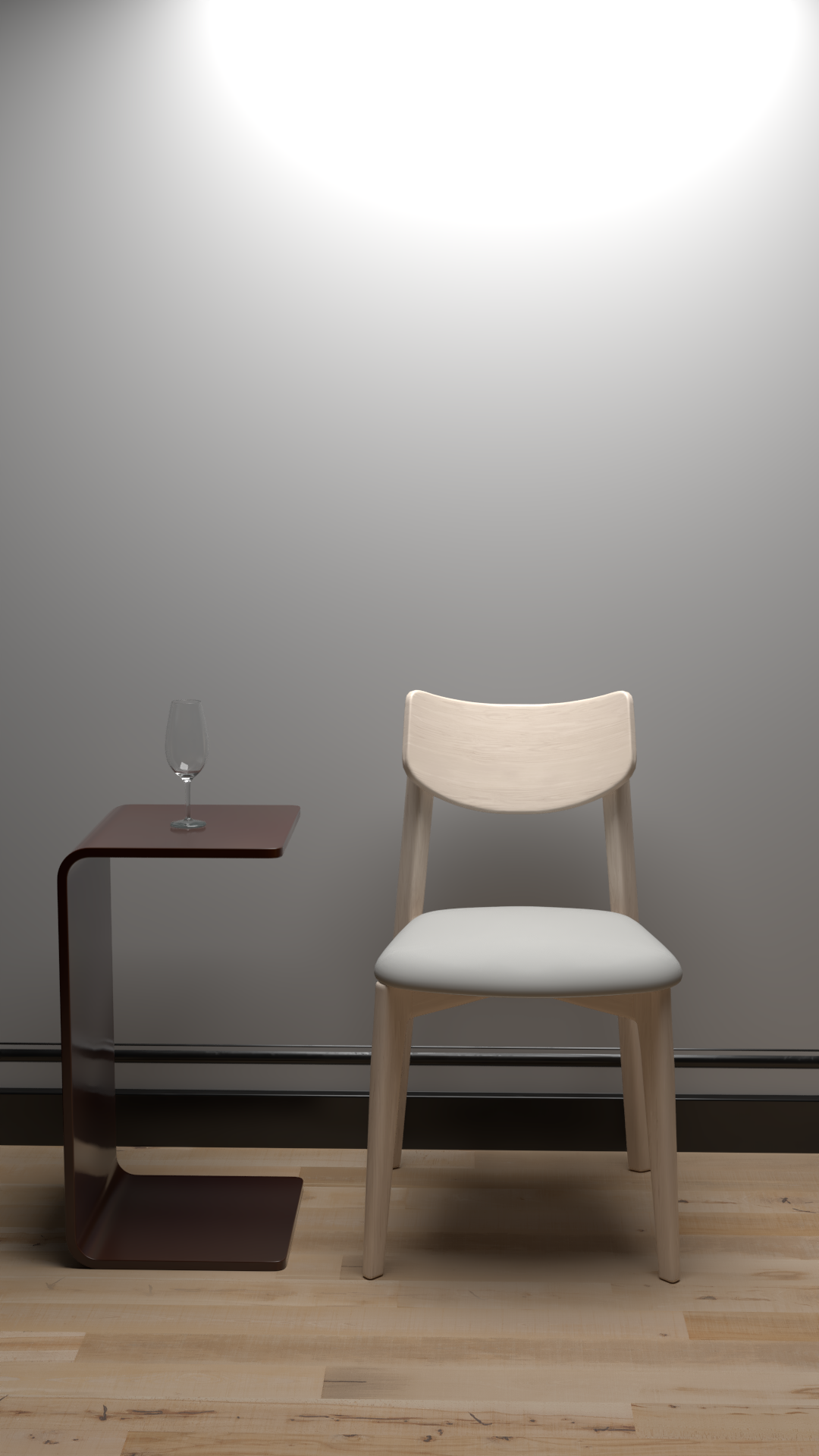
I tryed V-ray in Blender, What do you think
Left - Cycles
Right - V Ray
6 Likes
Great work on the chair and table, I think the first one is my favorite for it’s cleaner lighting and contact shadows!
Not sure witch is witch though.
Side note.
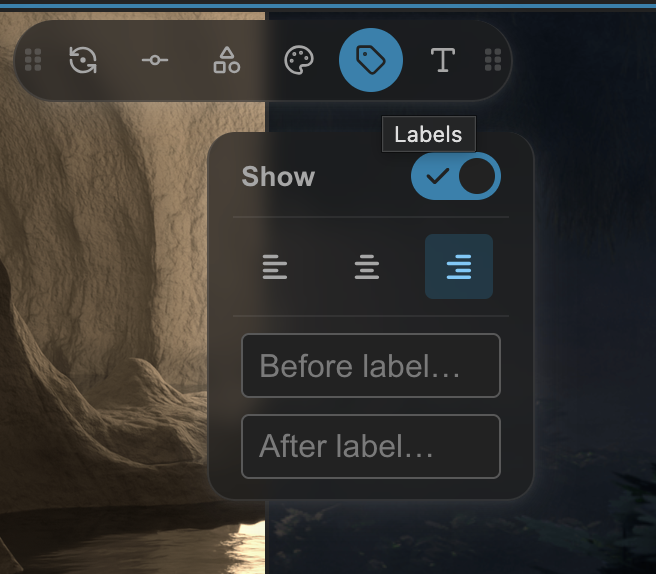
You can label the first and last images in the slider in this tab after hitting the check mark.
2 Likes
Thanks for the tip! I didn’t realize you could add before/after labels in the slider tab. That makes it way easier to clarify which render is which. Appreciate the feedback on the lighting and shadows too!
1 Like
Always happy to help, I look forwards too seeing you other works!
1 Like
If you want to do a proper comparison you should keep the lighting (and everything else) the same, the V-ray lamp is smaller making the shadows sharper and everything more contrasty. So we’re essentially comparing lighting, not render engine.
3 Likes
It looks like they aren’t using the same color transform, so that will cause most of the difference.
3 Likes
It’s not possible to compare, because the scene and lighting are vastly different. Try one where everything is identical (lighting position/radius/strength), texture placement the same, materials set equivalently, and match the post effects that vray is adding (using rgb curve nodes in the compositor (with colour management set to:
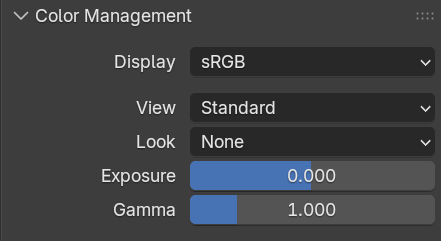
You can use the scopes in the compositor to match up the levels, colours and contrasts
2 Likes
That’s a really fair point. The difference in lamp size and shadow softness definitely shifted the contrast more than I intended. For the next test, I’ll make sure the light sources, sizes, and positions are strictly matched so it focuses purely on the engine rendering!
Good catch! Color transforms play such a huge role in the final look—I didn’t standardize them properly across both renders here. I’ll make sure to align the color management/view transform settings for a true side-by-side comparison next time.
1 Like
Thanks for the detailed advice! You’re totally right—having variations in the lighting setup and material settings makes a direct comparison tricky. I’ll standardize the lamp radius, strength, and placement, set the color management appropriately, and use RGB curves to match the levels properly for the next pass.
1 Like
I featured you on BlenderNation, have a great weekend!
1 Like