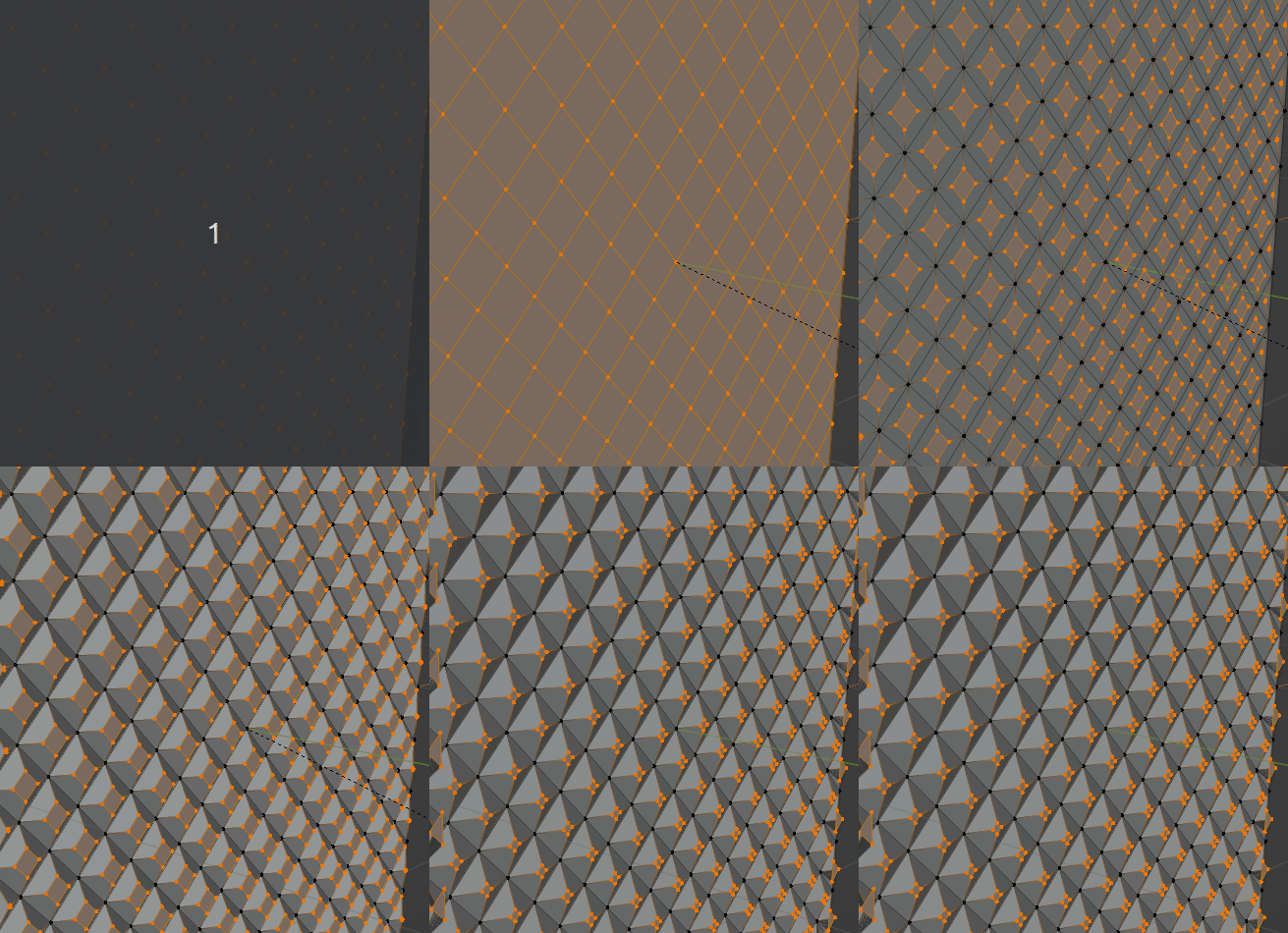
Hey all, I am working on a character that has clothes with shoulder and knee pads that have a quilted pattern on them - nothing fancy, just basic diamond pattern. I would like to 3d print this so it needs to be actual geometry. The method I’ve landed on by myself is using knife tool to cut diagonal edges, then insetting and extruding the faces. The result (see attached image) is boxier than what I’d like as this is supposed to be fabric, and the pieces on the model will be curved which might make this a bit trickier. If anyone has a suggestion for a better way of doing this I am all ears and appreciate the help!
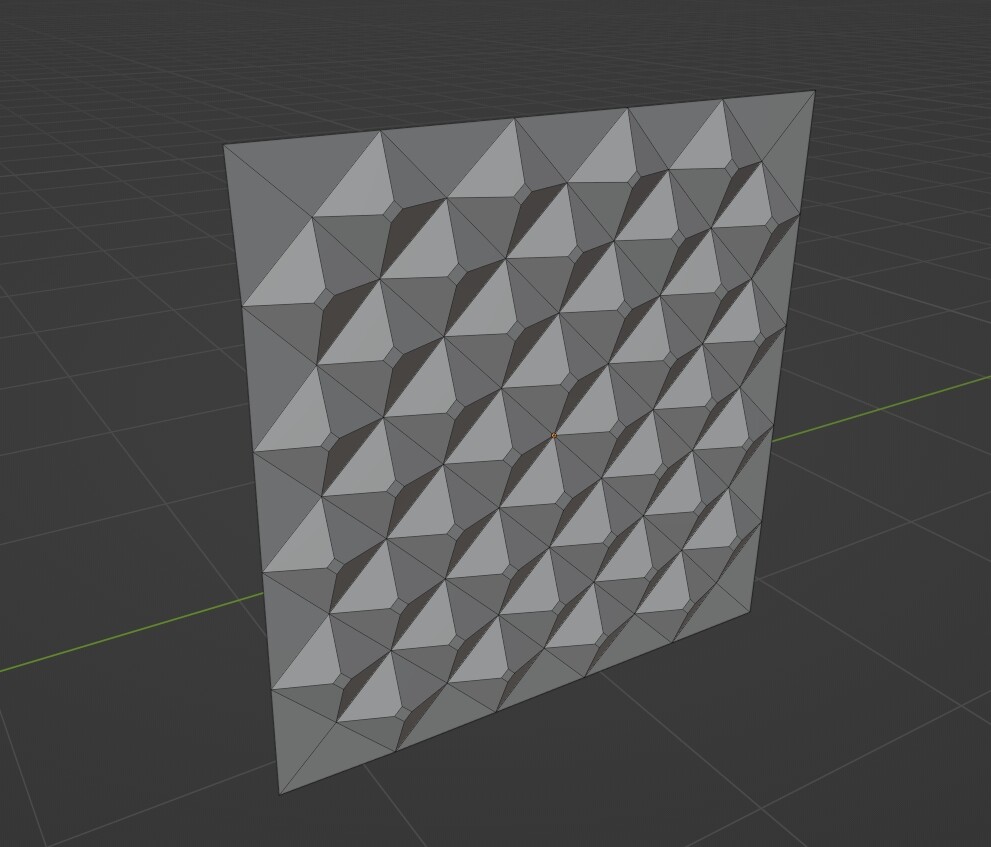
To start - making Diagonal faces. If you Edge Menu > Unsubdivide then in the pop up window set the iterations to 1, then a standard subdivided mesh becomes a diagonally divided mesh.
There is another almost identical method in the first video.
For your viewing pleasure…
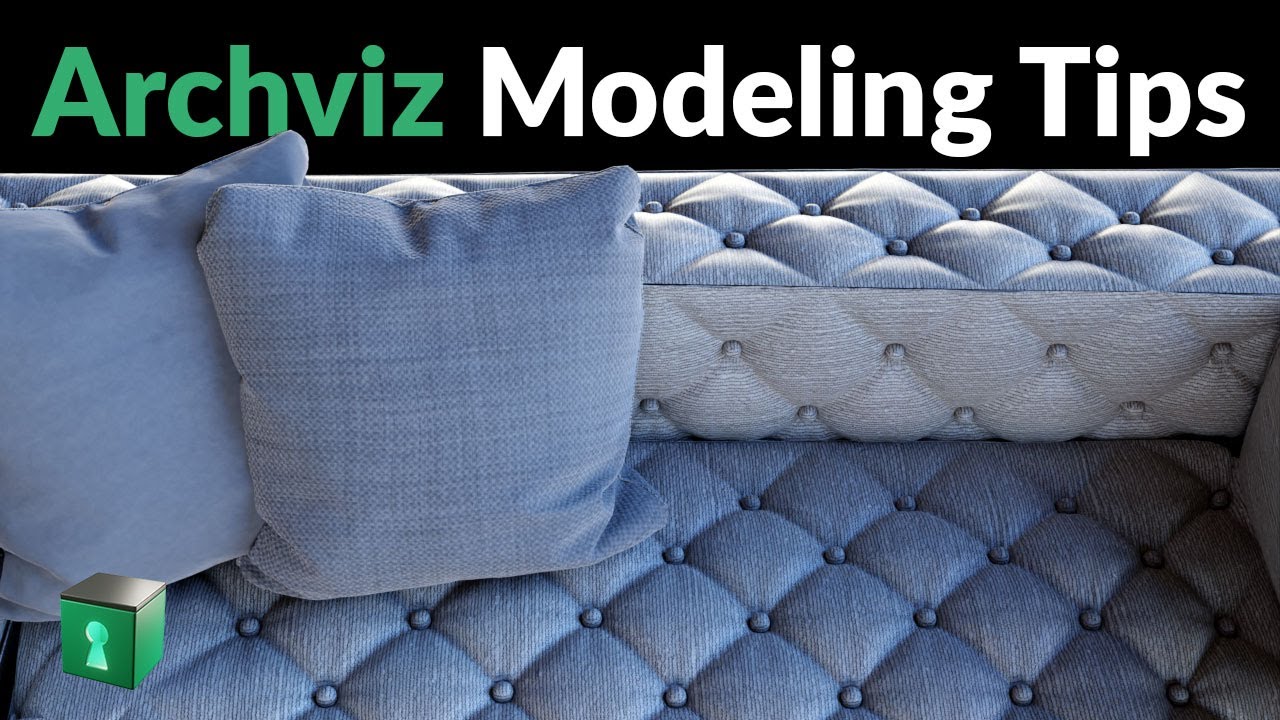
And…
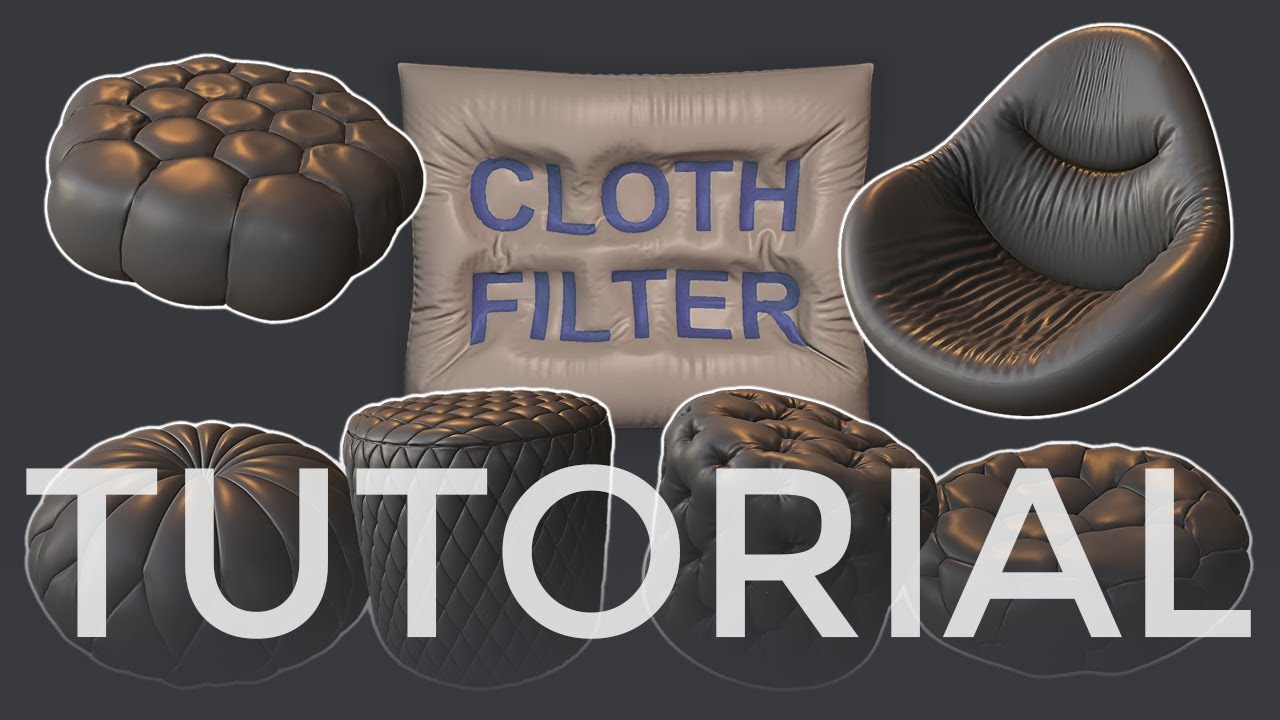
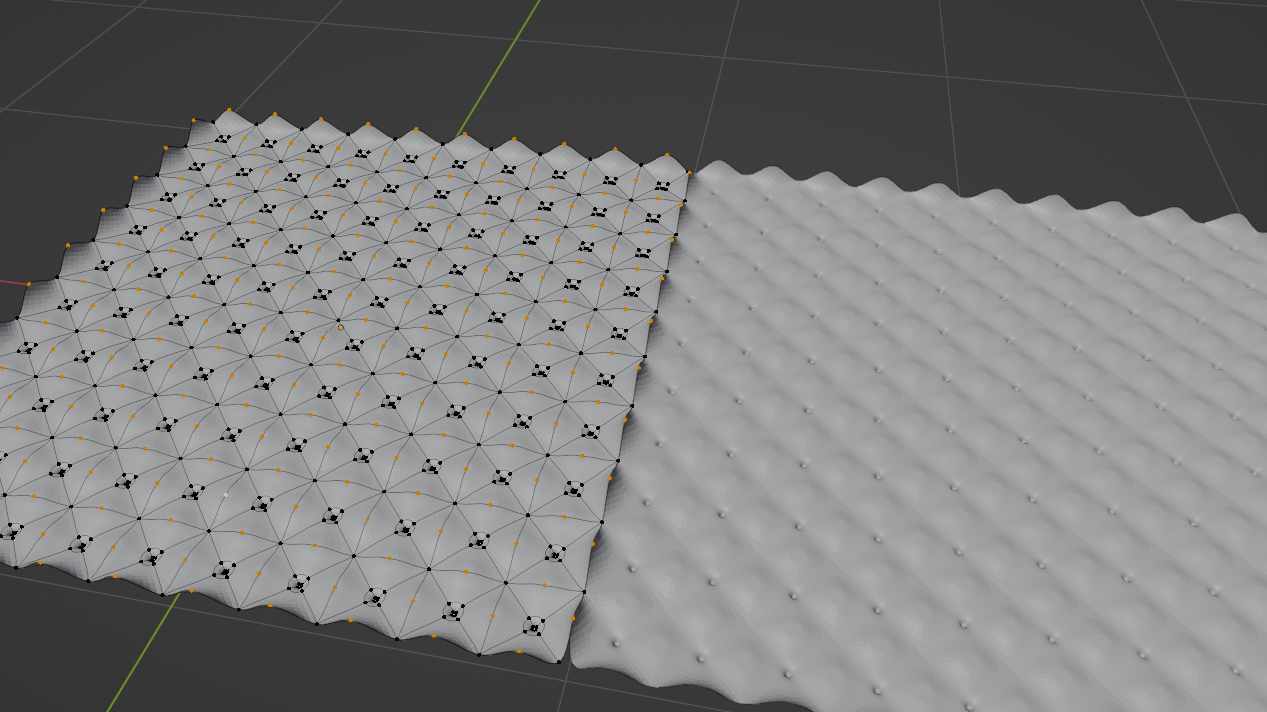
This is awesome, thanks so much!
Thanks for the tip, I will try this out too. Cheers!
Glad to help…
Remember to post the finished print in artwork…
Oh - so you know: Select faces, i to inset, i again to go individual faces, then hold down ctrl and move your cursor. That lets you extrude & scale. Ctrl swaps between the two modes…