Please elaborate.
2 Likes
In 4.5, there are only 2 volume nodes as geometry nodes.
Volume to Mesh node or Volume Cube node.
So, basically, you can only play with density of a volume cube or convert geometry to volume to convert it back to mesh.
You only have access to volume grids as shader attributes.
In 5.0, you have access to volume grids and can tweak them as GN attributes, fields.
You are no more forced to convert to modify geometry of volumes, or to do it in shader.
With SDF filters, you can directly smooth the grid. As a result, conversion to mesh gives an already smoothed surface.
That is more performant. So, you can attempt more complicated modifications, before reaching your hardware GN computation limits.
4 Likes
I’m getting the feeling that this is just the tip of the iceberg and there are crazy / hard to imagine possibilities when starting playing with that toolset and already available nodes… I’m super exited about what the community will actually do with it as for now I’m not seeing things beside those basics functionalities…
2 Likes
I wish I could put it into comprehensible descriptions, but I am afraid I am still clueless when it comes to the high level stuff and its hard to describe (even what I do know).
What I do know is that in Houdini Volumes are everywhere and it seems to me that if you want to do complex VFX - volumes are often the main ingredient as well as the glue that keeps it all together.
I am not necessarily talking about volume simulation, although that is often a component.
Fluid/Volume based velocities is something that gets used all the time and it creates beautiful, naturalistic and very complex shapes and patterns.
90% of all magic FX are starting from that.
You can use noise to displace geometry and you can use noise to displace volumes - the difference is if you advect the volume you get the effect of the noise recursively applied.
Put this into a solver and add some fancy vector math magic and you can get all sorts of movement and shapes not only in 3 but 4 dimensions (Fractals for example).
What makes it mind-blowing IMHO is that this is essentially not limited to volumes itself, it crosses the boundary or rather removes it. Volumes can be turned into solid shapes and vice versa.
A volume is always connected - so you can have custom data-fields that grow and move inside of it. It kinda opens up another dimension.
You can daisy-chain complex system to each other and use something as a mesh and as a volume and as particles at the same time, storing data in all of these.
There is tons of potential in using volumes as a tool to archive something non-obvious and non-volume related and a lot of it has to do with the fact that you can use math directly on them.
Yeah, I still feel the same.
6 Likes
Despite Hadriscus having become this (thanks for making me chuckle) I just read this article and thought it would be a good fit for this thread.
(It gives me happy feelings and I used that as the qualifier) 
3 Likes
I feel very much like you (and sozap and no doubt many others) do on this topic.
I feel there might only be a few people at this point that understand the impact of these features. Most likely Houdini folk. 
I’ve been trying to implement some Houdini tutorials but not always succeeding (especially not with volumes/grids). To be honest I still find grids fairly confusing.
I have been wondering if it would be cool to create a thread dedicated to the new volume/grid nodes and discover them together? Not unlike the Geometry Nodes mega thread we had in the past that I enjoyed immensely.
Some resources I’ve found that seem to go a bit deeper into the new grids:
Bradley animation channel (has a few on this specific topic now)
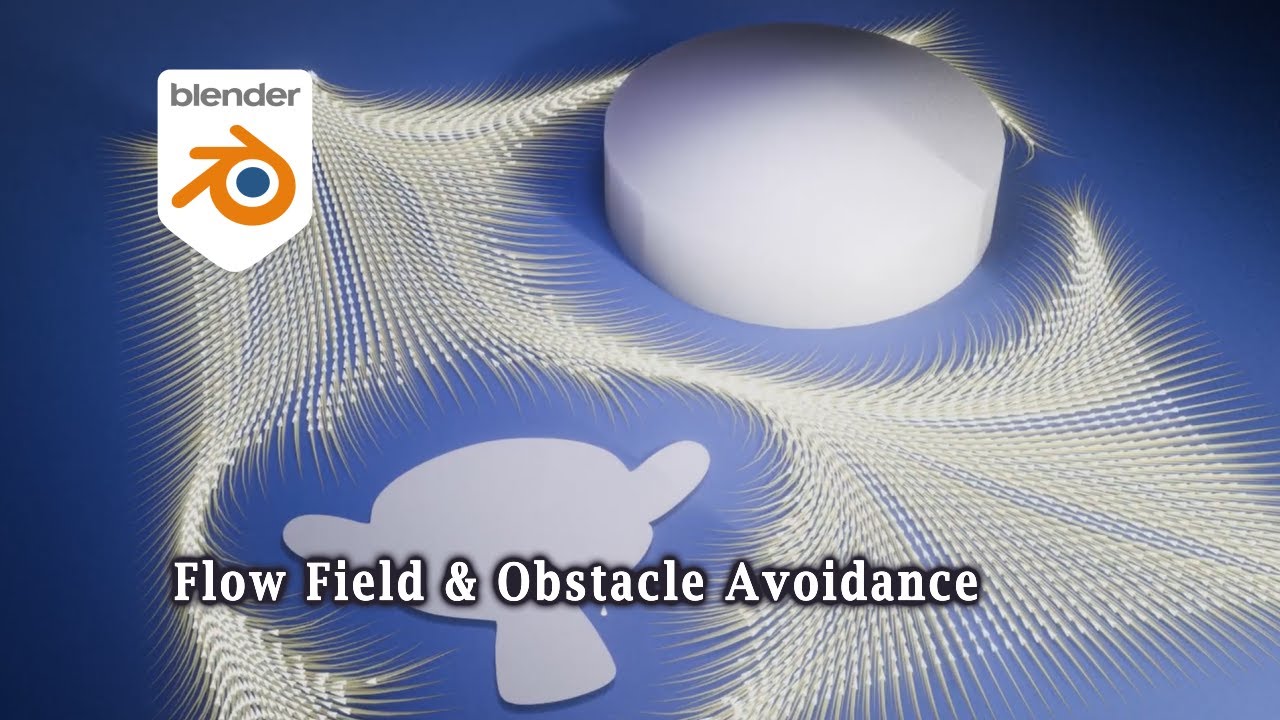
3D Singh VFX (usually only promotes his own nodes but this seems to be an exception)

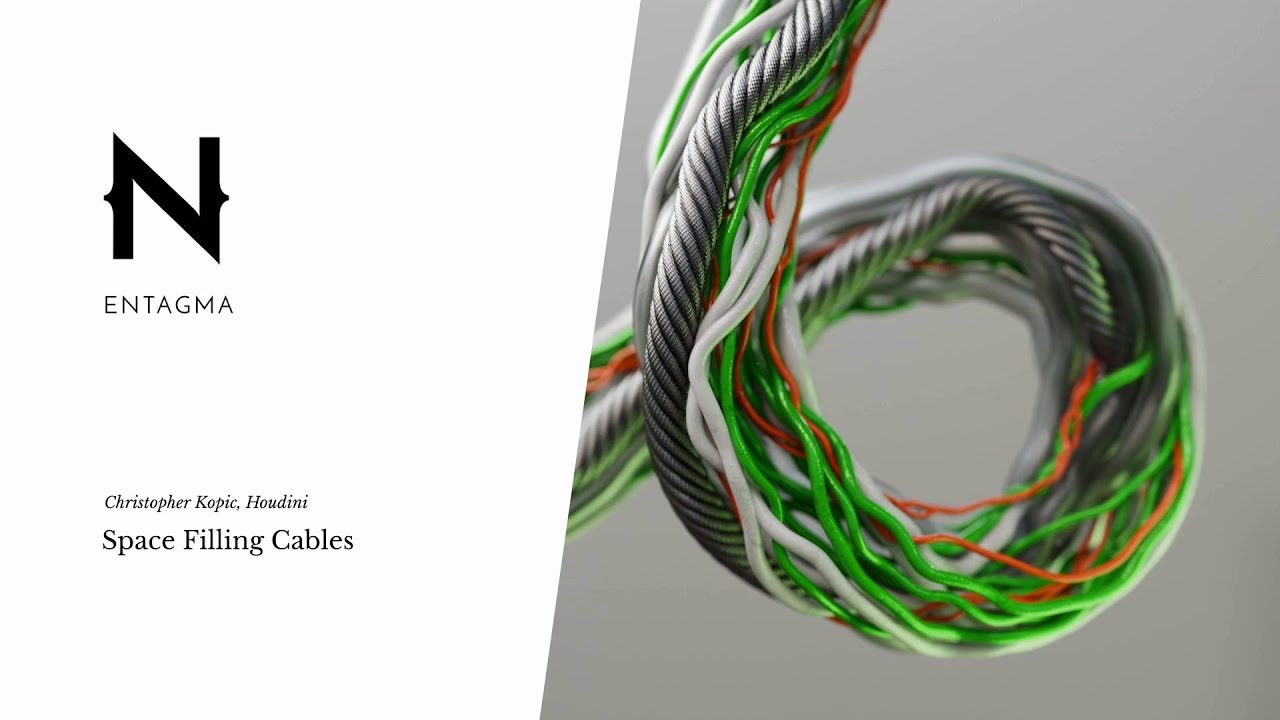
In addition I really like Entegma as a channel which is primarily (but not exclusively) Houdini. He has no recent tutorials on Blender grids but I do hope he will at some point.
I’d like to try to replicate this in Blender for example:
8 Likes
I have a 0 % conversion rate. I tried to replicate some stuff I’ve build in Houdini, but I always failed. Not really Blenders fault but mine for lagging behind with my GN knowledge.
I learned to live with confusion and I just keep moving forwards.
 Great idea. We could use it as a centralized place to post tutorials/learning material and some GN setups to play around with.
Once people have a better understand of what is possible (me included) we could seriously start to look at implementing some more complicated stuff using Houdini tutorials as guidance/inspiration.
That looks complicated - I kinda get what he is doing in Houdini, but I have no clue how to rebuild it in Blender. Looks doable, but also way above my pay-grade.
3 Likes

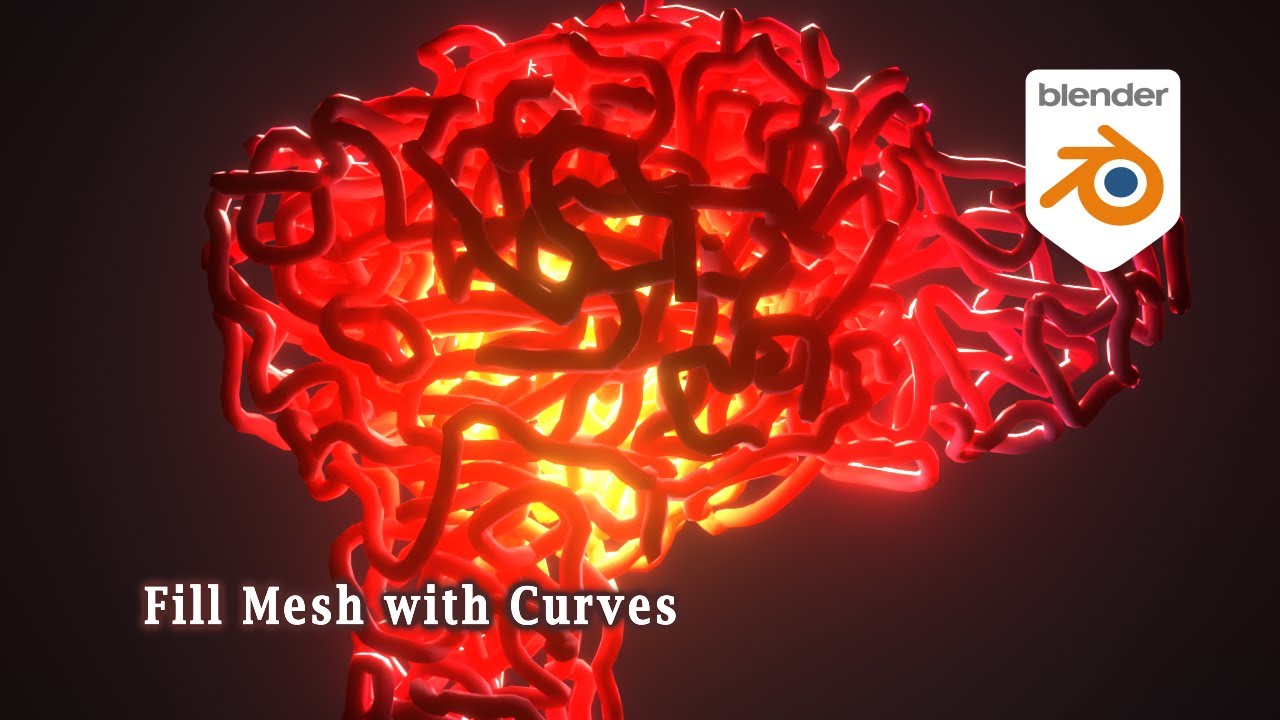
Cartesian caramel has a little good info on SDF nodes/grids.
Bradley animation has managed the space filling tubes.
2 Likes
Yup id be up for this, I have a few experiments, Ive done…
Done!
2 Likes
Richard found a way to solve the sequencer scrubbing issue I was having. Big thanks. Still kinda surprised it was not widely reported, I guess the shortcut in question is not used by the majority. Or maybe there aren’t as many RMB-select users as I thought?
2 Likes
Is This The Beginning Of An End?
3 Likes
There it is. Suzanne, the primitive… in geometry nodes.
https://projects.blender.org/blender/blender/pulls/150418
I agree that it should be part of Blender in this form. I agree with Erindale, but I think Suzanne should get a facelift if she is to become the defacto test mesh within geonodes. Would physics solvers like her eyes open, disconnected from the head, but intersecting it in several places? her largely non-uniform mesh density? With these aspects corrected she could then stand as both a simple test mesh for geonodes and a concise, builtin example of good practices that immediately works with whatever you throw at her. (a bit like the Houdini pig, I guess?)
I think the minimum should be to retopo her entirely, solve these problems. In fact I’m sure people already have done this
8 Likes
Multi-selection operations in tree views :
https://projects.blender.org/blender/blender/pulls/150819
For ever (literally), Blender was limited to a single selected item anywhere list views were used (shapekeys, vertex groups, etc). This is another step towards making those interfaces more flexible… grouping shapekeys/attributes hopefully at some point…
14 Likes
Pratik tackles shake key groups.
https://projects.blender.org/blender/blender/pulls/150959
Imho this lacks a design. Open questions are too involved to answer over the leg (I can say over the leg, right ? it makes sense?)
2 Likes
Maybe we’ll see the sample sound node soon. Jacques just made the changes necessary to have sound sockets (as well as a few other high level types)
10 Likes
Face Center Snapping finally merged:
https://projects.blender.org/blender/blender/pulls/148297
14 Likes
We can probably close this thread because after this one I won’t ever be excited ever again.
Guillermo makes it possible to scroll inside popovers with MMB. Those of us using tablets thank him profusely. 
8 Likes
That suzanne trophy would be the best
2 Likes
A PR to add indent lines to bone hierarchies in the outliner. Fantastic, long overdue. I hope this lands
10 Likes