ver2.3.0 Enhanced light list / Bug fixes
To help make the lighting, we strengthened the light list.
Such as a non-display of the panel removal of the translation and panel untranslated text, it was fixed implementation leakage in the previous significant update.
Since the function has become enormous, it has been greatly change the internal structure.
Added
Add a solo display function
By clicking while holding down the alt and ctrl the display switching icon, you can single display items.
This is useful when you want to check the lighting of only a single light.
It works with light / light probe / camera.
| Key map |
function |
| click |
Display switching |
| alt + click |
Disable viewport other than the specified items |
| ctrl + click |
Disable render other than the specified items |
Added the ability to the intensity of the light doubled 1/2
You can dramatically increase or decrease the intensity of the light in the button click.
This eliminates the need of numeric input in the lighting work.
You can access from the side of the small two round buttons on the list strength options.
| Key map |
function |
| click |
*2 or 1/2 |
| shift + click |
*1.5 times or 3/4 |
| alt + click |
*1.1 times or *0.9 times |
| ctrl + click |
Rounding number |
Display the individual detailed options
In the list of write-light probe camera, you can now display the options of individual items.
Without the need to open the object selection and Property Editor, you can edit the detailed settings of the object.
Added the sort function in the intensity of the light
Add a collection to the filter type
In the list of light / light probe / camera, it added a “collection” to the filter type.
The only objects within a particular collection filters, you can list.
Changed
Even in the state “sort of a collection”, corresponding to the search
Even in the state “sort of a collection”, now it supports a filter function, such as reversing a regular expression search-name order, sort order.
Changed the decision of the “case-sensitive” in reverse
It has been changed to be more state of reasonable options.
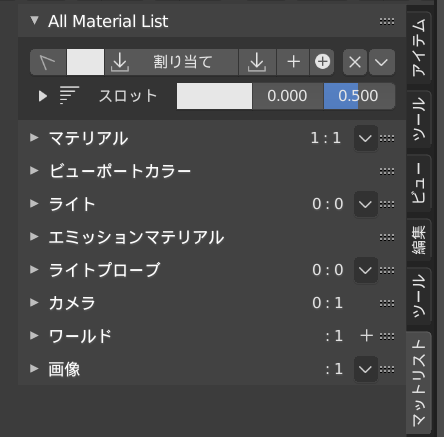
Translated some of the untranslated text in Japanese
A text that did not cope in the previous update, was translated into Japanese.
Some of the options in the list is changed to a non-display by default
In the list of light / light probe, default to hided the options.
Moved the viewport / render button to the left
So that the order of the out-of-liner display, we changed the position of the icon.
Bug fixes
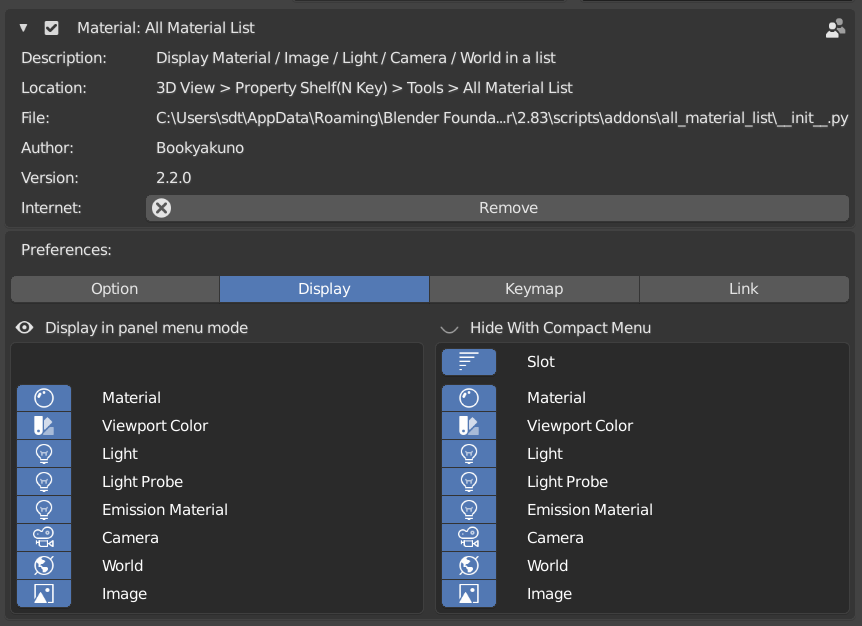
Panel menu to hide the panel menu at the time of invalid
Of add-on setting, if you disable the “display in the panel menu format”, was to to hide the panel.
Other
- Fix the problems of In the material list, modifying the scroll numerical value of the under-list it had ended up with numerical values for the light probe rather than a material
- The header of the list of the camera, fix the problems of the other menu button was gone
- Fixed an issue that could not be case-sensitive match of the search
- Since the function has become enormous, it has been greatly changed the internal structure