If I want to draw a line 3 feet 2 inches for example. Is there a way to input this value ?
1 Like
At the moment you’d have to type in inches but I’m currently working on allowing ’ and " in the number input to allow for this. Should be in the next release.
1 Like
Thanks for your response looking forward to it
1 Like
Just to let you know, I’ve release a minor update. Notes are below along with a list of features currently being worked on.
Version 0.9.1
Release Notes:
Minor update
- Dimension input now allows for Imperial values (when Blender’s Unit System is set to Imperial)
Values can be written in multiple ways eg. 12’1" 3/8, 12’1, 12’ 3/8, 12 . Decimals can be used for the first value. Will work with either Feet or Inches set as the Length Unit - Hold Ctrl and using the mouse wheel will allow for changes in circle/arc segments and will also automatically add guide point divisions to the current guide edge - Whilst dragging a guide edge use Ctrl+Mouse Wheel to increase/decrease number of guide divisions
- A guide point is now added to the start of a guide edge
- Bug fix to arc and circle when using with existing geometry face - was not cutting correctly - NB. This is a patch fix, the face finding and face intersection system will be re-written for the next Construction Lines Version
- Bug fix to measurement scale - was not previously taking into account the user-entered Unit Scale only unit type scale
Please note that upgrading from version 0.9.0 requires removal of version 0.9.0 from Blender before installing any new version.
Main New Features Currently In Progress For Version 1.0:
-
Local object space axis snapping
-
Option to create true geometry from guidelines, so that they can be used outside of Construction Lines
-
Measuring and moving objects perpendicular to start edge
-
Angular measurements
-
Ability to cut into faces with geometry not connected to an edge i.e. draw a circle, rect, etc. in the center of an existing face and Construction Lines will automatically create edges to allow for face splitting
-
Rotation of guide edges and objects to a snap point or user input amount
-
New code for face finding and intersection of existing geometry to be more stable (works with above point 5)
-
Option to have dimension displayed on the tape measure (either in the center, at one end or off)
Any other ideas or suggestions, please let me know.
10 Likes
Is it possible for you to upload video with explanation of the new features ?
Would be good for better understanding instead of spending a lot of time for try out
Best regards
Marcus
1 Like
Great. thank you @norrid
I’m getting instantly crash with last 2.90 build (17.07.20)
… I think is the snap system, cause crash is happing when mouse pass over some object
Yes I’ll upload a video soon.
Dan
Hi @wilBr Construction Lines isn’t support on Blender 2.9 yet. I’ll wait until 2.9 is a bit more stable before working on a version for it.
1 Like
ok  … it is working fine on 2.90 build from 25.06.20… I’ll wait for 2.90 support
1 Like
fine… thanks
Bought! thanks for this. Hope to see all of the basic modelling skills in the future. i think if you could as closely relate it to sketchup as possible, then its perfect for every task.
1 Like
Awesome add-on - really enjoying working with it 
I think this adds a lot of functions that people are looking for - specifically I liked the line tool, the primitives, and the fact that it automatically fills in faces when you close in a shape with the line tool.
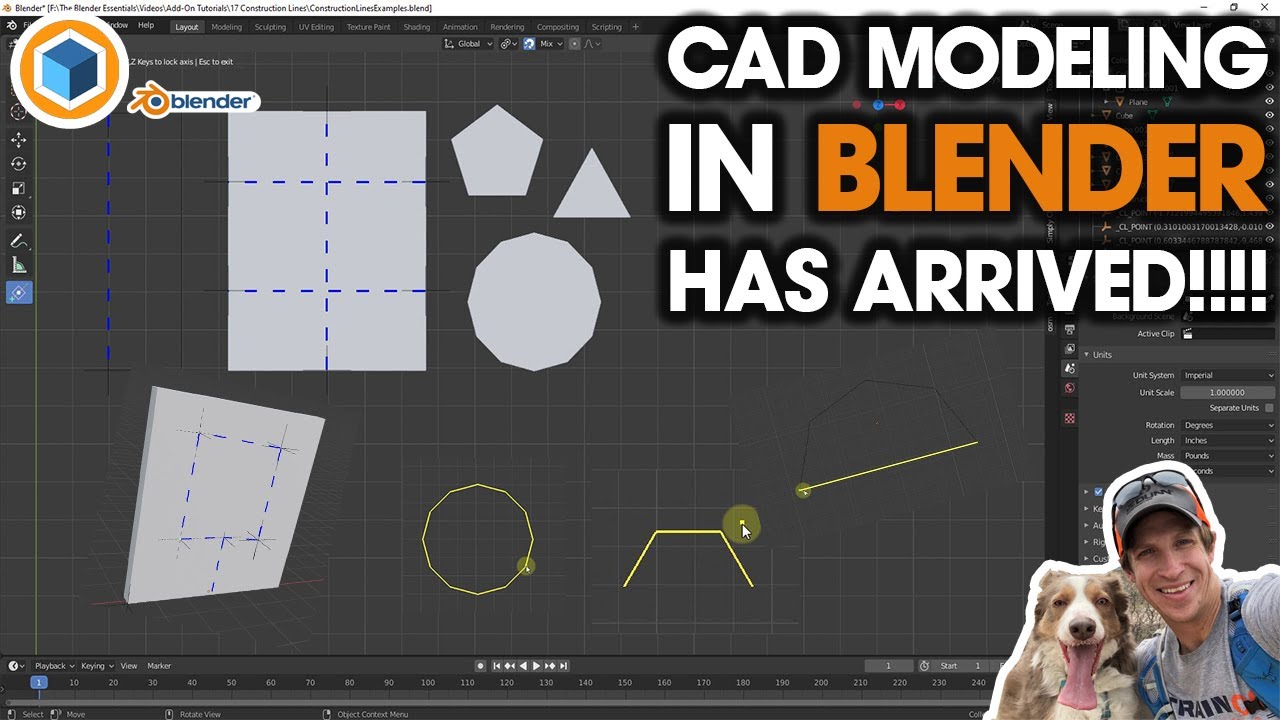
I’ll definitely be recommending this one in the future - Thanks for all your hard work on developing this add-on!
5 Likes
Hey Justin, just left a comment on your video but just to say again, thanks for such a great review and for taking the time to look at it in depth. Really appreciate it. I’m already working hard on the next release, so watch this space.
4 Likes
Thanks for buying. That’s definitely close to what I’m developing towards. There are also a few things from other tools which I intend to add in to. I’ll post an update on development progress soon.
3 Likes
Thanks to you.
Also , In rhino modelling, there is a simple but effective command called “Orient”. Sketchup lacks it. It helpd in quick rotation and scaling using a single object. Do look at it. It could be a great tool.
2 Likes
Thank you for making this. A LOT of us have been waiting for someone to make something similar to SU for Blender. Just bought it and I can’t wait to see where this is going.
Myself. A.A.S Architecture - B.S. Civil Engineering with 24 years of AutoCAD use and using SketchUp since V3.
1 Like
Thanks for purchasing. It’s definitely something that I’ve needed for a long time. I work professionally using SketchUp Pro and Blender and I’d love to transition fully to Blender but the tools aren’t there for CAD yet. My aim is to bring as much of the missing functionality as I can into Construction Lines. I’d love to hear any thoughts and ideas that you have, especially as you’ve so much experience in this kind of work and with the tools that I use regularly myself.
2 Likes
@Wall-E I definitely will take a look. If it seems possible, I’ll add to my development list.
1 Like
Hi great addon, ca you do something with the new extrude manifold (2.90) and line tool to have a real SU behavior and create quick shape like sort of push an pull intrude??