@kromar Do you know which of the newly added the vertex color types are supported by the add-on?
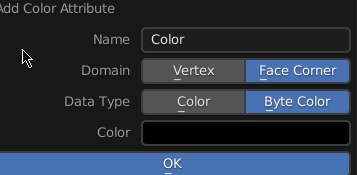
@kromar Do you know which of the newly added the vertex color types are supported by the add-on?
Im not aware of these, can you show a screenshot where i can see where to find those?
You can add new type of VCols in the 3.3 nightlies.
Hello, I installed the plugin following the instructions.
It works, however, the export process doesn’t always succeed, and in some cases, I’m getting this error.
Any thoughts?
Python: Traceback (most recent call last):
  File "C:\Users\Shary\AppData\Roaming\Blender Foundation\Blender\3.2\scripts\addons\GoB\GoB.py", line 1394, in invoke
    bpy.ops.scene.gob_export(as_tool=as_tool)
  File "C:\Program Files\Blender Foundation\Blender 3.2\3.2\scripts\modules\bpy\ops.py", line 115, in __call__
    ret = _op_call(self.idname_py(), None, kw)
RuntimeError: Error: Python: Traceback (most recent call last):
  File "C:\Users\Shary\AppData\Roaming\Blender Foundation\Blender\3.2\scripts\addons\GoB\GoB.py", line 1309, in execute
    self.exportGoZ(PATH_GOZ, context.scene, obj, f'{PATH_PROJECT}')
  File "C:\Users\Shary\AppData\Roaming\Blender Foundation\Blender\3.2\scripts\addons\GoB\GoB.py", line 762, in exportGoZ
    me = apply_modifiers(obj)
  File "C:\Users\Shary\AppData\Roaming\Blender Foundation\Blender\3.2\scripts\addons\GoB\GoB.py", line 1870, in apply_modifiers
    result = bmesh.ops.triangulate(bm, faces=tf)
TypeError: faces: 1 BMFace has been removed
Location: C:\Program Files\Blender Foundation\Blender 3.2\3.2\scripts\modules\bpy\ops.py:115
i haven’t seen this before so this needs to be tested, if you try it and find any issues it or any improvements you would like would, let me know and i will see if it can be added
not really, it looks like there is some issue with the mesh you are exporting, can you send me a mesh that causes this in a PM?
A new release is out with a bunch of bugfixes and improvements. Thanks to everybody to reporting issues and suggestions.
Hi mate, im having a problem exporting to zbrush. i can get from zbrush but gob exporting is throwing up an error.
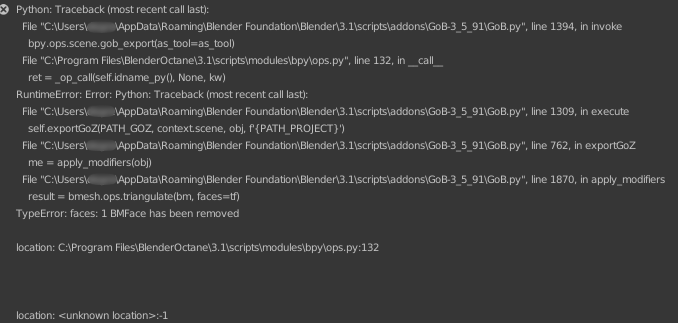
@Gregg_Hartley thanks for reporting the issue, can you tell me if the mesh has some specific modifiers and maybe post a sccreenshot of your export settings?
Or ideally send me a blend file which causes the issue in a private message.
I created a new release V3.5.92 which should fix the triangulation issue, it was already reported some days ago and i forgot to create a new release. Let me know if you still encounter some issues.
I will test it out however the project I was working on I have finished using export obj workaround. Will try this new version and let you know if I run into any problems.
Thank you for the reply!
Apparently, the issue was related to n-gons. Every time I have n-gons I get some errors.
This happens especially if I have some uncollapsed boolean modifiers.
I think it might be okay since fixing geometry before importing it into ZBrush is better of course.
However, I don’t know if the plugin behavior is supposed to be like that with n-gons?
Thanks again man!
Hello 
Sadly I have updated to the latest version, and there is critical bug that affect export from zbrush to fbx or obj.
I used to use version 3.5.66 and everything were fine.
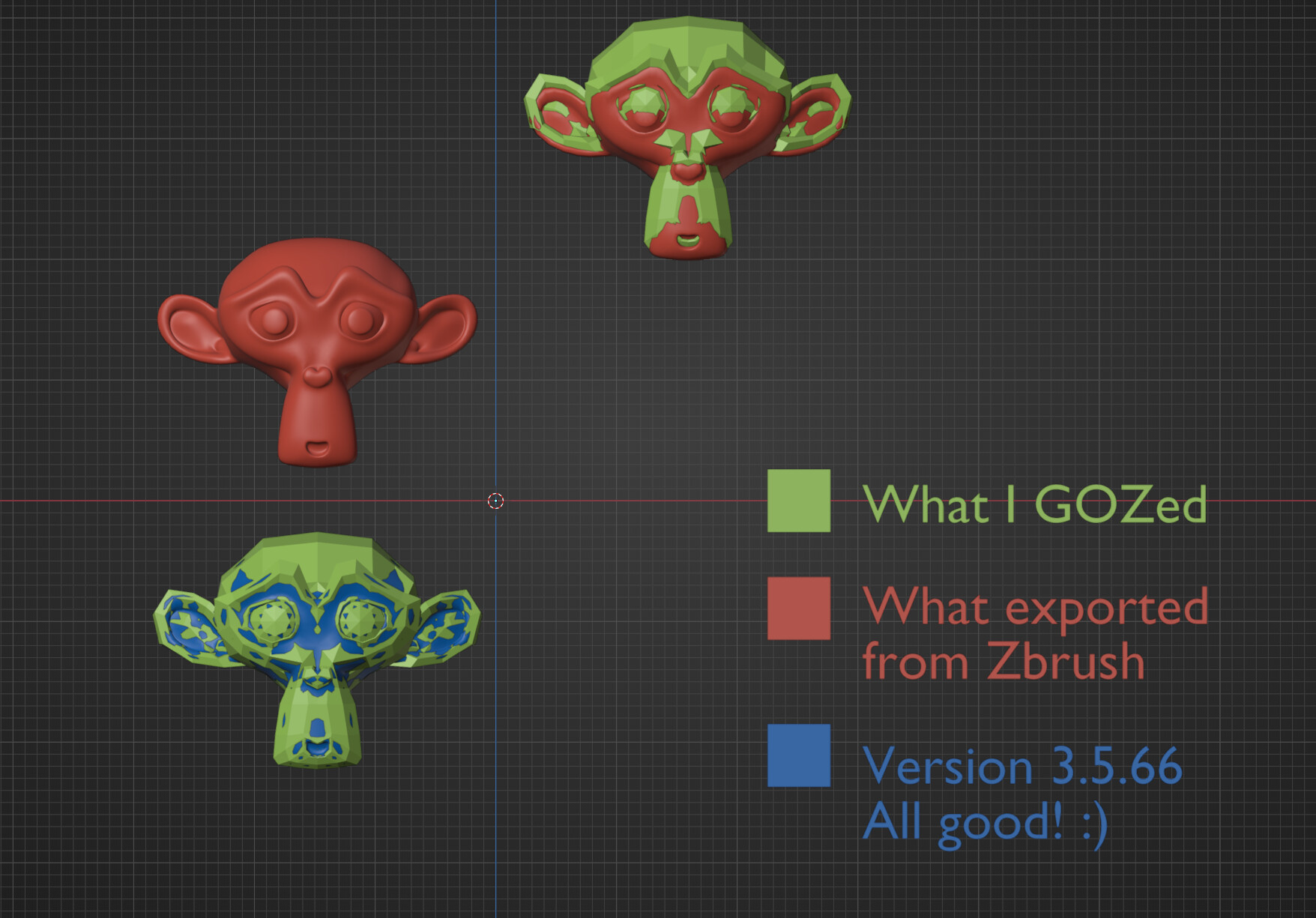
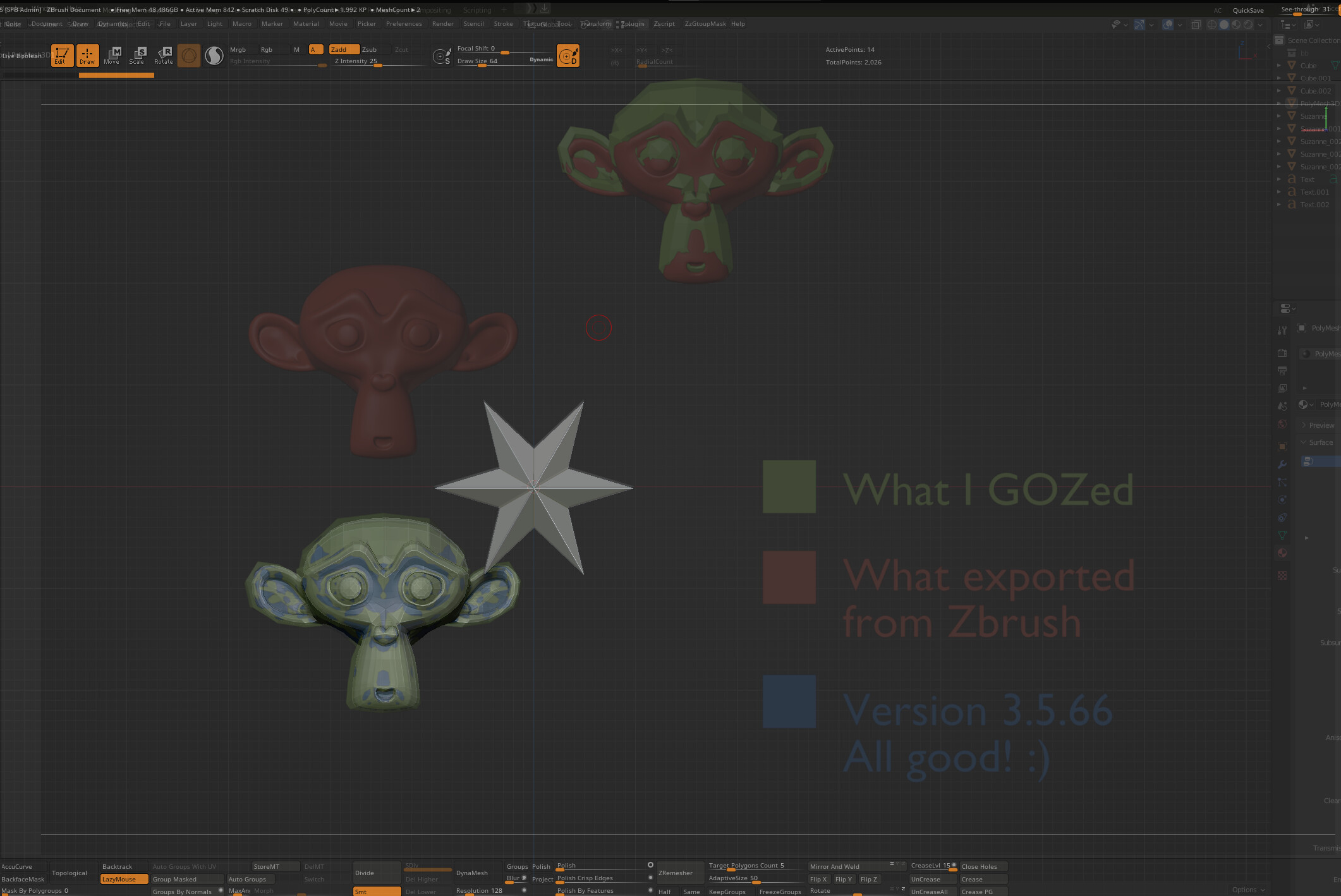
The bug is that the meshes exported from zbrush are offseted from original location, moreover when they GOZed they imported to the world center, like they transforms were cleared out
I think those parameters are messed up again.
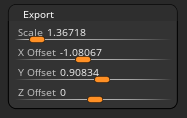
This is from older version
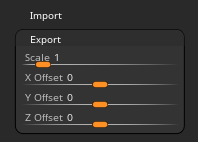
Last time I tried to use it I had huge issues where it would send the mesh to zbrush, but instead of sending it there at the correct location and size, it wanted me to “draw” the mesh in like with a subtool.
After several hours I eventually figured out a hacky workaround to make zbrush import an exported obj version of the character more or less correctly after giving up on GoZ after an hour or two, but is there any chance this is a known issue that has been fixed? Obviously, I preferred the convenience of GoZ before it broke, because it was awesome.
This is not how gob should work. Can you run the goz installer from the troubleshooter section and see if it resolves the issue?
it seems like having GoB enabled is still causing issues with baking physics and simulations in general. I am able to crash Blender when baking if I have GoB enabled. Do you feel like this still should be an issue with 3.3+?
@kkar i added a fix for fluid baking some time ago, can you tell me what version of the addon you are using? and maybe provide a example blend file that causes the crash?
Edit: just saw there is a blend file in the link, i will have a look, thabks for mentioning it.
it appears i fixed it and later on broke it again 
V3_5_93 should not crash blender when baking simulations
Haven’t installed GoB for quite a while, and can’t seem to get it to work anymore. I’ve installed everything according to the Github page instructions, but the Export button remains ghosted, and I can’t make ZBrush detect Blender as well.
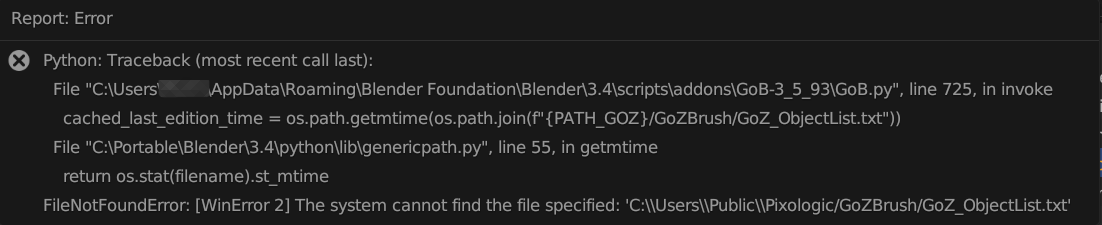
If I press the GoB Import button in Blender, I get this error message:
I checked the GoZBrush folder, and The GoZ_ObjectList.txt file it seems to look for isn’t there.
On a side note: as you can see in the screenshot my Blender isn’t installed in the default Blender installation path. Maybe that’s causing confusion?
Placed some of the folders and files from the GoB Zip archive manually, and I’ve succeeded in porting a subtool from ZBrush to Blender, but the Export button in Blender remains ghosted…
It’d be great if you could include a little guide in the Github page where to place folders and files manually. I believe that used to be included.
OK, with the great help of @Musashidan the culprit has been trapped…
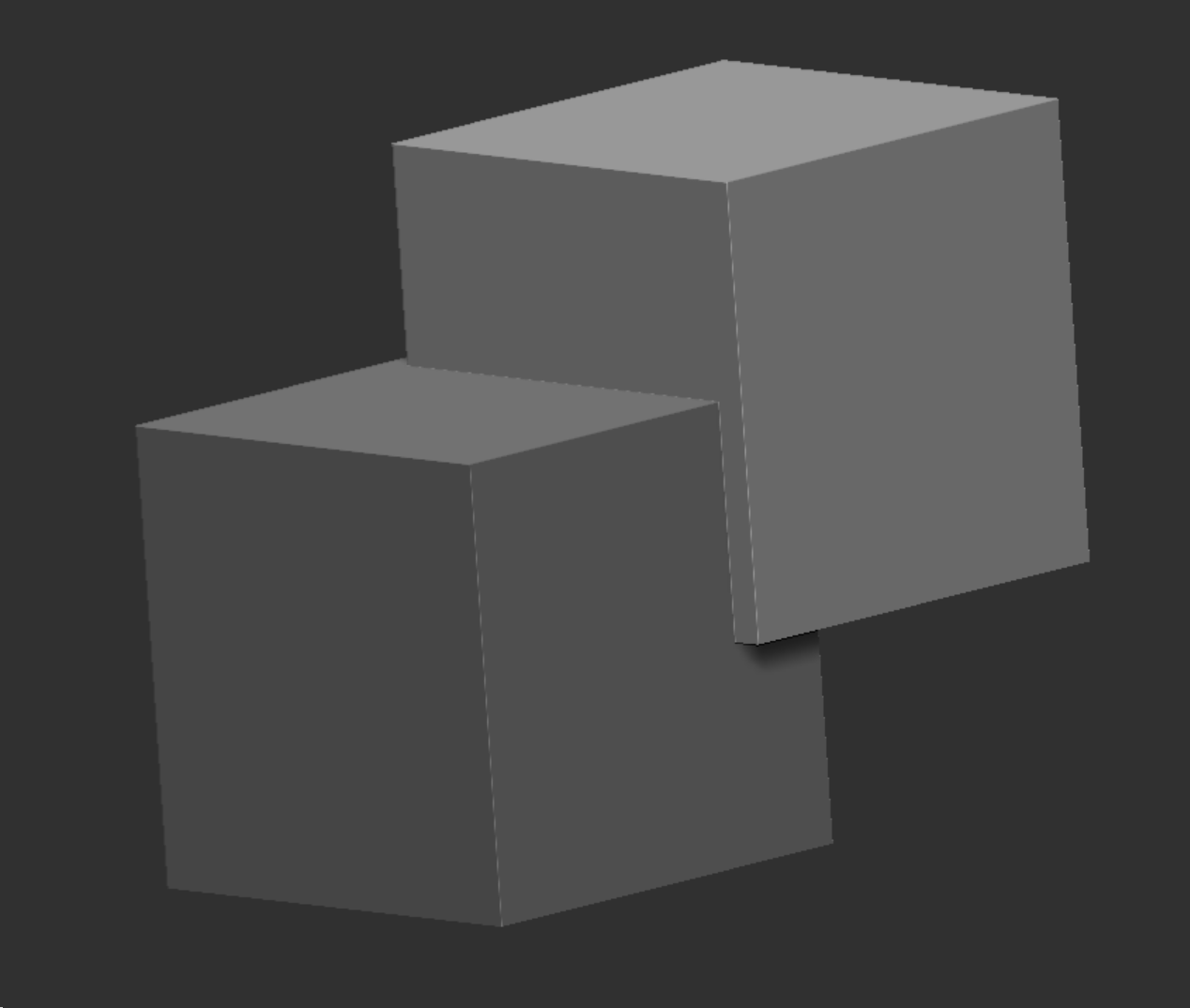
It turns out that the latest version, 3.5.93, has a bug that causes the Export button to remain ghosted if only one object is selected in Blender. As soon as you select multiple objects, export to ZBrush works:
For reference: exporting one object still works in version 3.5.56