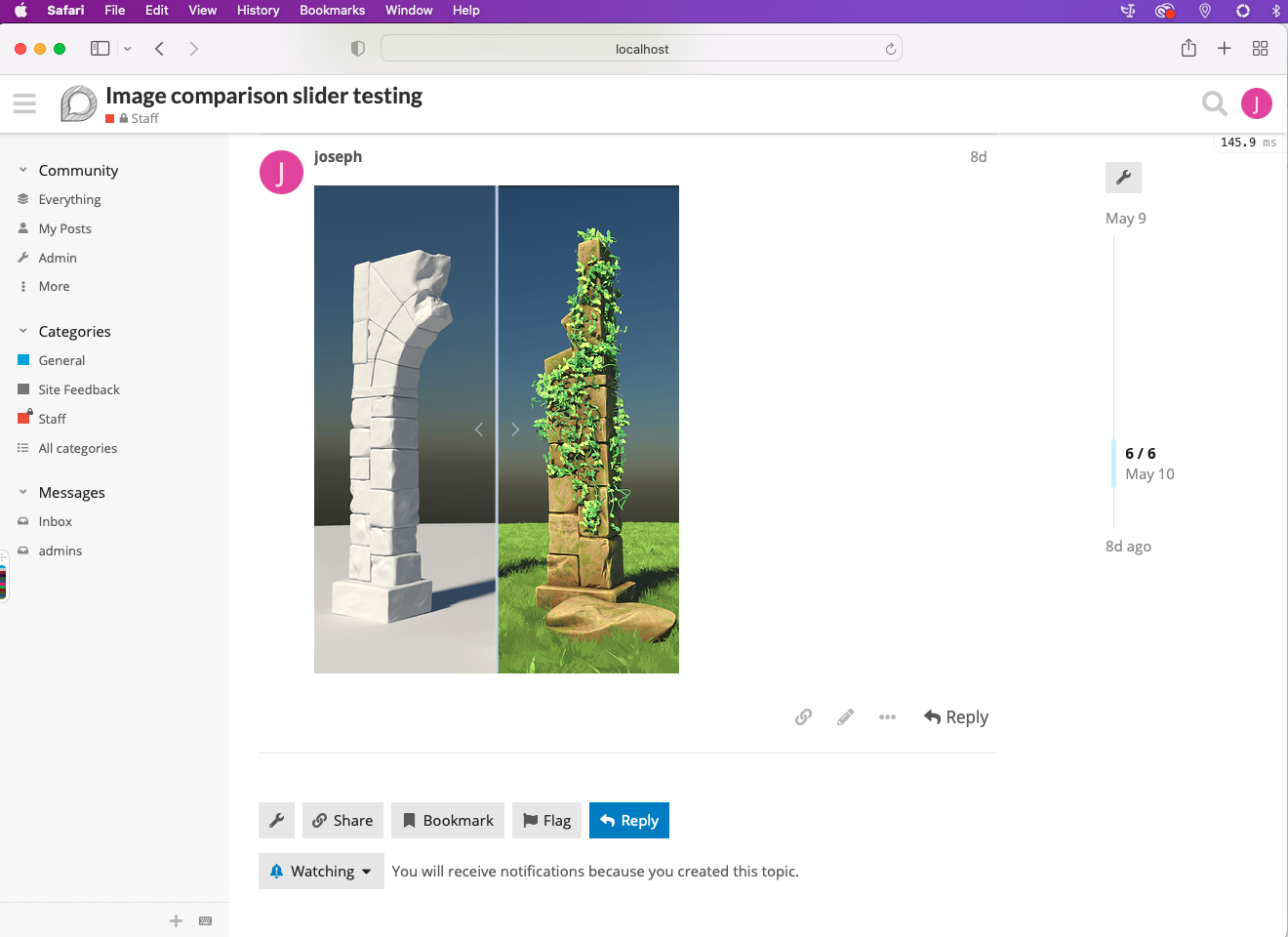
@joseph recently made this cool image compare component, where you can use a slider to compare two images. It’s based on img-comparison-slider, a JS library that I personally use as well, and I think is the best one available. Works great on mobile and dekstop.
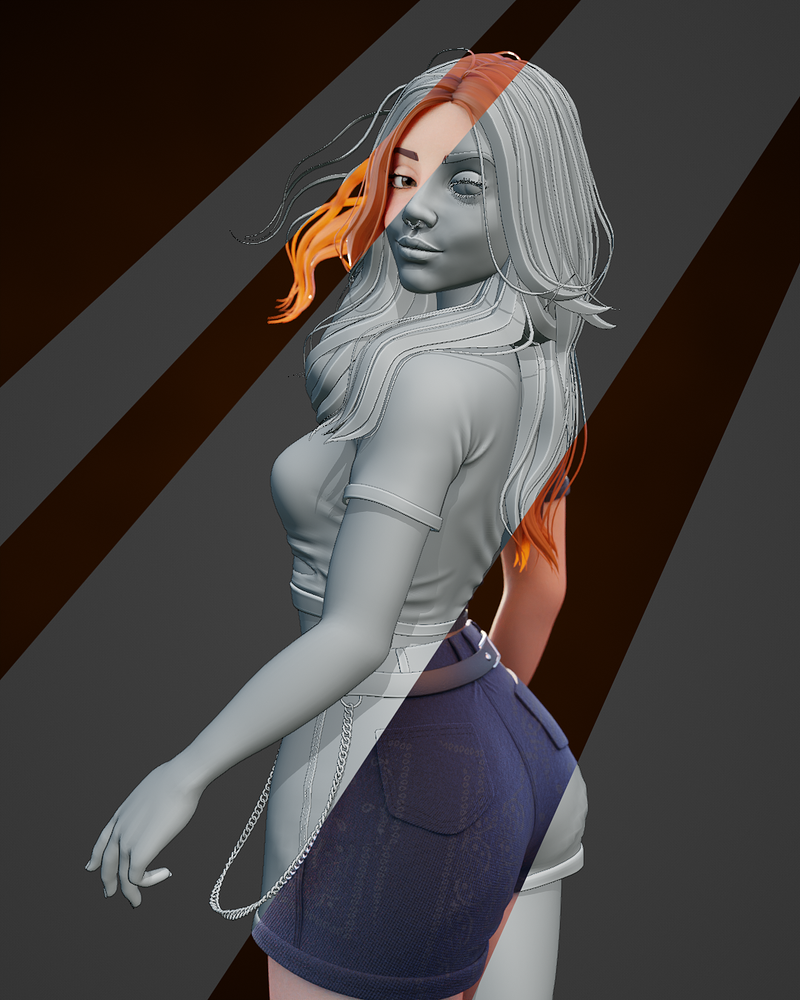
I always love these when people show wireframes or clay renders, or early blockouts vs. final renders.
I’ll let Joseph comment on that. Would this really solve a problem that we have here? I’m asking because I tend to be reluctant to just add things ‘because they’re cool’.
Not sure if it solves a real problem, it definitely falls in the category of “nice to have”.
However, two more points in favour:
There’s no good place to upload image comparisons, so it is a good reason for artists to link to their forum posts. It makes putting time into breakdowns more rewarding.
It sounds low-risk, if the add-on breaks, you’ll just be left with two images in a post, which is fine in terms of forward compatibility.
I wouldn’t say it solves a problem per se, but I think it would make it easier for people to share wireframe/clay/final render comparisons. A lot of the time, people make those comparisons using image editing software- this way is both faster and interactive. For example:
This image surely would work better as an interactive slider, wouldn’t you say @Icaro_Carvalho ?
Also this one: Suspect (duck) would it have been useful to be able to make an image comparison slider instead of making it in image editing software, @Erf ?
Another advantage of having a compare slider is comparing lighting changes, for scenes that are a work in progress. Or running tests and comparing results like in the Spectral Cycles Vs Octane thread
That’s a good use case I hadn’t thought of. @Midphase , you’ve been pretty active pointing out comparisons in the Octane thread, what would you think about this functionality?
Bart’s expressed concern is that this is just “cool”, which isn’t a sufficient reason to add it. I propose that this addition would go beyond just “cool” and would make it simpler, faster, and easier to add image comparisons.
So far, this seems to be supported by the sample set of users I’ve tagged, but I’d like to get some more broad data to support this. If you see this, your vote is appreciated
Would this feature make it faster and easier to share image comparisons on BA?
I have tested it on mobile, on a few different browsers and screen sizes. Works great on mobile, on my testing so far. The horizontal slider is a little hard to control precisely on mobile, but it still works. (Specifically, on very small screens like a iPhone SE, it’s hard to drag precisely in just 375 pixels of width.)
I might add a mobile fallback where all sliders are vertical on mobile, but I would rather get some user input on that first
Someone on meta.discourse mentioned some issues with Firefox, but I haven’t been able to reproduce them
I was able to reproduce and fix the Firefox issues, this now works perfectly on mobile/desktop Firefox, Chrome, Safari, and Edge. AFAIK, this is feature complete and fully ready for production
I’m impressed you found the staging site- lucky guess with the URL?
The images in the sliders actually used to be lightboxed by default, but… I had to sacrifice that in order to have the slider handle cursor be the grab cursor instead of a pointer cursor. There might be a way to get both, but the lightbox only worked when pointer-events was set to none, and the grab cursor only works when pointer-events is set to all or auto
I could maybe write a custom pointer-events handler that would allow for both, I’ll look into it after I’m done with another development project that should enhance BA (stay tuned )
If I may, one thing that would be really cool is adding a way to ‘like’ images straight from galleries. I’d really like to boost the liking if we can, I think it’s sometimes a bit disappointing and not very rewarding for artists.



 on the bottom-right might be handy here.

 )
)