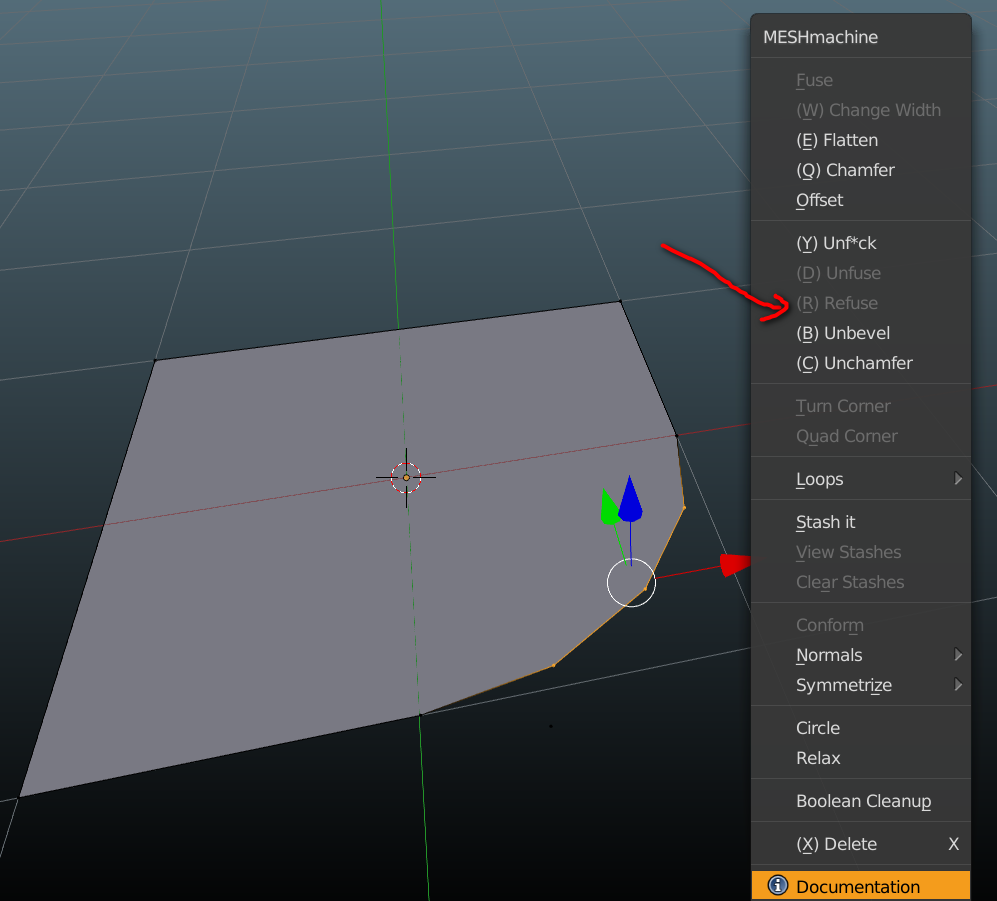
It does not have that requirement, you just need to toggle reverse.
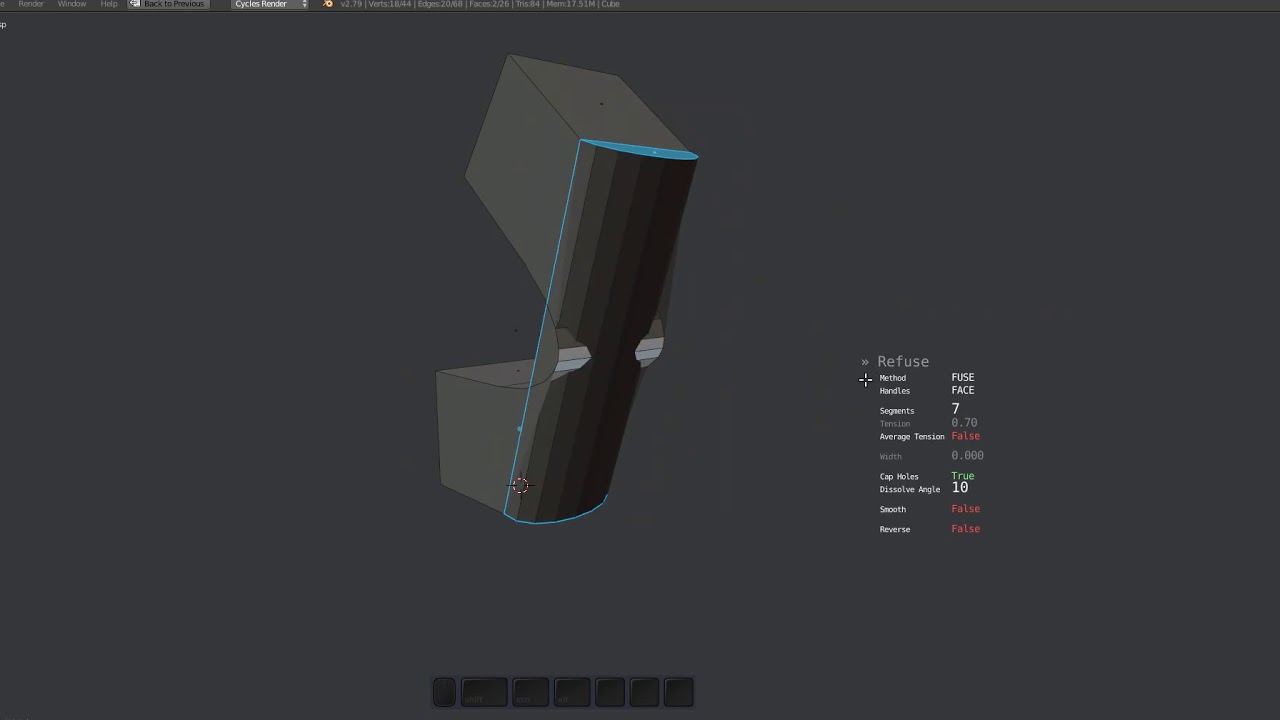
It does not have that requirement, you just need to toggle reverse.
Where’s that? I just installed the latest version (0.5.013) and I can’t find it.
Hit the r key when the tool is active!
See
Check if you have it active, and check the MM prefs for it as well.
Gotcha . Awesome!!
what a great work .
can you make plug section work with lowpoly sub-d mashes as well like this tool in this videos ??
https://www.youtube.com/watch?time_continue=4&v=ImY6h2eSOa4
https://www.youtube.com/watch?v=ogtkw2bzxk8
https://www.youtube.com/watch?v=vL-xELxoqyc
this will save a huge work for adding details in modeling with clean sub-d
and will make also this addon perfect for doing modeling sub-d
No I can’t.
Please check Easy SubD addon.
So i just bought this on Saturday night and i`m liking it a lot. So far what i like the most is the offset features, the normals > transfer and the fuse features.
Can you tell me please how do you made this gray material on the viewport.

And also this reflective one please.

Thank you very much
Those are matcaps
Ah ok, thanks for the info.
The 0.6 release can’t come soon enough, but it’s a lot of work to document and explain everything. SO MUCH has happened since the initial 0.5 release.
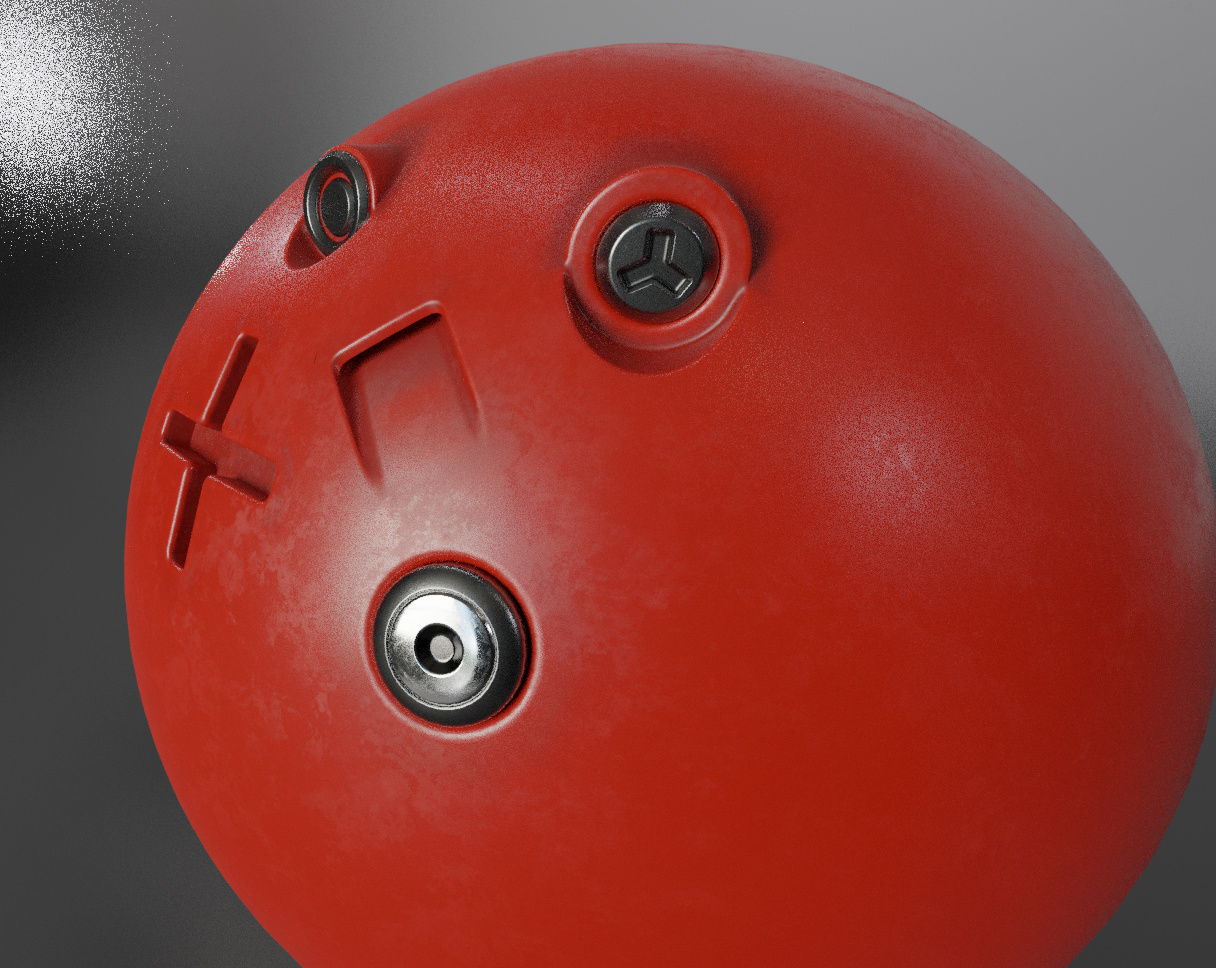
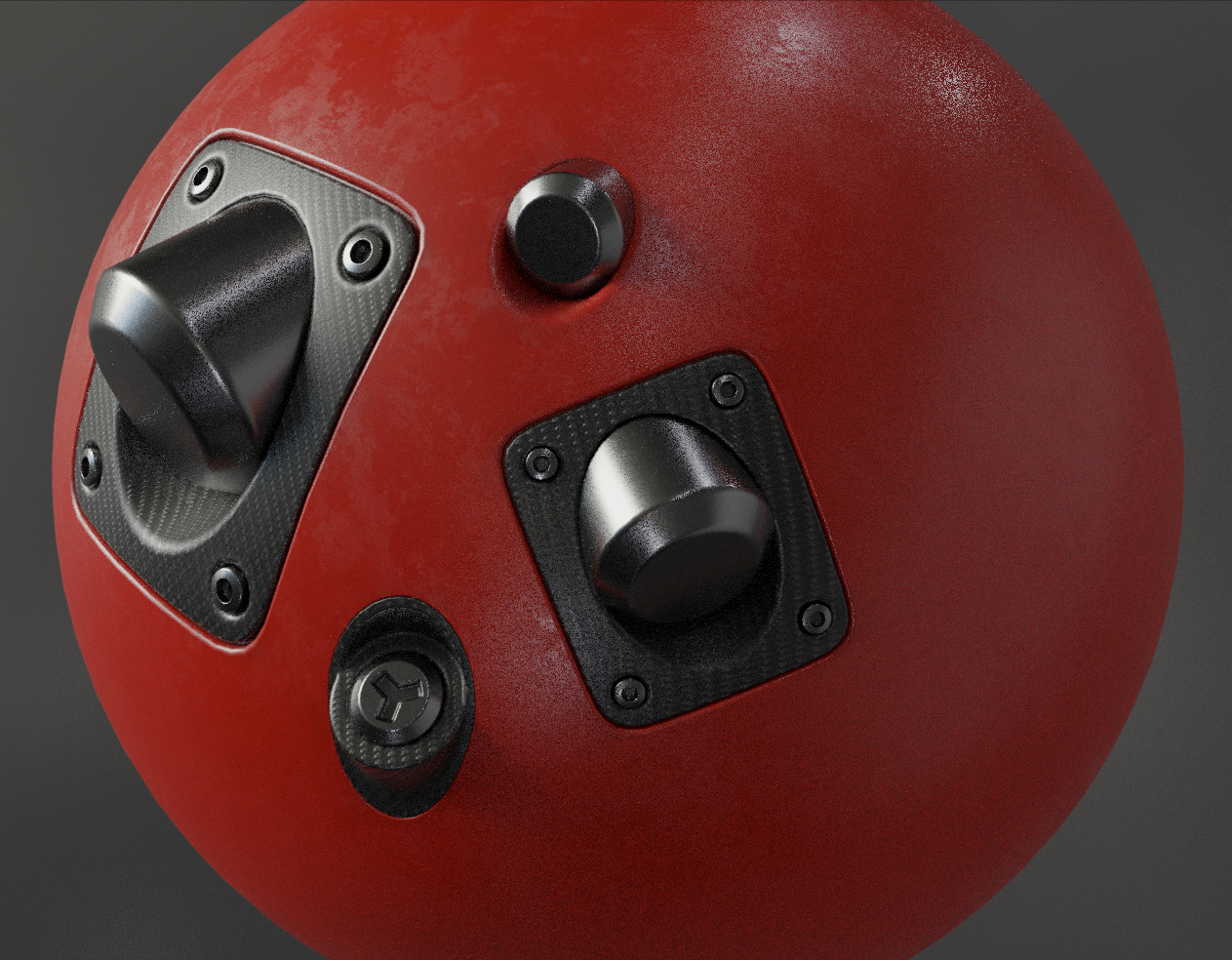
Here’s some plug stuff to shorten the waiting time 
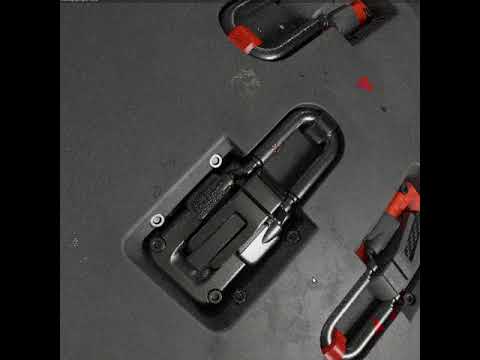
You sexy beast!
what about preview release with plugs :3?
Damn, i wish that you would be fulltime blender developer. Tools you develop are great!
BTW Is there bevels and other native tools wrappers that looks and behaves like or at leas similar to Your tools (profile presets, viewport UI)?
Thanks, but I wouldn’t like that. I want to make art instead of developing tools.
I don’t think so, but I may increasingly add more wrappers.
hi MACHIN3 … can you help me to get refuse to work on planar (no volume) face?
If I have a quad face (plane), selecting 1 vertex → vertex bevel, I get chamfer/bevel but no way to refuse (refine) this arc bevel. This is very important for some work types I do and I bought MeshMachine thinking on this feature, but it don’t working  . Anyway very very powerfull tool, thank you for this.
I guess it refuse-d to work, eh?
…
I’ll see myself out
Most of these tools work on a face level. You want to to it on a vert/edge level. See https://machin3.io/MESHmachine/docs/refuse/
Selection requirements are the same as for the Unfuse tool:
Poly strip - a row of polygons - across the Fuse/Bevel/Bridge surface.
Extrude this face up and you can refuse “the arc” just fine. You could also use the merge option in the Unf*ck tool and then re-bevel that vert and potentially re-align the verts with the Unf*ck tool (without merge) to form the arc.
extrude + refuse for complex shapes can be hard… but unf*ck merge tip works very well, thks.
tip for new unfck mode -> unfck merge + interactive vertex bevel 
Beyond what the unf*ck tool does, as it involves new geometry creation. A new tool, purpose-build, would be better, but its not a priority for me.
The thing is, MM is not about working with shapes, but about working with form.