This is a fully custom raymarching renderer; models use mathematical distance fields instead of traditional mesh geometry. Shapes are perfectly smooth at any resolution, booleans blend seamlessly, and you see results in real-time
The idea was to match blender modeling system with the default selection, scale, and modifiers system.
Anyone used this? I haven’t seen any wip threads for this addon or alpha or beta tests. How does it shape up versus conjure or mathops (which both are still in development)?
It’s fully featured. With core written in GLSL, like conjure and Rust backend for other stuff like mesh generation.
I used it myself in a commercial environment.
I don’t think there will be a particular change in rendering since everyone is using the same GLSL system. It’s more a matter of interface and Blender integration. I wrote multiple popular Blender addons before, including Hardops and Boxcutter, so I expect it to slowly evolve to better and better shape, even if it is not there yet.
Oh wow you are the Hardops and Boxcutter developer. Well that does inspire a lot of confidence in the quality of this addon.
I already own conjure but the next release does not seem to be anywhere close and development is going at a snails pace.
Mathops also looked interesting but the developer recently switched it from addon to fork which, while powerful and unlocking options, also complicates things to a degree.
I am really “just” looking for something that allows me to model with SDF’s in a quick and fluent fashion so I can easily create shapes and iterate in ways that would take me much more time with other modeling methods.
I guess Ill have to check this out sooner rather than later. Hopefully this can be the one to rule them all
I also worked with them back in the day but yes AR was the person who originated the tools. He created the first version of Hard-Ops and BoxCutter. AR then created the Hard-Ops active tool where you can adjust all the modifiers in a dynamic and visual way.
MasterXeon was a front man, creating release logs and videos, advertising, testing and using the tools at the highest level, suggesting feedback and handling user communications, and worked with people on new ideas.
But yeah, AR and MasterXeon are the originators and then a team of developers eventually surrounded its development.
Even back in the day, AR was a clever guy.
He knows how to get around lol!
Yeah, I’m not Jerry, I’m a coder behind the tools.
This is my personal project, team is not involved.
no Nvidia specific stuff, or it will be impossible to support all.
Still, metal sometimes fails, though, but that is a matter of me not having a lot of metal experience. Should get stable along the way. I don’t see a reason why not.
Just pure mesh and baking only to planes so far. I don’t think coloring and more rendering will be useful for the scope of the project. It was created to help with modeling, not as a full render option. So my bigger priority will be rather sdf to brep transition in future.
I guess the ray marcher itself is not anything innovative, same stuff all other modeling programs do.
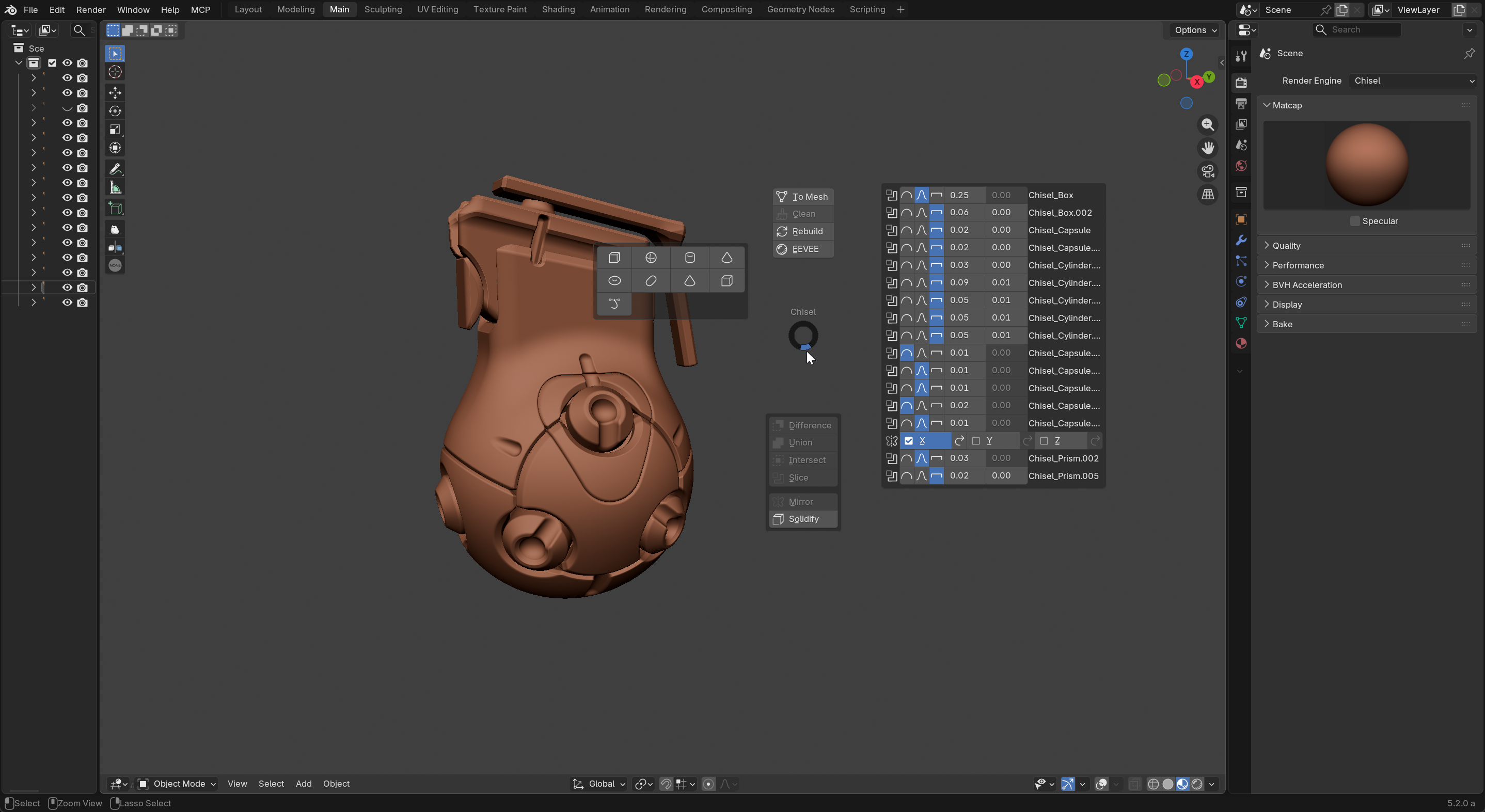
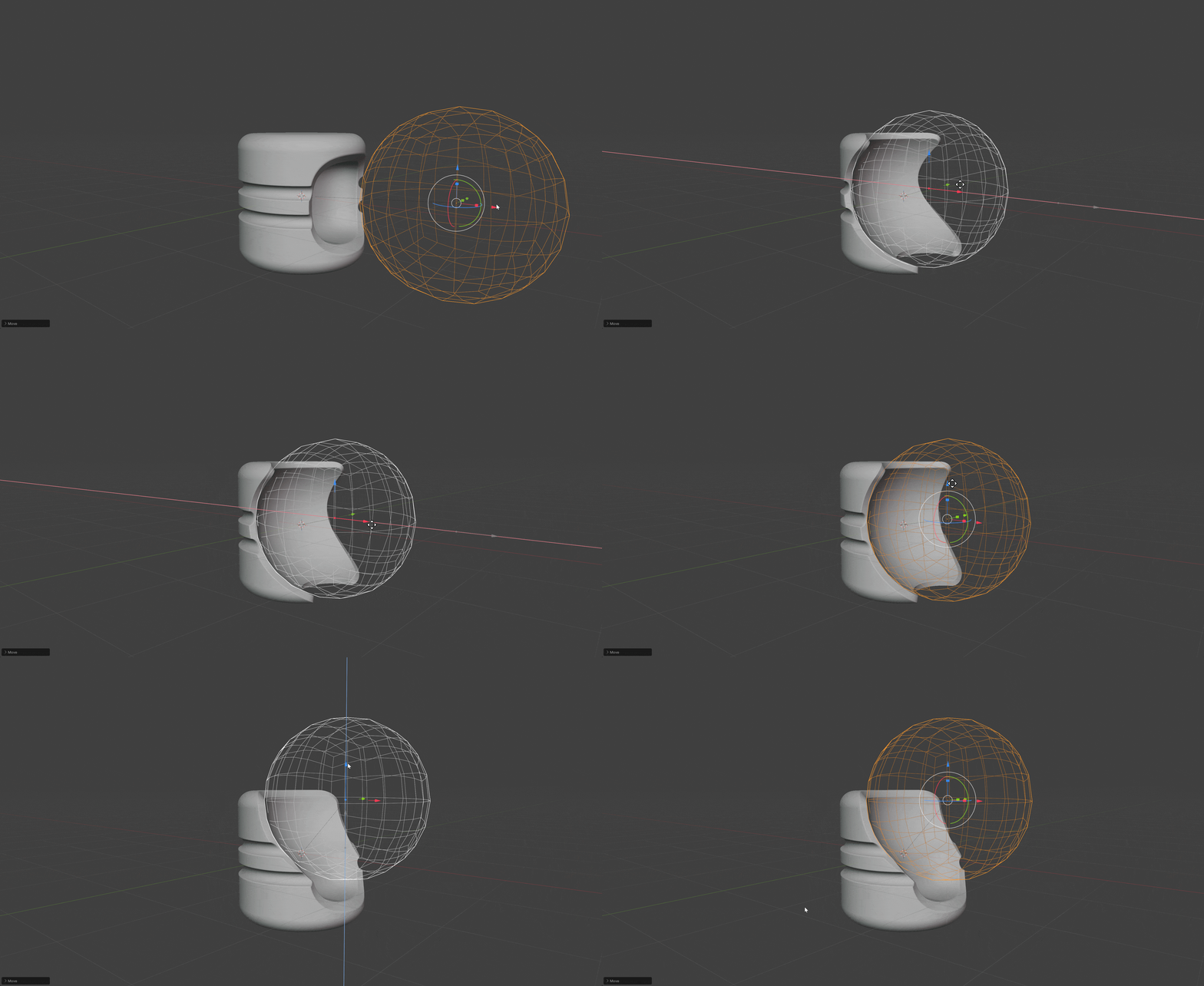
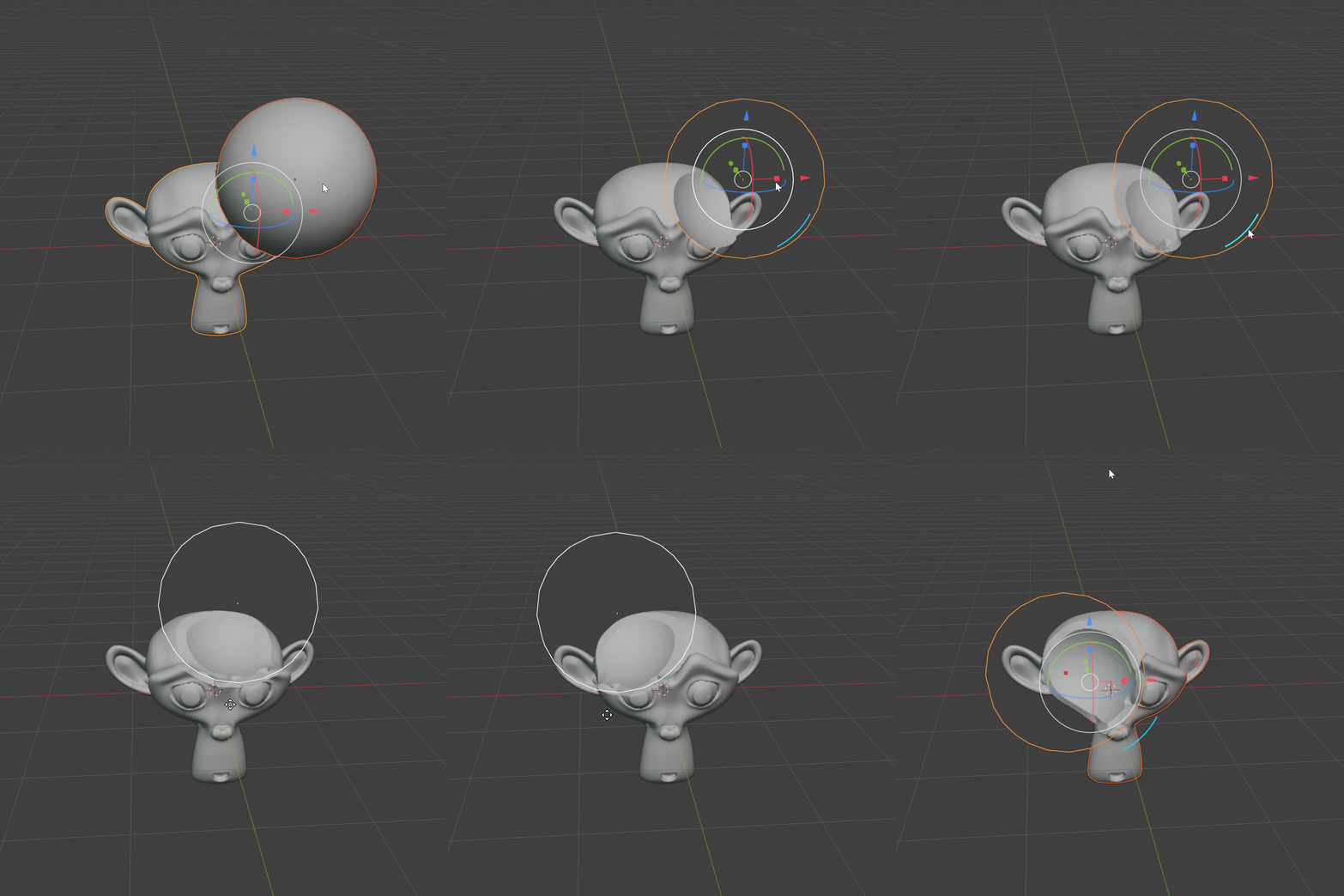
The difference is the connection to the blender. Interface and booleans work like blender modifier system. So you can boolean one shape to any other, and it is a modifier stack that orders the rendering. similar to a blender.
Thanks for the info. Learned something again. I always had the impression that Hard Ops and Boxcutter were Jerry / MasterXeon’s one-man projects.
That’s great. There are a few quirks on the Blender API side when it comes to Metal. The developer of ConjureSDF has recently submitted some issues to the Blender devs. Here’s an example. Hopefully those will be fixed soon.
OK. I hope you’ll consider color blending as well, as it can be a great aid in painting, texturing and sculpting once converted to mesh vertex colors. For example, black and white tinted areas (with a grayscale transition in the blend) can be used as masks in Sculpt Mode, and used as boundaries for painting / texturing.
I also hope nested / grouped shapes will soon be added, as that significantly improves modeling intricate shapes.
I’ve added Chisel to the Blender add-ons section of my Big SDF Thread, and I’m looking forward to following its development.
Now fully Rust-backed: SDF evaluation, mesh generation, and the
viewport renderer are all native (armesher PyO3 crate, wgpu-based).
Cross-platform wheels for Windows, Linux, and macOS, on Blender 4.5
(Python 3.11) and Blender 5.x (Python 3.13).
New
Chisel active tool — click in the viewport to spawn primitives
Alt+Q activates the tool from anywhere in the 3D view
Spawn at 3D cursor with World / View / Cursor alignment
Quick-boolean hotkeys (Alt+- / = / \ and the numpad equivalents)
D opens a tool-local shape picker; Shift+A opens a Chisel add submenu
Active-tool gizmo system — arc cluster + modifier dots
Materials with a real shader editor (Matcap Shader, Mix Shader, Color, Field, Material Output)
Per-primitive node-tree colours in the RENDERED viewport
Can you show please examples for mesh to SDF? Instead of using the built in chisel primitives? Interested in how it converts the original mesh to sdfs… Thank you!!!
Oops, my apologies, I had read your question the other way round. I read “SDF to mesh”. There’s no mesh to SDF conversion (yet). That’s a different ballgame.
I genuinely hate to be that guy, but there are a few QOL features that would really help (you’ve already murdered Substance Modeler with what you got, but if we’re asking for unicorns ):
If a skew and taper modifier are in the cards along with a bend modifier with an adjustable center that would be incredible. And an 8-point FFD lattice would be even better
Likewise, it’d be great to either control where bevels appear on the cube in the same way that Boxcutter (and also Substance Modeler) provides for. The ability to make square ‘capsules’ is very useful. Ditto WRT trapezoids. The ability to draw shapes of non-uniform dimensions without scaling (and then applying the scale) would be great. In particular, like boxcutter, I often find myself needing to make an angled cut with a box. The ability to draw that in the viewport at an arbitrary angle would be huge (the same point-drag and drag-from-line operations in boxcutter, in other words).
Just generally, a few more hard ops-like shortkeys would be welcome. I find myself trying to call and control arrays using hops controls and that’s something I really miss.
A somewhat more pie-in-the-sky (and likely much less straightforward) request would be the ability to convert a mesh to an FFD. While other tools that do this just use geonodes, I imagine this is a much heavier lift in the custom renderer. But if it isn’t, it’d be a huge deal for certain special cases even if it was performance-intensive.
Similarly, I don’t know if polygonal pipe objects (and especially squares) are practical, but if they are, this would be a hugely useful addition.
For what it’s worth, the biggest problem cases I’ve had include objects like hand grips and stocks on a weapon model. Because it’s hard to control the skew of objects like this while keeping a uniform rounded profile, the ability to just taper/skew/8-point FFD objects like this would enable a lot more models without extensive chopping to get there manually and then more chopping to round everything again by tweaking the tension.
Thanks for bearing with me! The product as it is is still excellent.
Just picked this up the other day and have been playing with it. Seems pretty intuitive and really fast.
One bug I’ve noticed is that when you undo something in the Chisel tool, it undoes twice. For example, if you select your two objects(click, then shift-click target) for a boolean operation, run a bool and then undo, it undoes the boolean operation and also the shift-click target selection. This is on Blender 5.2.0 LTS with Chisel 3.0 from Superhive.
It’d be nice with a more powerful Mirror operation too. One where you can use a modifier to create an empty at the cursor and mirror around it. Also would be nice if the value was shown when using the gizmos for adjusting the various blends.
 Well that does inspire a lot of confidence in the quality of this addon.


 Does it also work in Blender on MacOS, or do you use NVIDIA-specific features for your ray-marcher?

 I read “SDF to mesh”. There’s no mesh to SDF conversion (yet). That’s a different ballgame.
 ):
):