Addon that adds new box, circle and lasso selection tools that can automatically toggle x-ray shading, perform selection through with or without x-ray shading, select objects either inside or overlapping a selection area, change selection settings by changing drag direction of selection.
Tools can be accessed from blender toolbar or by shortcuts.
Great idea, I suggest to improve it to be a toggle button that turns every selection tool to use this behavior, then it would be possible to use lasso and other selection tools that are better in some selective cases.
Agree, the default behavior of not being able to select the other side unless wireframe is obnoxious.
Can we override the useless default with this add-on of yours instead ?
Can you imagine in Blender object mode if you box select you cannot select what was blocked ?
Who would thought it would be a good idea to only select the front vertices in box select mode while in edit mode ?
How did that even become a default behavior ?
Actually, I would love for a way to turn off box-select through in object mode. At least in edit mode, you have the option to turn it on and off. This is a nice addon for edit mode, but I not sure how useful this is in object mode since you are forced to always select through (when using box select).
I think sooo many people from this thread (me included) will be interested in this. I am trying this out today, excellent idea Cirno. This may be an unrelated topic, but have you considered trying to disable face center slections during Xray mode? If, of course, this is even possible through a plugin and not without rewriting Blender source code…The switch in selection styles (face area vs face centers) is so annoying when you have to do this multiple times in >1min.
I just started using your script yesterday and love that it hides the x-ray look, but was struggling with the overriding of default controls (just because of the face selection issue). Thank you both for helping to fix this issue!
It’s funny, coming from Max I really like Blender’s way of doing things. Max has ignore backfacing, but it’s been buggy since forever and can’t be trusted. You always end up orbiting around to make sure nothing behind is selected. At least in Blender I can box select visible out of xray mode and be sure I haven’t inadvertently selected things on the back.
what’s way more annoying in xray is having to select over/near the face centre dots to select a face.
Box Select X-Ray 1.3 alpha.zip (21.6 KB)
Try this version. I haven’t tested it yet, please report any bugs
If you find that something is broken you can disable this feature in the tool settings in the properties
or if you use hotkeys ticking this checkbox
As for input lag, it probably due to viewport antialiasing or overlay smooth wires (blender prefs viewport tab). When x-ray toggled on, more wires are drawn. Try to set antialiasing to single pass or maybe disable overlay smooth wires. Or try 1.4 version, you can disable x-ray toggling there
Thanks for the fast response Cirno - I can guarantee there are a ton of users that are dying for a feature like this. I myself don’t even care if it needs to be via a custom Blender build (Benjamin Sauder aka @Kiodid this, though unfortunately his build is slowly becoming outdated and he hasn’t showed up to renew it) or a plugin.
I tested these by downloading just now the latest 2.83 build (acab7450784a-windows64) and installing your thing in these fresh new builds.
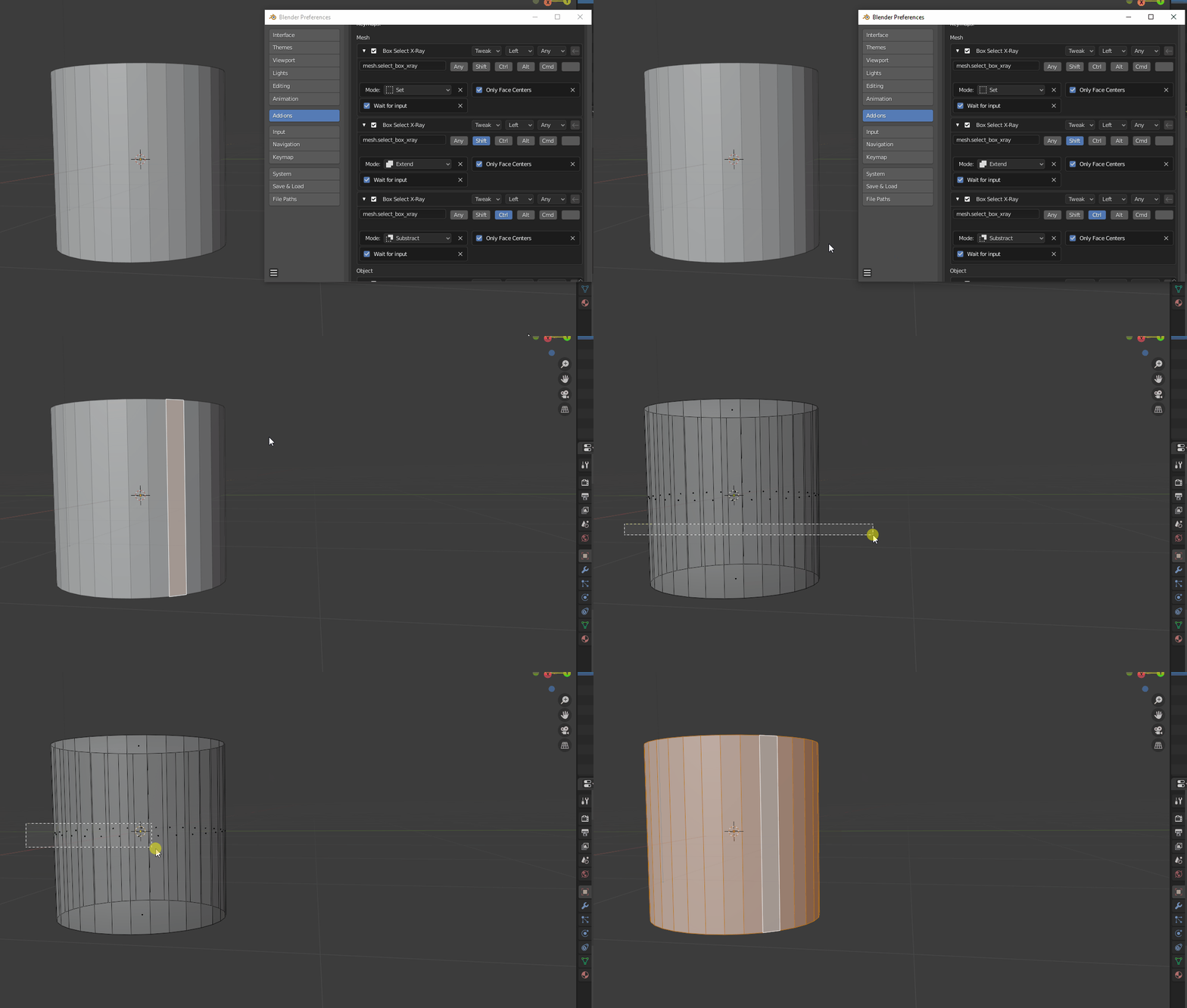
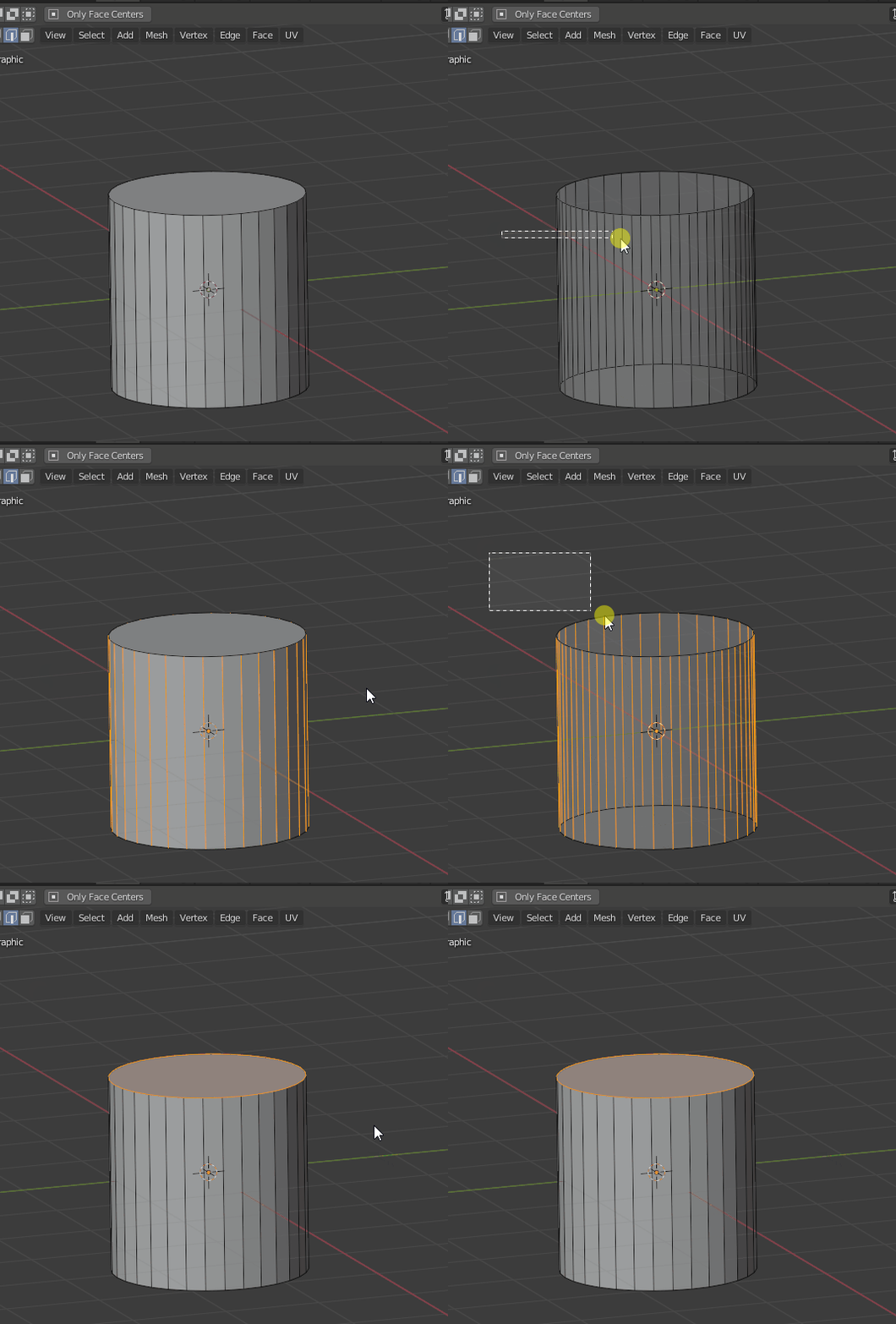
1.3.1 didn’t seem to work when I tried selecting things:
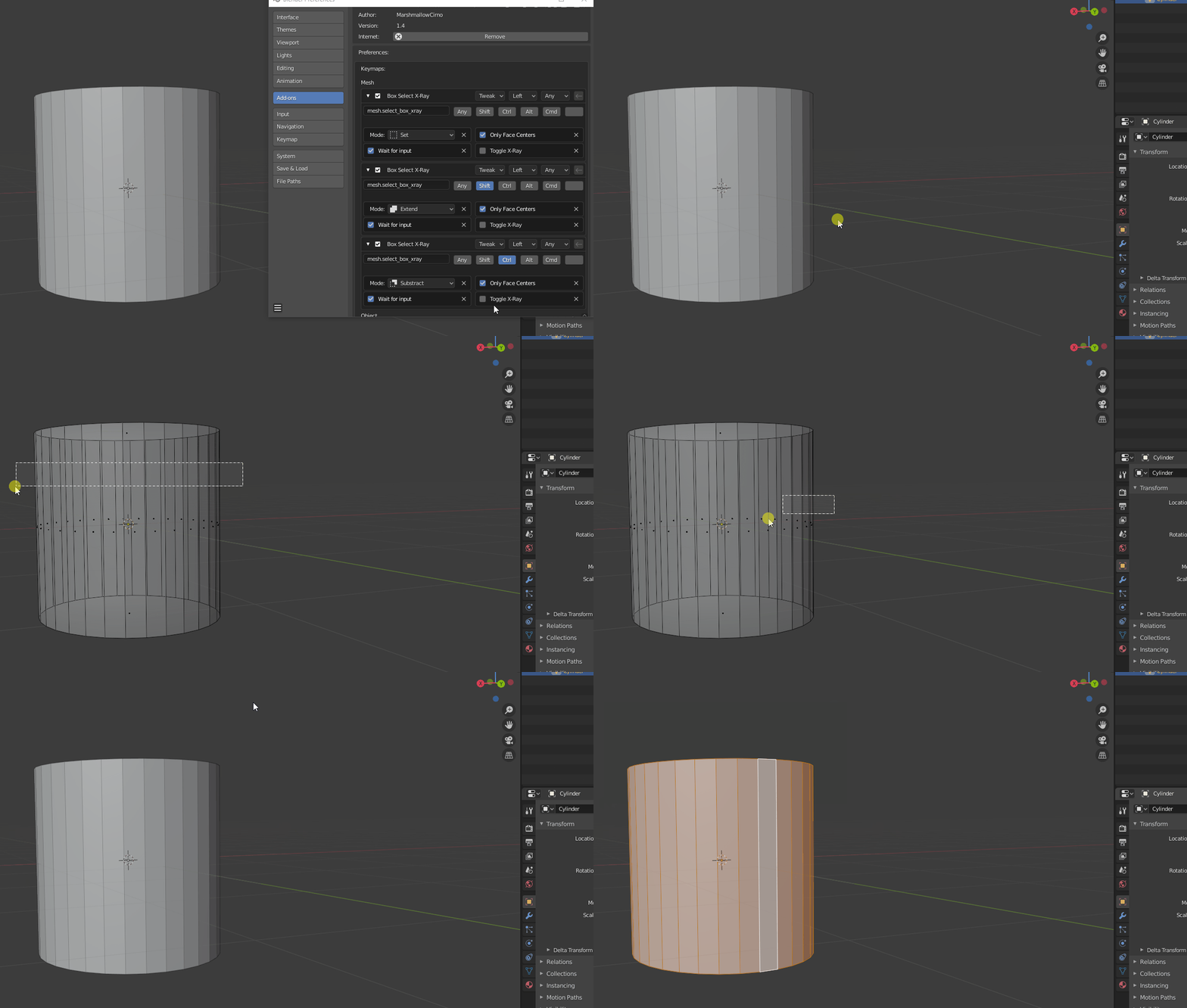
Nor did 1.4:
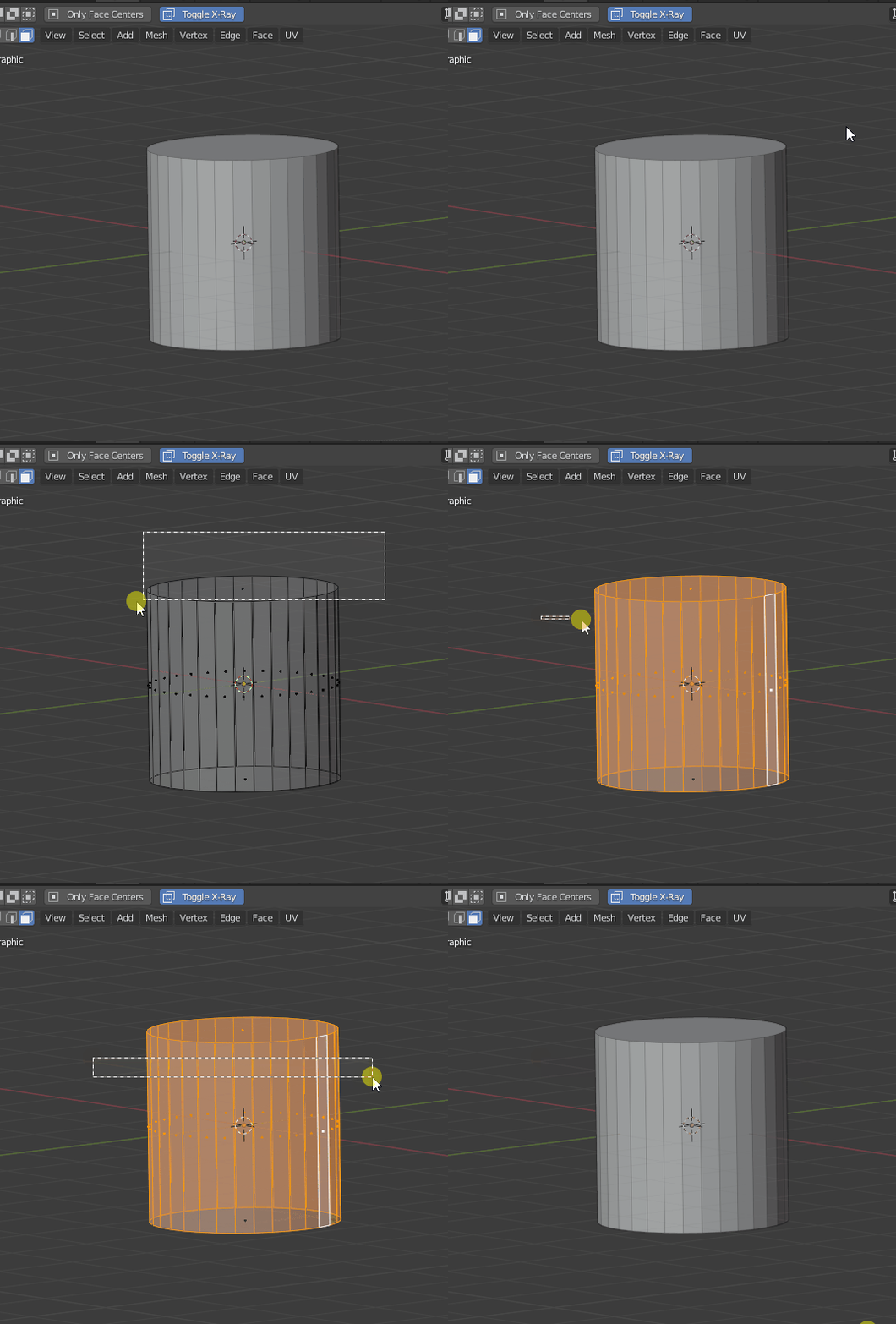
Also it’s kindof strange - if I selected the top cap and a little bit of the cylinder sides, all those faces are selected (as a proper face area selection should be done). However if I then just drag across the sides, none of those faces are selected:
Perspective vs orthographic doesn’t seem to make a difference. I also tried toggling on/off the ‘wait for input’ checkbox, though I don’t know exactl what it’s supposed to be doing. You’ll also notice how in my preferences I have the “only face centers” checkbox on: toggling it on or off didn’t seem to have any noticeable difference that I could see.
What version are you trying these in? I can download that if that’s the issue.
It was not due to the difference in blender versions, but because of my code. I haven’t thought about those cases, I thought that I can get all the faces inside the selection rectangle by checking if a face has a vert inside the rectangle. Try this updates, here I’m checking if one of the face edges intersects the rectangle or rectangle completely inside a face area.
It’s a property from the default box select. It’s for assigning a tool to a keyboard button, like B. If you have it enabled, then selection doesn’t begin until you click (so you press B and crosshair of dashed lines appears, then you click and rectangle appears). Otherwise, selection begins right after pressing B. You don’t need to enable it if you don’t assign a box select (this or the default one) to a keyboard hotkey
You’re achieving some really exciting stuff Cirno!
Face selection seems to work properly now, or at least from my testing with primitive shapes.
Edge selection now needs to have these cases accounted for too:
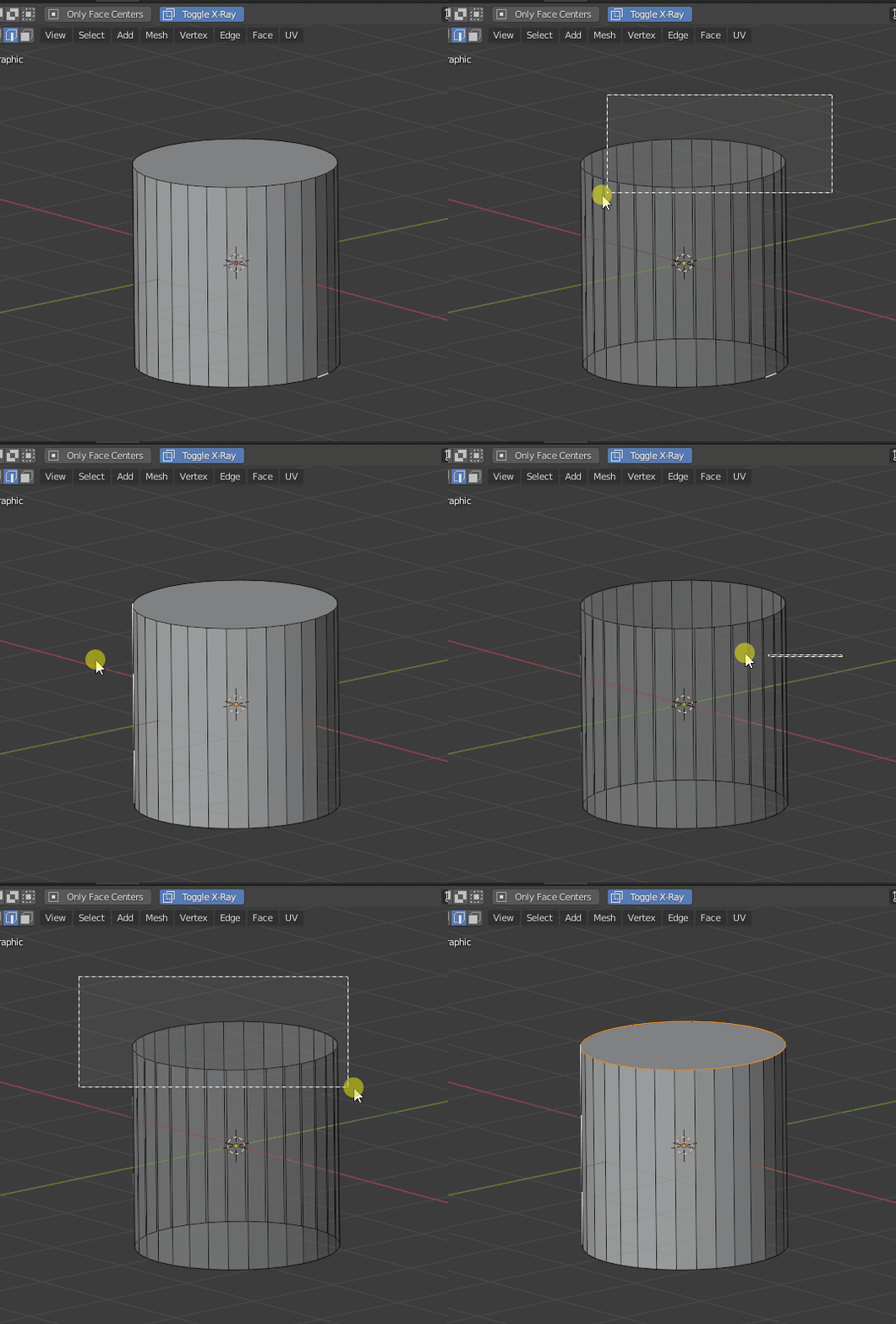
In 1.3.2, selecting all the cap edges and a little bit of the sides only selects the cap edges, whereas it should be selecting every edge within the selection box:
In 1.4.1, this same problem occurs, but this one also shows one more issue that 1.3.2 does not have, which is that dragging across the cylinder sides does not select any edge:
Just for the record, I am testing both versions so as to try give you as much info as possible, but eventually I would rather stick to using 1.4 - I love that feature you added to disable the toggling of Xrays.
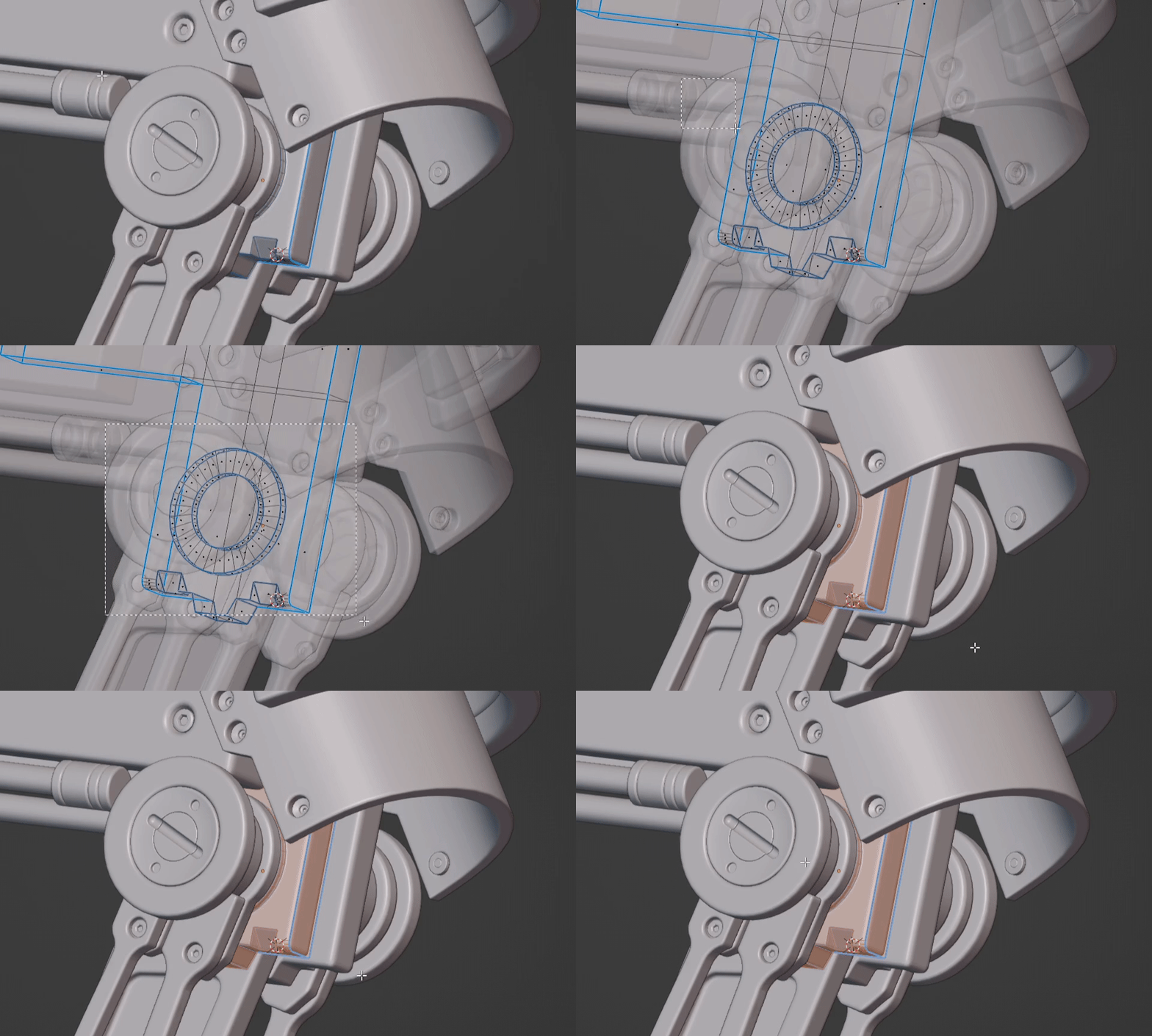
 Me. Try working in an app that ALWAYS selects-thru. Front face is useful. They’re BOTH useful.